
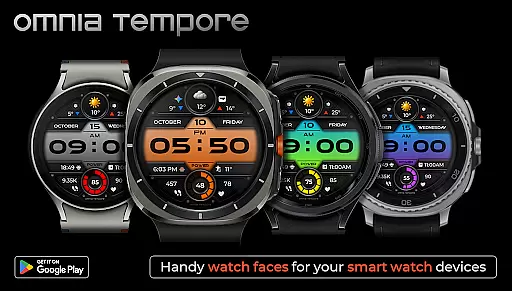
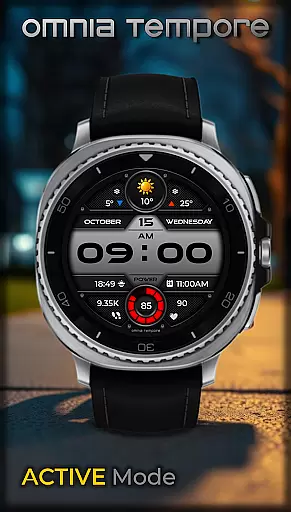
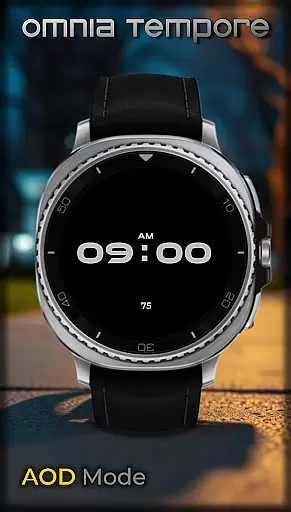
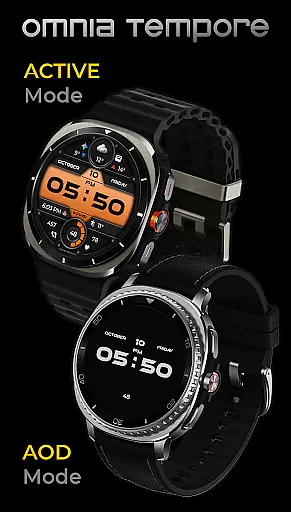
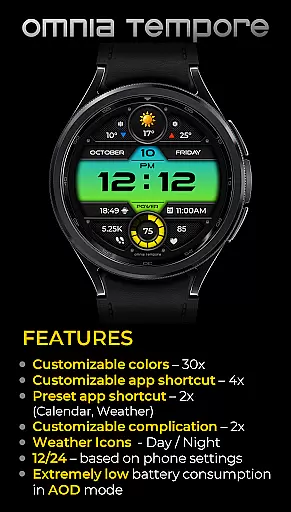
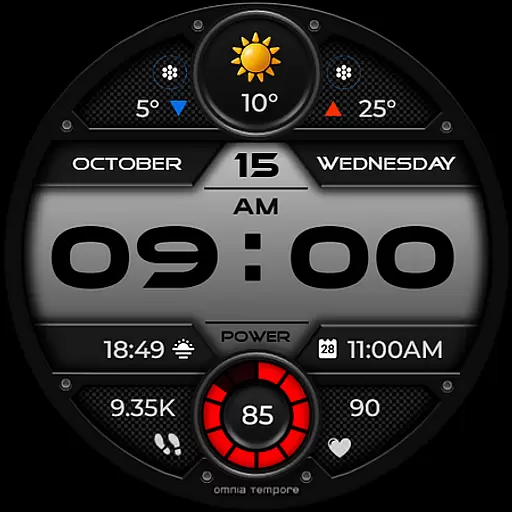
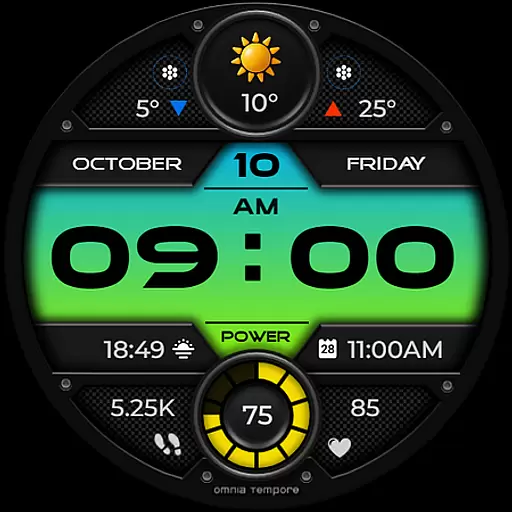
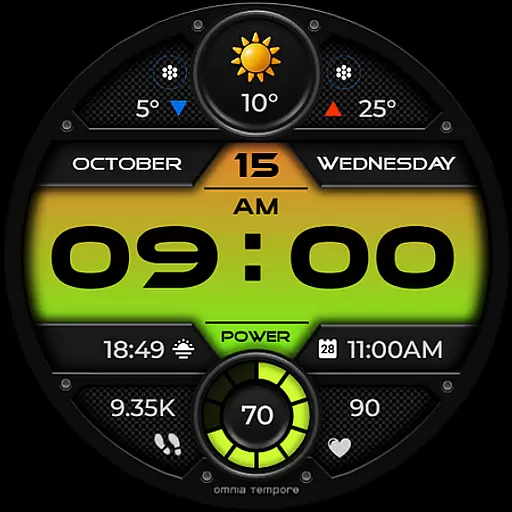
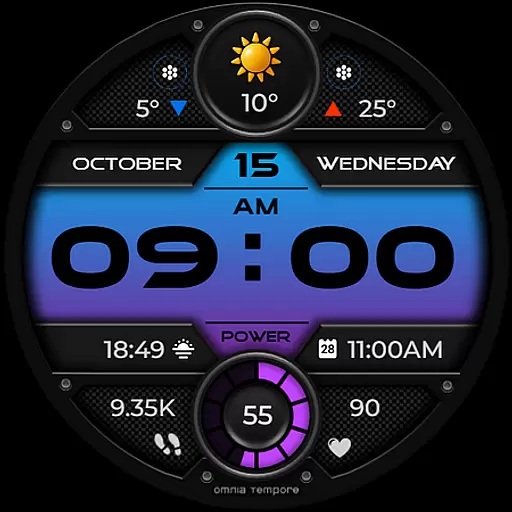
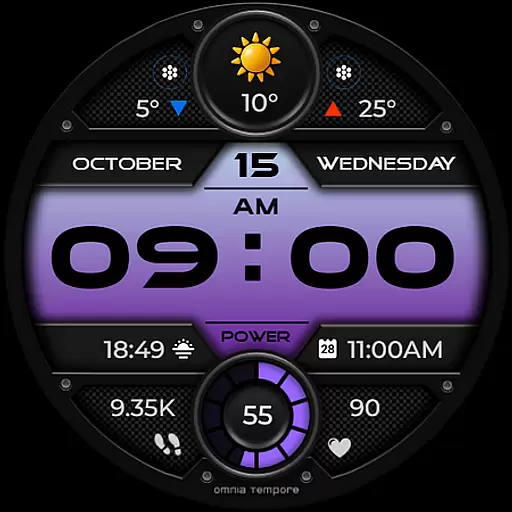
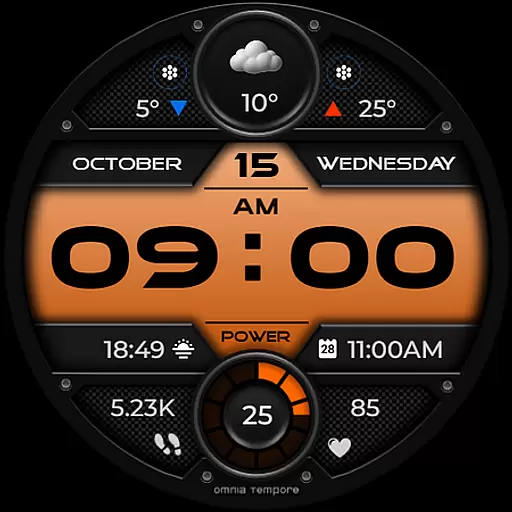
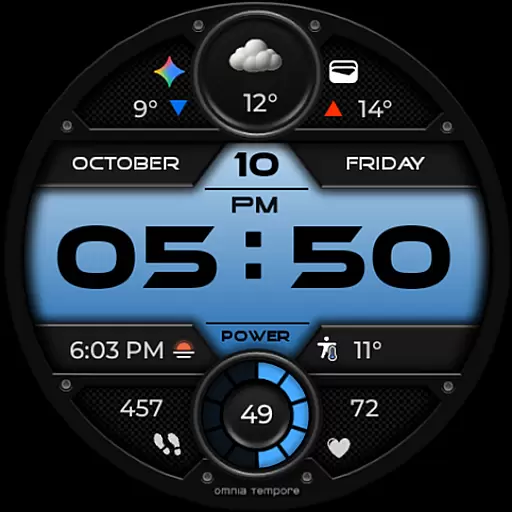
OT is a sophisticated digital watch face designed for Wear OS devices running version 5.0 and above. This application seamlessly blends style with functionality, offering users an interactive experience directly from their wrists. With real-time weather updates, step counting, and heart rate monitoring, OT ensures you stay informed and healthy throughout your day.
The watch face stands out with its customizable features including complications and app shortcuts, allowing personalization that suits individual preferences. Whether you're managing your schedule or tracking fitness goals, OT provides clarity and control with its sleek design and smart capabilities. Elevate your everyday routine with this stylish yet practical tool that keeps you connected to both the world and your well-being.
OT offers a range of features that cater to both aesthetic appeal and practical utility. The watch face includes real-time weather updates, ensuring you are always prepared for the day ahead. It also tracks your steps and monitors your heart rate, promoting an active and health-conscious lifestyle.
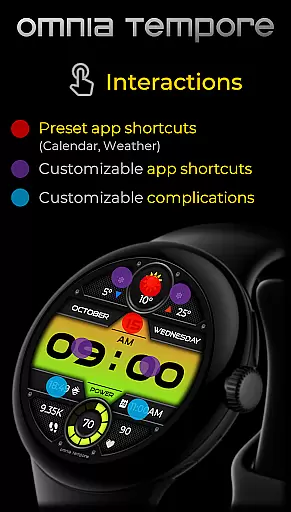
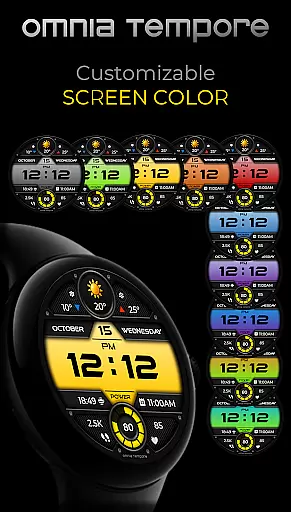
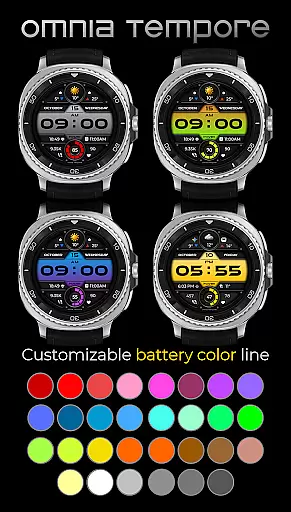
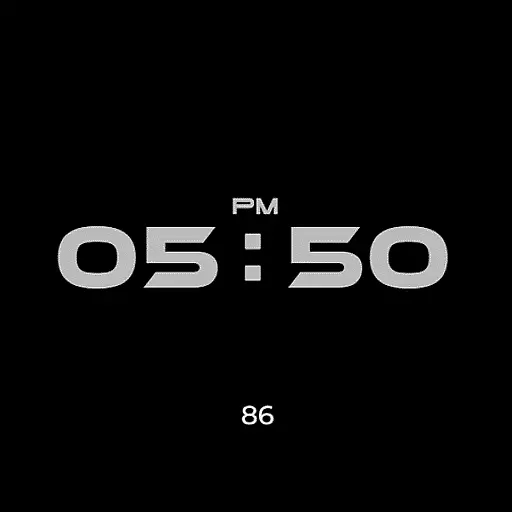
Customization is at the core of OT's functionality. Users can personalize their display with two customizable complications and choose from preset app shortcuts like Calendar and Weather. With four app shortcut slots available (two visible, two hidden), accessing your favorite tools has never been easier. Additionally, the watch face comes in 10 color versions and offers 30 color options for battery status, providing a personalized touch while maintaining low power consumption in AOD mode.
Companion app integration is essential for a seamless wearable experience. OT ensures that your Wear OS device works in harmony with your smartphone, providing real-time synchronization of important data such as weather updates, calendar events, and health metrics.
This stylish digital watch face offers two preset app shortcuts for Calendar and Weather, making it easy to access vital information at a glance. With four app shortcut slots available, you can customize your display to prioritize the tools most relevant to your lifestyle.
The ability to launch your favorite apps directly from your wrist enhances convenience and efficiency. Whether you're managing your schedule or monitoring your fitness goals, OT's companion app integration keeps you connected and in control without missing a beat.
Ensuring compatibility with Wear OS devices is crucial for maximizing functionality and user satisfaction. OT is designed specifically for Wear OS 5.0 and above, guaranteeing a smooth and optimized performance on supported devices.
This stylish digital watch face takes full advantage of Wear OS features, offering real-time weather updates, step counting, and heart rate tracking. By leveraging the capabilities of Wear OS, OT provides users with a comprehensive view of their daily activities and well-being.
In addition to its smart features, OT boasts a sleek design with customizable complications and multiple color options. This combination of style and functionality ensures that users enjoy a modern aesthetic while benefiting from the advanced capabilities of their Wear OS devices.
User-friendly interface
Real-time weather updates
Heart rate monitoring
Step counting feature
Customizable display options
Limited to Wear OS devices
Requires version 5.0+
Some features may drain battery
Preset app shortcuts only
Not compatible with all devices

Diet tracker for weight loss - track calories, food and macros. Simple and easy!
 4.70
4.70
Christmas watch face. For Wear OS devices.
4.30
Christmas Theme Watch Face for Wear Os
5.00
MyNISSAN® lets you remotely control your car from your phone.*
4.50
Easy Voice Recorder is your everyday companion to record important moments.
4.70
Sleek, highly customizable watch face inspired by Galaxy Watch Circle Dashboard.
4.4
Find EV charging stations
4.30
The #1 source of faces for your smartwatch!
4.00
Stay in touch with your friends and family using LINE!
3.40
Highly customizable hybrid watch face for Wear OS, perfect for everyday use.
4.60
Kia Access makes getting your vehicle information easier than ever
4.60
Real-time results, stats, schedules and player profiles for all leagues
4.60
Simple, helpful messaging by Google
4.60
Embrace the holiday spirit with this magical animated watch face!
4.40
Current temperature, weather hourly, weather radar by the weather forecast app
4.40
Let's celebrate Thanksgiving - Wear Os watch face
4.20
Connect, create, and collaborate with Gmail, part of Google Workspace.
4.10
Get helpful reminders, take progress photos and find answers to your questions.
3.90
3 Complications. All shadow on/off. 30 Themes color palette...
4.0


User Reviews