
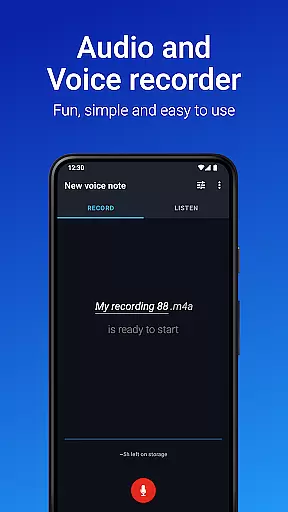
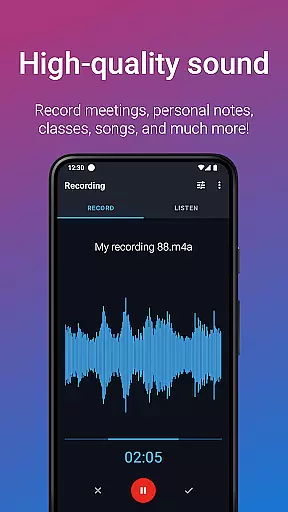
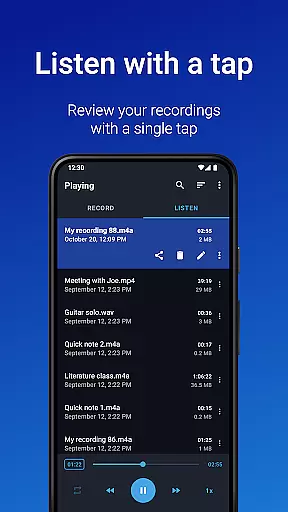
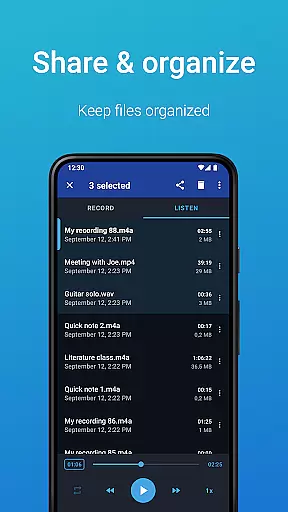
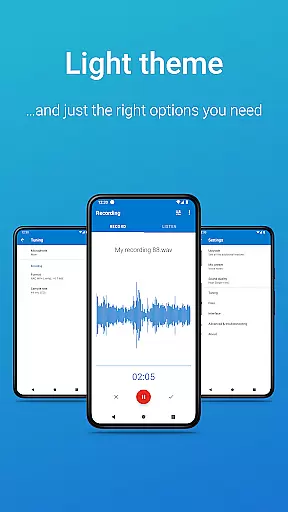
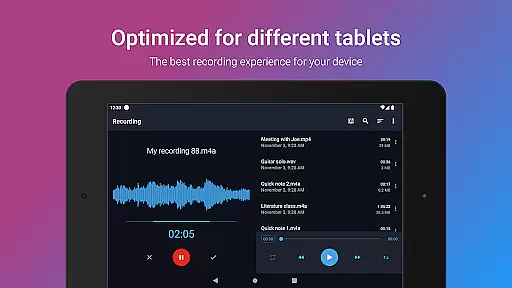
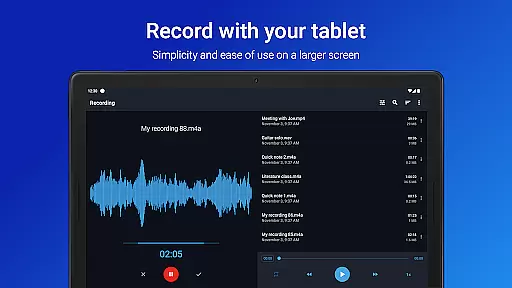
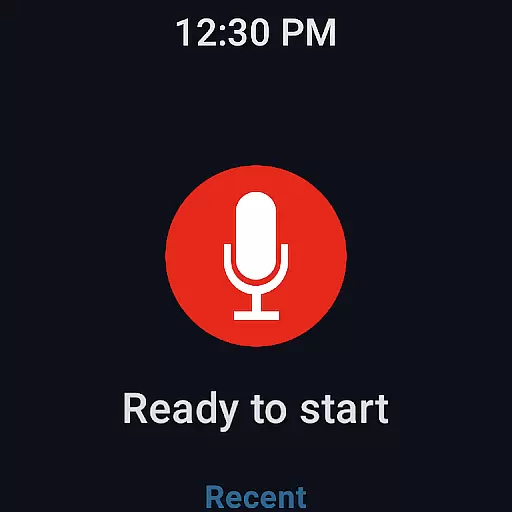
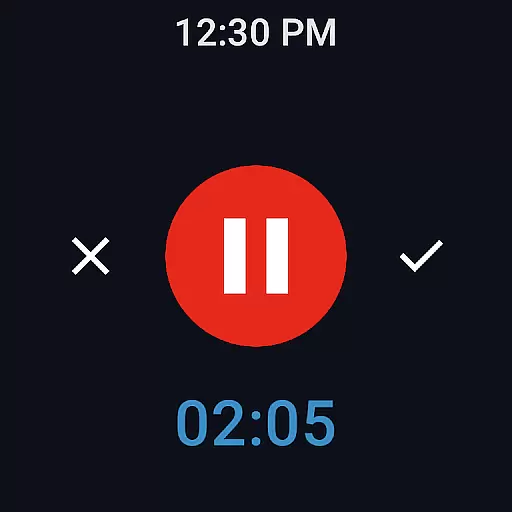
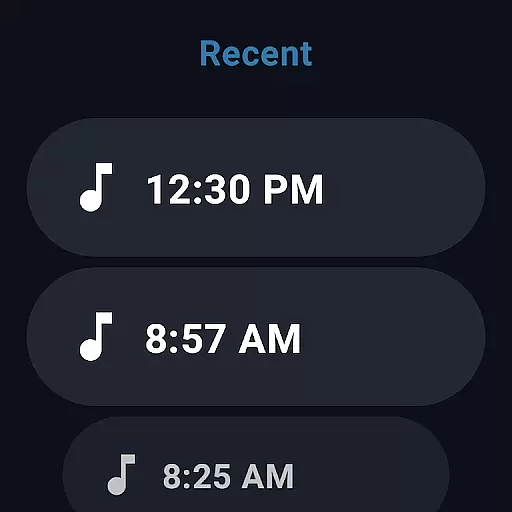
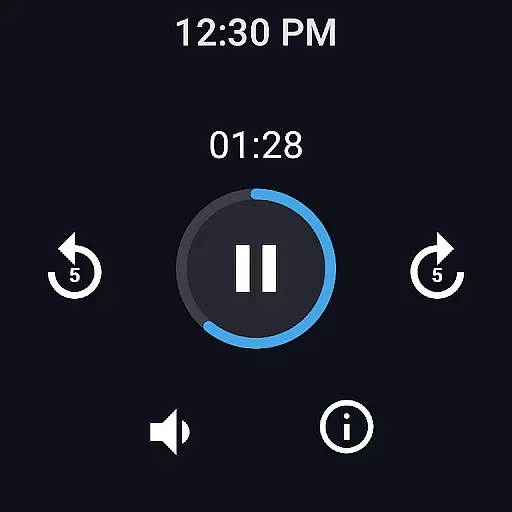
Easy Voice Recorder is a versatile audio recording app designed for Android devices, including smartwatches. It allows users to capture high-quality recordings of meetings, classes, music, and more without any time restrictions. The app offers multiple formats such as PCM, MP4, and AMR, ensuring flexibility in storage and quality.
With its user-friendly interface, Easy Voice Recorder caters to various user groups. Students can record lectures and adjust playback speed, while business professionals can document meetings and share them effortlessly. Musicians benefit from customizable settings that are ideal for capturing melodies and rehearsals. Additionally, the app supports Wear OS, enabling convenient voice notes directly from your smartwatch.
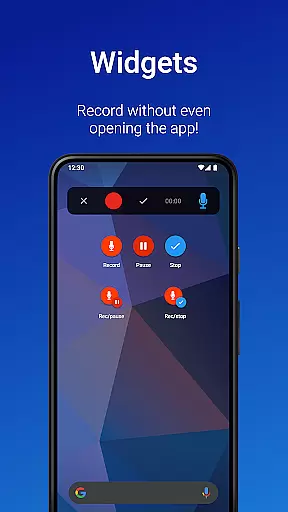
Easy Voice Recorder stands out with its comprehensive feature set tailored for different recording needs. The app provides quick access through widgets and shortcuts, allowing instant recording initiation right from the home screen. Users can choose between high-quality PCM and space-saving AMR formats based on their preferences.
Sharing options are abundant; recordings can be easily shared via email or messaging apps. For those needing advanced functionality, the Pro version unlocks features like automatic uploads to Google Drive or Dropbox, MP3/FLAC/AAC support, Bluetooth microphone compatibility, and editing capabilities. These tools ensure that both casual users and professionals find value in this adaptable recorder.
Companion app integration is crucial for wearable devices as it ensures seamless synchronization between the smartwatch and smartphone. Easy Voice Recorder excels in this area by providing a cohesive experience across devices.
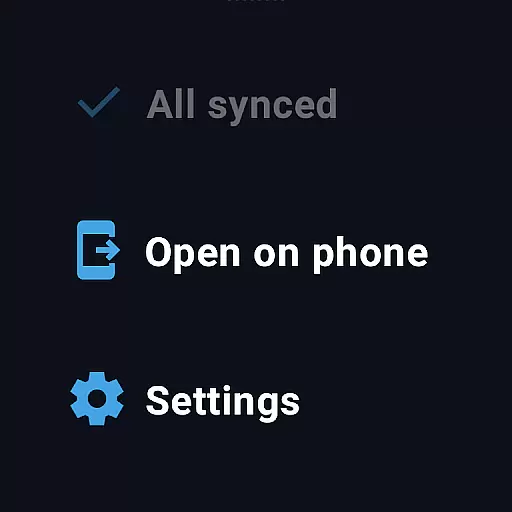
The app allows users to start recordings directly from their Wear OS smartwatch, with the data automatically syncing to the paired mobile device. This feature enables convenient access to recordings whether you're on the go or at your desk.
Users benefit from the ability to manage and control recordings from either device. The watch tile provides quick access to start new recordings, while the mobile app offers comprehensive management tools.
This integration enhances productivity by enabling users to capture important moments without needing to have their phone physically present. The automatic background syncing ensures recordings are always up-to-date across devices.
Device compatibility is essential for ensuring that applications work seamlessly across different hardware configurations. Easy Voice Recorder demonstrates excellent Wear OS and device compatibility through its adaptive design.
The application supports both smartphones and smartwatches running Wear OS, allowing users to record audio from either device. It intelligently detects the connected device and adjusts its interface and functionality accordingly.
Users can expect consistent performance regardless of whether they're using the app on their phone or watch. The developers have optimized the app to handle various screen sizes and input methods effectively.
This broad compatibility makes Easy Voice Recorder a versatile tool for capturing audio in any situation. Whether attending meetings, lectures, or simply recording voice notes, users can rely on the app to function properly across their digital ecosystem.
User-friendly interface
High-quality recording options
Flexible sharing capabilities
Wear OS integration
Pro version enhancements
Limited free features
No call recording
Pro version costs extra
Interface may feel dated
Occasional bugs reported

Watch the sharpness of the sky on your wrist..
 3.70
3.70
Rose gold watch face with festive lights & customizable features.
4.60
Stunning modern digital watch face with 7 complications and strong contrast
4.5
The most customizable minimal watch face. For Wear OS 5.0, API 34+ and later
4.70
To-Do List: daily schedule planner, task organizer, to do reminder app, calendar
4.60
Hybrid Vibrant Health Watch Face for Wear OS
4.0
Fast and smart typing with Emojis, GIFs, and more
4.50
Start and succeed with PAP
4.10
From periods to pregnancy & perimenopause, Flo helps you track it all. Try now.
4.70
Christmas Theme Watch Face for Wear Os
5.00
Beautiful, colorful and practical watch face. For Wear OS devices.
5.00
Hyperlocal rain alerts by MyRadar using patent-pending technology, radar & more
4.80
Real-time weather radar with temperatures, warnings, hurricanes, and widgets
4.80
Ideal for surviving in the wasteland left after nuclear fallout
4.50
Connect to your Bluelink equipped Hyundai vehicle from your smartphone.
4.50
A white realistic classic analog watch face with many customization options.
4.40
Animated video-game inspired “secret agent” simulation, right on your wrist!
4.20
"PER27 Galaxy Digital" is a digital Wear OS watch face designed by PERSONA
4.10
sleep, alarm, snoring, stress, healing, focus, sound therapy, circadian rhythm
4.10


User Reviews