
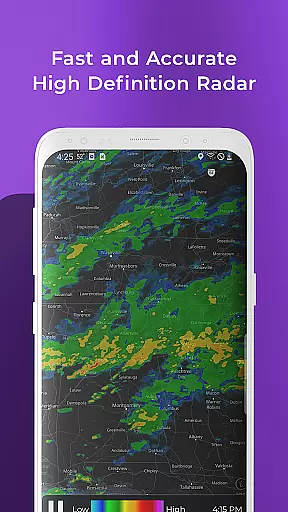
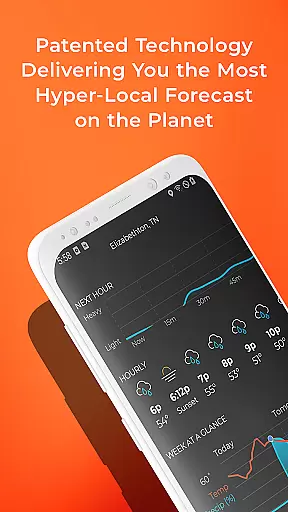
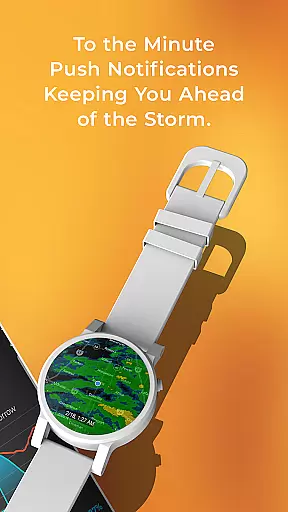
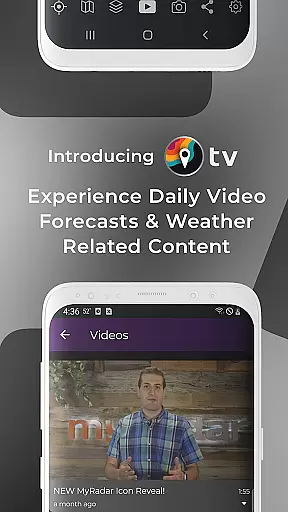
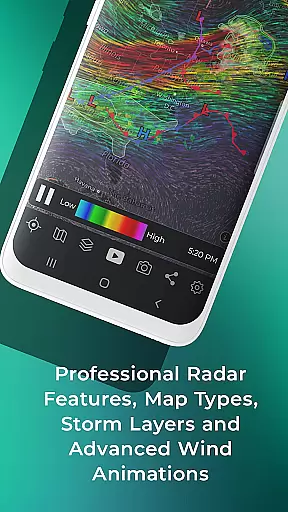
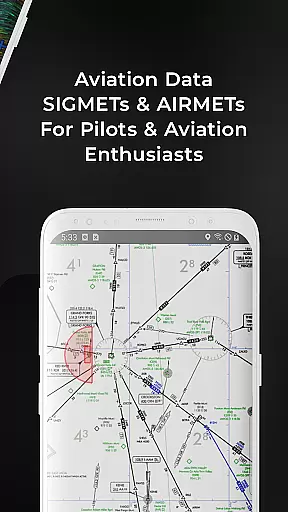
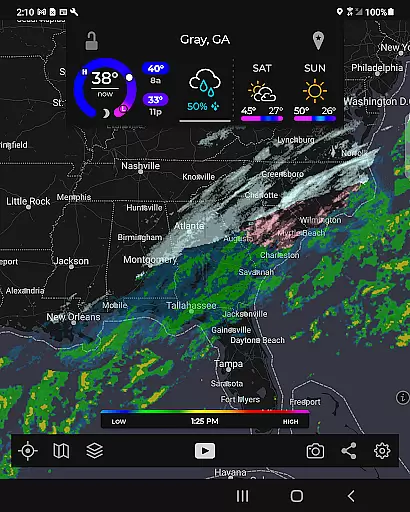
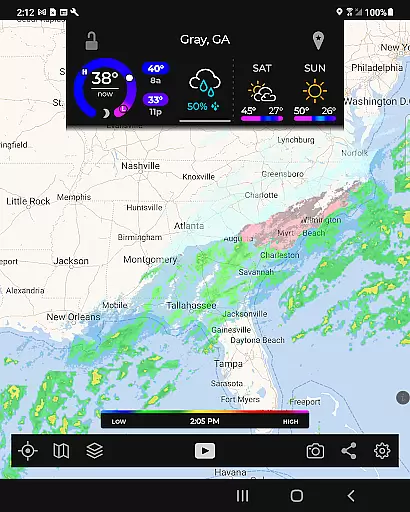
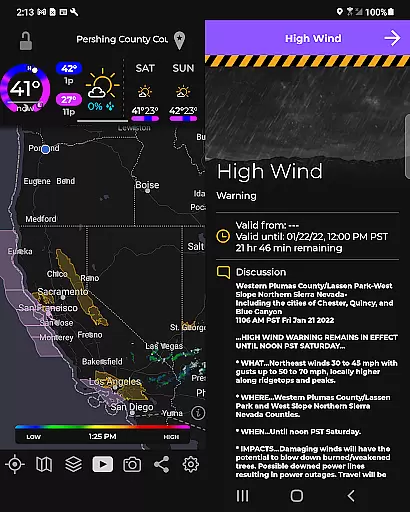
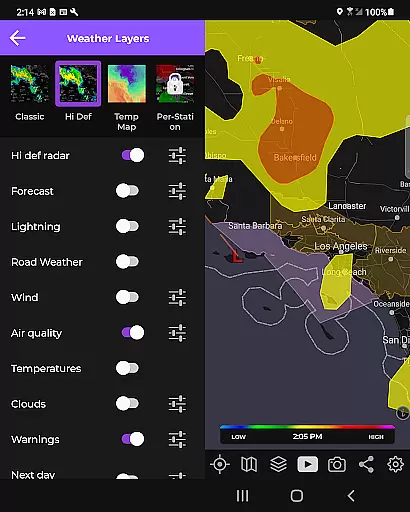
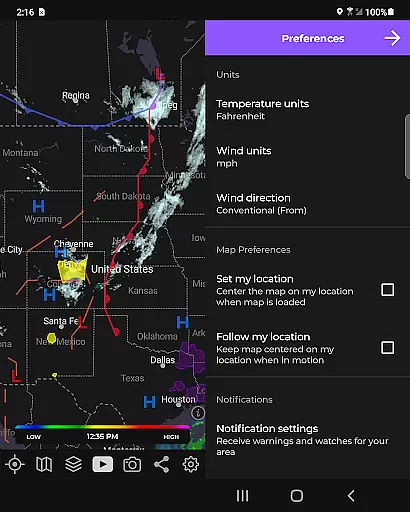
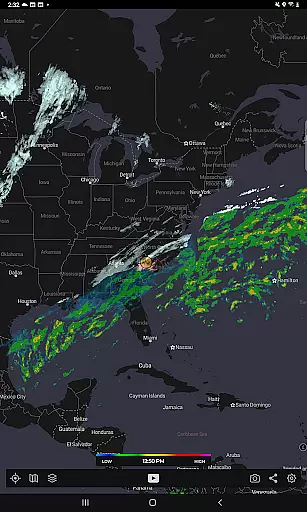
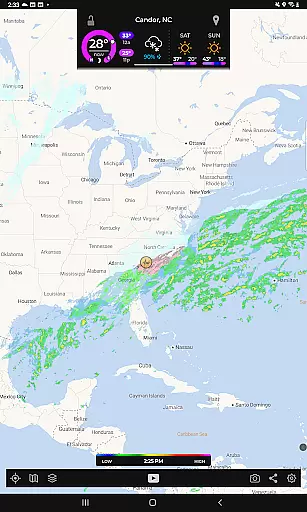
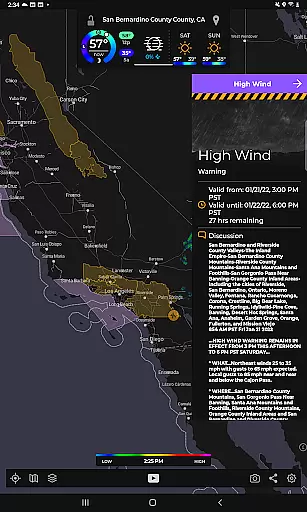
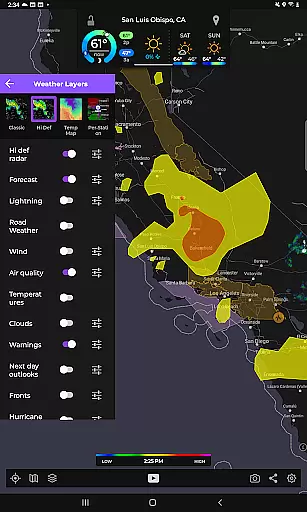
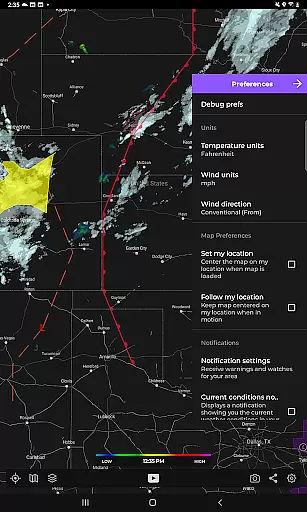
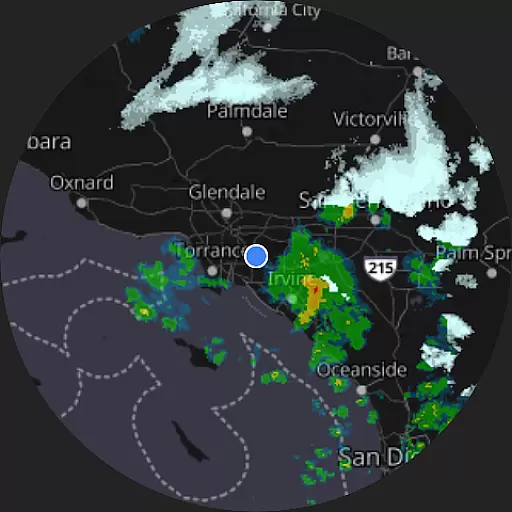
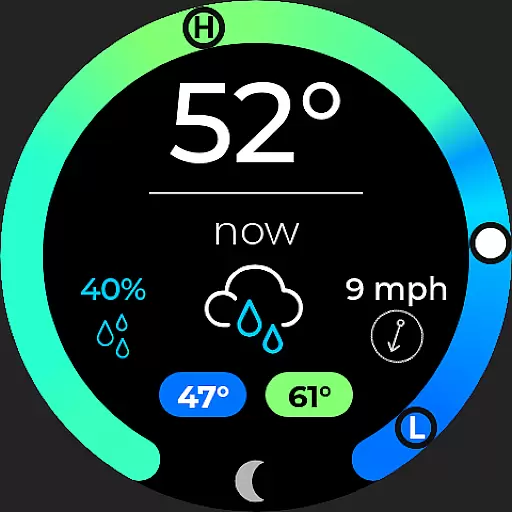
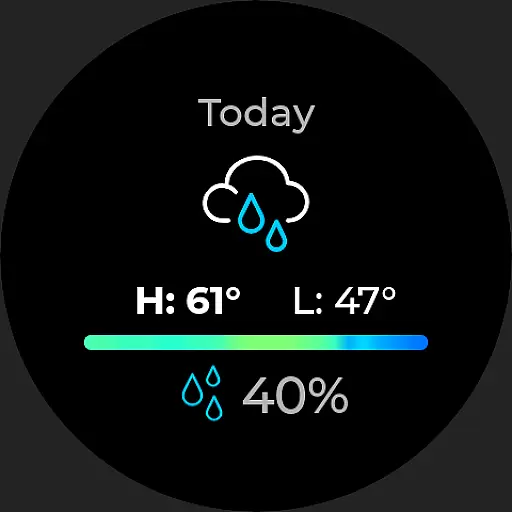
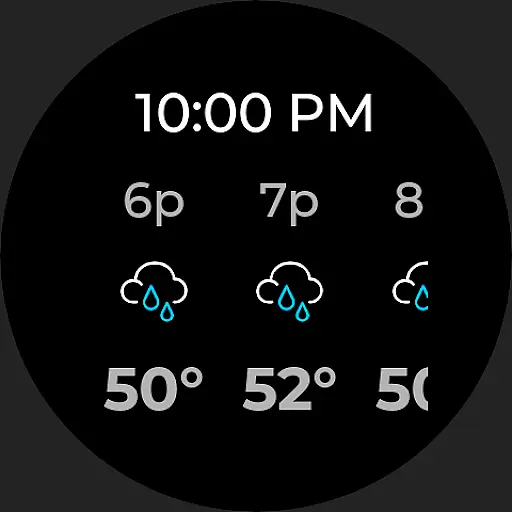
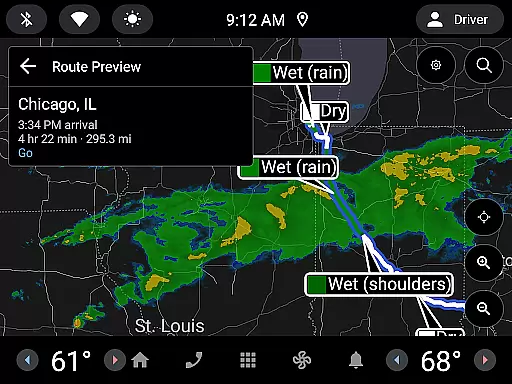
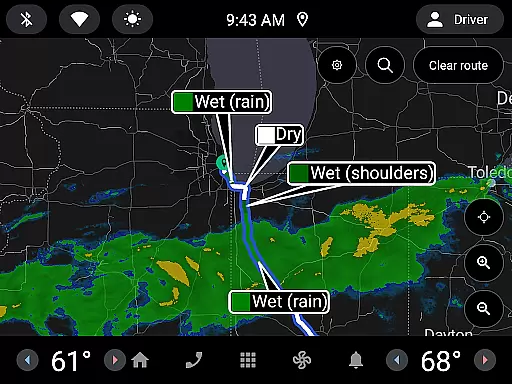
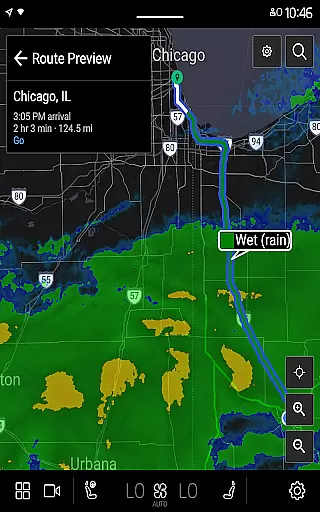
MyRadar Weather Radar Pro is a premium weather application designed specifically for Android Wear devices, offering an ad-free experience while prioritizing user privacy. The app provides fast and easy access to animated weather radar images around your current location, ensuring you stay informed about approaching weather conditions. With its intuitive interface, the app allows users to quickly view weather patterns and predict incoming rain or storms.
A key feature of MyRadar Pro is its advanced map functionality, which supports standard pinch and zoom actions. This enables users to smoothly navigate across different regions, particularly within the United States, and check weather updates from virtually anywhere. Additionally, the app offers optional in-app purchases such as real-time hurricane tracking and professional radar packs, enhancing its utility during severe weather seasons. Designed with both usability and precision in mind, MyRadar Pro delivers a streamlined yet powerful weather monitoring tool for smartwatch users.
MyRadar Weather Radar Pro stands out due to its comprehensive set of features tailored for efficient weather tracking on Android Wear devices. One notable aspect is its animated weather radar, which visually demonstrates whether rain is moving toward or away from your location, along with its speed. This dynamic visualization helps users make timely decisions based on accurate forecasts.
Beyond basic radar functionality, the app includes specialized tools available through in-app purchases. For instance, the real-time hurricane tracking feature provides critical insights at the onset of hurricane season, making it invaluable for safety planning. Similarly, the professional radar pack unlocks highly detailed views of individual radar stations, catering to users who require granular data. Furthermore, MyRadar extends its compatibility to Wear OS devices, integrating seamlessly with smartwatches by offering dedicated tiles for radar and current weather conditions. These capabilities collectively enhance convenience and accessibility, empowering users to monitor weather trends effortlessly throughout their day.
Companion app integration is essential for users who want a seamless experience between their mobile devices and wearables. MyRadar Weather Radar Pro excels in this area by offering full compatibility with Wear OS devices, ensuring that you can access critical weather information directly from your smartwatch.
The app provides dedicated tiles for radar and current weather conditions on your Wear OS device. This means you can quickly glance at your watch to see animated weather radar around your location without needing to take out your phone. The convenience of having instant weather updates on your wrist enhances your ability to make timely decisions based on the latest meteorological data.
By maintaining consistent functionality across both mobile and wearable platforms, MyRadar ensures that all features available on the smartphone app are mirrored on the watch app. Whether it's real-time hurricane tracking or detailed views of individual radar stations, users can expect the same level of detail and accuracy on their Wear OS device as they would on their phone.
This cohesive ecosystem not only simplifies navigation but also enriches user engagement by providing an uninterrupted flow of information regardless of which device you choose to use.
Ensuring broad device compatibility is crucial for maximizing user accessibility, especially within the realm of wearable technology. MyRadar Weather Radar Pro stands out by fully supporting Wear OS devices, making it versatile and adaptable to various smartwatches available in the market today.
The application leverages the advanced capabilities of Wear OS to deliver high-quality weather animations and interactive maps right to your wrist. With standard pinch/zoom functionality, users can smoothly navigate through different regions, zooming into specific areas to get precise weather details. This flexibility allows you to stay informed about weather patterns locally or globally with ease.
Moreover, MyRadaru2019s support extends beyond just displaying radar images; it includes comprehensive weather insights such as animated weather movements indicating whether rain is approaching or receding. Such detailed analysis empowers users to anticipate weather changes accurately, enhancing preparedness and safety.
By prioritizing extensive device compatibility, MyRadar guarantees that its sophisticated weather tools are accessible to a wide audience, reinforcing its position as a reliable choice for those seeking accurate and convenient weather updates on their preferred devices.
Fast and responsive performance
Ad-free and privacy-focused design
Animated weather radar for clear visuals
Compatibility with Wear OS devices
Optional advanced features via in-app purchases
Limited free features compared to base version
Additional costs for premium add-ons
Focus primarily on U.S. regions
No offline functionality provided
Requires stable internet connection

Wear Os Watch Face - Animated Snow - Sesonal for Christmas & Winter
 4.5
4.5
Christmas is near, let's count together the days left until Santa comes
4.5
A full-featured Amazon Alexa voice assistant that can show you things.
3.70
Beautiful artistic animated digital watch face, with a customizable layout!
4.40
Contemporary digital watch face with five complications
4.5
Fitness interactive virtual pet super fighter boy watch face
4.4
Connect to your Bluelink equipped Hyundai vehicle from your smartphone.
4.50
Retro digital watch face with customizable colors and a unique lighting effect
4.60
Daily Weather forecast with 15 weather images for Day & Night plus Big Bold time
4.10
Diet tracker for weight loss - track calories, food and macros. Simple and easy!
4.70
Monitor health with the stress test and pulse checker in the heart rate app.
4.60
Deck out your Wear OS Watch face with a beautifully decorated pine wreath!
4.50
Find EV charging stations
4.30
The ultimate destination for kids ages 3-8 to explore the Marvel Universe!
4.30
Watch face for Wear OS.
4.20
Your music, your playlists, and more—offline and unlimited.
4.20
Precision analog watch face with 7 complications and style options
4.3
Artistic Digital Watchface
4.5
Simple Analog-Digital Watchface For Wear OS 3.0 and Up Smartwatches
4.4


User Reviews