
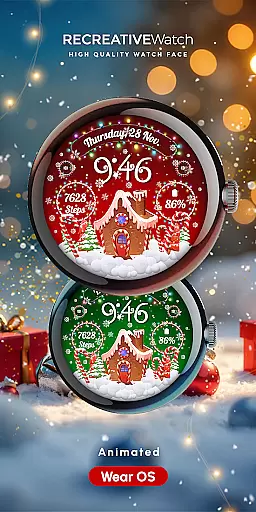
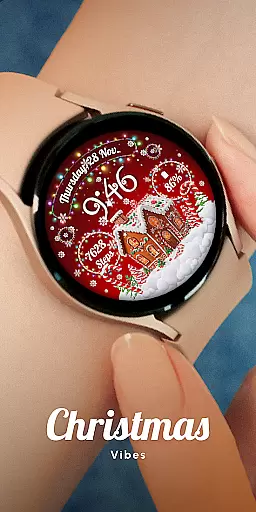
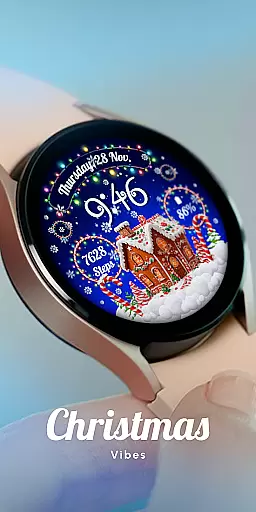
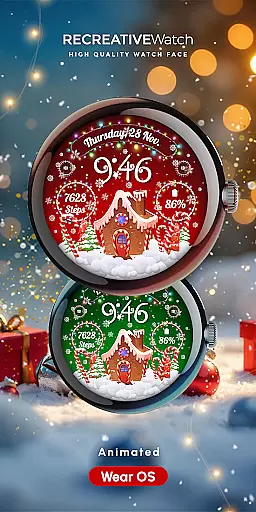
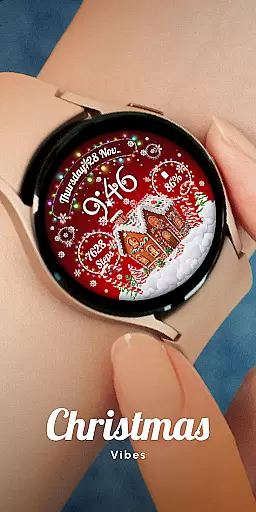
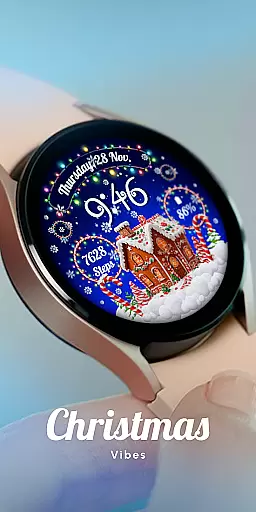
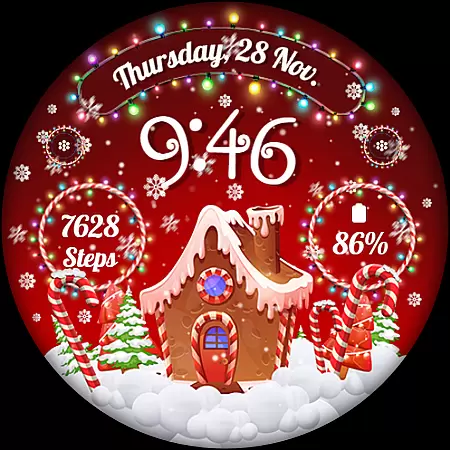
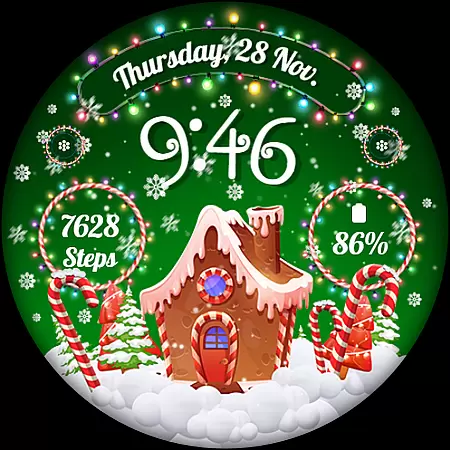
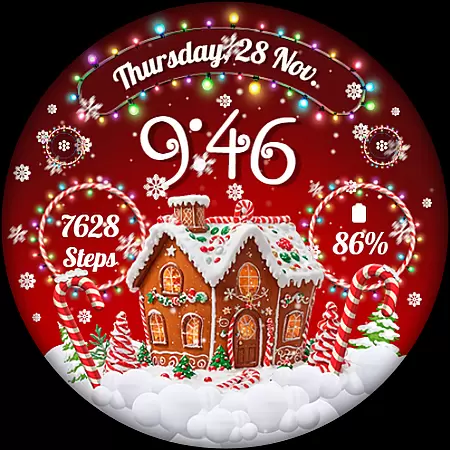
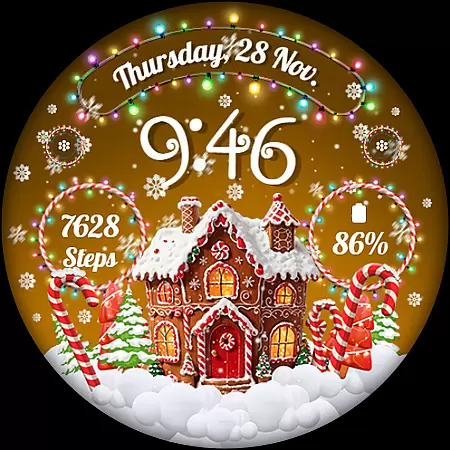
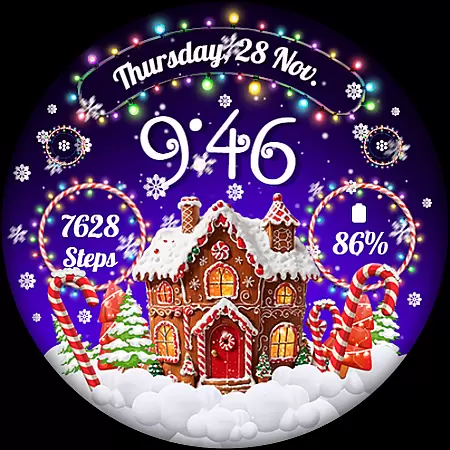
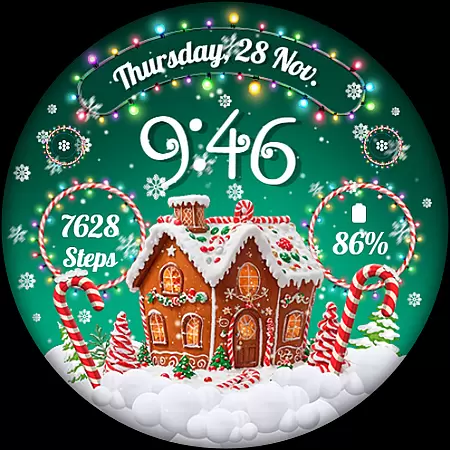
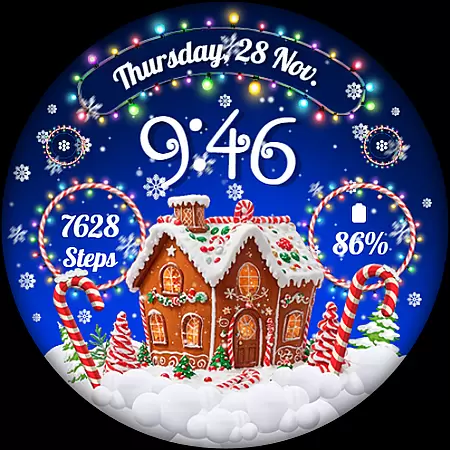
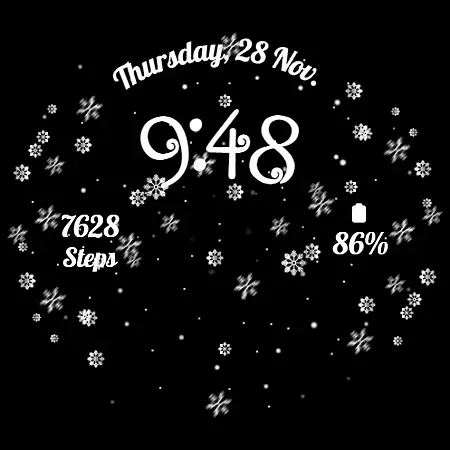
Experience the magic of the holiday season right on your wrist with RW01, a festive watch face designed for Wear OS. This unique app brings Christmas cheer through animated snow and charming gingerbread houses, creating a delightful seasonal experience. With its vibrant animations and customizable features, RW01 is perfect for those looking to add a touch of festivity to their smartwatch display.
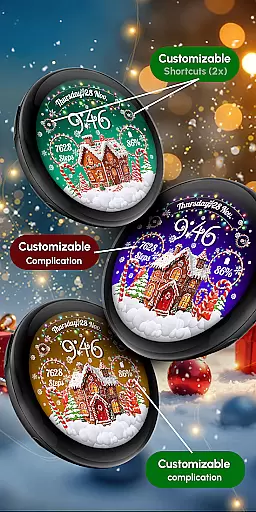
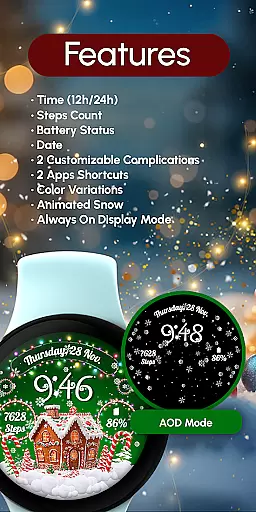
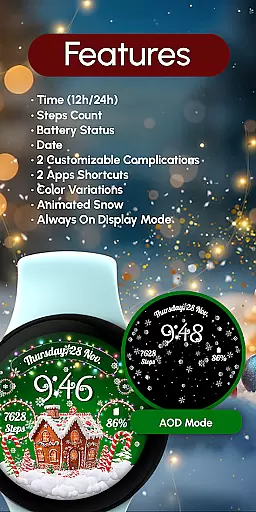
The watch face offers essential timekeeping functions including 12/24hr digital time, date, and battery status, alongside fitness tracking with step counting. Users can further personalize their experience with two customizable complications and shortcuts, as well as choose from three different scenes and color variations. The always-on display ensures that the holiday spirit remains alive, even when you're not actively using your watch.
RW01 stands out with its rich feature set tailored for the holiday season. The watch face incorporates animated snowfall and festive gingerbread house motifs, providing an engaging visual experience. It supports both 12 and 24-hour time formats, displaying the date and battery level, which are crucial for daily use. Additionally, it tracks your steps, helping you maintain your fitness goals even during the busy holiday period.
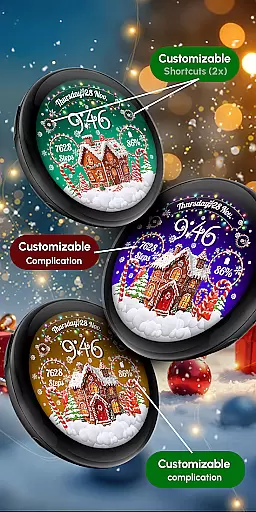
Customization is at the heart of RW01. Users can personalize their watch face with two customizable complications and shortcuts, tailoring the display to show the information most relevant to them. With three distinct scenes and multiple color variations, there's a style for every preference. The always-on display feature ensures that the beautiful animations and essential data remain visible at all times, offering both functionality and festivity in one package.
Companion app integration is essential for Wear OS applications as it ensures seamless synchronization between the watch face and paired mobile devices. The RW01 Christmas Watch Face offers a robust companion app experience that allows users to unlock the full potential of their wearable.
This festive watch face connects effortlessly with its dedicated smartphone application, enabling users to customize various aspects directly from their phone. Through this integration, users can adjust settings such as time format, complications, and scene selections without needing to interact directly with the small watch screen.
The benefits of this companion app integration are significant. Users can enjoy a more convenient customization process while maintaining optimal performance and battery life on their smartwatch. This streamlined approach enhances user satisfaction by providing both functionality and ease of use during the holiday season and beyond.
Ensuring broad device compatibility is crucial for Wear OS applications. The RW01 Christmas Watch Face demonstrates excellent compatibility with a wide range of modern Wear OS devices, making it accessible to a large user base during the festive season.
This watch face supports API level 33+ devices, including popular models like Google Pixel watches and Samsung Galaxy Watch series (4, 5, 6, 7). Such comprehensive compatibility guarantees that most Wear OS users can enjoy the magical holiday-themed experience regardless of their specific device model.
The advantage of this broad compatibility becomes evident when considering user convenience. Customers can share matching watch faces across different devices within their social circles, spreading festive cheer without technical limitations. Additionally, the inclusion of Always ON Display functionality caters to devices supporting this feature while offering battery-saving recommendations for others.
Holiday-themed design
Animated snow feature
Customizable complications
Always ON Display
Compatible with API level 33+
Battery consumption
Limited to festive use
Requires customization
No automatic application
Specific device compatibility

Highly customizable hybrid watch face for Wear OS, perfect for everyday use.
 4.60
4.60
Christmas Theme Watch Face for Wear Os
5.00
Contemporary digital watch face with five complications
4.0
Be an elegant and classy secret agent, with this carefully detailed watch face
4.70
Sleek, highly customizable watch face inspired by Galaxy Watch Circle Dashboard.
4.1
Connect to your Bluelink equipped Hyundai vehicle from your smartphone.
4.50
Locate your family members by GPS phone location tracker everywhere and anytime
4.30
Real-time results, stats, schedules and player profiles for all leagues
4.60
Download full tracks, listen to music offline, make unlimited playlists.
4.80
Christmas - Festive - Christmas Village - Winter - Christmas lights
5.00
Nutrition, Macro tracker: Food, fitness & healthy diet tracking for weight loss
4.60
To-Do List: daily schedule planner, task organizer, to do reminder app, calendar
4.60
Simple, helpful messaging by Google
4.60
Stylish, Energizing and Modern Watch Face crafted by Dominus Mathias.
4.50
Get helpful reminders, take progress photos and find answers to your questions.
3.90
Professional weather radar and more
3.90
Authentic military-tactical design with ZULU time! Realistic and functional!
3.80
A full-featured Amazon Alexa voice assistant that can show you things.
3.70
A heartwarming Christmas scene featuring a cute image of Santa and Rudolf
4.2


User Reviews