
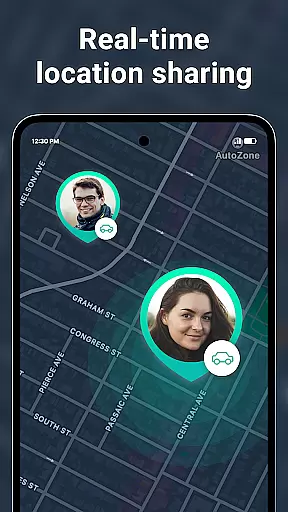
Geozilla is a comprehensive family safety app designed for Android Wear, focusing on real-time location sharing and emergency alerts. The app allows families to stay connected through features like live GPS tracking, geofencing alerts, and driving reports. With its smartwatch compatibility, users can monitor their loved ones' locations directly from their Wear OS devices.
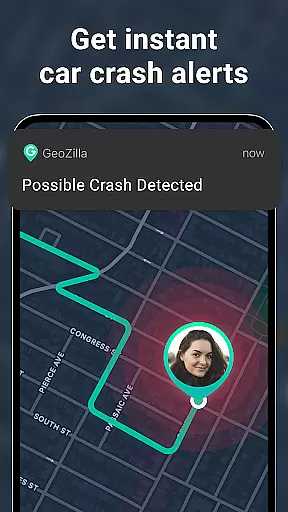
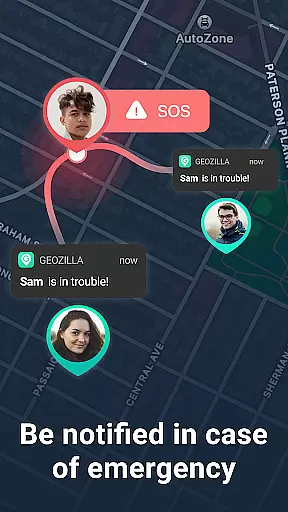
Beyond basic tracking, Geozilla offers advanced safety features such as crash detection and SOS alerts, ensuring peace of mind for families. The app emphasizes transparency and user consent, making it a reliable tool for those prioritizing both safety and privacy. Whether you're a parent monitoring your child's whereabouts or assisting an elderly family member, Geozilla provides the tools necessary to maintain close, informed connections.
Geozilla stands out with its robust feature set tailored for family safety. The app provides real-time location tracking, enabling users to view the current GPS positions of trusted circle members. This functionality extends to Wear OS, allowing smartwatch users to access location data conveniently on their wrist.
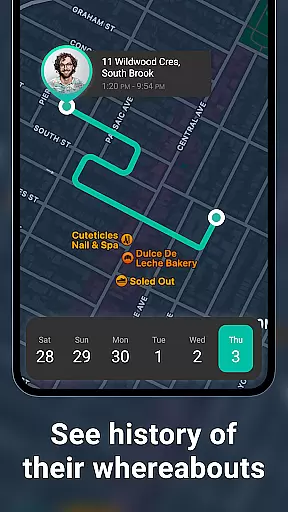
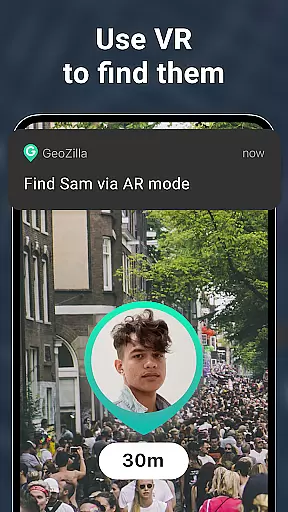
In addition to live tracking, Geozilla includes detailed location history and geofencing capabilities. Users can set up specific zones, such as home or school, and receive notifications when someone enters or leaves these areas. The app also monitors battery levels, sends driving behavior insights, and incorporates augmented reality features for finding lost items. These diverse tools collectively enhance family safety while maintaining a strong focus on user consent and privacy.
Companion app integration is essential for wearable devices to function seamlessly with smartphones. Geozilla excels in this area by ensuring that its Android Wear application works in harmony with the main mobile app.
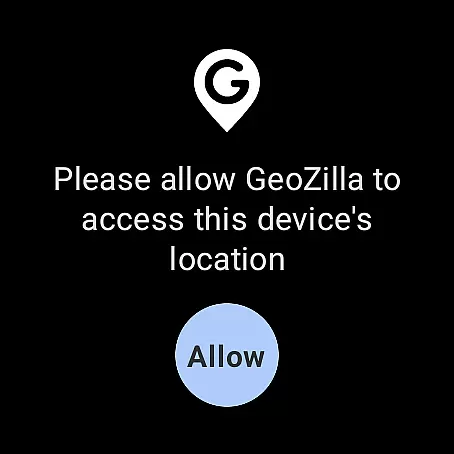
The smartwatch version of Geozilla allows users to access key features directly from their wrist. This includes viewing the real-time location of family members and receiving important notifications, such as arrival and departure alerts.
By integrating with the companion app on a smartphone, the Geozilla Wear OS app ensures that all data is synchronized and up-to-date. Users can receive updates and alerts even when they do not have immediate access to their phones.
This level of integration provides peace of mind for families who want to stay connected. Whether you are at work or on the go, having access to Geozilla's safety features right from your smartwatch enhances convenience and security.
Device compatibility is crucial for apps designed for wearable technology like Wear OS. Geozilla has been optimized to work with a range of devices that support Googleu2019s wearable operating system.
The app takes full advantage of Wear OS capabilities, allowing users to share and view locations directly from their smartwatches. This compatibility ensures that whether you're using a watch from Samsung, Fossil, or any other manufacturer that supports Wear OS, Geozilla will function effectively.
Geozilla also respects the design principles of Wear OS, providing an interface that is both intuitive and visually consistent with the wearable platform. This attention to detail enhances user experience and accessibility.
With Geozilla's commitment to compatibility, users can enjoy the benefits of advanced safety features without worrying about device limitations. The app's optimization for Wear OS ensures reliable performance across different devices, making it a versatile choice for families invested in wearable tech.
User-friendly interface
Real-time GPS tracking
Emergency alert system
Driving behavior reports
Wear OS compatibility
Requires constant permissions
Limited to family use cases
Premium features may cost extra
Dependent on user consent
May drain device battery

Wear Os Watch Face - Animated Snow - Sesonal for Christmas & Winter
 4.3
4.3
Watch face for Wear OS.
4.20
Let's celebrate Thanksgiving - Wear Os watch face
4.20
3 Complications. All shadow on/off. 30 Themes color palette...
4.2
Stylish digital watch face for Wear OS devices with customizable features
4.0
Kia Access makes getting your vehicle information easier than ever
4.60
Hyperlocal rain alerts by MyRadar using patent-pending technology, radar & more
4.80
Premium hybrid watch face with many customizations for Wear OS devices.
4.40
From periods to pregnancy & perimenopause, Flo helps you track it all. Try now.
4.70
Christmas - Festive - Christmas Village - Winter - Christmas lights
5.00
Beautiful, colorful and practical watch face. For Wear OS devices.
5.00
Hybrid watch face for Wear OS with customizable complications by Matteo Dini MD
4.70
Bold weather Digital watchface with forecast & optional animated background
4.40
Find EV charging stations
4.30
A customizable Christmas watch face for Wear OS with a countdown.
4.20
Animated video-game inspired “secret agent” simulation, right on your wrist!
4.20
Snowflake Rose Gold Watch Face - Digital, modern, & sleek with GYRO effect.
4.10
Embrace the festive spirit with our Christmas Countdown watchface for Wear OS
4.10
Daily Weather forecast with 15 weather images for Day & Night plus Big Bold time
4.10


User Reviews