

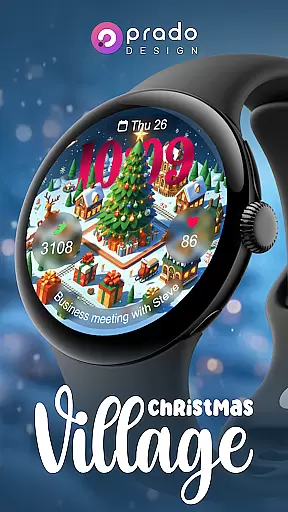
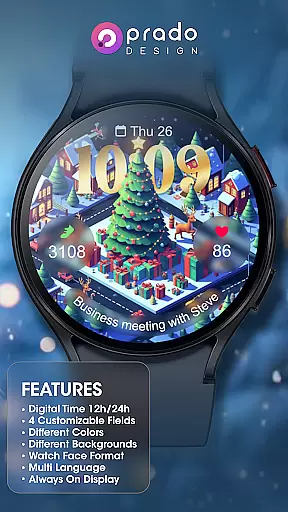

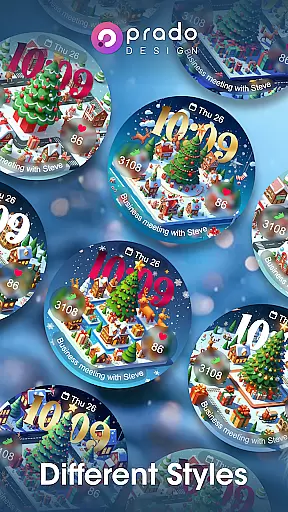

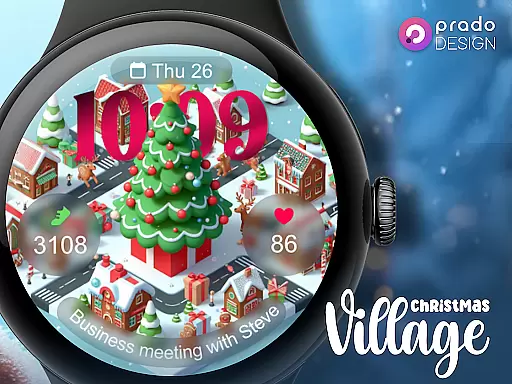
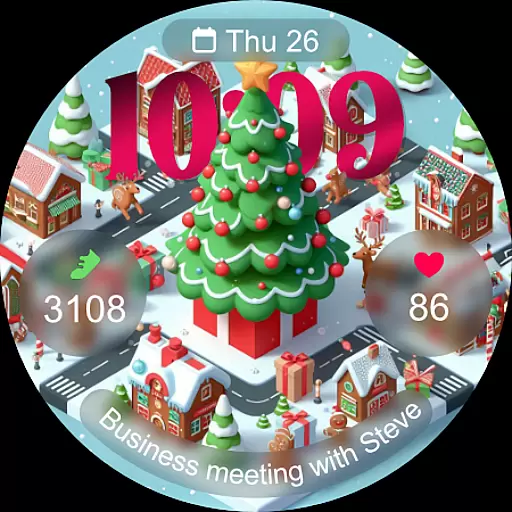
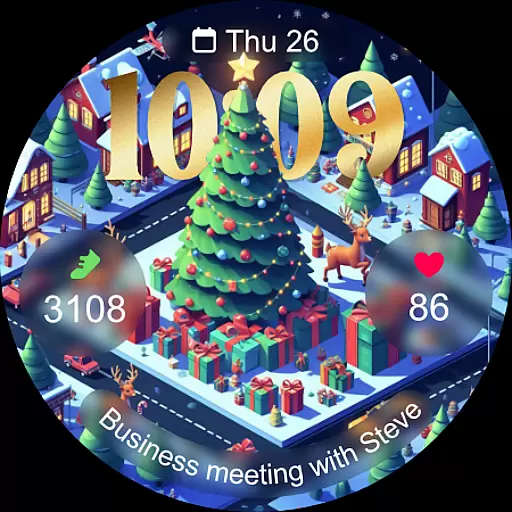
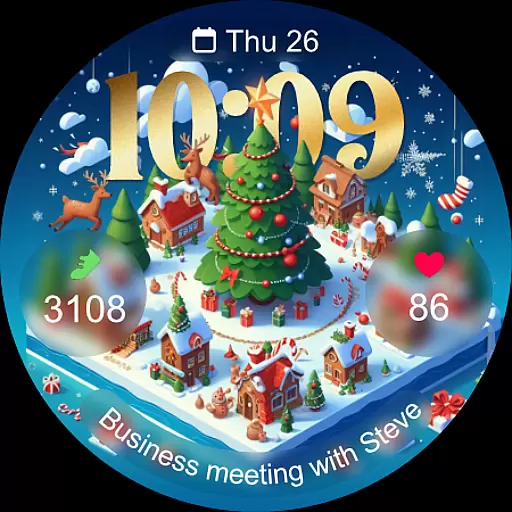
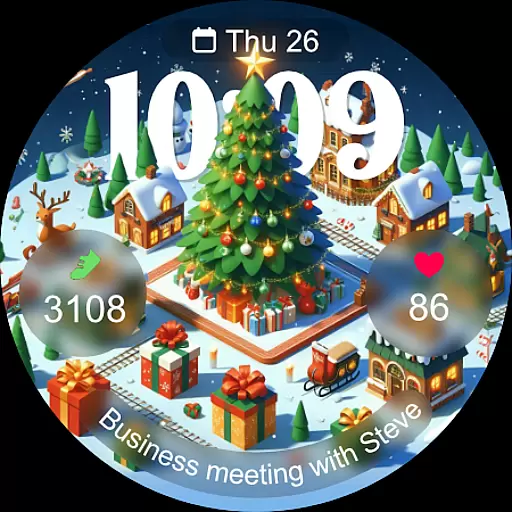
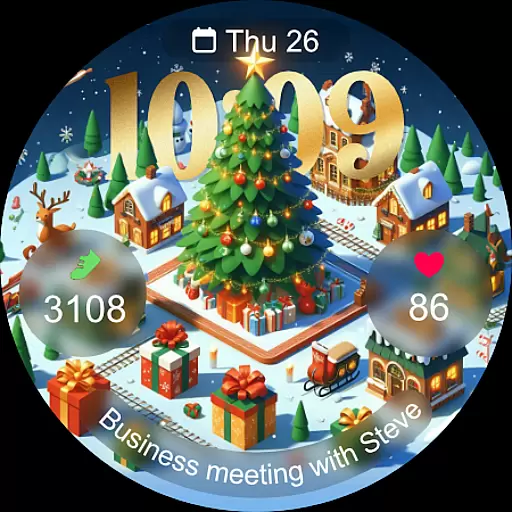
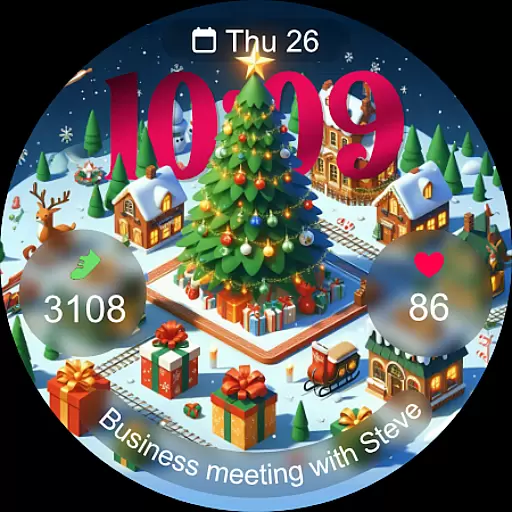
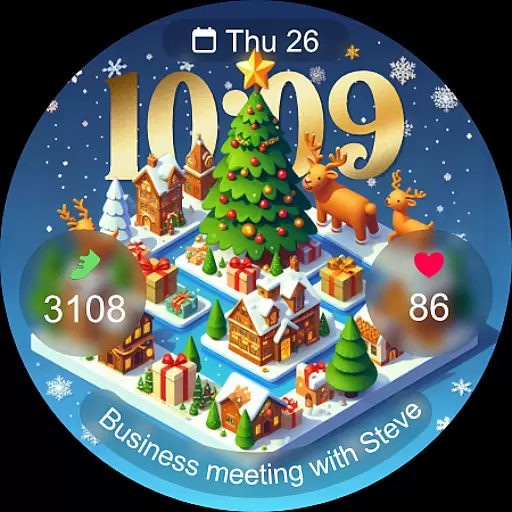
Christmas Village is a festive watch face app designed specifically for Wear OS devices, offering users a perfect way to celebrate the holiday season right on their smartwatch. The app provides a delightful Christmas-themed interface with customizable features that adapt to individual preferences.
Key functionalities include 12h/24h time display based on phone settings, four customizable fields, and support for different languages and colors. With its Always On Display feature and unique characters, Christmas Village brings both utility and festivity to your wrist. Whether you want to match your watch face with your holiday outfit or simply enjoy the seasonal spirit, this app delivers a complete package of customization and style.
Christmas Village stands out with its rich set of features tailored for Wear OS users. One of the notable aspects is its high level of customization, allowing users to personalize their watch faces with different colors, characters, and formats. The inclusion of four customizable fields ensures that wearers can prioritize the information most important to them, such as weather, fitness stats, or notifications.
The app also supports multi-language functionality, making it accessible to a global audience. Its compatibility with various weather apps like Weather Complications and SimpleWeather enhances user experience by providing real-time weather updates directly on the watch face. Additionally, the Always On Display feature ensures that critical information remains visible without needing to interact with the device. These thoughtful integrations make Christmas Village not just a festive app but a practical tool for everyday use.
For a smartwatch application like Christmas Village, seamless companion app integration is crucial for an optimal user experience. This watch face connects with weather apps to display real-time weather complications directly on your Wear OS device.
The integration works by pulling data from recommended weather applications such as Weather Complications and SimpleWeather. These companion apps provide essential location-based weather information that enhances the watch face's functionality.
Users benefit from having accurate weather information displayed directly on their Christmas-themed watch face. This integration eliminates the need to open separate weather apps, providing quick access to vital weather data at a glance.
The implementation requires users to set their location in the companion weather app first. Once configured, the watch face automatically updates with current weather conditions, creating a unified and practical wearable experience across devices.
Christmas Village demonstrates excellent Wear OS compatibility, ensuring the watch face functions properly across different Wear OS devices. The application specifically states it is designed exclusively for Wear OS, guaranteeing optimized performance on these devices.
One notable aspect is the attention to compatibility details. When users encounter device compatibility messages, they are guided to resolve this through the Play Store browser version, showing the developer's commitment to accessibility.
The watch face supports various Wear OS features including customizable fields, always-on display, and multi-language support. These elements confirm the application's thorough integration with the operating system's capabilities.
Additionally, the implementation of sensor permissions and complication data reception demonstrates advanced compatibility considerations. Users must manually enable these permissions for full functionality, ensuring the watch face operates seamlessly within the Wear OS ecosystem while maintaining system security protocols.
Perfect for holidays
Highly customizable
Multi-language support
Always On Display
Unique designs
Wear OS only
Weather setup required
Limited free options
No iOS support
Complex permissions

Diet tracker for weight loss - track calories, food and macros. Simple and easy!
 4.70
4.70
Walking app for weight loss: walk & step tracker, pedometer, indoor treadmill
4.60
Wear Os Watch Face - Animated Snow - Sesonal for Christmas & Winter
4.2
Analog watch face with 8 complications and expedition styling
4.2
Stylish digital watch face for Wear OS devices with customizable features
4.3
Digital watch face. For Wear OS devices.
4.40
Your second brain for organizing your life: to-do, calendar, reminder.
4.70
A modern hybrid informative watch face for Wear OS designed by BALLOZI
4.80
Back up your contacts & access them anywhere
4.30
A modern premium sporty hybrid watch face for Wear OS by Ballozi
4.70
Be an elegant and classy secret agent, with this carefully detailed watch face
4.70
Current temperature, weather hourly, weather radar by the weather forecast app
4.40
A customizable Christmas watch face for Wear OS with a countdown.
4.20
Let's celebrate Thanksgiving - Wear Os watch face
4.20
Animated video-game inspired “secret agent” simulation, right on your wrist!
4.20
Wear Os Watch Face - Animated Snow Effect & Magic Spark - 6 Scenes
4.10
The #1 source of faces for your smartwatch!
4.00
A digital watch face that celebrates Christmas.
4.00
Wear Os Watch Face - Animated Snow Effect & Christmas Lights
4.3


User Reviews