
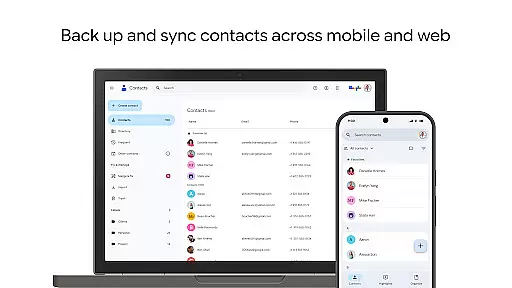
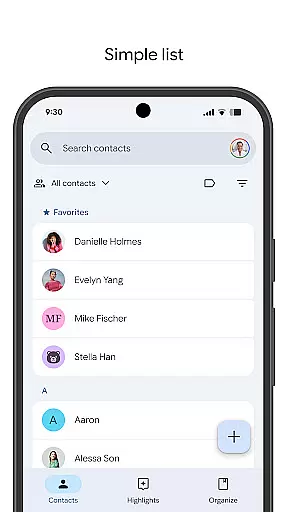
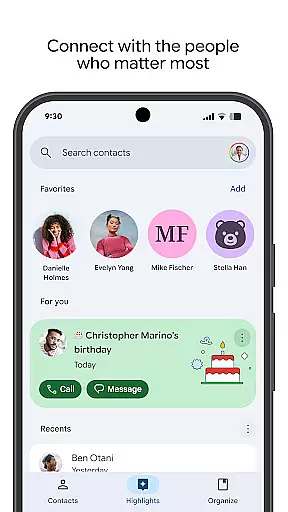
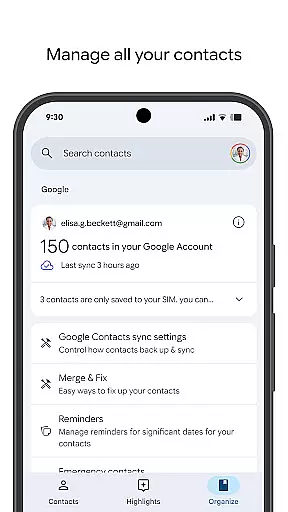
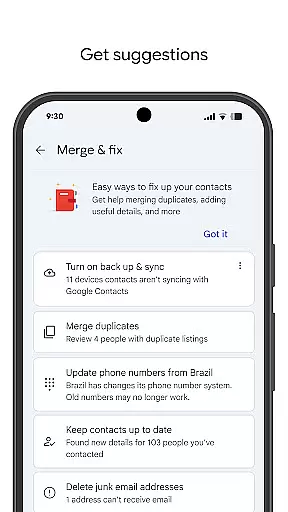
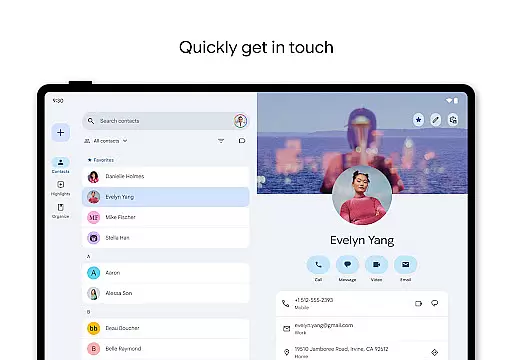
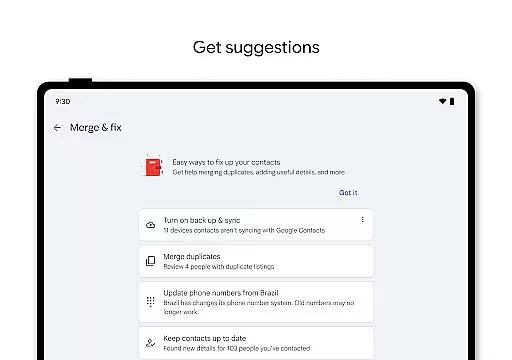
Contacts is a powerful Android Wear application designed to help users manage their contacts efficiently across multiple devices. The app allows you to back up and sync your contacts directly to your Google Account, ensuring they are always accessible and secure. With its intuitive interface, you can easily organize and update contact information, making sure everything stays current.
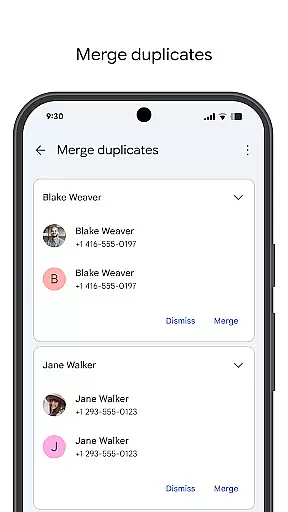
Beyond basic contact management, Contacts offers features that enhance user engagement by highlighting important dates such as birthdays and anniversaries. This ensures you never miss a significant event. Additionally, the app provides tools for merging duplicates and recovering recently deleted contacts, offering a comprehensive solution for maintaining an organized and up-to-date contact list on all your devices.
One of the standout features of Contacts is its seamless integration with Google Account, allowing automatic backups and synchronization across devices. This means whether you're switching phones or using multiple devices, your contacts are always up to date without any manual intervention.
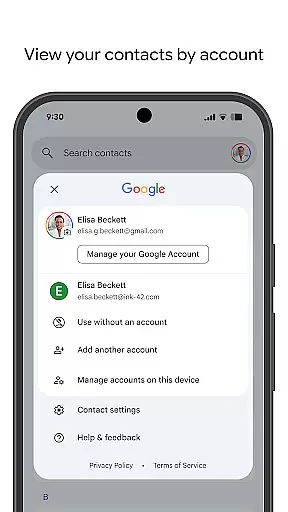
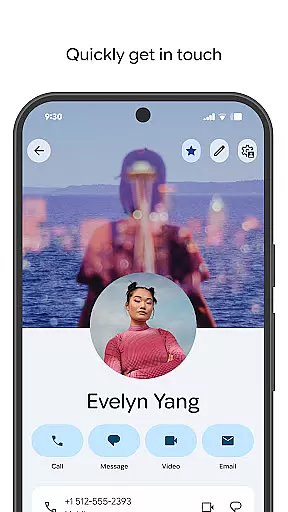
The app also excels in organization capabilities. Users can categorize contacts by accounts, such as work or personal, and effortlessly edit details like phone numbers, emails, and photos. Advanced functionalities include merging duplicate entries and recovering contacts from Trash within 30 days, which significantly streamline contact management.
Furthermore, Contacts goes beyond simple storage solutions by providing social reminders and notifications. You can view upcoming birthdays and anniversaries, set reminders, and even access recently added or viewed contacts quickly. These personalized touches make it easier than ever to stay connected with the people who matter most in your life.
Companion app integration is essential for ensuring seamless functionality between your mobile devices and wearable technology. The Contacts app offers robust companion app features that allow users to sync their contact information effortlessly across multiple platforms, including Wear OS.
This application ensures that all your important contacts are accessible from any device where you're signed in to your Google Account. Whether you're using a smartphone or a smartwatch, the synchronization process is automatic and reliable, providing you with up-to-date contact details whenever you need them.
Users benefit significantly from this integration as it eliminates the hassle of manually updating contact information on each device. With the Contacts app, any changes made on one device are immediately reflected on all others, streamlining communication and enhancing productivity.
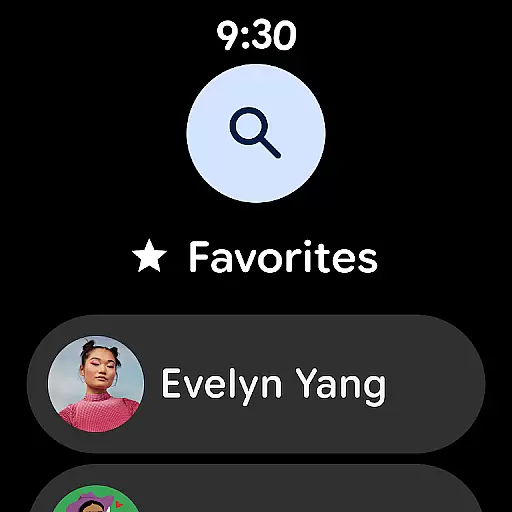
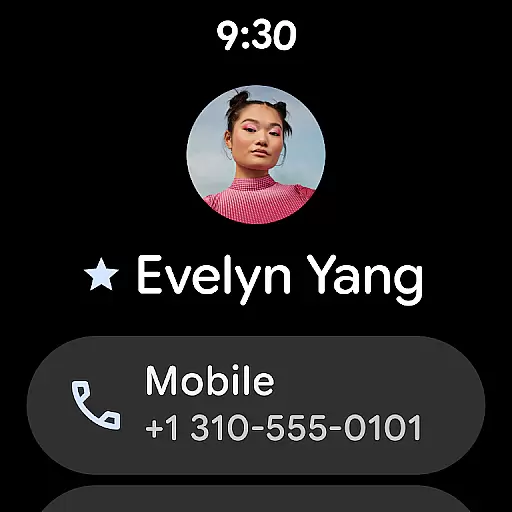
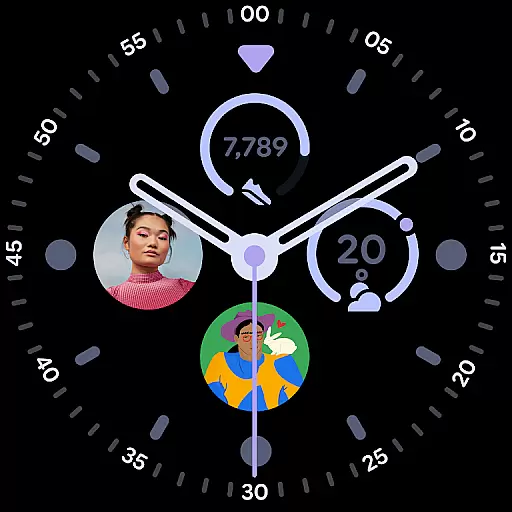
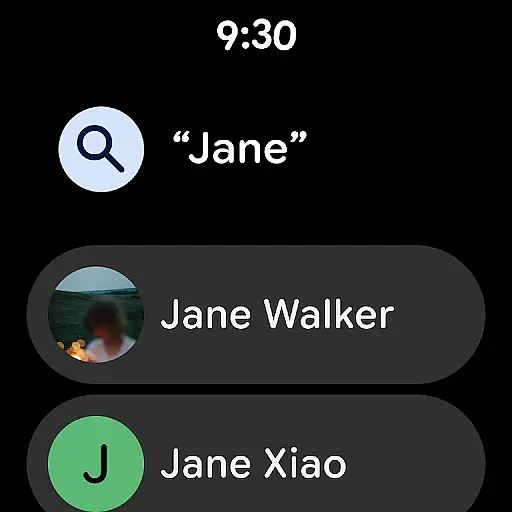
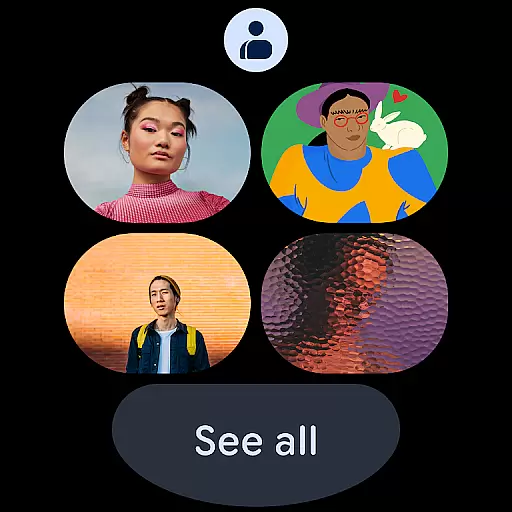
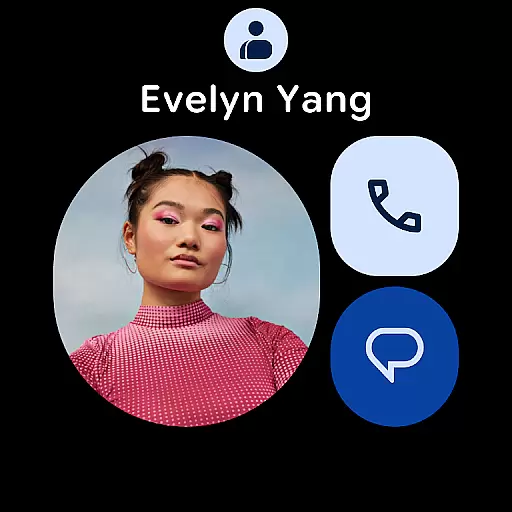
Ensuring compatibility with Wear OS and other devices is crucial for maximizing the utility of your contacts application. The Contacts app is fully optimized for Wear OS, offering features such as a favorite contacts tile, individual contact tiles, and contact complications that make accessing your contacts on a smartwatch intuitive and efficient.
The app's design takes full advantage of the Wear OS interface, providing users with quick access to their most frequently contacted individuals directly from their watch face. This level of integration enhances user experience by reducing the time needed to find and connect with important contacts while on the go.
By maintaining high standards of device compatibility, the Contacts app ensures that users can enjoy a consistent and reliable experience across all their devices. This compatibility not only extends to smartwatches but also includes tablets and other Android devices, making it a versatile tool for managing personal and professional relationships.
User-friendly interface
Automatic backup feature
Efficient contact organization
Social reminders for special occasions
Cross-device synchronization
Limited offline functionality
Requires Google Account
Occasional sync delays
No advanced search filters
Basic design aesthetics

Beautiful artistic animated digital watch face, with a customizable layout!
 4.40
4.40
Artistic Digital Watchface
4.4
Digital, flexibly customizable watch face. For Wear OS 5.0, API 34+ and later.
5.00
Hyperlocal rain alerts by MyRadar using patent-pending technology, radar & more
4.80
Your second brain for organizing your life: to-do, calendar, reminder.
4.70
Find EV charging stations
4.30
Professional weather radar and more
3.90
Hybrid watch face for Wear OS with customizable complications by Matteo Dini MD
4.70
Your local weather forecast, storm tracker, radar maps & live weather news
3.40
Christmas Theme Watch Face for Wear Os
5.00
Beautiful, colorful and practical watch face. For Wear OS devices.
5.00
Real-time weather radar with temperatures, warnings, hurricanes, and widgets
4.80
The most customizable hybrid watch face. For Wear OS 5.0, API 34+ and later
4.70
Stylish, Energizing and Modern Watch Face crafted by Dominus Mathias.
4.50
Current temperature, weather hourly, weather radar by the weather forecast app
4.40
Digital watch face. For Wear OS devices.
4.40
Animated Watch Face and Customizable with 24 Backgrounds. Perfect for Christmas!
3.90
A full-featured Amazon Alexa voice assistant that can show you things.
3.70
Christmas is near, let's count together the days left until Santa comes
4.0


User Reviews