
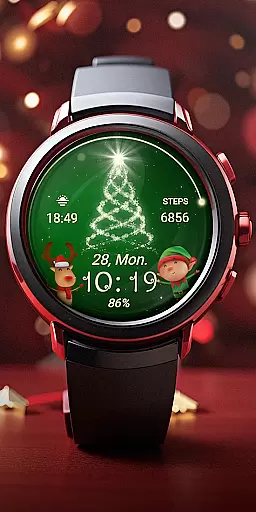
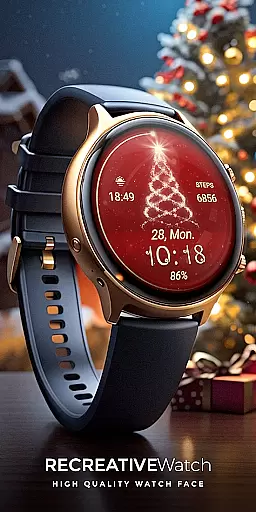
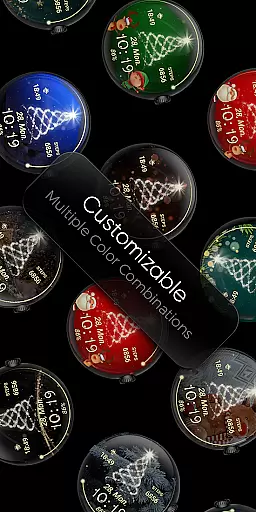
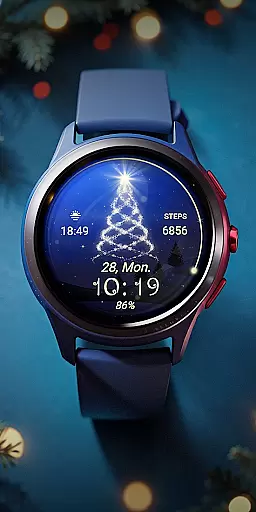
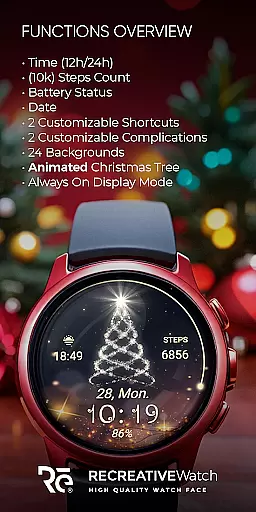
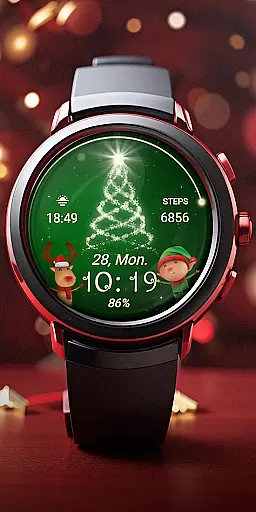
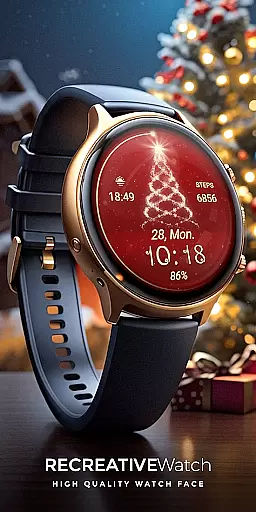
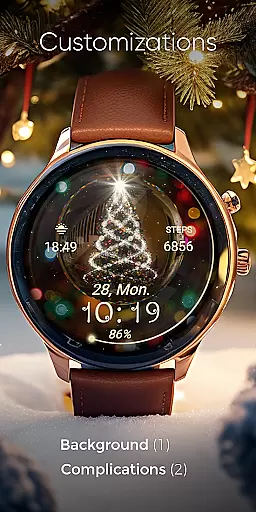
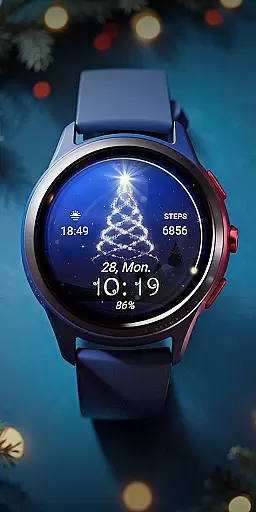
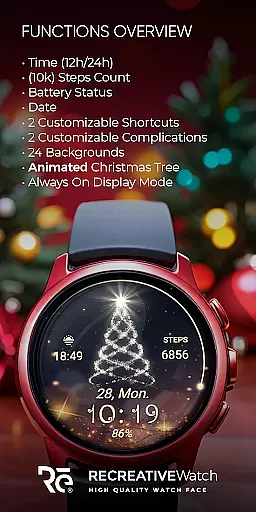
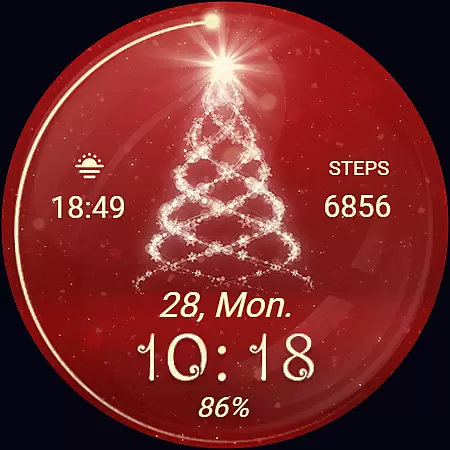
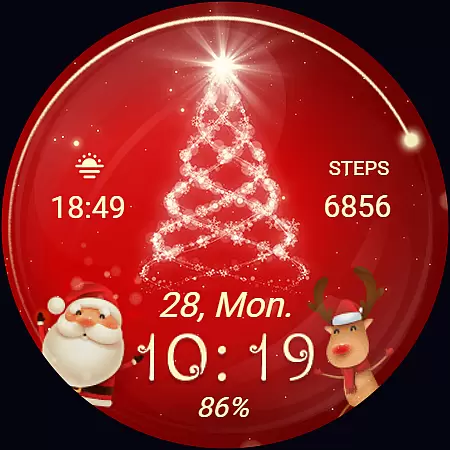
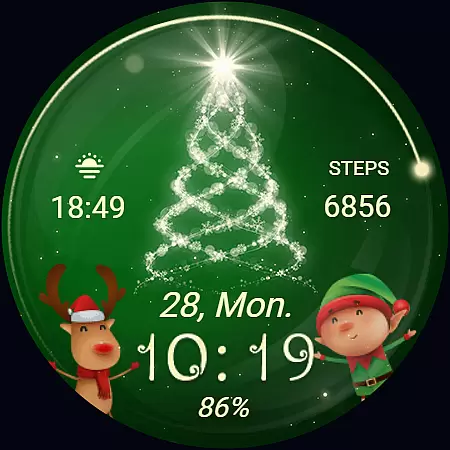
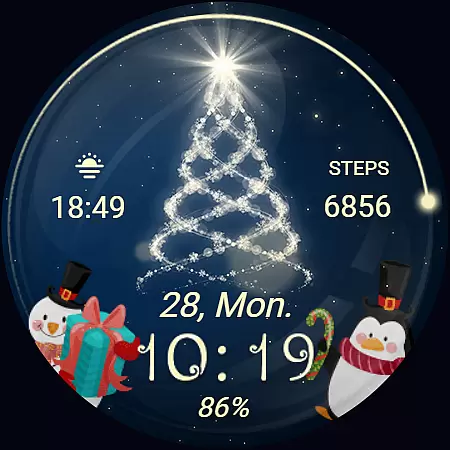
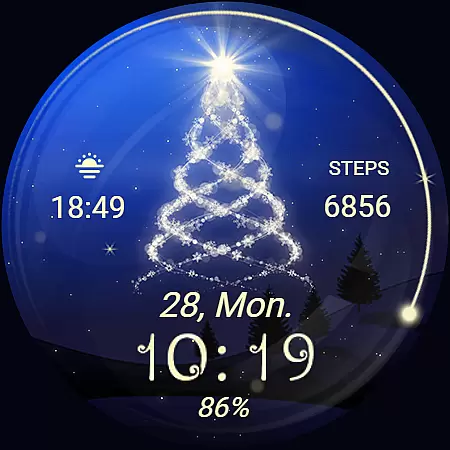
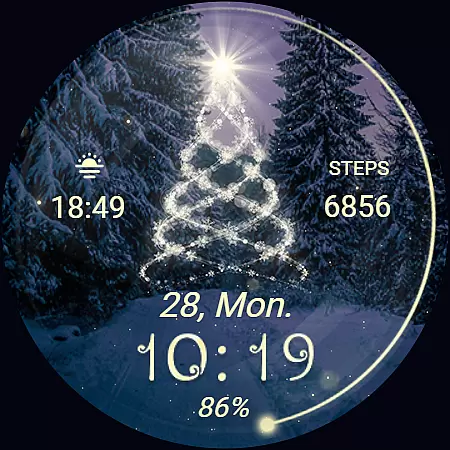
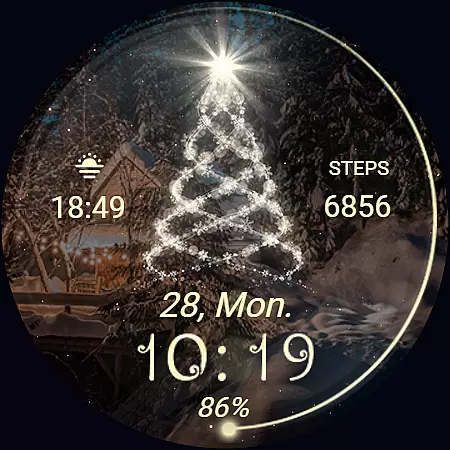
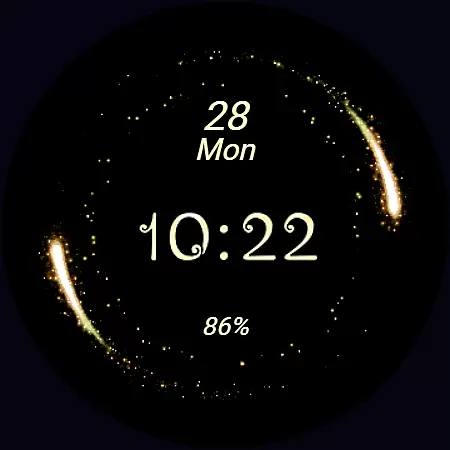
Christmas Spirit is a festive-themed Wear OS watch face that brings holiday cheer to your smartwatch. Featuring an animated Christmas tree and customizable colorful backgrounds, it allows users to personalize their watch display while maintaining essential functionalities like time, date, and battery status.
The watch face supports Always ON Display with changeable colors and includes two customizable shortcuts and complications, giving users control over their data display. With compatibility across API level 33+ devices including Google Pixel and Galaxy Watch series, this app ensures both style and utility during the holiday season.
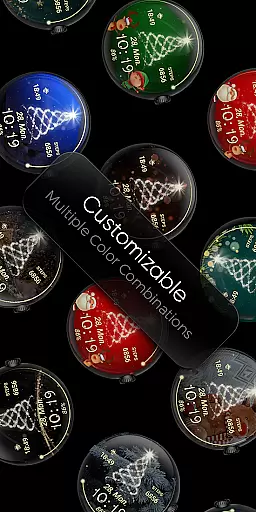
Christmas Spirit offers a variety of features designed to enhance your Wear OS experience. The watch face displays 12/24hr digital time, date, battery level, and step count, ensuring you stay informed while enjoying its festive design. Users can choose from 24 unique backgrounds and enjoy animations like falling snow and a twinkling Christmas tree.
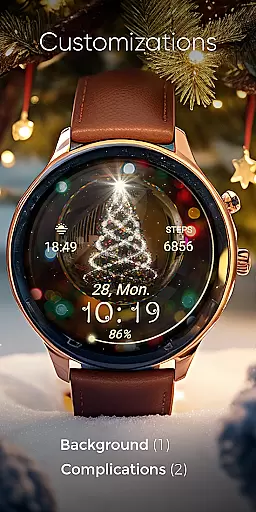
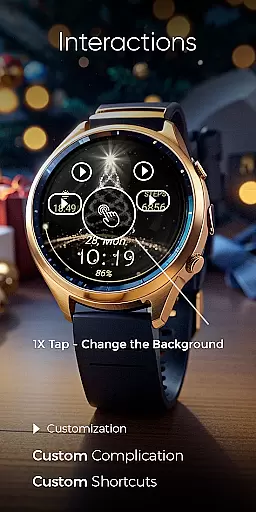
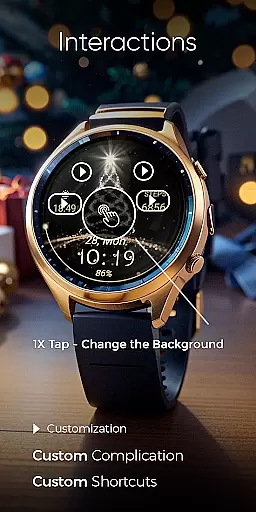
Customization is at the core of this app's functionality. By touching and holding the display, users can access options to personalize shortcuts, complications, and Always ON Display settings. These features ensure that your watch face is not only visually appealing but also practical for daily use.
Companion app integration is essential for Wear OS applications as it bridges the functionality between a smartphone and a smartwatch. For Christmas Spirit, the companion app serves as a facilitator for installation and customization of the watch face on your Wear OS device.
The phone app associated with Christmas Spirit simplifies the process of locating and installing the watch face on your smartwatch. It acts as a control center where users can manage settings without cluttering the watch interface. Despite containing ads, the mobile app ensures a streamlined experience focused on ease of use.
Users benefit from this seamless integration by enjoying a hassle-free setup process. The ability to customize the watch face directly from the phone app adds a layer of convenience, allowing users to personalize their experience according to their preferences.
This integration highlights the importance of having a reliable companion app that enhances the overall utility of wearable technology. By facilitating easy access to features like animated backgrounds and complications, Christmas Spirit ensures that users have a festive and functional addition to their Wear OS ecosystem.
Compatibility with Wear OS devices is a critical aspect of any application designed for smartwatches. Christmas Spirit boasts extensive compatibility, supporting API level 33+ devices including Google Pixel watches and Samsung Galaxy Watch series 4, 5, and 6 among other Wear OS models.
This broad compatibility ensures that a wide range of users can enjoy the festive charm of an animated Christmas tree on their smartwatch displays. The inclusion of features such as Always ON Display with changeable colors and customizable shortcuts further enriches the user experience across supported devices.
For optimal battery performance, users are advised to disable the Always ON Display mode. This recommendation underscores the balance Christmas Spirit strikes between offering engaging visuals and maintaining practical usability.
By prioritizing compatibility and performance optimization, Christmas Spirit caters to tech-savvy individuals who seek both style and substance in their wearable technology. This commitment to quality ensures that users can revel in the holiday spirit without compromising on functionality or device longevity.
Festive animations
Customizable backgrounds
Always ON Display
Step tracking included
Wide device support
Battery drain risk
Limited free options
No analog clock
Ads in phone app
Complex setup

Christmas - Festive - Christmas Village - Winter - Christmas lights
 5.00
5.00
an Analog Watch Face for winter season with freeze winter background for Wear OS
4.5
Christmas is near, let's count together the days left until Santa comes
4.2
MyNISSAN® lets you remotely control your car from your phone.*
4.50
Beautiful, colorful and practical watch face. For Wear OS devices.
5.00
Digital, flexibly customizable watch face. For Wear OS 5.0, API 34+ and later.
5.00
Let's celebrate Thanksgiving - Wear Os watch face
4.20
The most customizable minimal watch face. For Wear OS 5.0, API 34+ and later
4.70
Viewer for Wyze/Yi/Eufy/Arlo/ONVIF/RTSP/P2P IP cams w/ adv. features & DIY DVR
4.00
Be an elegant and classy secret agent, with this carefully detailed watch face
4.70
Premium hybrid watch face with many customizations for Wear OS devices.
4.40
The ultimate destination for kids ages 3-8 to explore the Marvel Universe!
4.30
Calming & relaxing sounds for sleeping and stress relief. Stay focused all day!
4.20
Elegant animated Christmas tree with multiple customization options
4.20
"PER27 Galaxy Digital" is a digital Wear OS watch face designed by PERSONA
4.10
Precision analog watch face with 7 complications and style options
4.5
A Wintery Snow Globe on Your Wrist; now celebrating Christmas!
4.0
Stunning modern digital watch face with 7 complications and strong contrast
4.5
Sleek, highly customizable watch face inspired by Galaxy Watch Circle Dashboard.
4.3


User Reviews