
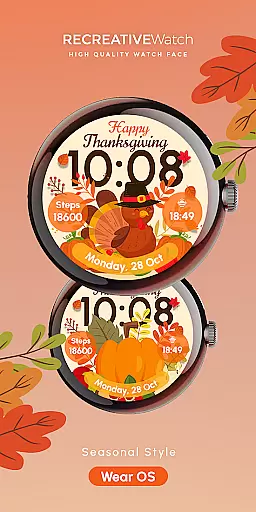
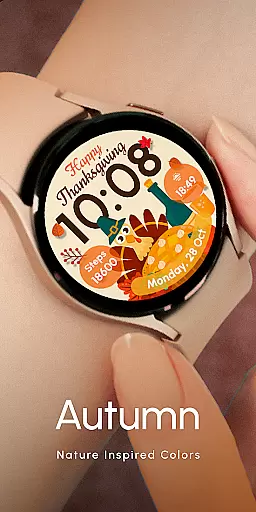

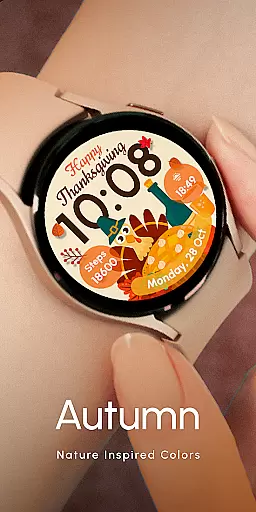

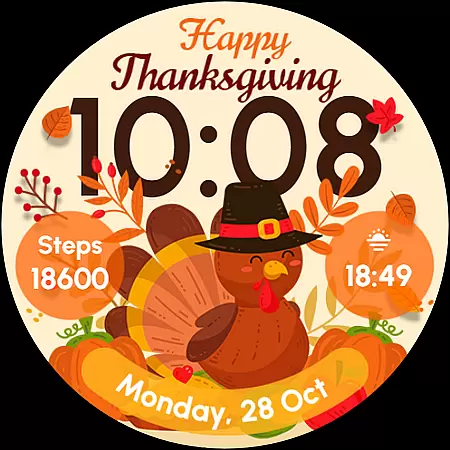
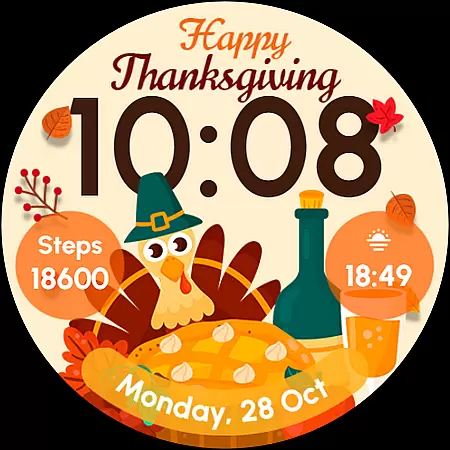
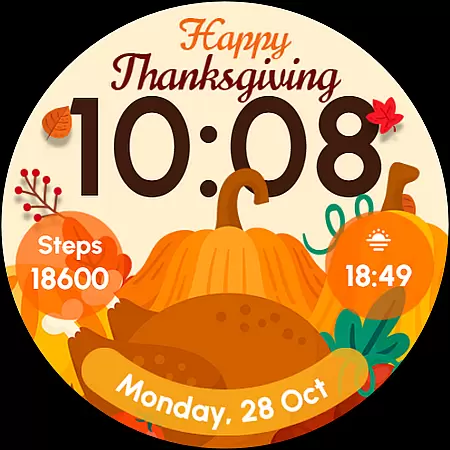
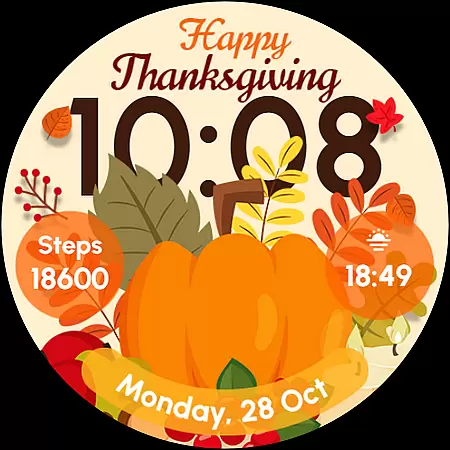
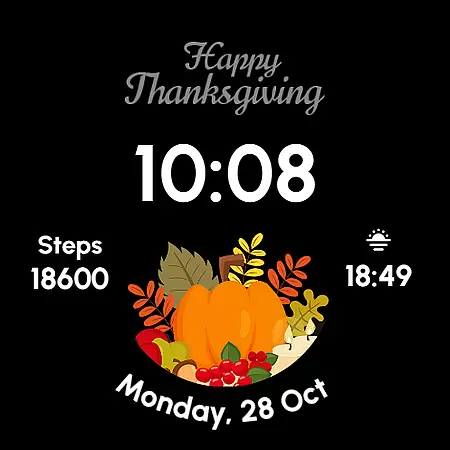
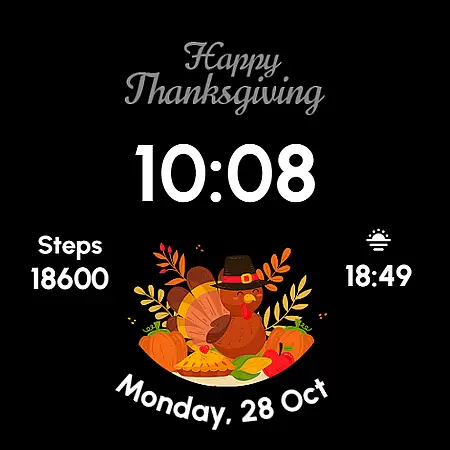
ReS54 is a festive Wear OS watch face designed to bring Thanksgiving spirit to your smartwatch. Featuring a charming turkey design, vibrant pumpkins, and a feast theme, it captures the warmth of autumn on your wrist.
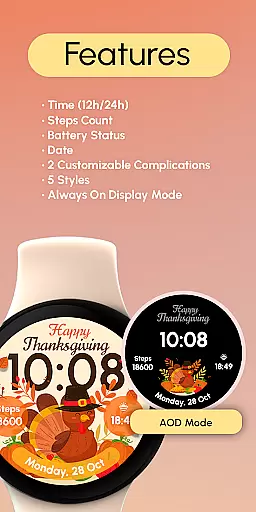
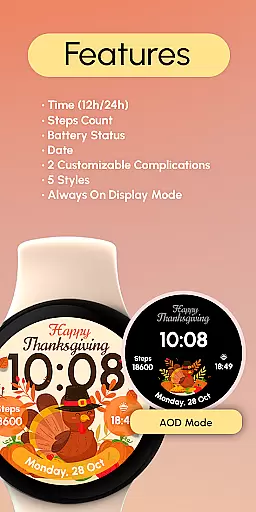
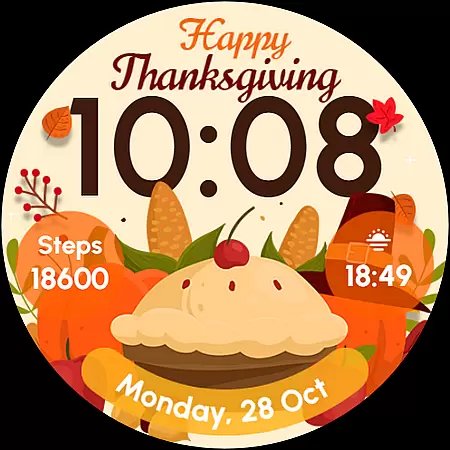
The watch face offers essential functionalities including 12/24hr digital time, date display, battery status, step count, and customizable complications. With five unique styles and an Always ON Display option, it provides both practicality and personalization for users who want to celebrate the season in style.
Ideal for those with compatible Wear OS devices, ReS54 helps you stay connected while enjoying the cozy atmosphere of fall right on your watch face.
ReS54 stands out with its rich feature set tailored for Wear OS users. The watch face displays 12/24hr digital time, date, battery level, and step count, keeping you informed at a glance. It also includes two customizable complications that allow users to personalize their data fields.
With five distinct styles to choose from, users can switch up their look to match their mood or outfit. The Always ON Display feature ensures important information is always visible without needing to wake the watch. This functionality is particularly useful during busy days when quick access to information is crucial.
For optimal battery performance, users can disable the Always ON Display mode. Compatible with API level 33+ devices including Google Pixel and Galaxy Watch series, this watch face brings both style and utility to your smartwatch experience.
Companion app integration is essential for Wear OS watch faces like ReS54. This feature ensures that the watch face works seamlessly with its companion app on your smartphone.
ReS54 allows users to customize their watch face directly from their phone. Through the companion app, users can adjust settings such as time format, date display, and battery indicators, ensuring a personalized experience tailored to individual preferences.
The ability to customize complications through the companion app adds another layer of personalization. Users can choose what data is displayed on their watch face, making it not only a stylish accessory but also a functional tool for daily activities.
This seamless integration between the watch face and its companion app enhances user convenience. By providing easy access to customization options and settings, ReS54 ensures that users can enjoy both style and functionality on their Wear OS devices.
Ensuring compatibility with various Wear OS devices is crucial for any watch face application. ReS54 is designed to be compatible with API level 33+ Google Pixel watches, Galaxy Watch series 4, 5, 6, and other Wear OS models.
This broad compatibility means that users with different types of Wear OS devices can enjoy the festive Thanksgiving design of ReS54. Whether you own a Google Pixel watch or a Samsung Galaxy Watch, this watch face brings autumn vibes to your wrist with its cute turkey, vibrant pumpkins, and festive feast design.
Moreover, ReS54 supports features like Always On Display, which allows users to view the time and other important information without waking the watch. However, for better battery performance, it's recommended to disable this mode if you're concerned about power consumption.
By focusing on wide-ranging device compatibility, ReS54 ensures that more users can celebrate in style, enjoying both the aesthetic appeal and practical functionalities offered by this unique watch face.
Perfect for Thanksgiving
Vibrant seasonal design
Customizable complications
Five unique styles
Always ON Display option
Battery may drain faster
Limited to Wear OS
Requires API level 33+
No automatic application
Complications need setup

"PER27 Galaxy Digital" is a digital Wear OS watch face designed by PERSONA
 4.10
4.10
A full-featured Amazon Alexa voice assistant that can show you things.
3.70
Your second brain for organizing your life: to-do, calendar, reminder.
4.70
Get helpful reminders, take progress photos and find answers to your questions.
3.90
Real-time weather radar with temperatures, warnings, hurricanes, and widgets
4.80
Retro digital watch face with customizable colors and a unique lighting effect
4.60
Hybrid Vibrant Health Watch Face for Wear OS
4.2
A white realistic classic analog watch face with many customization options.
4.40
Your music, your playlists, and more—offline and unlimited.
4.20
Period, ovulation & pregnancy tracker. Fertility insights & menstrual calendar.
4.90
Easy Voice Recorder is your everyday companion to record important moments.
4.70
The most customizable hybrid watch face. For Wear OS 5.0, API 34+ and later
4.70
Hybrid watch face for Wear OS with customizable complications by Matteo Dini MD
4.70
Embrace the holiday spirit with this magical animated watch face!
4.40
Connect, create, and collaborate with Gmail, part of Google Workspace.
4.10
The #1 source of faces for your smartwatch!
4.00
Animated Watch Face and Customizable with 24 Backgrounds. Perfect for Christmas!
3.90
Want to take charge of your health? Let Google Fit help you reach your goals.
3.50
Simple Analog-Digital Watchface For Wear OS 3.0 and Up Smartwatches
4.5


User Reviews