
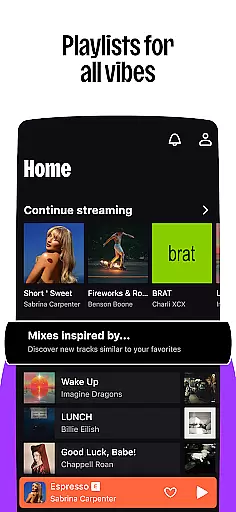

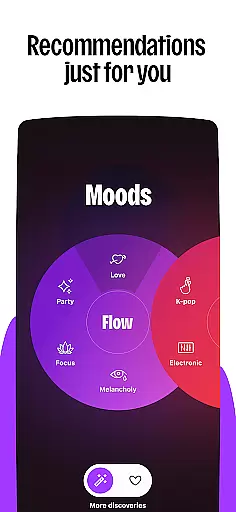



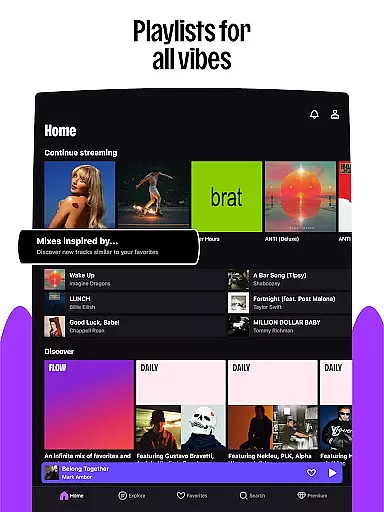


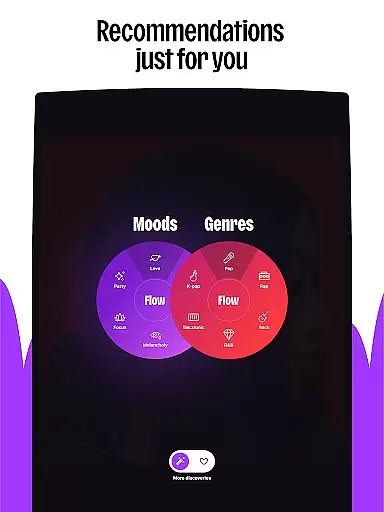
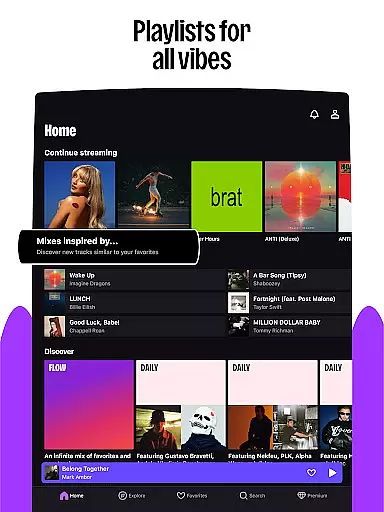


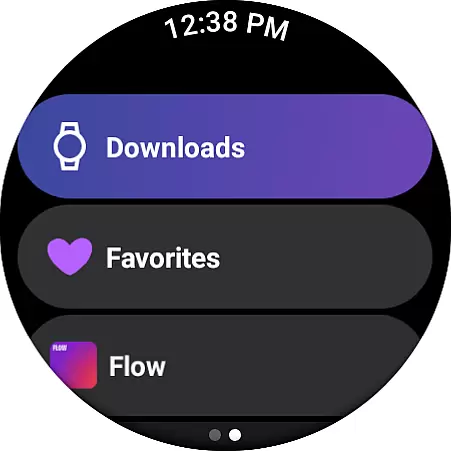
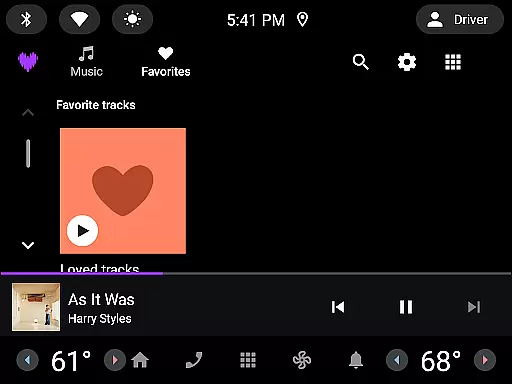
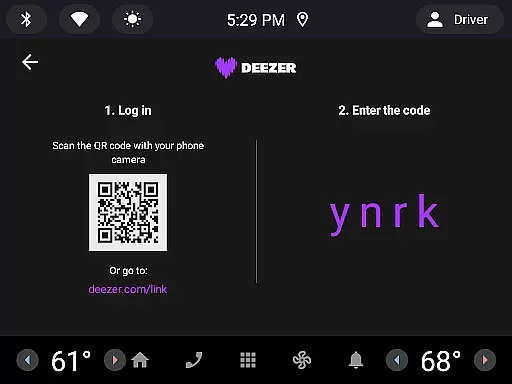

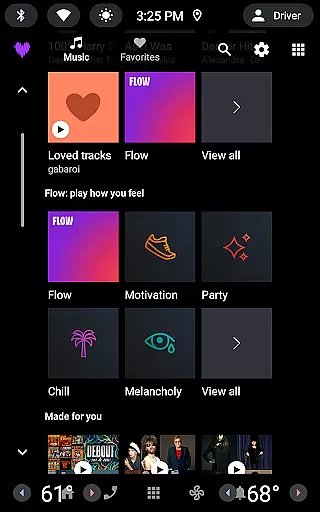
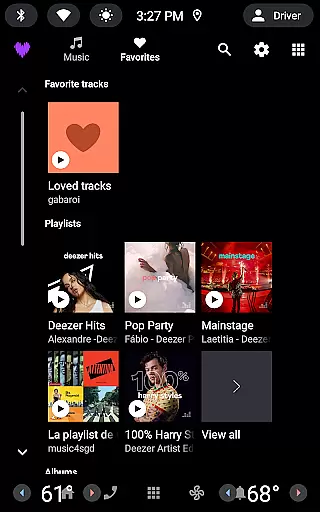

Deezer is a comprehensive music streaming platform designed for Android Wear users, offering a personalized listening experience that adapts to individual preferences. With features like Flow, an infinite personalized mix, and curated playlists for every mood or genre, it ensures you always have the right music at your fingertips.
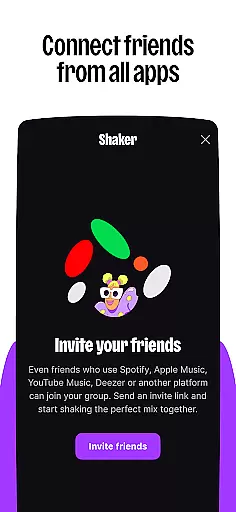
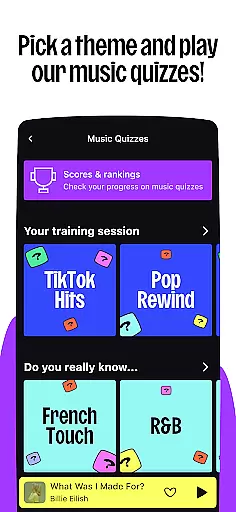
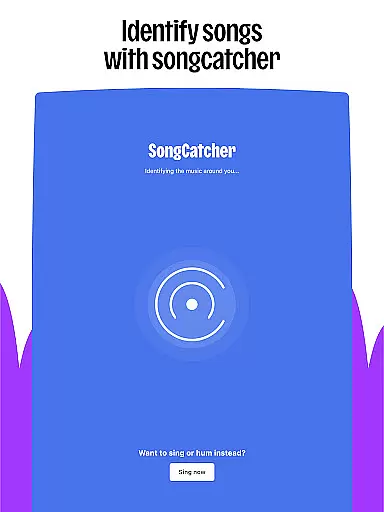
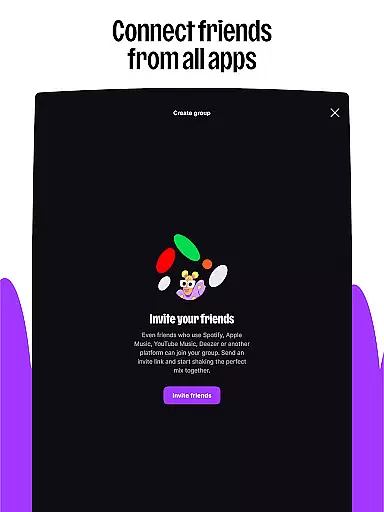
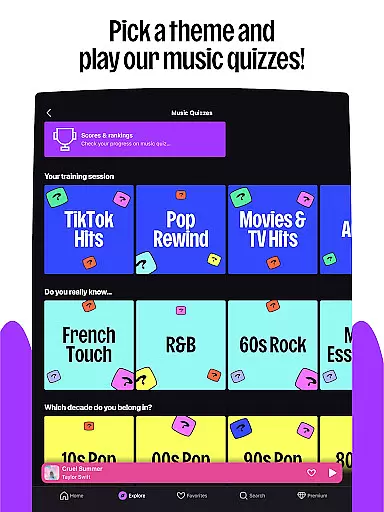
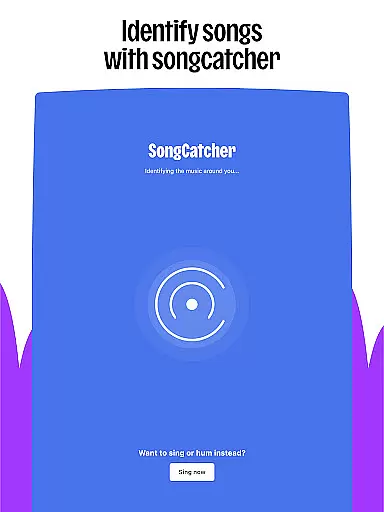
The app goes beyond just music by including podcasts, audiobooks, and radio, making it a versatile choice for wearable devices. Deezer also offers interactive features such as Shaker for collaborative playlists, Music Quiz for testing your knowledge, and SongCatcher for identifying tracks. These features make Deezer not just a music app but a complete audio entertainment solution optimized for smartwatches.
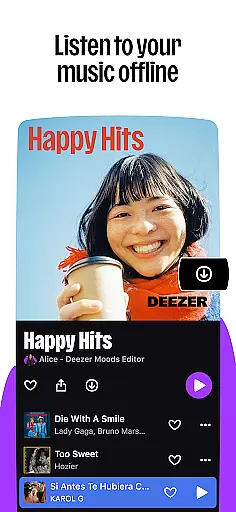
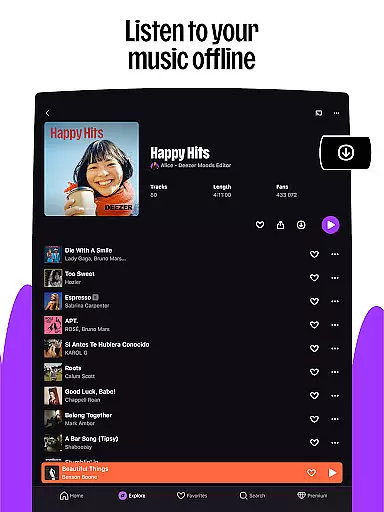
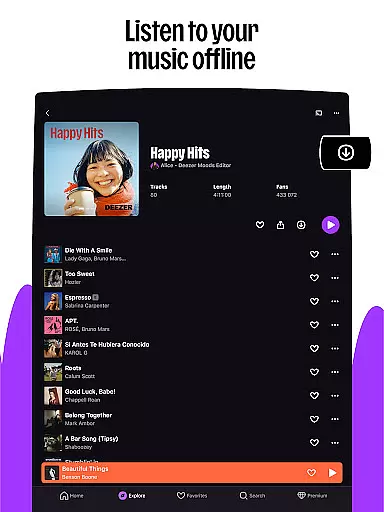
Whether you're working out, commuting, or relaxing, Deezer's offline mode, unlimited skips, and HiFi audio quality ensure uninterrupted enjoyment. The ability to customize playlists, access lyrics with translations, and share content effortlessly enhances user engagement, making Deezer a top choice for Android Wear users seeking a rich audio experience.
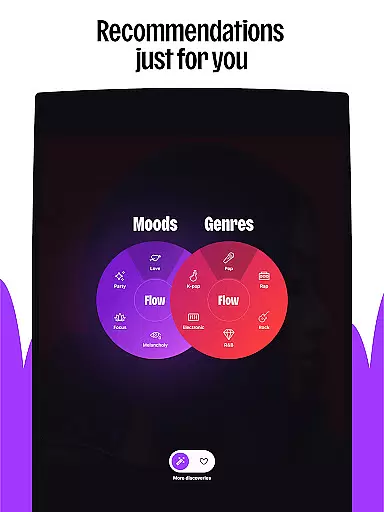
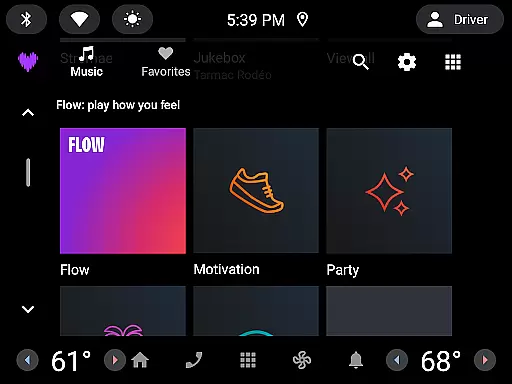
Deezer stands out with its innovative features tailored for Android Wear users. The Flow feature creates an endless stream of personalized music based on your listening habits, while curated playlists offer selections for every occasion. This ensures that users always have fresh and relevant content available directly from their smartwatches.
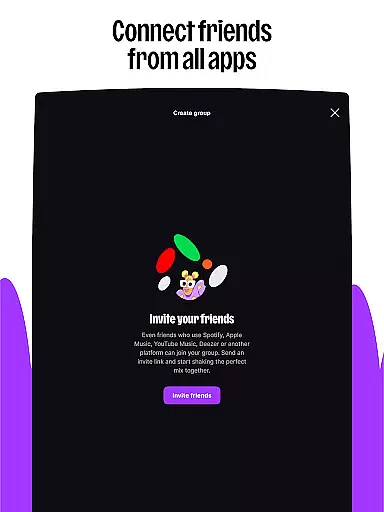
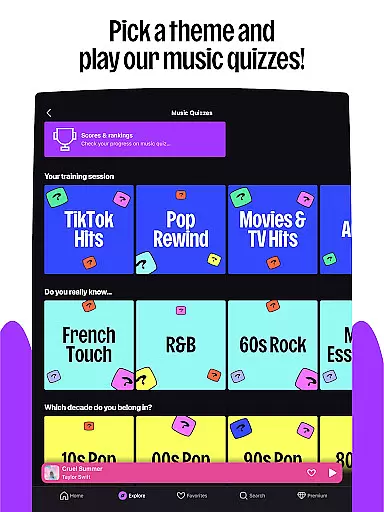
Beyond music, Deezer provides access to podcasts, audiobooks, and radio, expanding its appeal to those who enjoy diverse audio content. Interactive elements like Shaker allow users to create shared playlists with friends, while Music Quiz adds a fun, competitive aspect to music discovery. SongCatcher is another standout feature, enabling users to identify songs playing nearby or even hummed tunes.
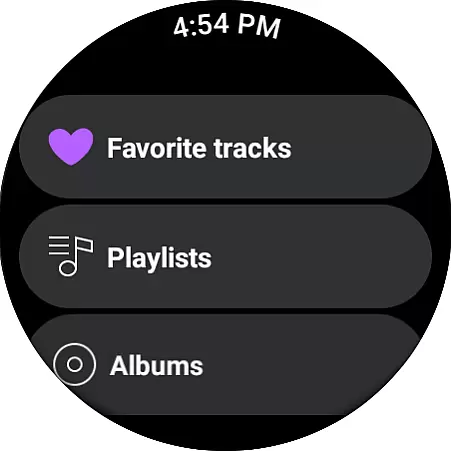
Customization options abound, allowing users to tailor their experience by organizing favorites, creating custom playlist covers, and adjusting the algorithm to better match their tastes. Deezer's support for high-fidelity audio, offline listening, and seamless integration with various devices ensures a premium experience whether you're at home, in the car, or on the go.
Companion app integration is essential for wearable devices as it ensures seamless synchronization between the main application and its wearable counterpart. For Deezer, this means users can easily control their music playback directly from their smartwatch or other Wear OS devices.
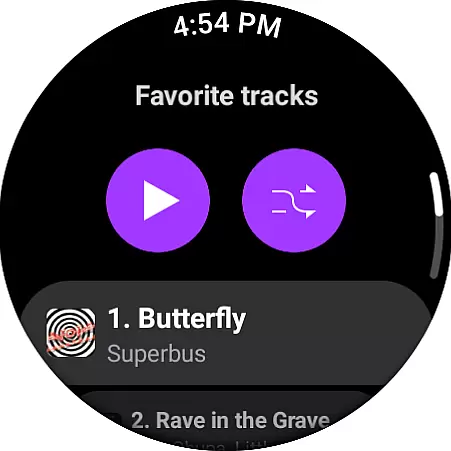
The Deezer Android Wear app allows users to access key features such as play, pause, skip tracks, and adjust volume without needing to take out their phone. This creates a fluid listening experience that adapts to the user's active lifestyle.
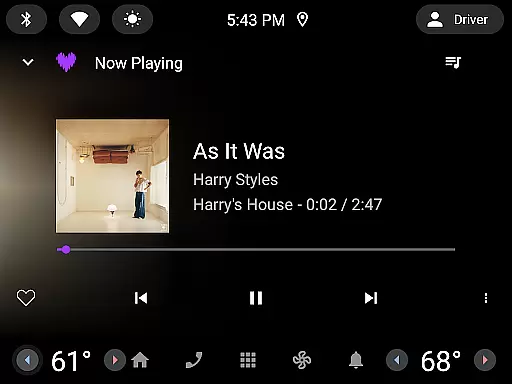
By maintaining consistent functionality across devices, Deezer ensures that listeners can enjoy uninterrupted music streaming whether they are working out, commuting, or simply relaxing at home. The ability to manage playlists and view song information right from the wrist adds convenience and enhances user engagement.
This level of integration not only simplifies device management but also enriches the overall user experience by providing quick access to favorite tracks and personalized playlists, making every listening session more enjoyable and efficient.
Wear OS/device compatibility is crucial for applications targeting wearable technology. Deezer excels in this area by supporting a wide range of devices including Galaxy Watch, Fitbit, and other Wear OS-enabled gadgets, ensuring broad accessibility for its users.
Deezer's compatibility with various smartwatches allows users to stream music directly from their wrists, offering unparalleled convenience. Whether you're jogging, attending meetings, or doing household chores, having instant access to your music library enhances productivity and entertainment value.
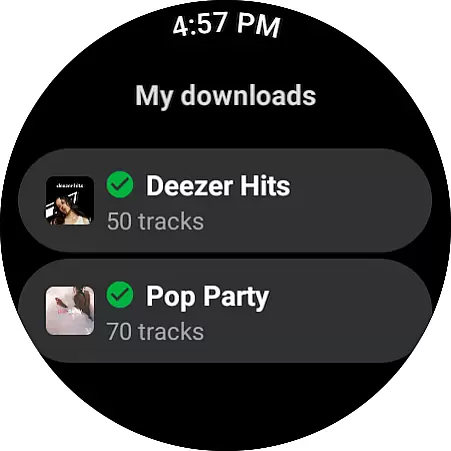
In addition to basic playback controls, Deezer provides advanced features like offline mode and high-fidelity audio quality on supported devices. These capabilities ensure that even when users are away from their phones or have limited connectivity, they can still enjoy their favorite tunes without compromise.
By prioritizing extensive device support and optimizing performance across different platforms, Deezer delivers a versatile and reliable music streaming solution tailored for modern lifestyles. This commitment to compatibility underscores Deezer's dedication to meeting diverse user needs and preferences.
User-friendly interface
Extensive music library
Personalized recommendations
Interactive features
High-quality audio
Limited free version
Subscription cost
Feature availability varies
Occasional bugs
Ads in free tier

A customizable Christmas watch face for Wear OS with a countdown.
 4.20
4.20
A watch face that fuses motorsport precision with contemporary smartwatch design
4.4
Watch face for Wear OS.
4.20
3 Complications. All shadow on/off. 30 Themes color palette...
4.2
The ultimate destination for kids ages 3-8 to explore the Marvel Universe!
4.30
Reliable phone calls with spam protection, caller ID and more helpful features
4.40
Get helpful reminders, take progress photos and find answers to your questions.
3.90
Back up your contacts & access them anywhere
4.30
From periods to pregnancy & perimenopause, Flo helps you track it all. Try now.
4.70
Highly customizable hybrid watch face for Wear OS, perfect for everyday use.
4.60
Rose gold watch face with festive lights & customizable features.
4.60
Monitor health with the stress test and pulse checker in the heart rate app.
4.60
Stylish, Energizing and Modern Watch Face crafted by Dominus Mathias.
4.50
Digital watch face with big numbers and many customization for Wear OS devices
4.40
Christmas watch face. For Wear OS devices.
4.30
sleep, alarm, snoring, stress, healing, focus, sound therapy, circadian rhythm
4.10
Animated Watch Face and Customizable with 24 Backgrounds. Perfect for Christmas!
3.90
Professional weather radar and more
3.90
Watch face designed for Thanksgiving Day. 7 Background Styles included.
3.20


User Reviews