
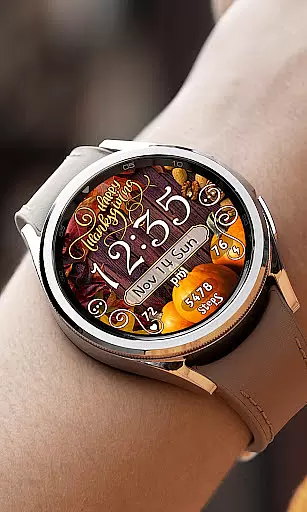
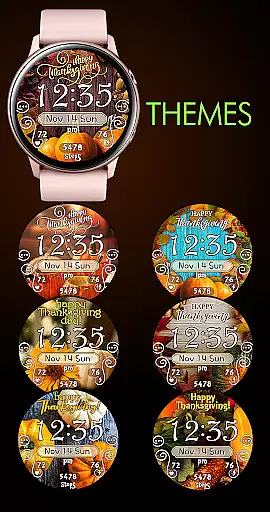

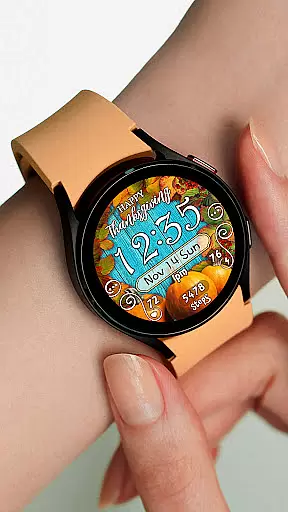
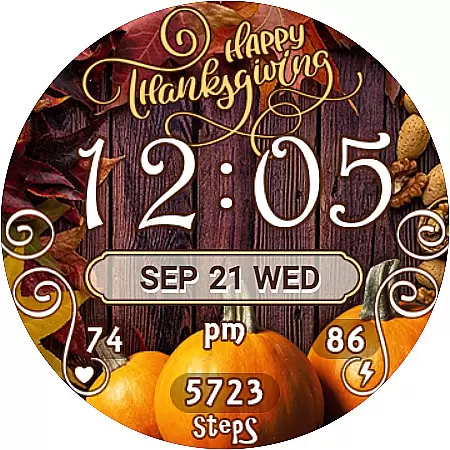
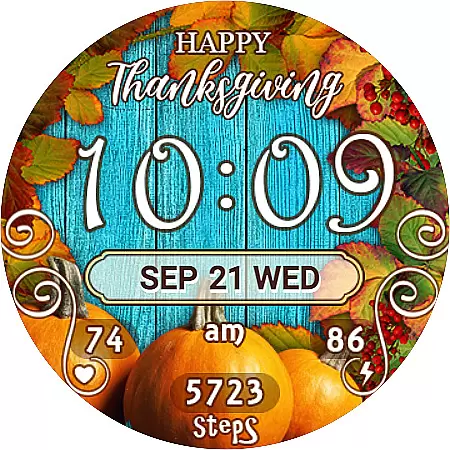
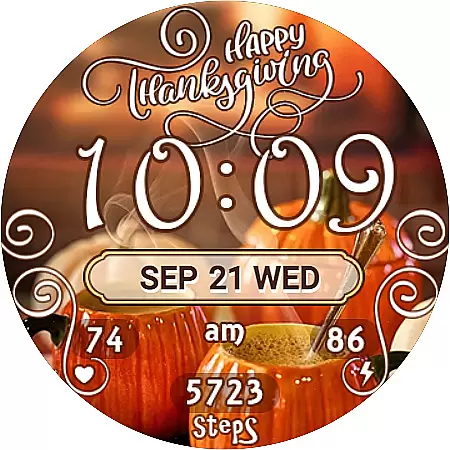
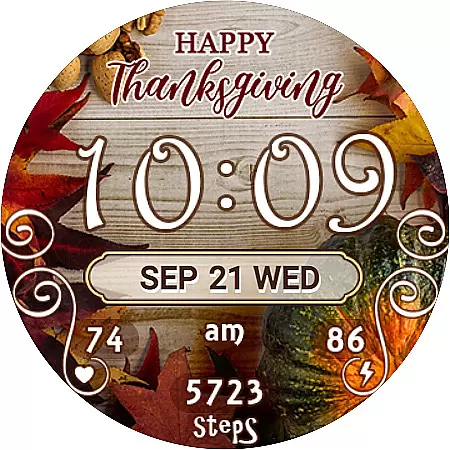
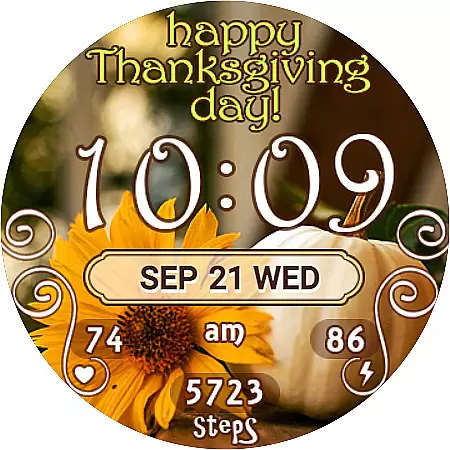
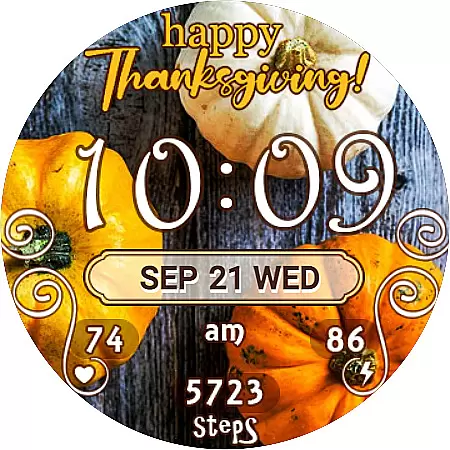
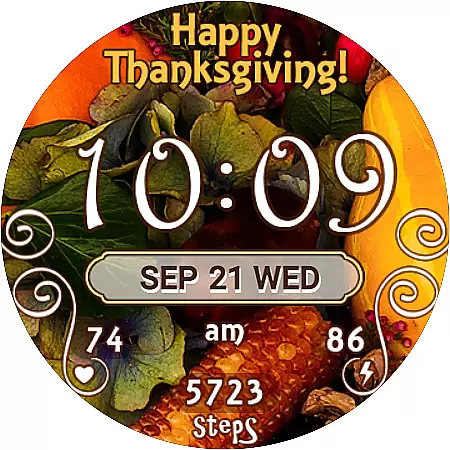
Thanksgiving Day Watch Face is a specially designed watch face for Wear OS devices, offering users a festive way to celebrate the holiday season right on their smartwatch. The app provides 7 unique Thanksgiving-themed background designs, allowing users to customize their watch's appearance while enjoying practical features.
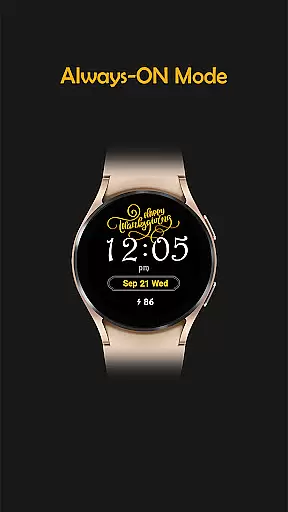
This digital watch face supports both 12-hour and 24-hour time formats, automatically syncing with the paired phone's time settings. It includes essential widgets like battery percentage, step counter, heart rate monitor, and date display. The Always-On display ensures important information remains accessible even when the watch is in low-power mode.
Ideal for users who want to add seasonal flair to their smartwatch while maintaining essential functionality, this watch face combines aesthetics with practicality, making it perfect for Thanksgiving celebrations.
Thanksgiving Day Watch Face stands out with its specialized holiday-themed design and robust feature set. The app offers 7 beautifully crafted background themes that capture the essence of Thanksgiving, giving users multiple options to personalize their watch face.
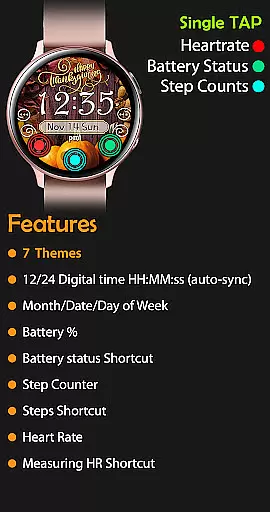
The active mode presents a comprehensive set of features including digital time display (in both 12/24 formats), day/date/month indicators, battery percentage, step counter, and shortcuts to Samsung Health and Heart Rate apps. The innovative no-leading-zero format for 12-hour time displays makes reading time more natural.
In Always-On mode, users can still view essential information such as time, date, and battery level without compromising their watch's battery life. This combination of aesthetic appeal and functional utility makes the watch face a valuable addition to any Wear OS device during the holiday season.
For the Thanksgiving Day Watch Face, seamless companion app integration is crucial for an optimal user experience. This watch face is designed to automatically sync with your phone's time and other settings, ensuring that users always have accurate information at a glance on their Wear OS device.
The synchronization process between the Google Play Store and the watch device is streamlined to allow for an easy setup. After purchasing, users should allow about 10-15 minutes for the new watch face to appear on their device. If not immediately visible, navigating through the watch faces list and tapping the plus icon will reveal the newly acquired option.
This integration extends to various features such as displaying the day of the week, date, month, battery percentage, step counter, and even heart rate readings. Users can conveniently access shortcuts to health apps directly from their wrist, enhancing both utility and accessibility.
Compatibility with Wear OS and a range of devices is a standout feature of the Thanksgiving Day Watch Face. Designed specifically for Wear OS, this watch face offers a versatile and adaptive interface that caters to different screen sizes and resolutions, ensuring a consistent look and feel across multiple devices.
Users can choose from seven background themes, tailoring the appearance to their personal preferences while maintaining performance and visual clarity. The digital time display supports both 12-hour and 24-hour formats, syncing effortlessly with the paired smartphone to reflect current local time without manual adjustments.
Including active mode features like step counting and heart rate monitoring, alongside always-on functionalities such as showing the time and battery percentage, underscores its broad compatibility. These elements work harmoniously within the Wear OS ecosystem, providing users with a comprehensive, feature-rich experience tailored for Thanksgiving Day celebrations.
Perfect for holidays
Easy to install
Feature-rich
Customizable themes
Always-On support
Limited to Wear OS
No analog option
Paid features only
Sync may delay
Complex settings

A customizable Christmas watch face for Wear OS with a countdown.
 4.20
4.20
Watch the sharpness of the sky on your wrist..
3.70
Wear Os Watch Face - Animated Snow - Sesonal for Christmas & Winter
4.1
Rose gold watch face with festive lights & customizable features.
4.60
A heartwarming Christmas scene featuring a cute image of Santa and Rudolf
4.2
Let's celebrate Thanksgiving - Wear Os watch face
4.20
sleep, alarm, snoring, stress, healing, focus, sound therapy, circadian rhythm
4.10
Monitor health with the stress test and pulse checker in the heart rate app.
4.60
Toyota app currently supports 2010 or newer vehicles (2018 or newer for Hawaii).
4.50
Gym Log & Workout Tracker | Fitness Journal, Training & Weight Lifting Planner
4.90
Hybrid watch face for Wear OS with customizable complications by Matteo Dini MD
4.70
Beautiful artistic animated digital watch face, with a customizable layout!
4.40
Premium hybrid watch face with many customizations for Wear OS devices.
4.40
The ultimate destination for kids ages 3-8 to explore the Marvel Universe!
4.30
Embrace the festive spirit with our Christmas Countdown watchface for Wear OS
4.10
A full-featured Amazon Alexa voice assistant that can show you things.
3.70
Precision analog watch face with 7 complications and style options
4.0
A Wintery Snow Globe on Your Wrist; now celebrating Christmas!
4.5
Simple Analog-Digital Watchface For Wear OS 3.0 and Up Smartwatches
4.4


User Reviews