
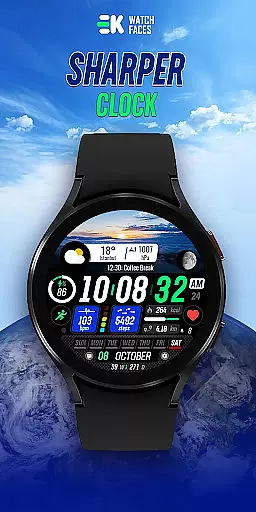
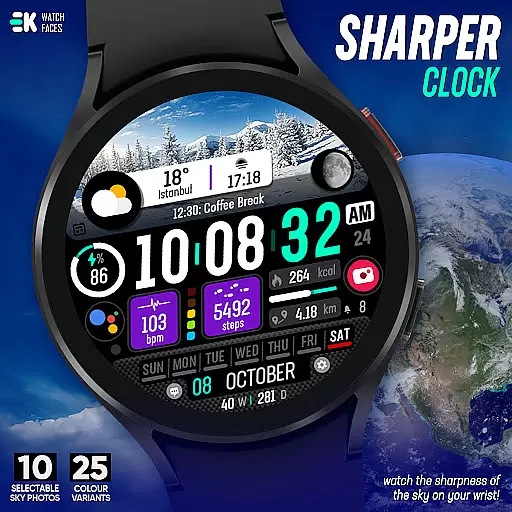
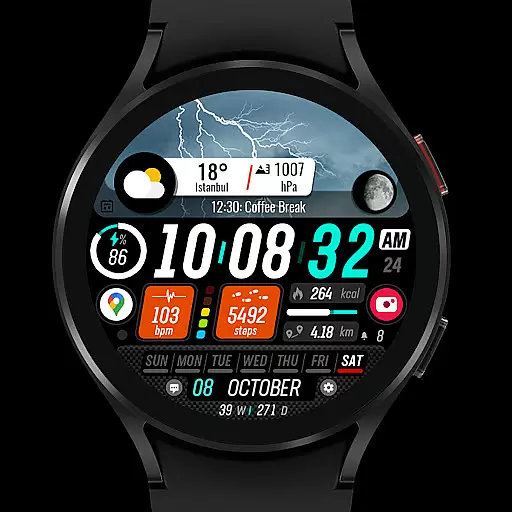
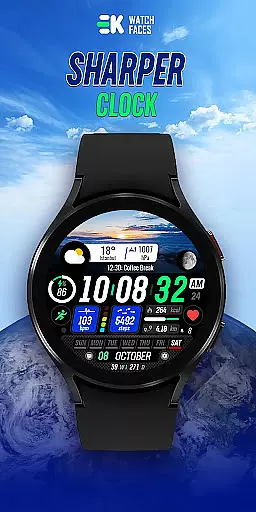
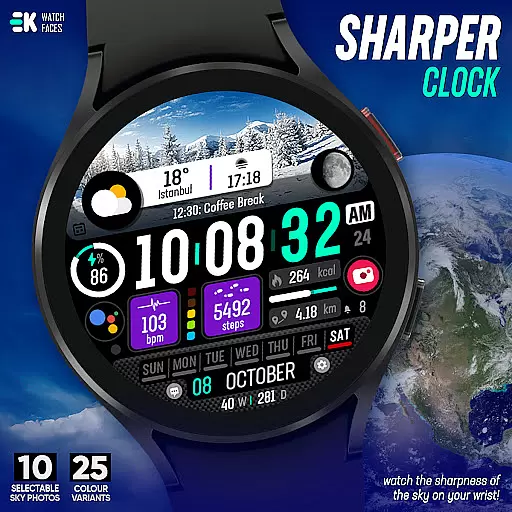
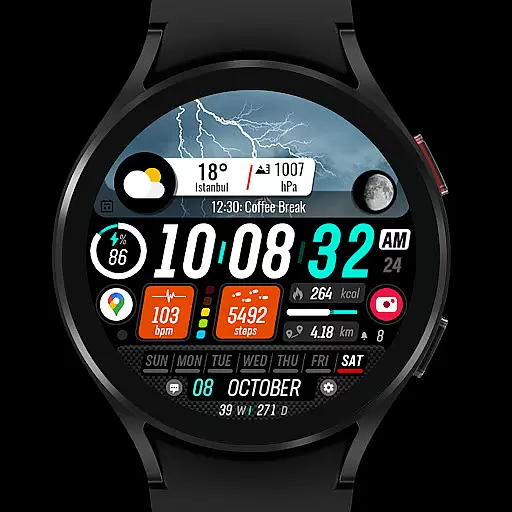
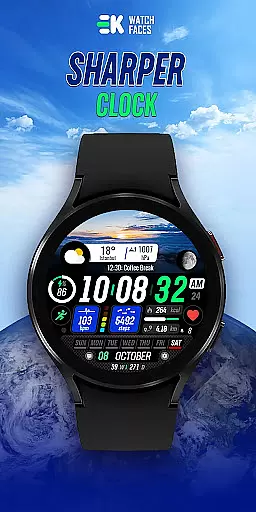
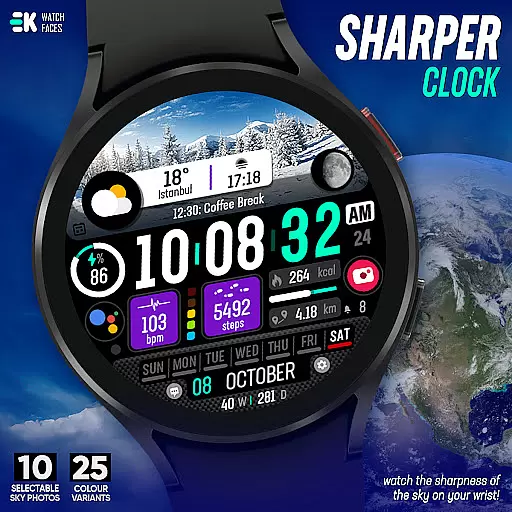
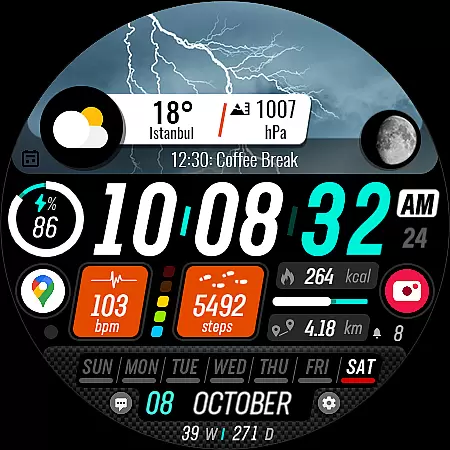
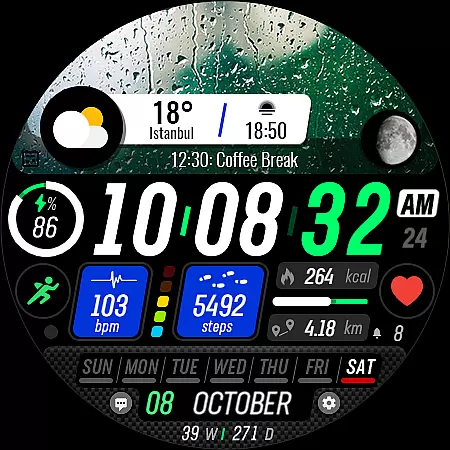
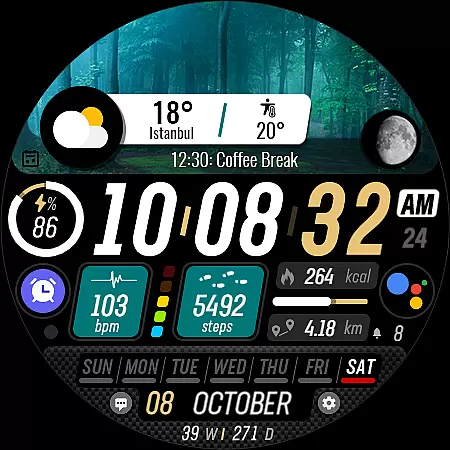
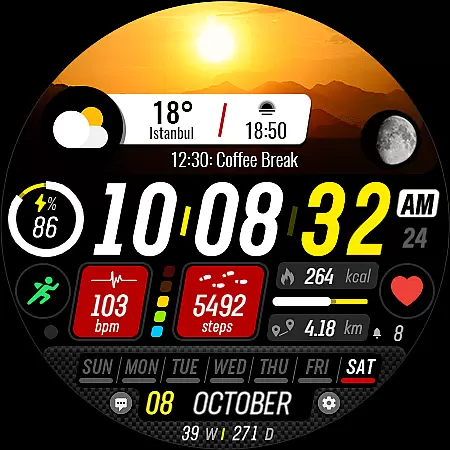
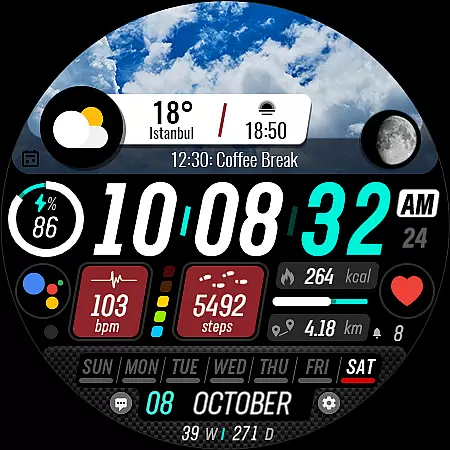
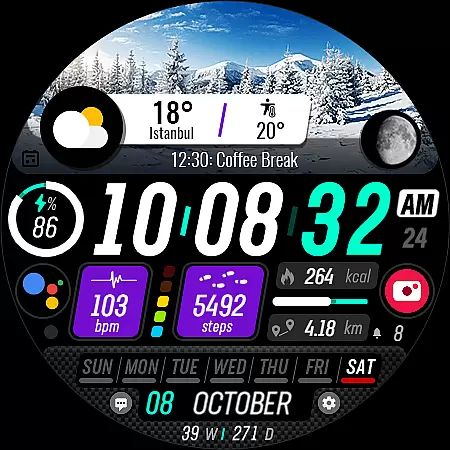
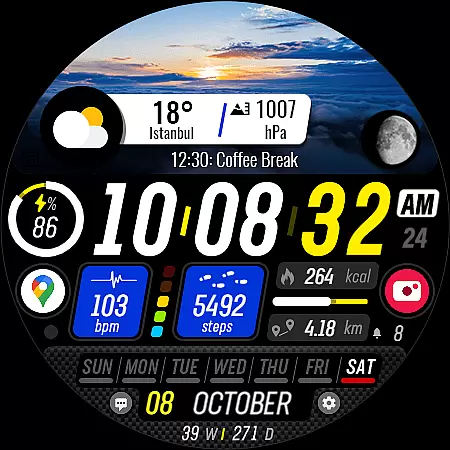
Sharper Clock is a feature-rich watch face designed exclusively for Wear OS devices, offering users a unique way to experience timekeeping on their smartwatches. With its visually striking sky-themed display and comprehensive functionality, this app transforms your watch into a personalized timepiece.
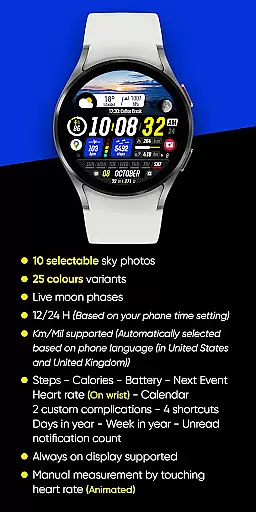
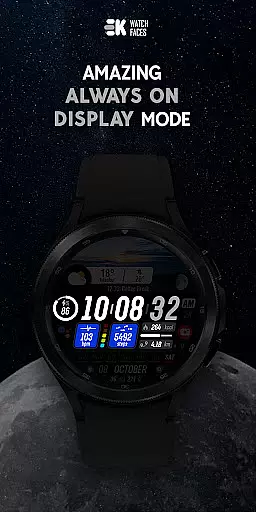
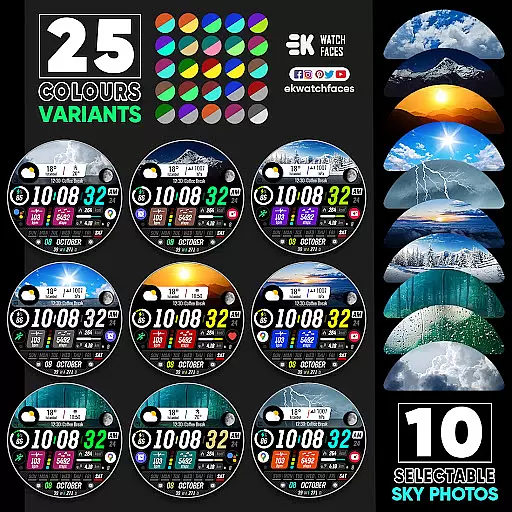
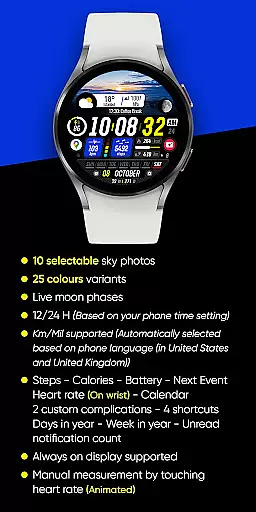
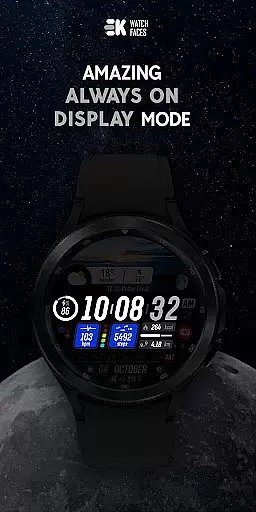
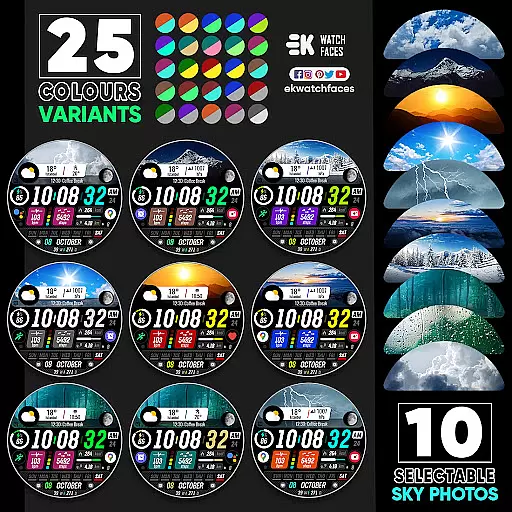
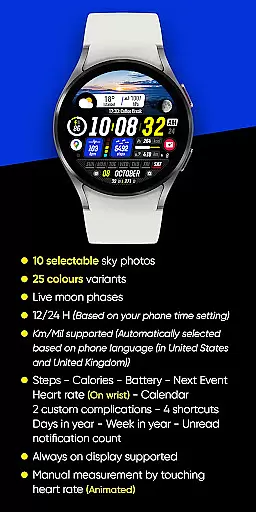
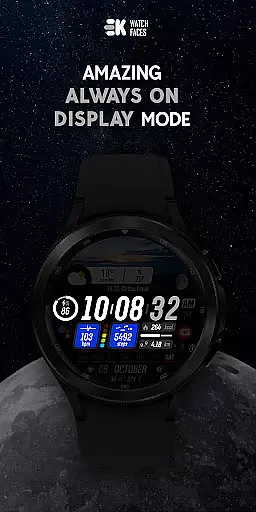
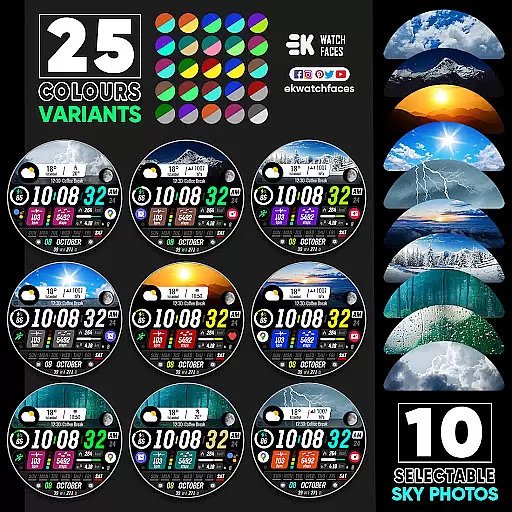
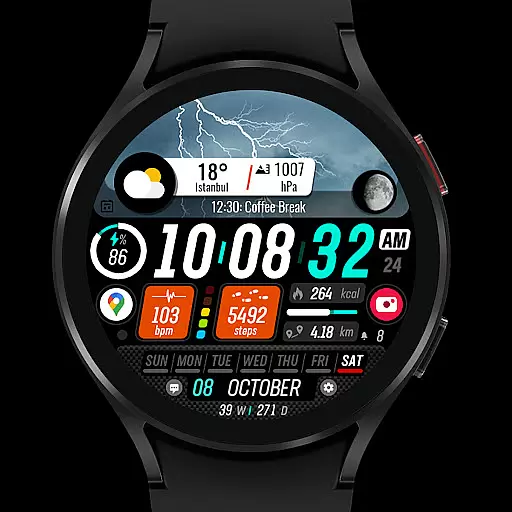
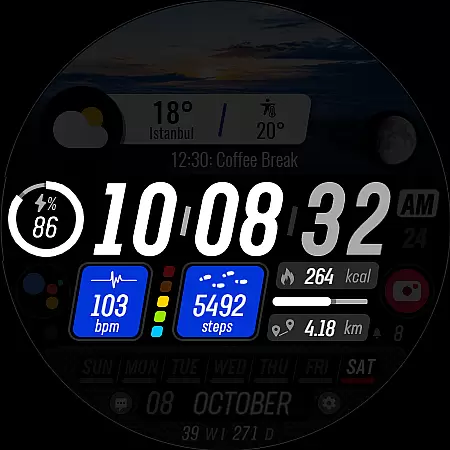
The app provides 10 selectable sky photos with 25 color variants, live moon phases, and support for both 12/24-hour formats. It also includes essential metrics like steps, calories, battery status, heart rate, and more, all while supporting always-on display. These features make it ideal for users seeking both aesthetics and utility in a watch face.
Sharper Clock stands out with its diverse feature set tailored for Wear OS users. The app offers 10 stunning sky-themed backgrounds, each available in 25 color variants, allowing users to customize their watch face to match their style. Its live moon phase display adds an astronomical touch, while automatic adjustments for time format and distance units ensure seamless usability across regions.
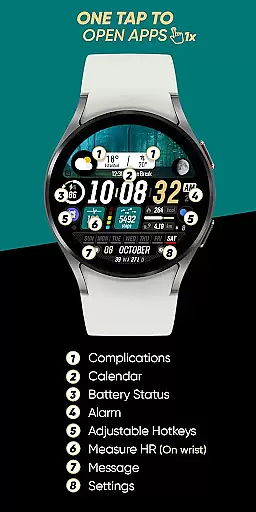
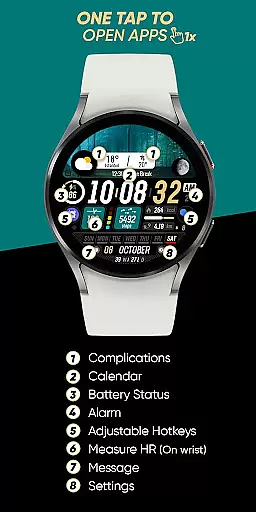
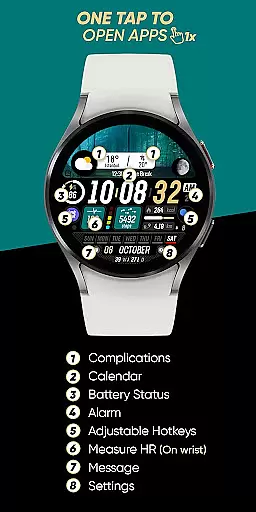
In addition to its aesthetic appeal, the app delivers practical functionality by integrating health and device metrics such as step count, heart rate, battery level, and calendar events. Users can also take advantage of complications and shortcuts for quick access to frequently used features. For optimal performance, enabling sensor permissions and complication data is recommended.
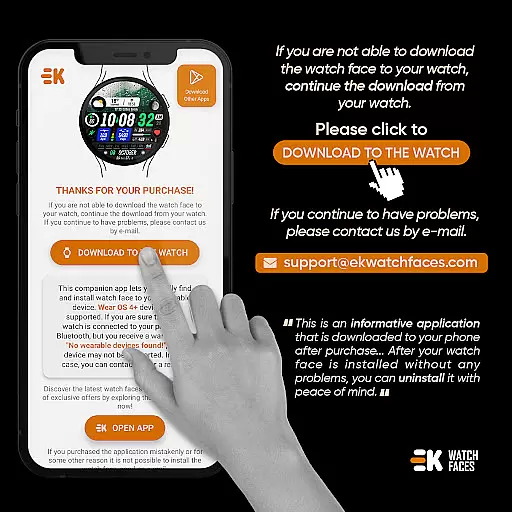
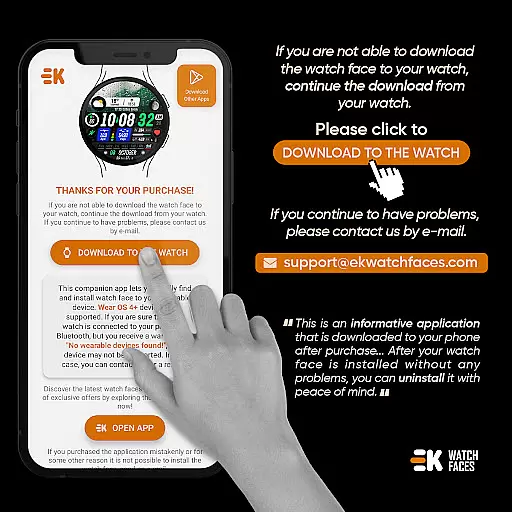
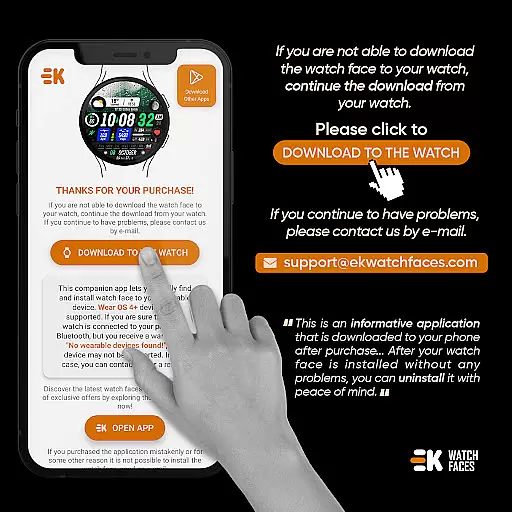
Sharper Clock - Watch Face offers seamless companion app integration, ensuring that your phone and Wear OS device work together harmoniously. The phone app acts as a placeholder to simplify the installation process and helps you locate the watch face easily on your wearable device.
By connecting your watch to your phone, you can tap on the 'DOWNLOAD TO THE WATCH' option in the phone app, which initiates the installation process directly on your watch. This ensures a smooth transition of data and settings between devices, enhancing user experience.
The app also supports manual permissions for sensors and complications data, allowing users to enable full functionality across their devices. This interconnected ecosystem provides convenience and efficiency, making it easier to manage your smartwatch from your phone.
With proper synchronization, users can enjoy features like live moon phases, always-on display, and health tracking metrics such as steps, calories, heart rate, and more. Companion app integration is crucial for maximizing the utility of Sharper Clock - Watch Face.
Sharper Clock - Watch Face is specifically designed for Wear OS devices running API 33 and above, ensuring optimal performance and compatibility. This strict compatibility requirement guarantees that users will experience the full range of features without running into technical issues.
The app supports both 12/24-hour time formats based on your phone's settings and automatically selects units of measurement (Km/Mil) according to the phone's language settings, particularly in the United States and United Kingdom. This attention to detail ensures a personalized and region-specific user experience.
Additionally, the app includes various customizable features such as selectable sky photos, color variants, and multiple complications like steps, calories, battery status, and calendar events. These features are fully supported on compatible devices, providing a rich and interactive watch face experience.
For users who encounter any challenges, the developer provides clear instructions and troubleshooting tips, emphasizing that any payment loops or installation issues are not developer-dependent. This commitment to transparency and support enhances user confidence in the app's compatibility with their Wear OS devices.
Visually appealing design
Customizable options
Live moon phases
Health metrics integration
Always-on display
Limited to Wear OS
Installation complexity
Potential sync issues
No iOS support
Permission requirements

WTW M17 is a premium and luxurious hybrid watch face
 4.70
4.70
A modern premium sporty hybrid watch face for Wear OS by Ballozi
4.70
Stylish digital watch face for Wear OS devices with customizable features
4.0
Fitness interactive virtual pet super fighter boy watch face
4.2
Funny animated watch face for Thanksgiving
4.0
Hyper-Realistic Airplane Dashboard Watch Face With 10 Skins and Custom AOD
4.00
Viewer for Wyze/Yi/Eufy/Arlo/ONVIF/RTSP/P2P IP cams w/ adv. features & DIY DVR
4.00
Control your Samsung Smart TVs, appliances, and SmartThings-compatible devices
4.60
Spam call blocker and caller ID for automatic call protection!
4.40
Your second brain for organizing your life: to-do, calendar, reminder.
4.70
Kia Access makes getting your vehicle information easier than ever
4.60
A realistic hybrid watch face with many customization options.
4.60
Simple, helpful messaging by Google
4.60
A customizable Christmas watch face for Wear OS with a countdown.
4.20
Let's celebrate Thanksgiving - Wear Os watch face
4.20
Wear Os Watch Face - Animated Snow Effect & Magic Spark - 6 Scenes
4.10
Wear Os Watch Face - Animated Snow Effect & Christmas Lights
4.3
an Analog Watch Face for winter season with freeze winter background for Wear OS
4.5
Precision analog watch face with 7 complications and style options
4.2


User Reviews