
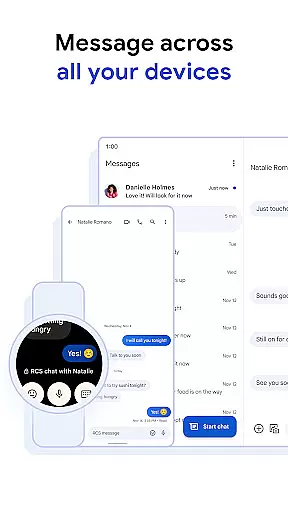
Google Messages is the official messaging app from Google, designed to enhance communication for over a billion users worldwide. Built on Rich Communication Services (RCS), it replaces traditional SMS and MMS with advanced features like high-resolution media sharing, dynamic group chats, and seamless cross-platform compatibility, including with iPhone users.
This app offers a personalized and secure messaging experience. Users can customize chat bubble colors, create fun selfie GIFs, and enjoy end-to-end encryption for private conversations. Additionally, AI-powered tools like Magic Compose help craft perfect messages, while its multi-device support ensures smooth transitions between phones, tablets, and Wear OS devices.
Whether you're looking to connect with friends, family, or colleagues, Google Messages provides a richer, safer, and more expressive way to communicate, making it ideal for both personal and professional use.
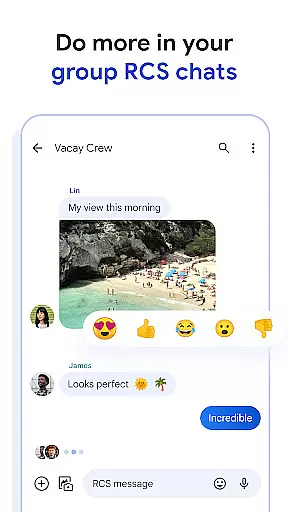
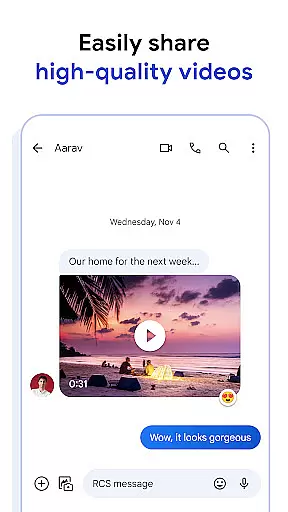
Google Messages stands out with its innovative features powered by RCS technology. The app allows users to share high-quality photos and videos without compression, ensuring that every message retains its original clarity. Dynamic group chats enable real-time interactions, where participants can see when others are typing, creating a more engaging experience.
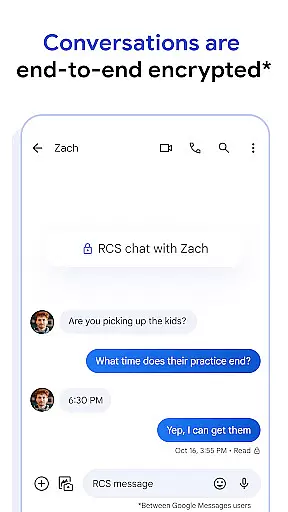
Privacy and personalization are at the core of this app. End-to-end encryption ensures that only the sender and recipient can access messages and attachments, protecting sensitive information from unauthorized access. Customizable options such as chat bubble colors and animated GIFs let users tailor their conversations to reflect their personality.
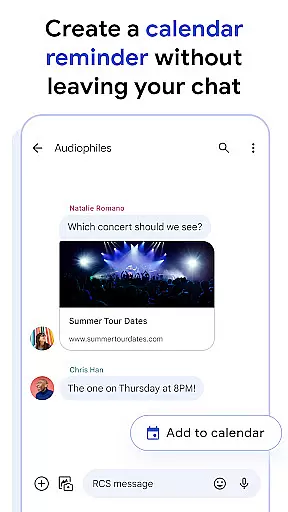
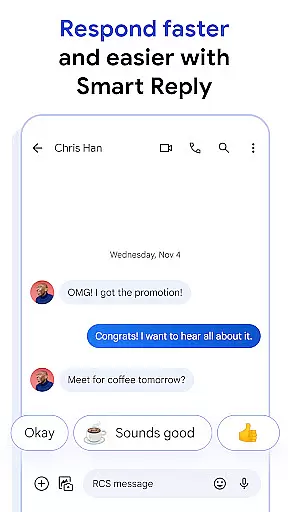
AI integration enhances productivity through Magic Compose, which suggests context-aware responses. Its cross-device functionality supports continuity, allowing users to start conversations on one device and continue them on another, including Wear OS smartwatches. These features collectively make Google Messages a versatile tool for modern communication needs.
Companion app integration is a crucial feature for wearable devices, ensuring seamless connectivity between your phone and wearable. Google Messages excels in this area by providing users with the ability to sync messages across multiple devices effortlessly.
The app supports real-time synchronization, allowing you to start a conversation on your phone and continue it on your Wear OS device without missing a beat. This ensures that all your messages, including RCS-enhanced content like high-resolution photos and videos, are accessible wherever you are.
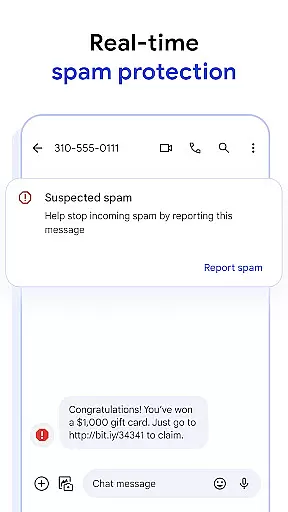
With end-to-end encryption and advanced spam protection, your conversations remain private and secure across all linked devices. This level of integration not only enhances convenience but also maintains the highest standards of security and privacy.
By leveraging companion app integration, Google Messages offers a unified messaging experience that adapts to your lifestyle, making communication more flexible and reliable than ever before.
Device compatibility is essential for ensuring that applications run smoothly across various platforms and operating systems. Google Messages is fully optimized for Wear OS, offering users a seamless experience on their smartwatches.
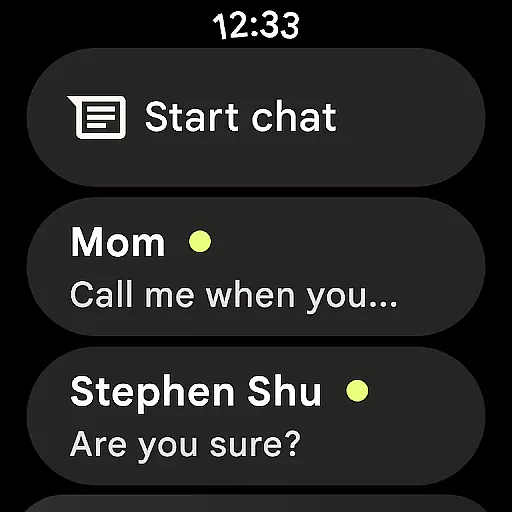
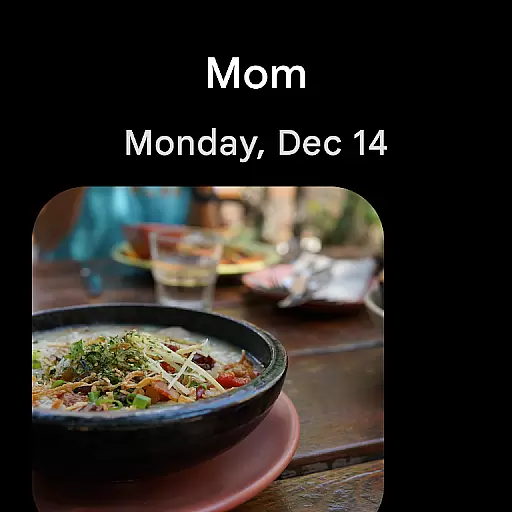
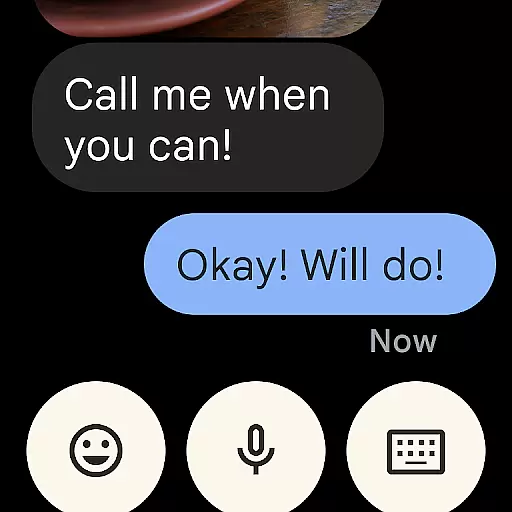
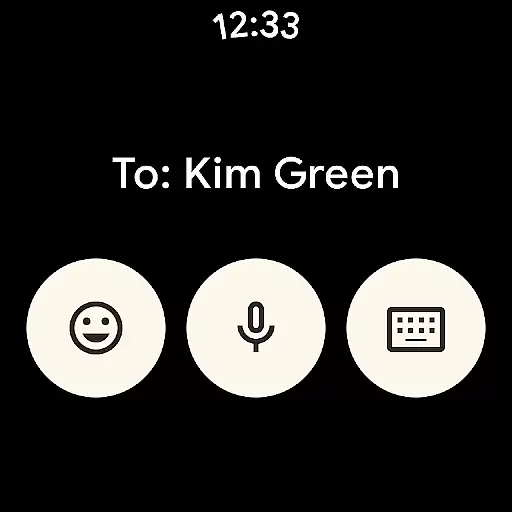
This compatibility allows users to receive notifications, view messages, and even respond directly from their Wear OS devices. The intuitive interface is designed to work within the constraints of smaller screens, providing quick access to essential features without compromising usability.
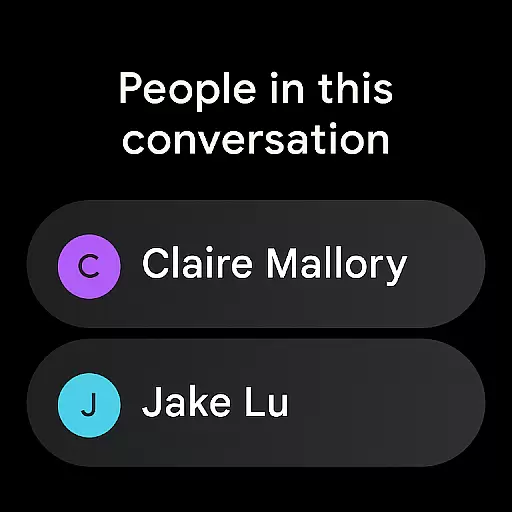
In addition to basic messaging, Google Messages on Wear OS supports RCS functionalities, enabling dynamic interactions such as seeing when friends are typing or enjoying enhanced group chats. These features ensure that users do not miss out on any important communications while on the go.
By prioritizing Wear OS and device compatibility, Google Messages delivers a versatile and robust messaging solution that caters to the needs of modern, connected lifestyles.
High-quality media sharing
End-to-end encryption
Customizable chat options
AI-powered suggestions
Cross-device support
Limited RCS availability
Requires data plan
Beta testing needed
Device compatibility issues
Market feature restrictions

Diet tracker for weight loss - track calories, food and macros. Simple and easy!
 4.70
4.70
Embrace the festive spirit with our Christmas Countdown watchface for Wear OS
4.10
Elegant animated Christmas tree with multiple customization options
4.20
Bold, Modern Hybrid Watch Face for Wear OS. 10 Colors, Rich Info Display.
4.30
Structured watch face with seven complications and modular UI elements
3.90
sleep, alarm, snoring, stress, healing, focus, sound therapy, circadian rhythm
4.10
The Chevron App allows you to pay for fuel from the comfort of your car!
4.80
Stylish, Energizing and Modern Watch Face crafted by Dominus Mathias.
4.50
From periods to pregnancy & perimenopause, Flo helps you track it all. Try now.
4.70
Gym Log & Workout Tracker | Fitness Journal, Training & Weight Lifting Planner
4.90
Hyperlocal rain alerts by MyRadar using patent-pending technology, radar & more
4.80
WTW M17 is a premium and luxurious hybrid watch face
4.70
Gym & home workout plans with strength training, exercise tracking, HIIT & more.
4.60
Retro digital watch face with customizable colors and a unique lighting effect
4.60
A full-featured Amazon Alexa voice assistant that can show you things.
3.70
A watch face that fuses motorsport precision with contemporary smartwatch design
4.1
Simple Analog-Digital Watchface For Wear OS 3.0 and Up Smartwatches
4.2
Funny animated watch face for Thanksgiving
4.5
Minimalistic design modern digital watch face.
4.3


User Reviews