
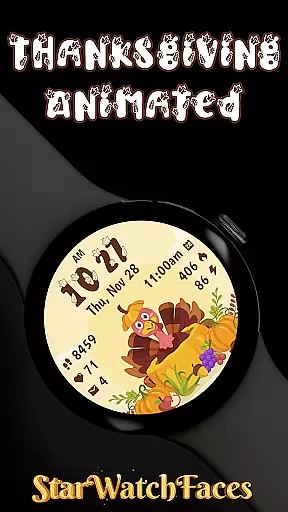
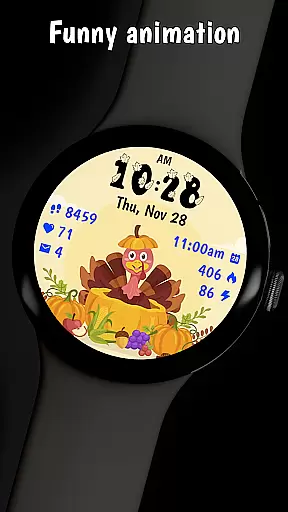

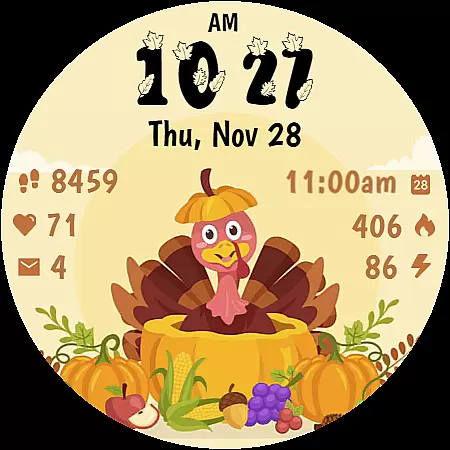
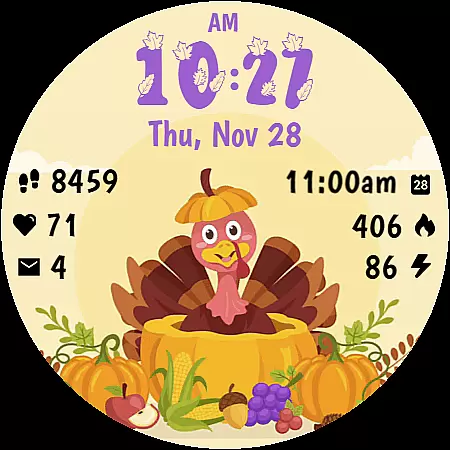
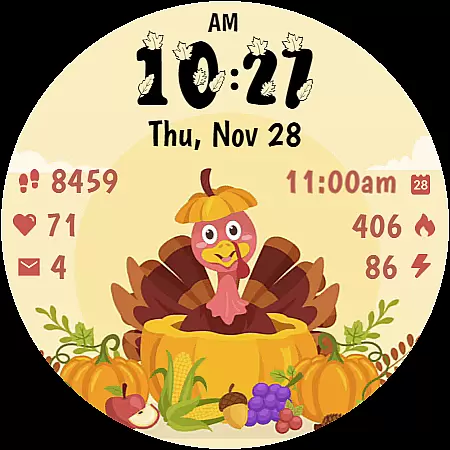
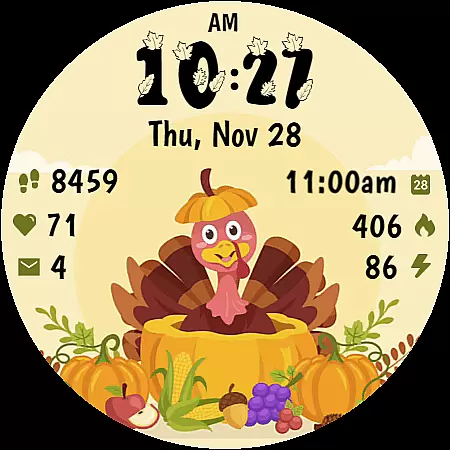
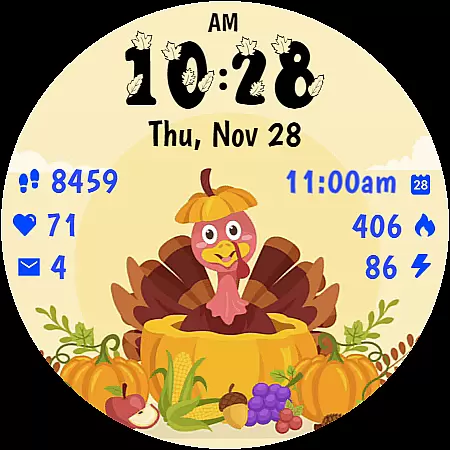
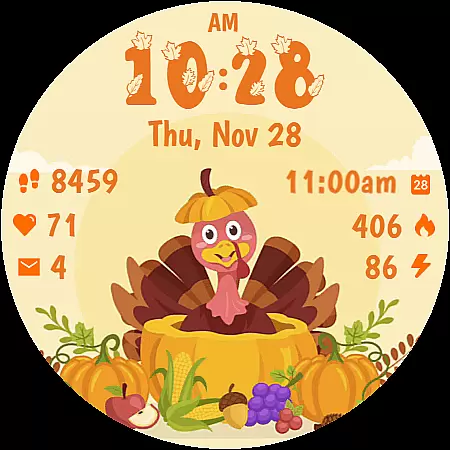
Thanksgiving Animated is a festive watch face designed for Wear OS devices, bringing the charm of Thanksgiving to your smartwatch. Featuring an adorable animated turkey and seasonal decorations, this app transforms your device into a delightful harvest celebration.
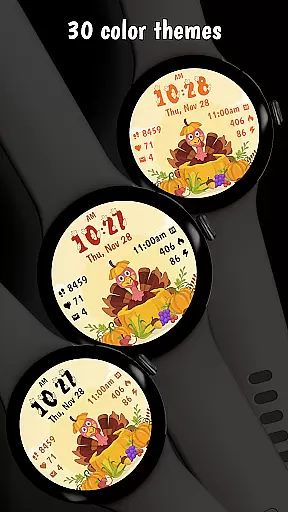
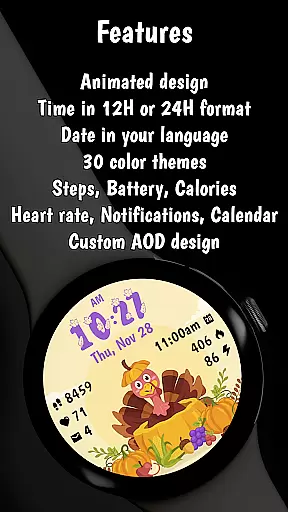
The watch face includes practical features like digital time display, fitness tracking, notifications, and calendar integration. With 30 customizable color themes and optimized battery-efficient performance, it offers both style and functionality for autumn season enthusiasts.
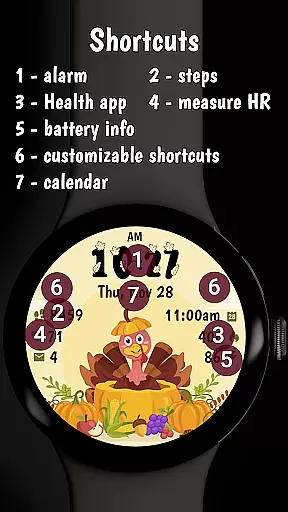
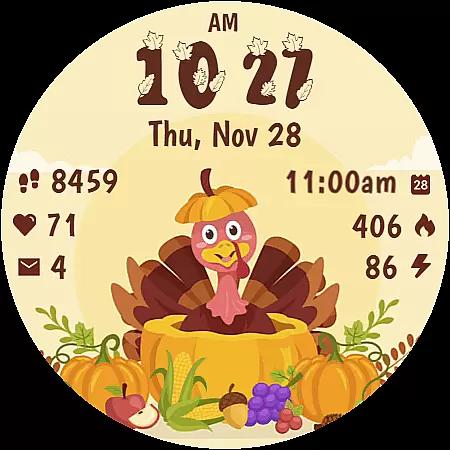
Thanksgiving Animated stands out with its cheerful animated turkey and beautifully designed harvest scene featuring pumpkins and autumn fruits. The clear digital time display uses a custom stylized font while maintaining essential smartwatch functions.
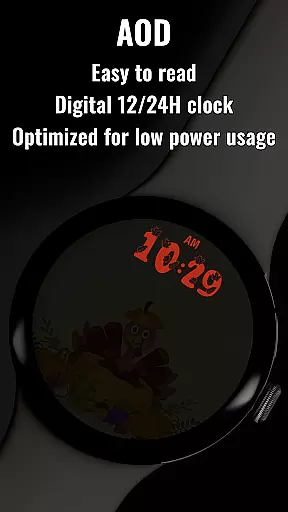
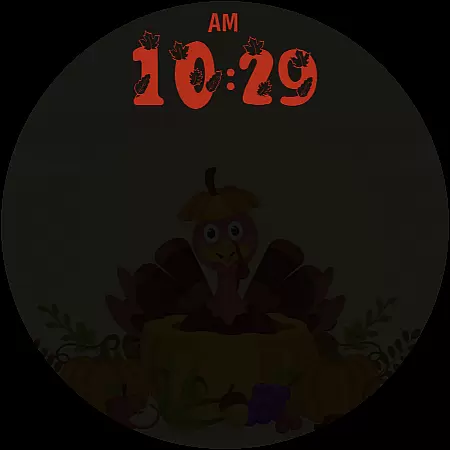
Users can enjoy comprehensive fitness tracking including step counter, heart rate monitor, and calorie tracker. The app also provides practical features like notifications, battery level indicator, and calendar integration. Its optimized Always On Display (AOD) mode ensures minimal battery impact while preserving visibility.
The watch face supports customization through color themes and complications, making it adaptable to personal preferences while maintaining optimal performance on Wear OS 4 and 5 devices.
Companion app integration is essential for a seamless smartwatch experience. Thanksgiving Animated offers a robust companion app that enhances user control and customization options.
The companion app allows users to fine-tune their watch face settings directly from their smartphone. This includes selecting from 30 stunning color themes and adjusting various display elements, ensuring the watch face matches personal style and mood.
Beyond customization, the app provides easy access to additional features. Users can explore other amazing watch faces created by the developer, expanding their options for personalization. The app also serves as a gateway for customer support and updates.
This integration significantly improves usability by centralizing control. Users can efficiently manage their watch face settings, discover new designs, and participate in promotions like the BOGO offer, all through a single, user-friendly interface.
Device compatibility is crucial for ensuring optimal performance across different Wear OS devices. Thanksgiving Animated is specifically optimized for both Wear OS 4 and Wear OS 5 devices, guaranteeing a smooth user experience.
The watch face utilizes the latest WFF format, which ensures maximum compatibility with modern smartwatch hardware. This technical foundation enables consistent performance regardless of the specific device model.
Extensive testing has been conducted to verify compatibility across various screen sizes and resolutions. The design maintains its visual integrity and functionality, whether on round or square displays.
This broad compatibility approach allows users to enjoy the festive animations and practical features without worrying about technical limitations. The optimization also extends to battery management, ensuring minimal impact on device performance while maintaining the watch face's visual appeal.
Eye-catching design
Fitness tracking
Customizable themes
Optimized AOD
Practical features
Holiday-specific theme
Limited year-round appeal
Premium purchase required
Wear OS exclusive
Animation may distract

Christmas Theme Watch Face for Wear Os
 5.00
5.00
Animated Watch Face and Customizable with 24 Backgrounds. Perfect for Christmas!
3.90
Snowflake Rose Gold Watch Face - Digital, modern, & sleek with GYRO effect.
4.10
A Wintery Snow Globe on Your Wrist; now celebrating Christmas!
4.4
MyNISSAN® lets you remotely control your car from your phone.*
4.50
Premium hybrid watch face with many customizations for Wear OS devices.
4.40
Track your active life in one place and share the journey with friends.
4.40
From periods to pregnancy & perimenopause, Flo helps you track it all. Try now.
4.70
Download full tracks, listen to music offline, make unlimited playlists.
4.80
Period, ovulation & pregnancy tracker. Fertility insights & menstrual calendar.
4.90
The most customizable minimal watch face. For Wear OS 5.0, API 34+ and later
4.70
Real-time results, stats, schedules and player profiles for all leagues
4.60
Connect to your Bluelink equipped Hyundai vehicle from your smartphone.
4.50
Embrace the holiday spirit with this magical animated watch face!
4.40
Beautiful artistic animated digital watch face, with a customizable layout!
4.40
Reliable phone calls with spam protection, caller ID and more helpful features
4.40
Get helpful reminders, take progress photos and find answers to your questions.
3.90
Precision analog watch face with 7 complications and style options
4.1
3 Complications. All shadow on/off. 30 Themes color palette...
4.0


User Reviews