
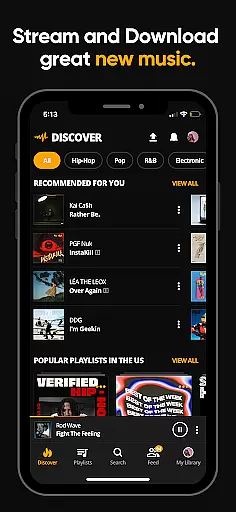
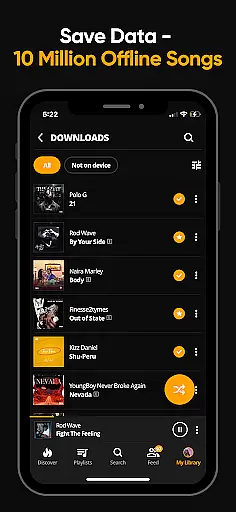
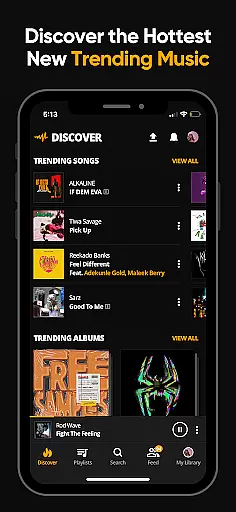
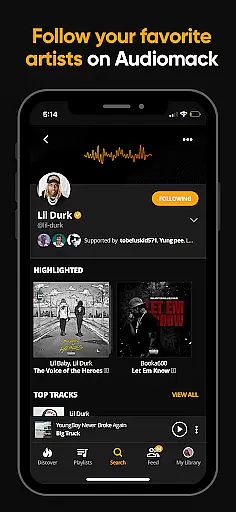
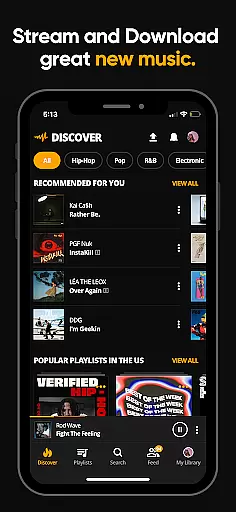
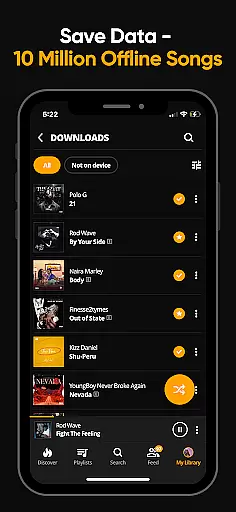
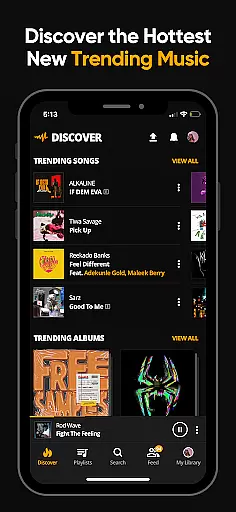
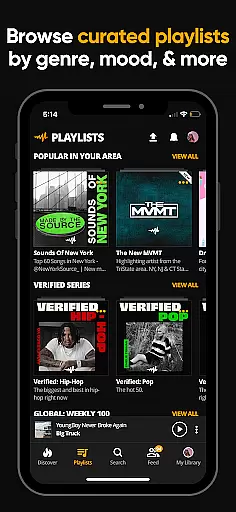
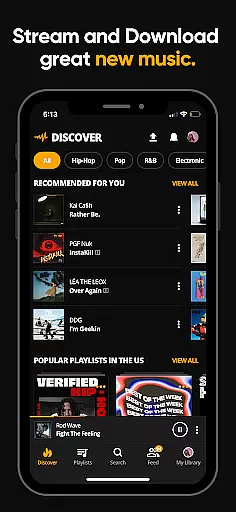
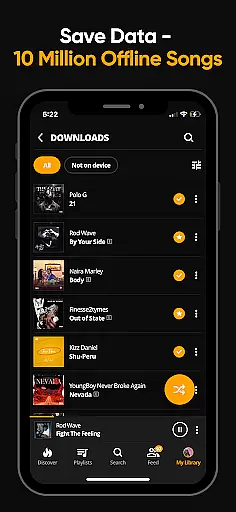
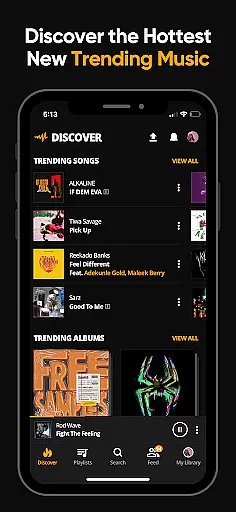
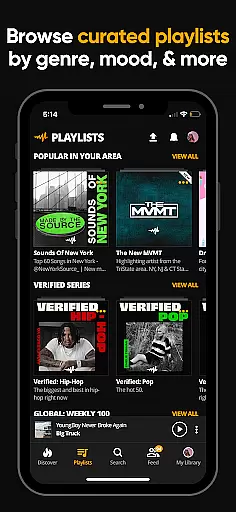
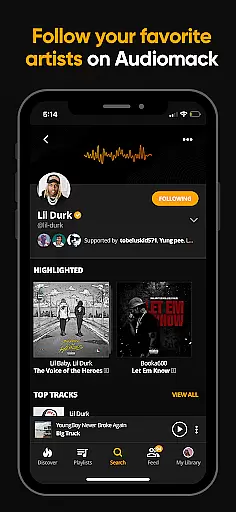
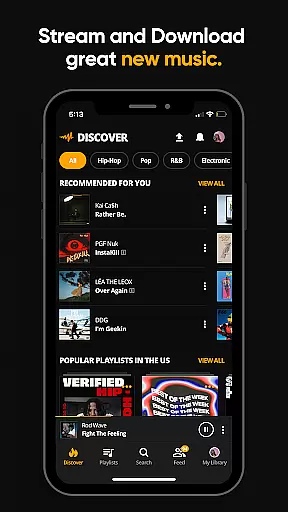
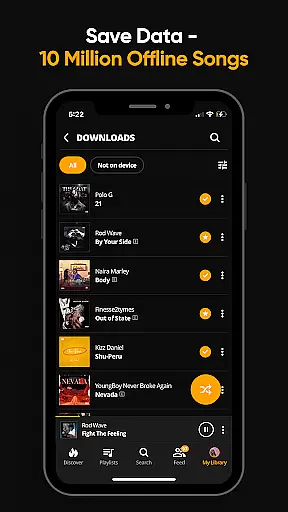
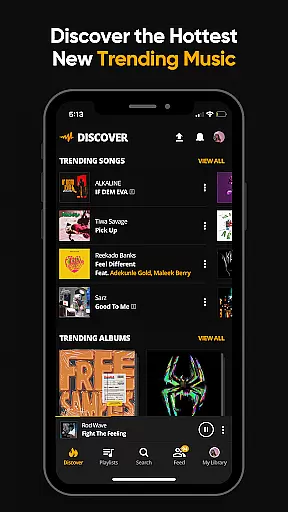
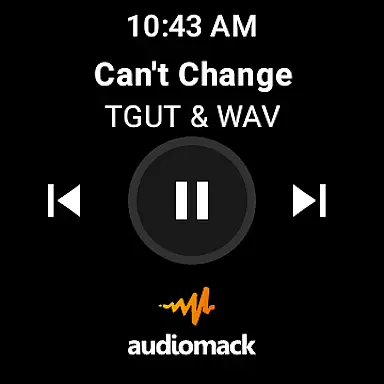
Audiomack is a premier music streaming and download app tailored for Android Wear users. It offers unlimited access to trending full tracks across genres like Hip-Hop, Rap, R&B, EDM, Afropop, and Reggae. The app stands out with its offline data-free listening feature, enabling users to download songs and albums without needing Wi-Fi. Additionally, Audiomack integrates seamlessly with local music files, supporting formats such as MP3, WAV, M4A, and AAC.
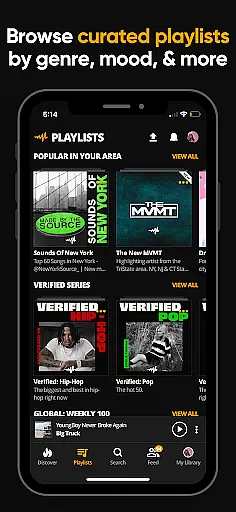
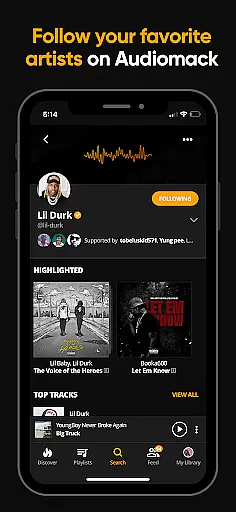
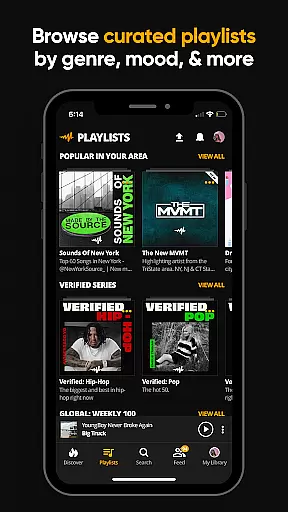
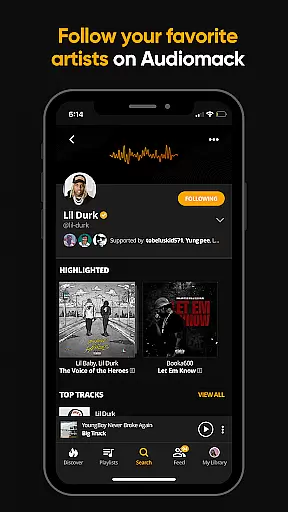
One of the key highlights of Audiomack is its expertly curated playlists and the ability to create unlimited custom playlists. Users can follow top artists including 21 Savage, Youngboy, and Kevin Gates, ensuring they stay updated with the latest in music. With compatibility across platforms like Wear OS and Android Auto, Audiomack provides an immersive experience whether you're at home or on the go. For those seeking an uninterrupted experience, an ad-free subscription is available for $4.99 per month.
Audiomack boasts a rich set of features designed to enhance the music listening experience on Android Wear. The app allows users to stream unlimited full tracks and mixtapes that are either new or trending, making it easy to discover upcoming hits. Its offline download capability ensures that users can enjoy their favorite music without consuming data, which is particularly beneficial when traveling or in areas with poor connectivity.
Users can organize their music by favoriting tracks, albums, and playlists, allowing quick access to their preferred content. The app also supports local file playback, accommodating various formats like MP3, AAC, M4A, and WAV. Furthermore, Audiomack's integration with Wear OS and Android Auto extends its usability, providing a seamless transition between devices. Subscribers to the ad-free version gain the added benefit of uninterrupted listening, enhancing overall user satisfaction.
For Audiomack users, the seamless integration between the main app and its Android Wear counterpart enhances the overall music experience. This connection allows for effortless control of music playback directly from your wearable device.
The app ensures that your playlists, downloaded tracks, and favorite songs are synchronized across all devices. Whether you're at the gym or commuting, you can easily manage your music without needing to reach for your phone.
This synchronization extends beyond just music; it includes your preferences and personalized recommendations too. The result is a unified experience that keeps your music library and preferences consistent, regardless of the device you're using.
By prioritizing companion app integration, Audiomack delivers convenience and flexibility, ensuring that your music is always accessible, whenever and wherever you want it.
Audiomack's compatibility with Wear OS guarantees that users can enjoy their favorite tracks on a variety of smartwatches. This broad device support ensures that no matter which Wear OS device you own, you'll have access to your music library.
The app is optimized to maintain performance across different devices, providing a smooth interface and reliable functionality. Users can expect quick loading times and responsive controls, making their listening experience pleasant and hassle-free.
In addition to supporting multiple devices, Audiomack also ensures that its features are fully functional on Wear OS. From playing local files to streaming new releases, the app offers a comprehensive set of tools tailored for wearable technology.
This commitment to compatibility highlights Audiomack's dedication to accessibility and user satisfaction, allowing music enthusiasts to enjoy high-quality audio experiences on their terms.
User-friendly interface
Offline listening mode
Wide range of music genres
Seamless device integration
Expertly curated playlists
Limited free version
Occasional app crashes
Ads in free version
Subscription cost
Regional restrictions

Animated Watch Face and Customizable with 24 Backgrounds. Perfect for Christmas!
 3.90
3.90
Digital watch face. For Wear OS devices.
4.40
Monitor health with the stress test and pulse checker in the heart rate app.
4.60
Period, ovulation & pregnancy tracker. Fertility insights & menstrual calendar.
4.90
Reliable phone calls with spam protection, caller ID and more helpful features
4.40
Real-time weather radar with temperatures, warnings, hurricanes, and widgets
4.80
Stylish, Energizing and Modern Watch Face crafted by Dominus Mathias.
4.50
Your music, your playlists, and more—offline and unlimited.
4.20
Control your Samsung Smart TVs, appliances, and SmartThings-compatible devices
4.60
Diet tracker for weight loss - track calories, food and macros. Simple and easy!
4.70
Easy Voice Recorder is your everyday companion to record important moments.
4.70
Your second brain for organizing your life: to-do, calendar, reminder.
4.70
Real-time results, stats, schedules and player profiles for all leagues
4.60
Find EV charging stations
4.30
Locate your family members by GPS phone location tracker everywhere and anytime
4.30
Calming & relaxing sounds for sleeping and stress relief. Stay focused all day!
4.20
Authentic military-tactical design with ZULU time! Realistic and functional!
3.80
Christmas and New Year - Themed Watchface
4.5
Hybrid Vibrant Health Watch Face for Wear OS
4.4


User Reviews