
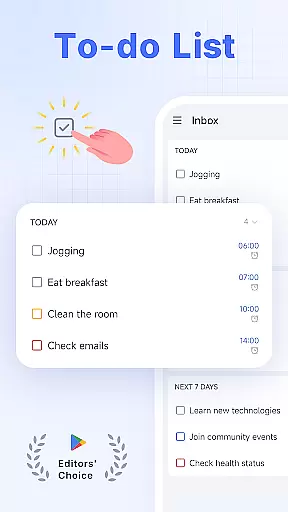
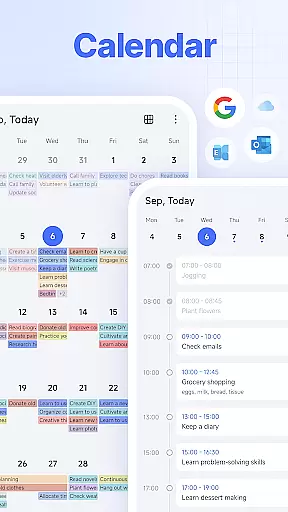
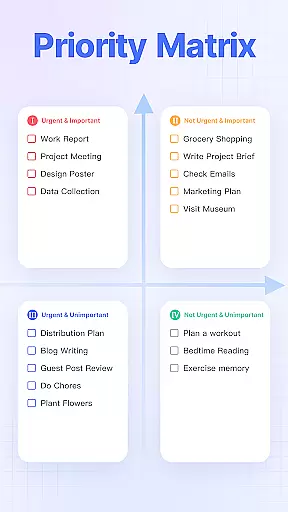
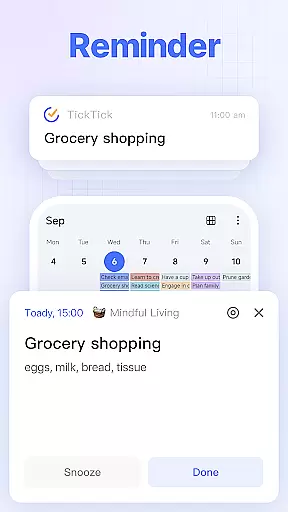
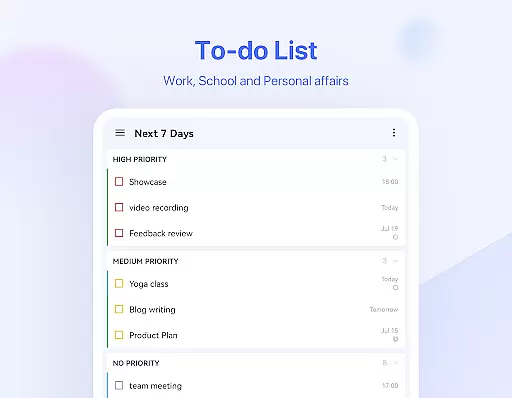
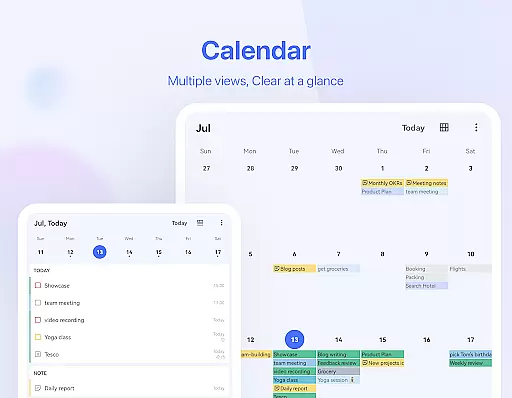
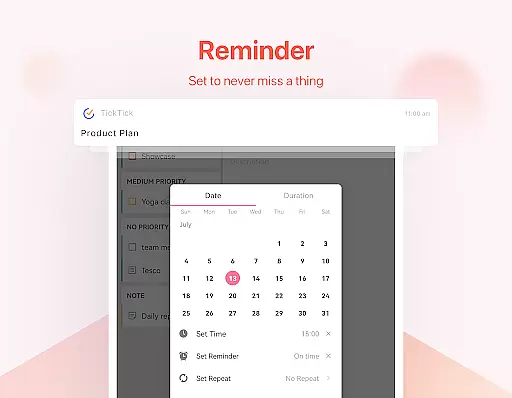
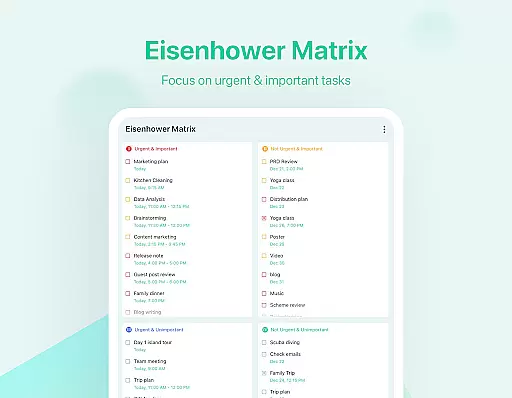
TickTick is a comprehensive productivity app designed to help users manage their tasks, schedules, and habits efficiently. As a multi-dimensional task manager, it consolidates to-do lists, reminders, and calendars into one intuitive platform. Whether you're at home, in the office, or traveling, TickTick ensures seamless organization of your daily activities.
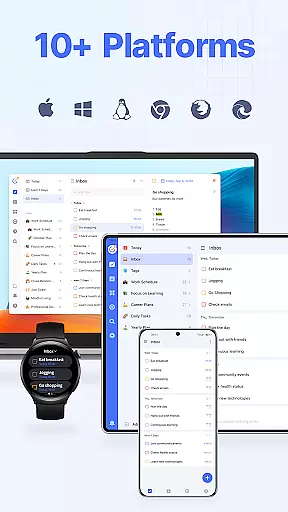
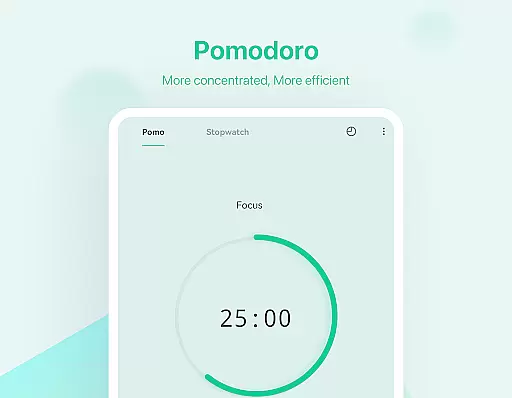
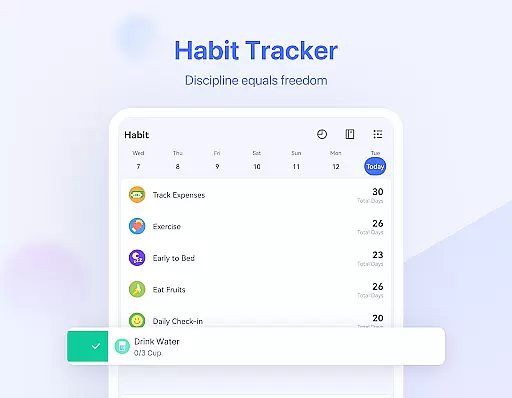
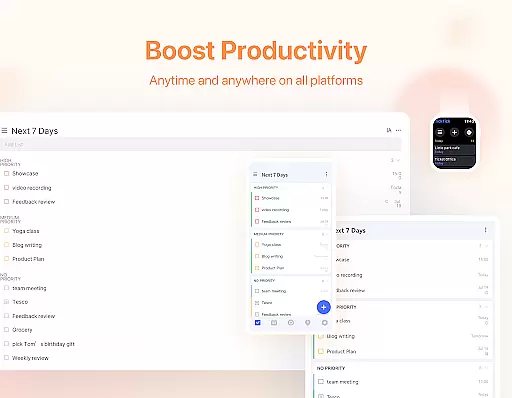
The app stands out with its Pomodoro Timer for focus, Habit Tracker for personal development, and collaboration tools for team projects. Its cross-platform syncing across Android, iOS, Mac, PC, and Wear OS makes it an essential tool for those seeking productivity on multiple devices. With features like instant reminders, recurring tasks, and sleek calendar views, TickTick helps users optimize their time management and achieve their goals effectively.
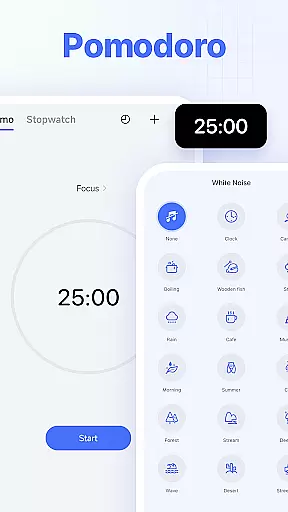
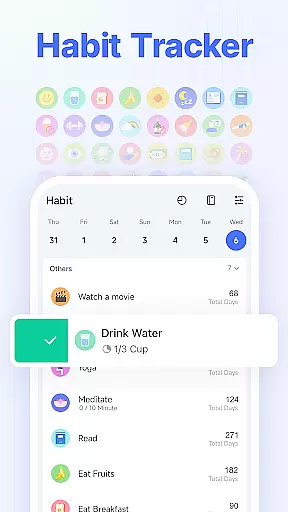
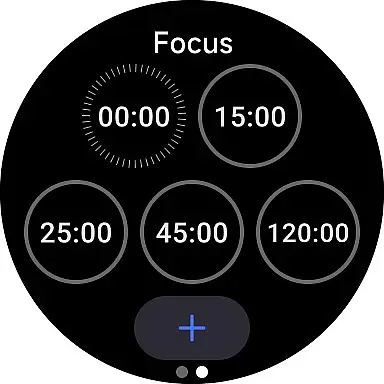
TickTick offers a robust set of features that cater to various productivity needs. The app's Smart Date Parsing allows users to quickly add tasks and set due dates using natural language input. Its Pomodoro Timer and white noise feature help maintain focus during work sessions, while the Habit Tracker enables users to build and monitor positive routines over time.
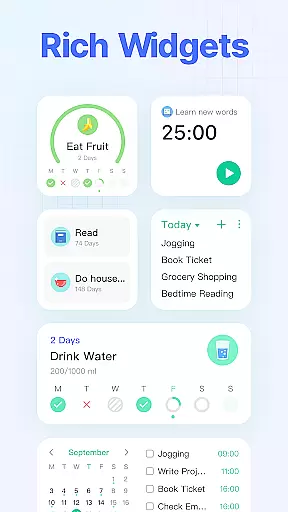
For collaborative projects, TickTick provides seamless sharing and task assignment capabilities. Users can integrate third-party calendars like Google Calendar and Outlook for a unified scheduling experience. Additionally, the app's handy widgets and customizable themes enhance accessibility and personalization. With premium options offering advanced controls and beautiful designs, TickTick ensures a tailored and efficient productivity experience for all users.
Companion app integration is essential for users who rely on wearable technology to stay organized and productive. TickTick excels in this area by offering seamless synchronization between its mobile app and Wear OS devices. This ensures that whether you are checking your tasks on your phone or smartwatch, the information is always up-to-date and consistent.
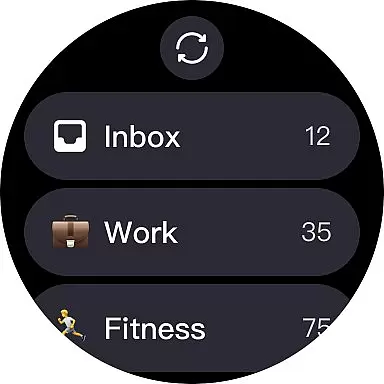
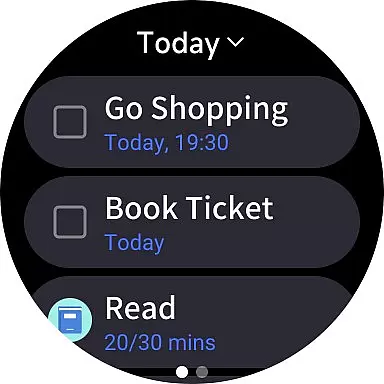
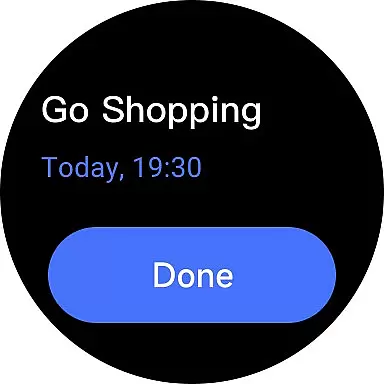
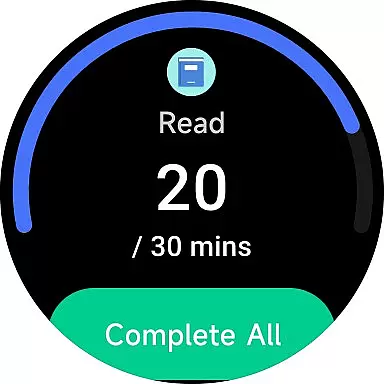
The integration allows users to receive notifications, view tasks, and even complete them directly from their Wear OS watch. This means no more pulling out your phone during meetings or workouts to check your to-do list. With just a glance at your wrist, you can stay informed about your upcoming tasks and deadlines.
Furthermore, TickTick's companion app support extends beyond just Wear OS. It syncs across multiple platforms including web, Android, iOS, Mac, and PC. This cross-platform availability ensures that all your devices work together harmoniously, providing a unified experience regardless of where you are or what device you're using.
Ultimately, TickTick's robust companion app integration empowers users to manage their time and tasks efficiently, without being tied down to a single device. The ability to access your to-do list anytime, anywhere, significantly enhances productivity and helps you make the most of every moment.
Device compatibility is crucial when selecting an app for your Wear OS device. TickTick stands out by ensuring broad compatibility with various devices, making it a versatile choice for users invested in the Android ecosystem. Whether you own a smartwatch from Samsung, Fossil, or any other major brand, TickTick is designed to work seamlessly with your device.
TickTick leverages the full potential of Wear OS, utilizing its features to enhance user experience. For instance, the app supports voice commands, allowing you to add tasks hands-free while on the move. Additionally, the app's sleek interface is optimized for smaller screens, ensuring that navigating through your tasks remains intuitive and straightforward.
Beyond basic compatibility, TickTick offers advanced functionalities tailored for Wear OS. These include instant task reminders, which alert you to upcoming deadlines directly on your smartwatch. Moreover, the app's widget provides quick access to your tasks right from the home screen of your wearable device, streamlining your workflow further.
In summary, TickTick's commitment to Wear OS and device compatibility ensures that users enjoy a smooth, feature-rich experience. By integrating deeply with the operating system and supporting a wide range of devices, TickTick becomes an indispensable tool for managing your life efficiently, whether you're at home, in the office, or exploring new horizons.
User-friendly interface
Cross-platform support
Effective Pomodoro Timer
Comprehensive Habit Tracker
Collaborative task sharing
Limited free features
Premium subscription cost
Occasional sync issues
Complex settings for beginners
Notifications may be delayed

Deck out your Wear OS Watch face with a beautifully decorated pine wreath!
 4.50
4.50
Watch face for Wear OS.
4.20
Digital watch face with big numbers and many customization for Wear OS devices
4.40
Stylish digital watch face for Wear OS devices with customizable features
4.3
The ultimate destination for kids ages 3-8 to explore the Marvel Universe!
4.30
Reliable phone calls with spam protection, caller ID and more helpful features
4.40
A modern hybrid informative watch face for Wear OS designed by BALLOZI
4.80
A white realistic classic analog watch face with many customization options.
4.40
Control your Samsung Smart TVs, appliances, and SmartThings-compatible devices
4.60
The most customizable hybrid watch face. For Wear OS 5.0, API 34+ and later
4.70
Monitor health with the stress test and pulse checker in the heart rate app.
4.60
Ideal for surviving in the wasteland left after nuclear fallout
4.50
Bold, Modern Hybrid Watch Face for Wear OS. 10 Colors, Rich Info Display.
4.30
Let's celebrate Thanksgiving - Wear Os watch face
4.20
"PER27 Galaxy Digital" is a digital Wear OS watch face designed by PERSONA
4.10
Snowflake Rose Gold Watch Face - Digital, modern, & sleek with GYRO effect.
4.10
Authentic military-tactical design with ZULU time! Realistic and functional!
3.80
A full-featured Amazon Alexa voice assistant that can show you things.
3.70
Stay in touch with your friends and family using LINE!
3.40


User Reviews