
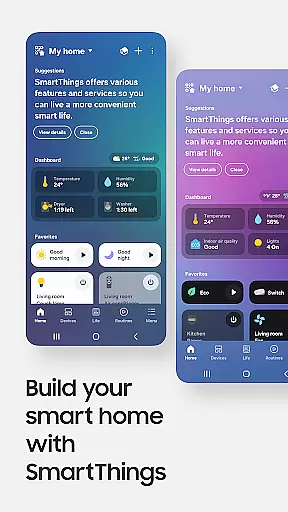
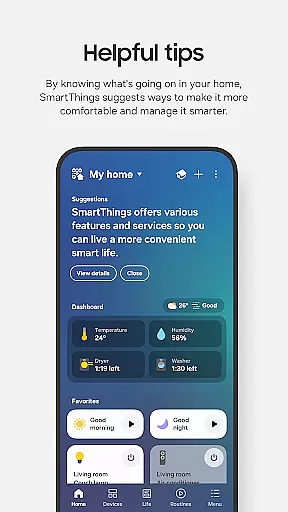
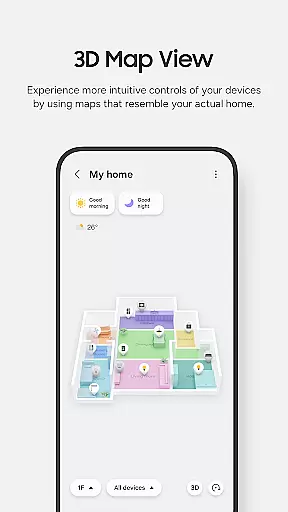
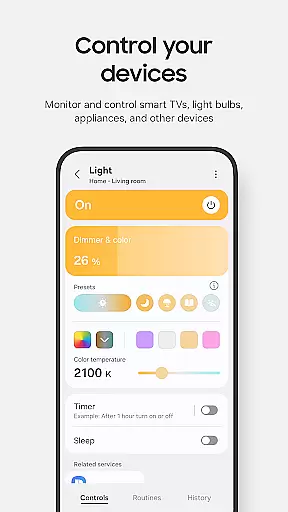
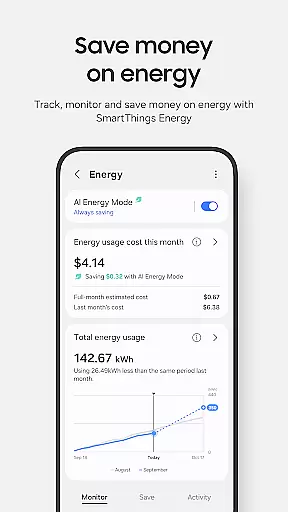
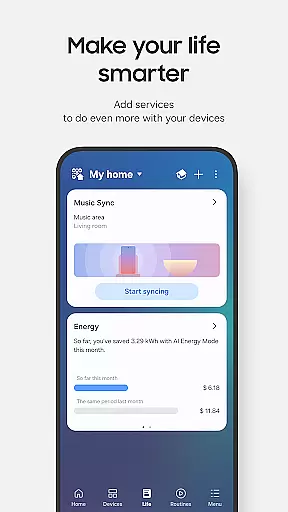
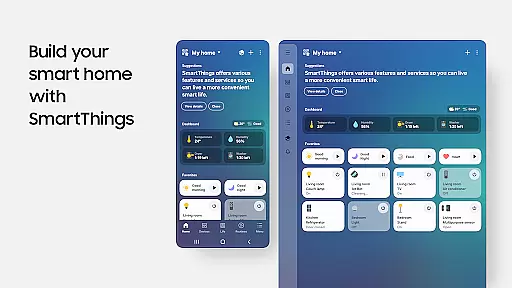
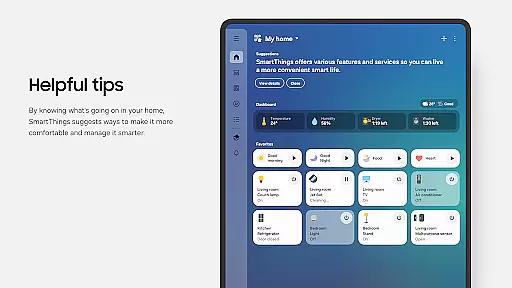
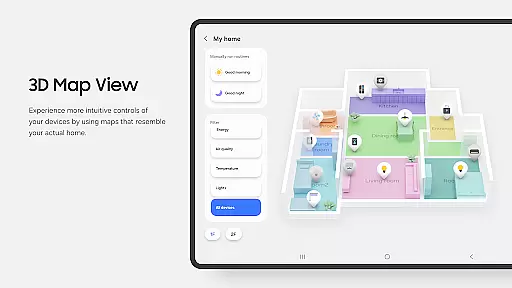
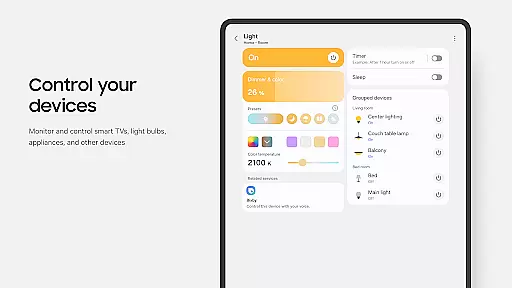
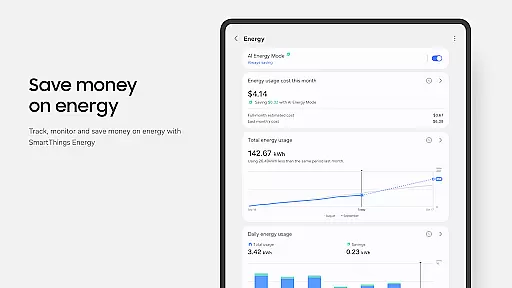
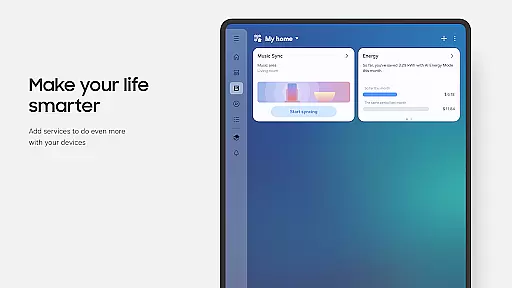
SmartThings is a comprehensive smart home management application that allows users to seamlessly connect and control all their smart devices from a single platform. Compatible with hundreds of smart home brands, it supports Samsung Smart TVs, smart appliances, and integrates with popular voice assistants like Alexa, Bixby, and Google Assistant.
The app's core functionality lies in its ability to unify device management, enabling users to monitor and control multiple smart gadgets efficiently. Whether you're adjusting your smart thermostat, managing security cameras, or controlling entertainment systems, SmartThings provides a centralized solution for all smart home needs.
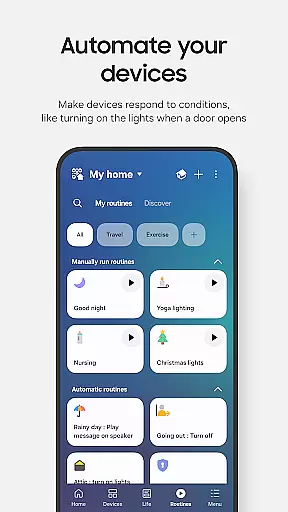
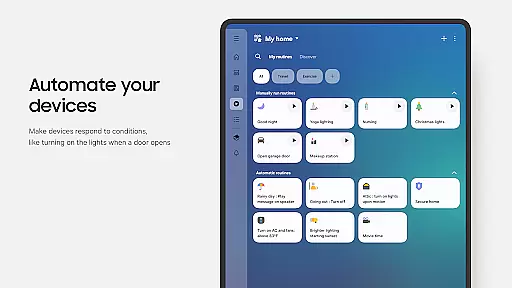
This application is particularly valuable for homeowners who want to create an interconnected smart home ecosystem. By setting automated routines based on time, weather, or device status, users can optimize their home's efficiency while enjoying the convenience of remote monitoring and control.
SmartThings stands out through its extensive feature set designed to enhance smart home management. The app enables users to build customized routines that automate daily tasks, such as adjusting lighting based on sunset times or activating security systems at night.
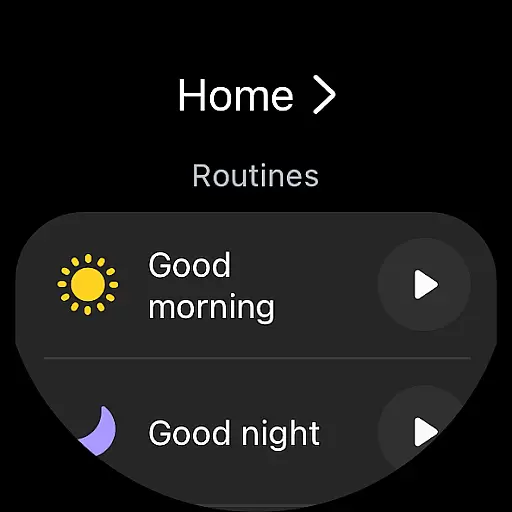
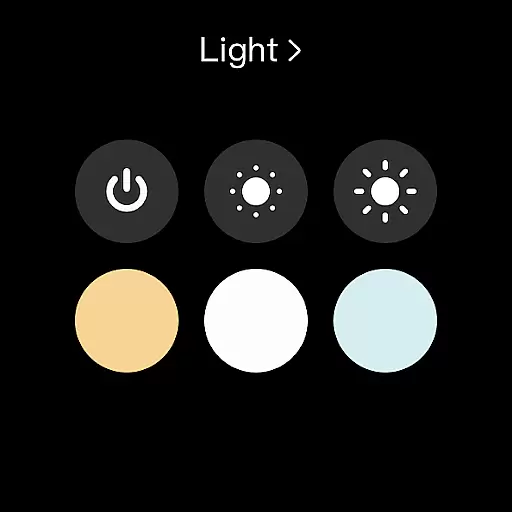
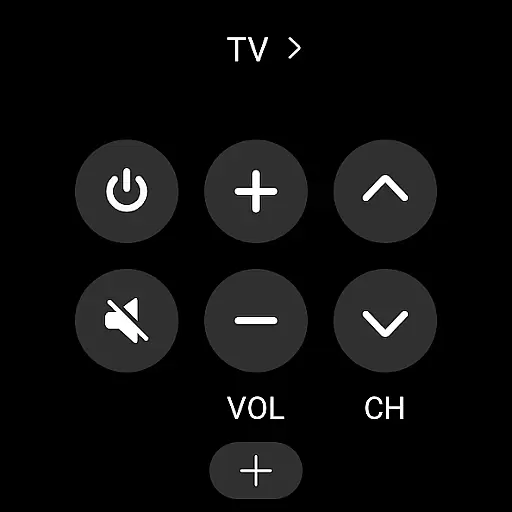
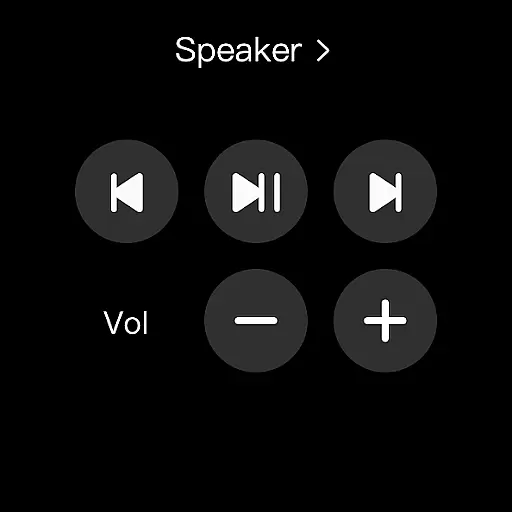
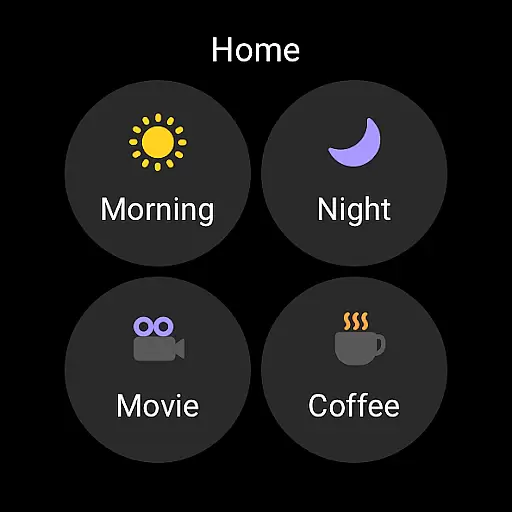
A key innovation is its multi-platform compatibility, supporting not only smartphones but also Wear OS-based smartwatches. This allows users to access essential controls directly from their wrist, including quick routine execution through dedicated watch complications.
The application's strength lies in its sophisticated permission system that balances functionality with privacy. While basic features work without additional permissions, granting optional access unlocks advanced capabilities like location-based automation and nearby device scanning using Bluetooth Low Energy (BLE).
SmartThings offers seamless companion app integration, allowing users to control their smart home devices from a unified platform. This feature is crucial for maintaining connectivity across various gadgets, ensuring that all your smart devices can be managed efficiently.
The app supports compatibility with hundreds of smart home brands, including Samsung Smart TVs and appliances. By integrating with voice assistants like Alexa, Bixby, and Google Assistant, it enhances user convenience by providing multiple control options.
Users benefit from the ability to build routines based on time, weather, and device status, which ensures smooth operation of their smart home environment. Additionally, shared control features enable granting access to other users, making it ideal for family settings.
This integration simplifies the smart home experience by consolidating controls into one app, offering real-time updates and notifications about device statuses, thus enhancing overall home management efficiency.
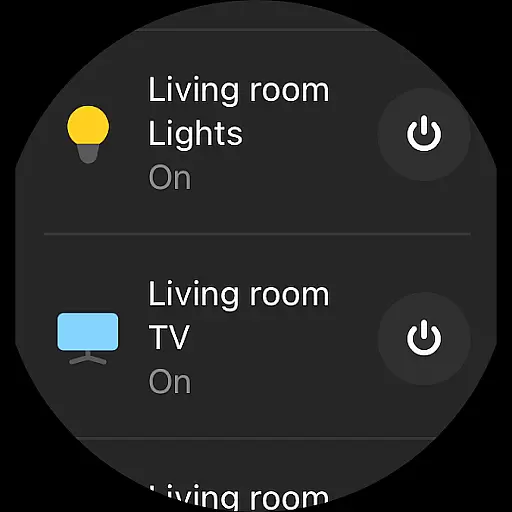
SmartThings ensures excellent Wear OS/device compatibility, allowing users to manage their smart home devices directly from their Wear OS-based watches. This compatibility is essential for those who prefer accessing smart home controls on the go without needing to take out their smartphones.
By adding SmartThings tiles on your watch, you gain quick access to routine runs and device control. The app provides SmartThings complications that let you enter the app service directly from the watch face, streamlining the user experience.
Users can enjoy the convenience of controlling their smart home devices right from their wrists, which is particularly useful when they are away from home or engaged in activities where using a phone is impractical.
This compatibility extends the functionality of SmartThings, ensuring that users have constant and convenient access to their smart home controls, thereby improving accessibility and responsiveness in managing their connected devices.
User-friendly interface
Wide device compatibility
Advanced automation options
Voice assistant integration
Wear OS support
Limited third-party phone optimization
Feature restrictions by region
Optional permissions needed
Complex setup process
Occasional connectivity issues

A customizable Christmas watch face for Wear OS with a countdown.
 4.20
4.20
Contemporary digital watch face with five complications
4.3
Sleek, highly customizable watch face inspired by Galaxy Watch Circle Dashboard.
4.0
3 Complications. All shadow on/off. 30 Themes color palette...
4.2
The Chevron App allows you to pay for fuel from the comfort of your car!
4.80
Stylish, Energizing and Modern Watch Face crafted by Dominus Mathias.
4.50
The most customizable hybrid watch face. For Wear OS 5.0, API 34+ and later
4.70
Hybrid Vibrant Health Watch Face for Wear OS
4.2
Animated video-game inspired “secret agent” simulation, right on your wrist!
4.20
Christmas - Festive - Christmas Village - Winter - Christmas lights
5.00
A modern hybrid informative watch face for Wear OS designed by BALLOZI
4.80
A realistic hybrid watch face with many customization options.
4.60
Fast and smart typing with Emojis, GIFs, and more
4.50
Watch face for Wear OS.
4.20
Let's celebrate Thanksgiving - Wear Os watch face
4.20
Viewer for Wyze/Yi/Eufy/Arlo/ONVIF/RTSP/P2P IP cams w/ adv. features & DIY DVR
4.00
Structured watch face with seven complications and modular UI elements
3.90
an Analog Watch Face for winter season with freeze winter background for Wear OS
4.1
A heartwarming Christmas scene featuring a cute image of Santa and Rudolf
4.1


User Reviews