
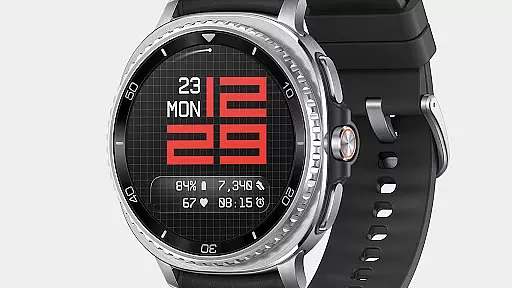
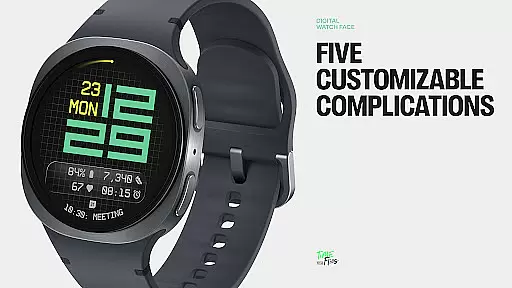
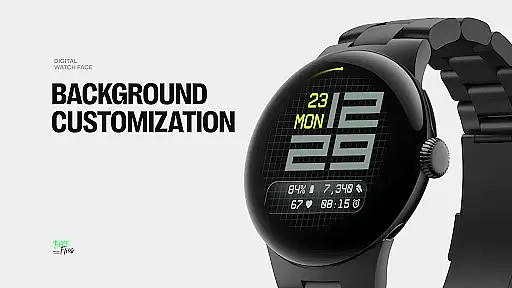
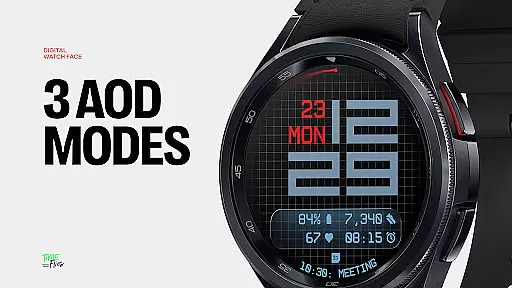
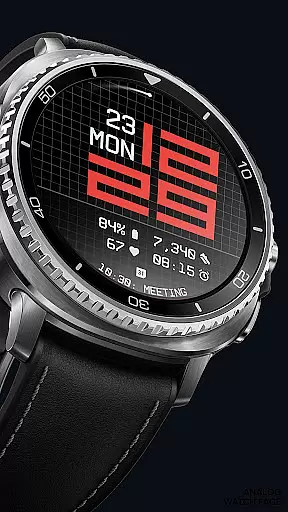
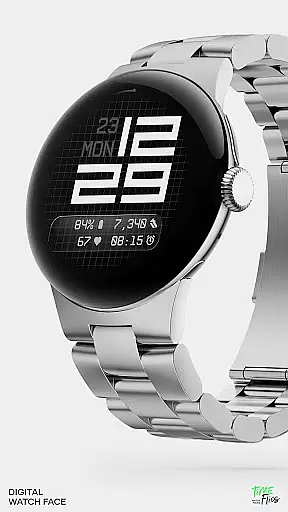
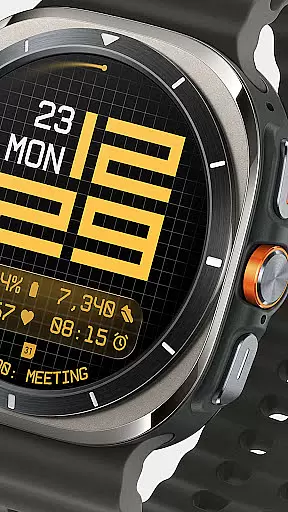
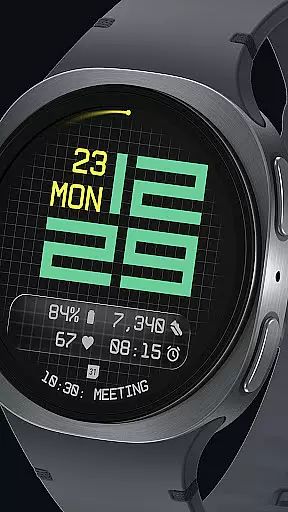
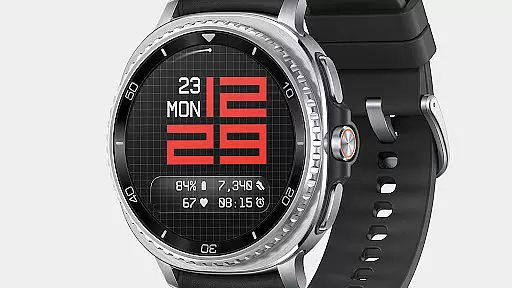
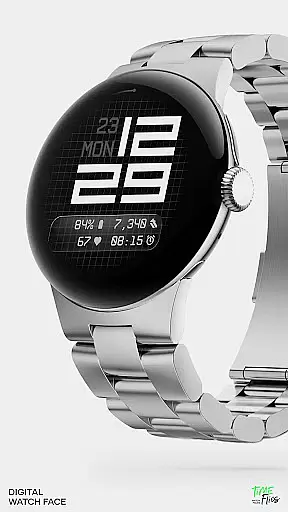
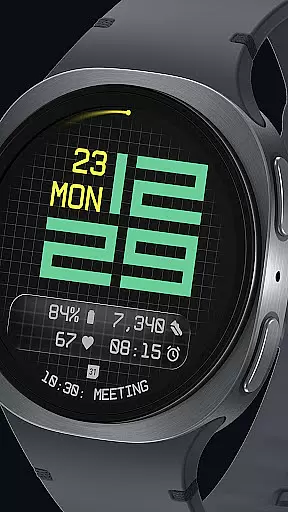
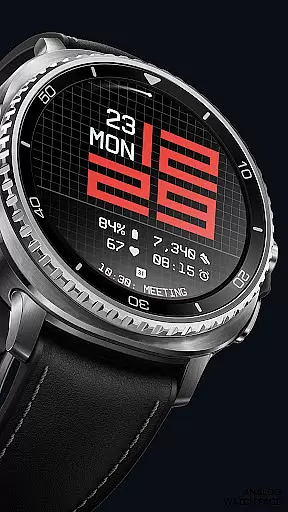
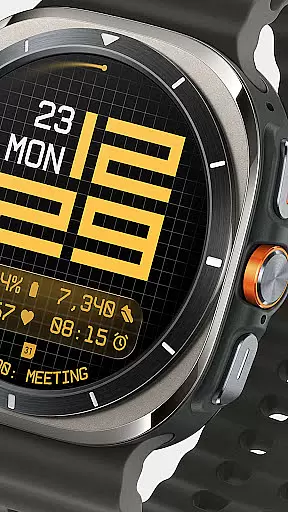
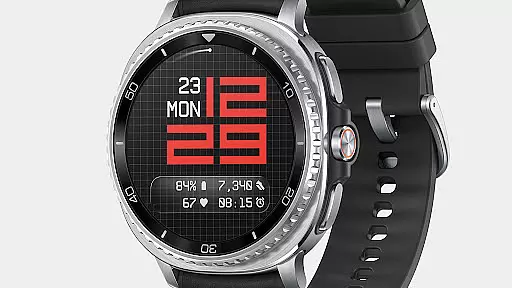
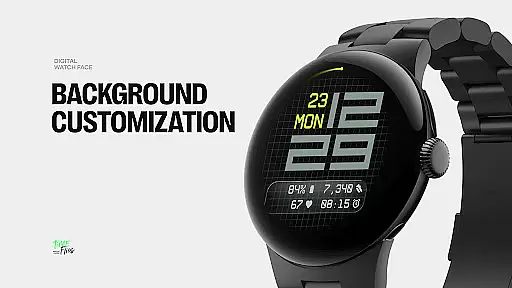
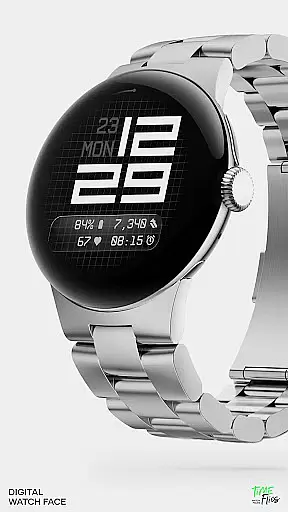
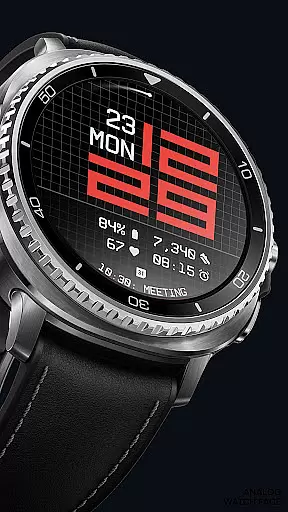
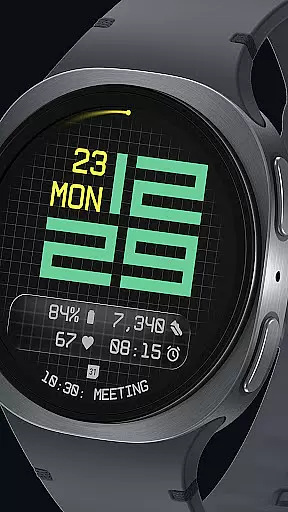

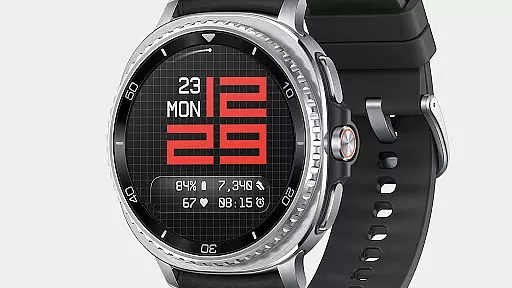
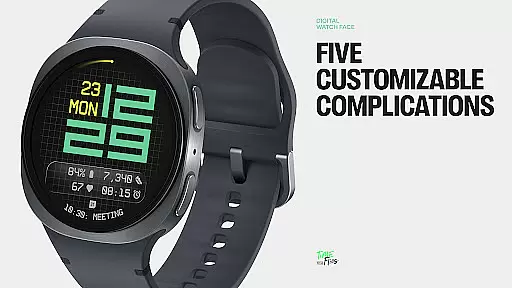
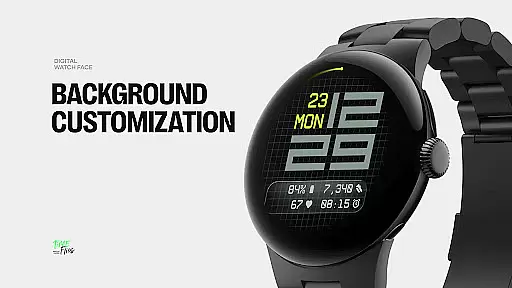
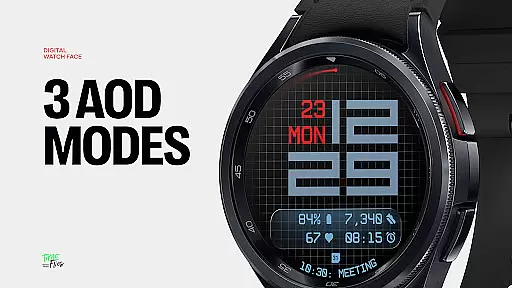
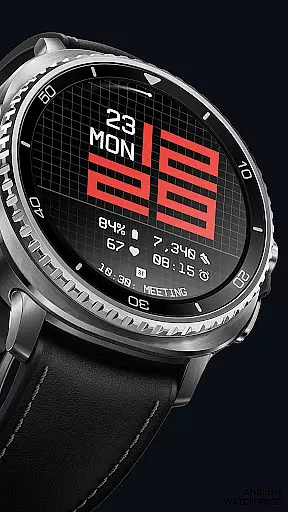
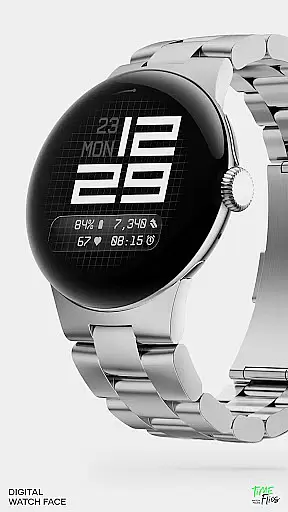
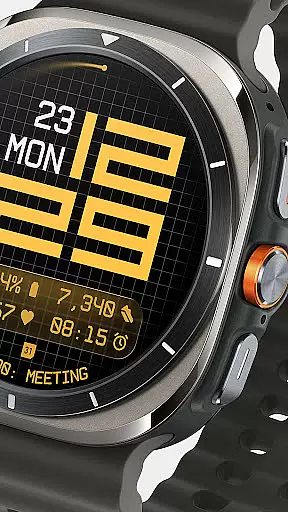
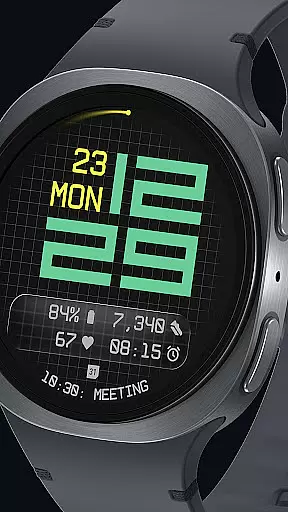
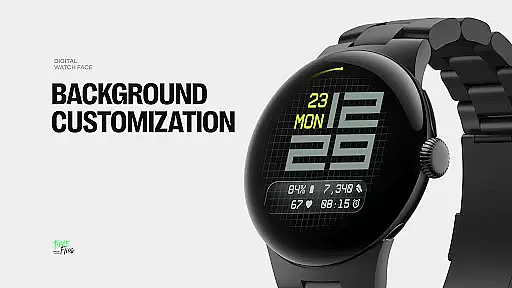
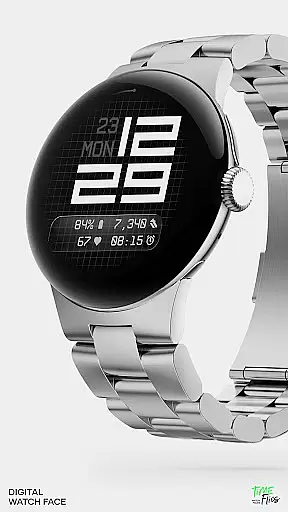
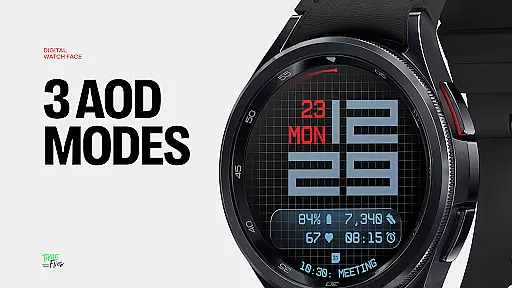
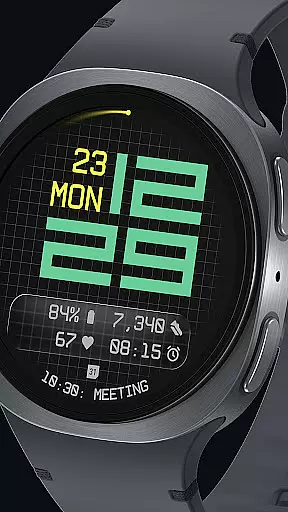
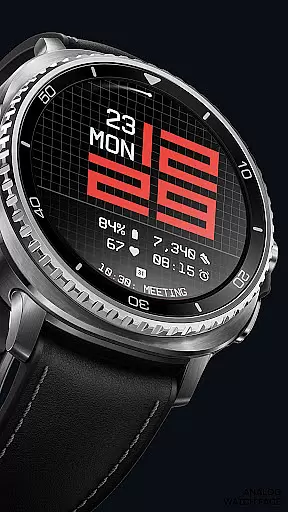
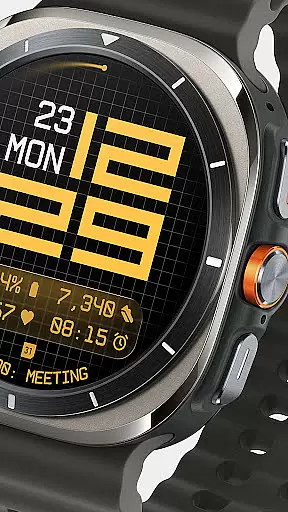
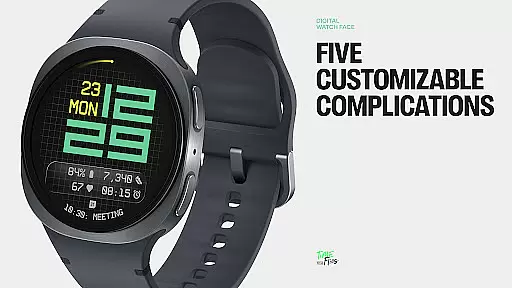
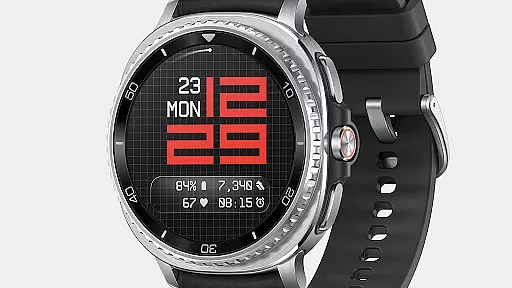
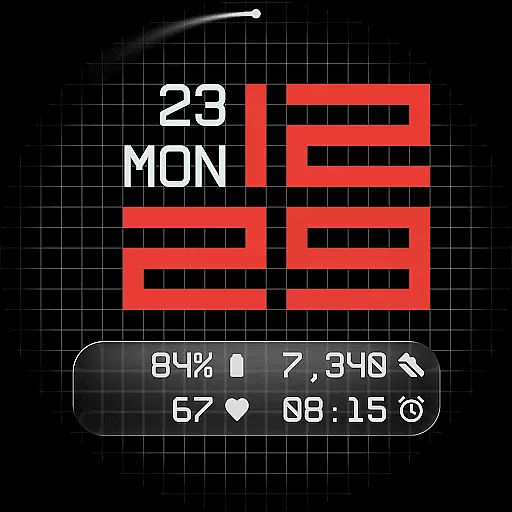
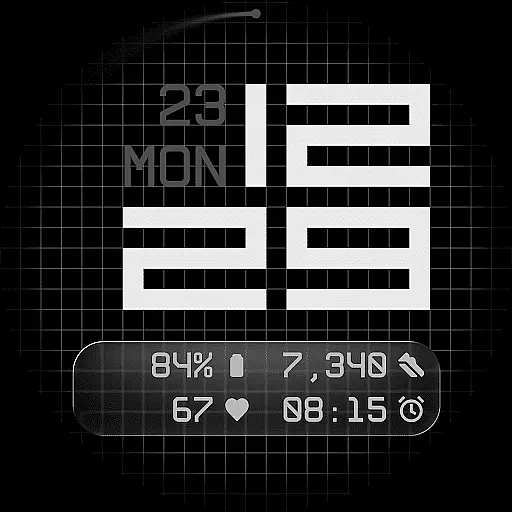
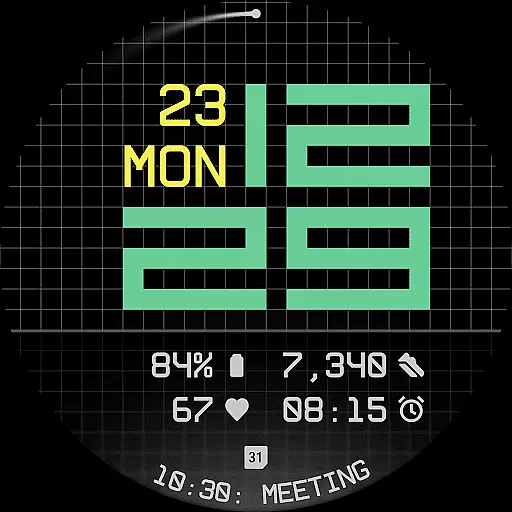
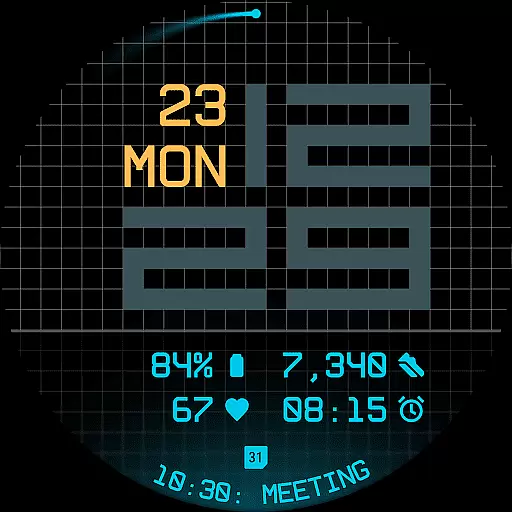
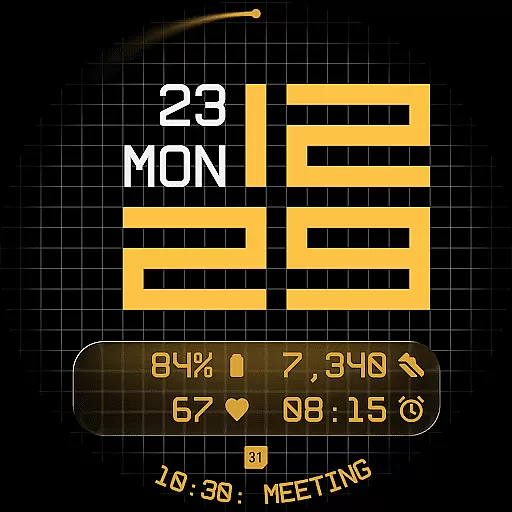
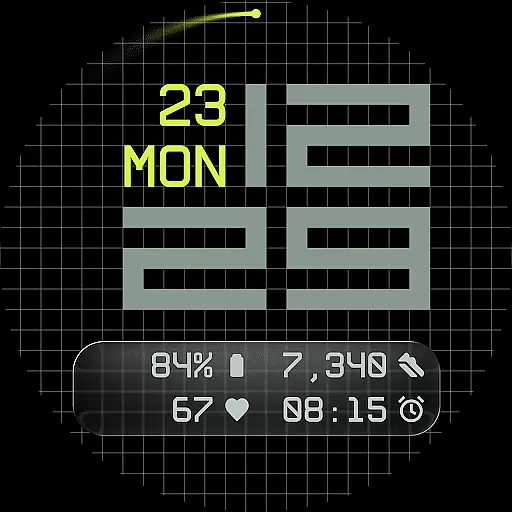
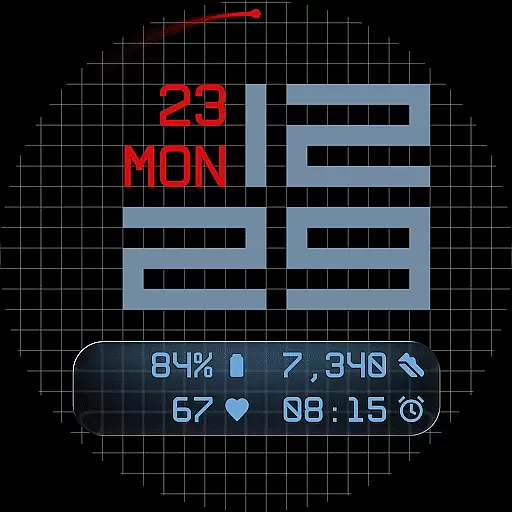
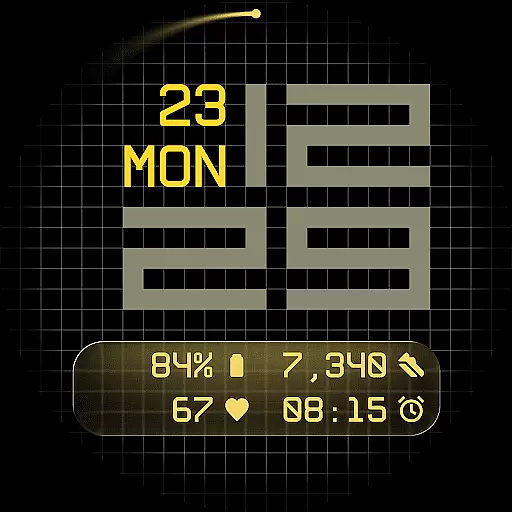
Fast Lane Watch Face is a contemporary digital watch face designed for Wear OS smartwatches, blending modern aesthetics with functional precision. The design features a modular numerical time display inspired by automotive instrument panels, offering users a sleek and highly customizable experience.
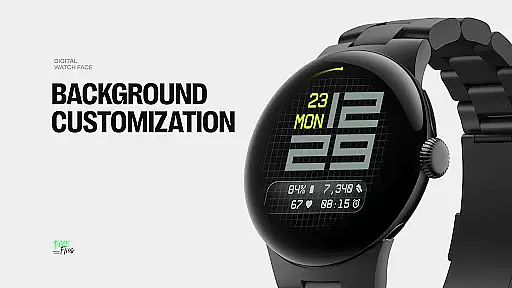
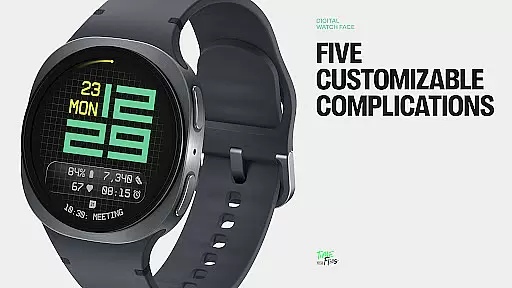
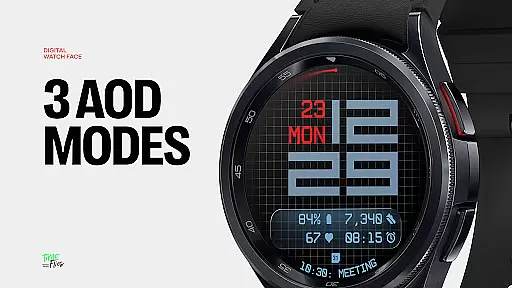
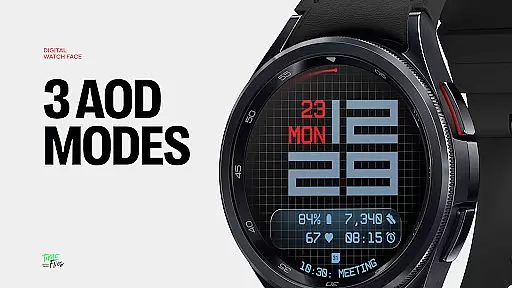
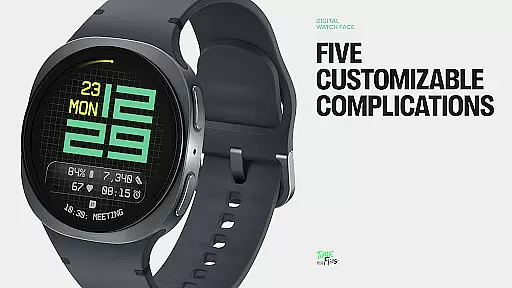
With five available complications, users can personalize their watch face to display essential information such as calendar events or moon phases. The interface includes multiple display styles, including a minimal grid, blurred accents, or translucent UI-inspired glass islands, ensuring visual coherence while allowing individual expression. Additionally, the inclusion of 30 color themes and three Always-On Display modes makes it adaptable to any setting or lighting condition.
This watch face is ideal for users seeking a balance between style and utility on their smartwatch, providing both aesthetic appeal and practical functionality in one cohesive package.
Fast Lane Watch Face stands out with its innovative features tailored for customization and performance. The watch face offers five complications, including four short-text slots and one long-text slot, enabling maximum information density without cluttering the display. This ensures users can access key details like calendar events or Google Assistant prompts at a glance.
The design incorporates modular UI layers, allowing users to choose from various background options such as a stylized grid, softly blurred segments, or a translucent UI plate that hosts complications. These layers maintain visual coherence while offering extensive configurability. Furthermore, the inclusion of an optional seconds indicator and three Always-On Display modes enhances both usability and energy efficiency.
Built using the Watch Face File Format, Fast Lane ensures optimized performance across all Wear OS devices. Its contemporary typography and balanced layout reflect speed and precision, making it a top choice for users who value both form and function in their smartwatch experience.
Companion app integration is a crucial feature for Android Wear applications like Fast Lane Watch Face. This functionality allows users to seamlessly manage and customize their smartwatch experience directly from their mobile device.
The Time Flies companion app provides a centralized platform where users can browse the complete collection of watch faces, receive regular updates, and install new styles with ease. This creates a more personalized and engaging user experience while maintaining operational efficiency across devices.
Through the companion app, users gain access to advanced customization options, including thirty color themes and multiple display styles. The app ensures that all modifications are accurately reflected on the smartwatch, providing real-time preview capabilities and simplified installation processes.
This integration enhances user convenience by enabling remote management of watch face settings, complications, and display preferences. It also optimizes performance by leveraging the processing power of the connected mobile device, resulting in improved battery life and faster update cycles for the Wear OS device.
Wear OS and device compatibility represents a fundamental aspect of any Android Wear application. For Fast Lane Watch Face, this compatibility ensures that the watch face functions optimally across various Wear OS devices and versions.
The application is built using the Watch Face File Format, guaranteeing optimized performance and energy efficiency. This standardized format enables the watch face to adapt seamlessly to different screen sizes, resolutions, and hardware specifications found in Wear OS devices.
Fast Lane Watch Face supports three Always-On Display modes - full, dim, and minimal - each retaining core data and time information. These modes are designed to work efficiently with the power management systems of compatible devices, extending battery life while maintaining essential functionality.
Furthermore, the watch face's modular UI layers and customizable complications demonstrate its adaptability across diverse user preferences and device capabilities. This comprehensive compatibility approach ensures that users enjoy a consistent and high-quality experience regardless of their specific Wear OS device configuration.
Highly customizable
Modern design
Optimized performance
Multiple display styles
Wide color palette
Limited to Wear OS
Complex setup
Premium pricing
Battery intensive
Fewer widgets

"PER27 Galaxy Digital" is a digital Wear OS watch face designed by PERSONA
 4.10
4.10
Gym Log & Workout Tracker | Fitness Journal, Training & Weight Lifting Planner
4.90
Artistic Digital Watchface
4.2
Beautiful, colorful and practical watch face. For Wear OS devices.
5.00
Sleek, highly customizable watch face inspired by Galaxy Watch Circle Dashboard.
4.0
The ultimate destination for kids ages 3-8 to explore the Marvel Universe!
4.30
Bold weather Digital watchface with forecast & optional animated background
4.40
Premium hybrid watch face with many customizations for Wear OS devices.
4.40
Fitbit is dedicated to helping people lead healthier, more active lives.
4.10
Your second brain for organizing your life: to-do, calendar, reminder.
4.70
A modern premium sporty hybrid watch face for Wear OS by Ballozi
4.70
A customizable Christmas watch face for Wear OS with a countdown.
4.20
Animated video-game inspired “secret agent” simulation, right on your wrist!
4.20
Snowflake Rose Gold Watch Face - Digital, modern, & sleek with GYRO effect.
4.10
Animated Watch Face and Customizable with 24 Backgrounds. Perfect for Christmas!
3.90
Watch face designed for Thanksgiving Day. 7 Background Styles included.
3.20
Precision analog watch face with 7 complications and style options
4.4
Stunning modern digital watch face with 7 complications and strong contrast
4.2
Stylish digital watch face for Wear OS devices with customizable features
4.1


User Reviews