
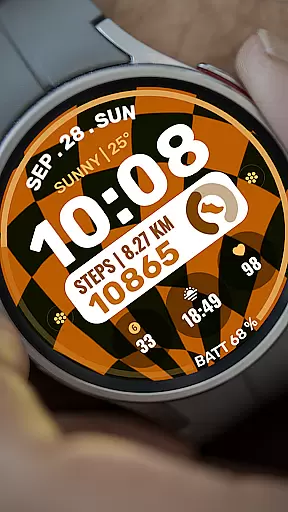
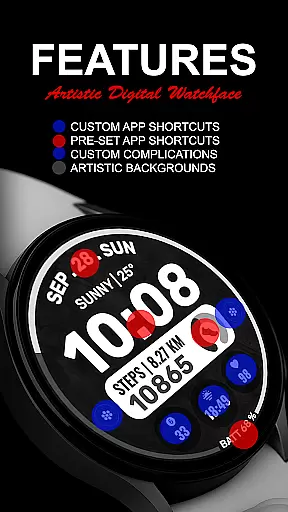
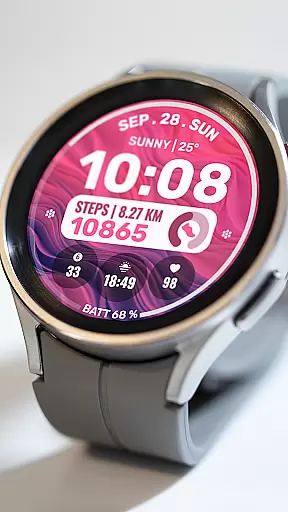
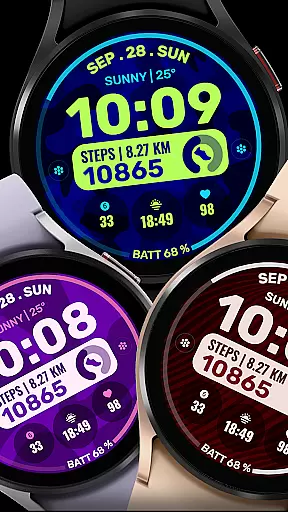
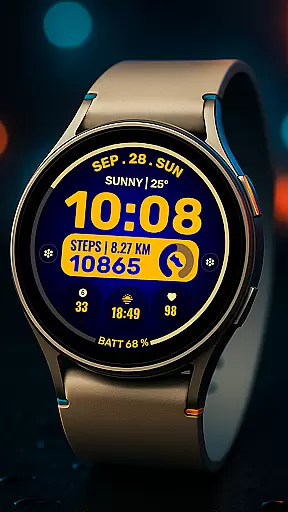
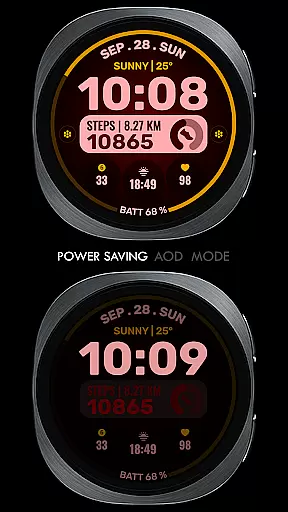
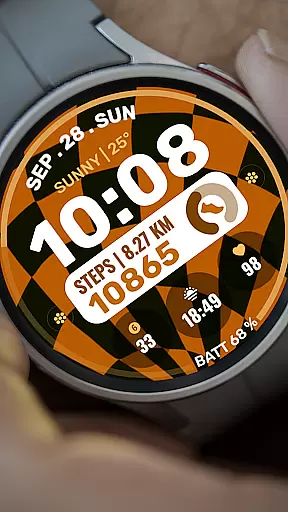
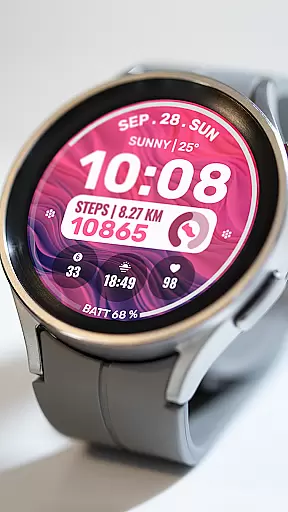
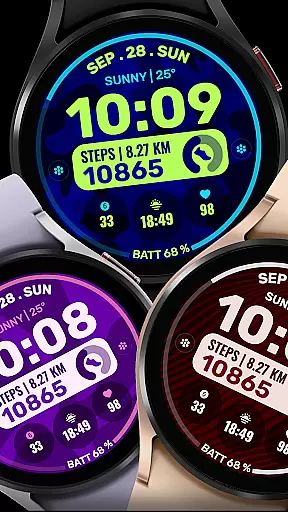
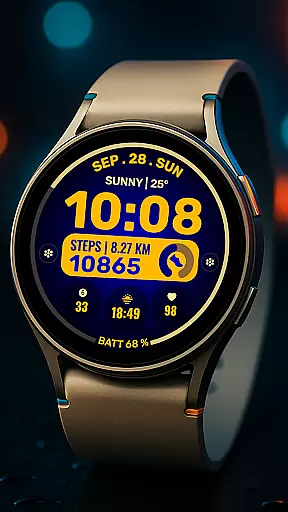
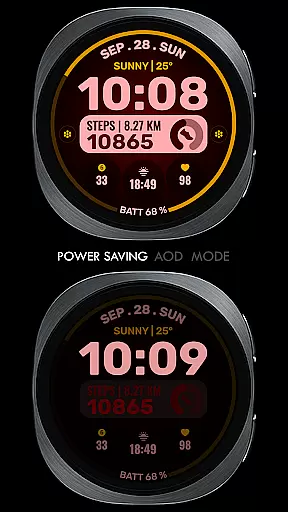
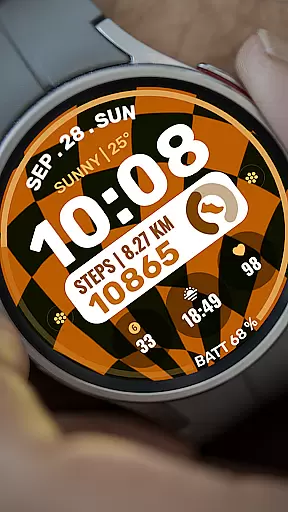
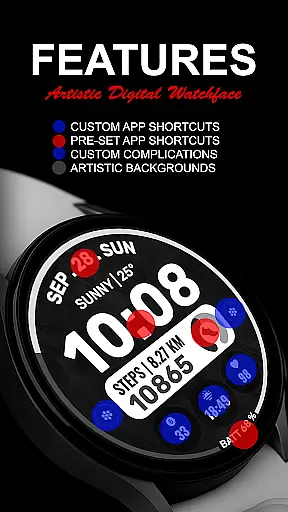
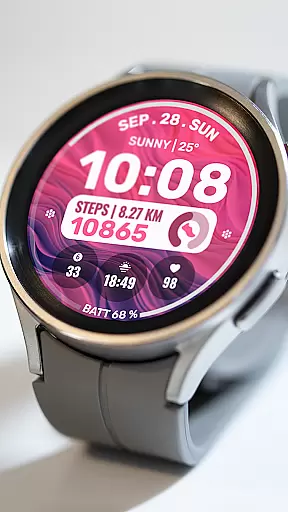
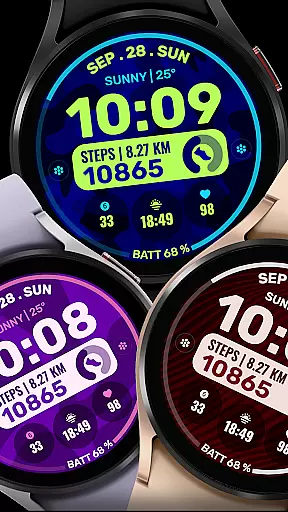
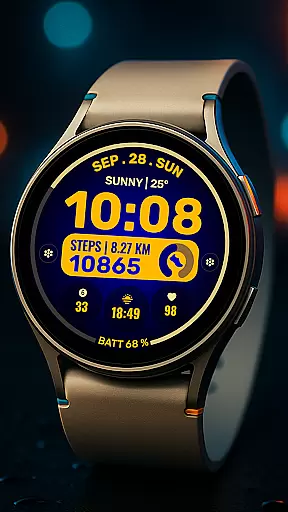
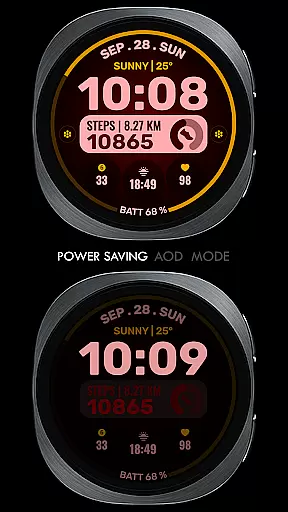
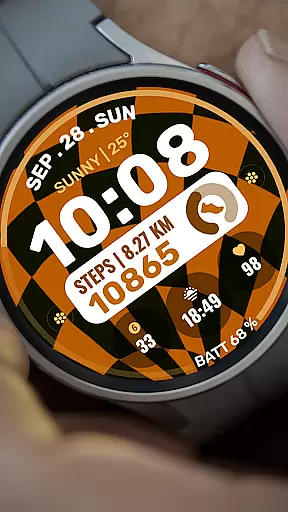
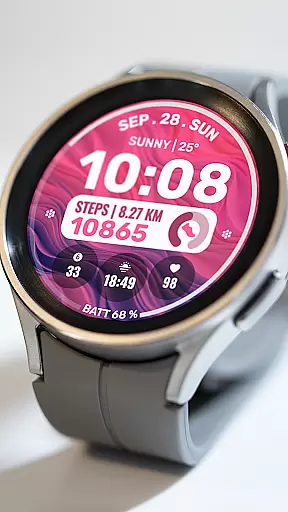
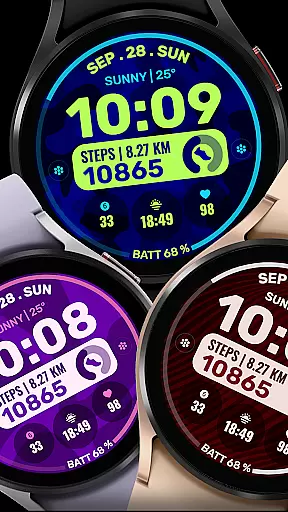
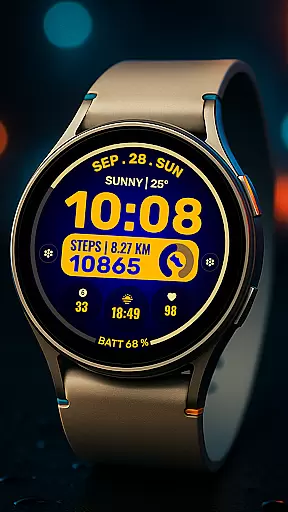
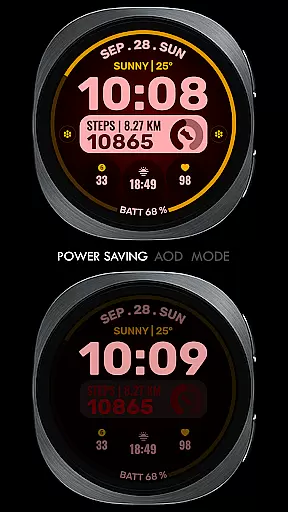
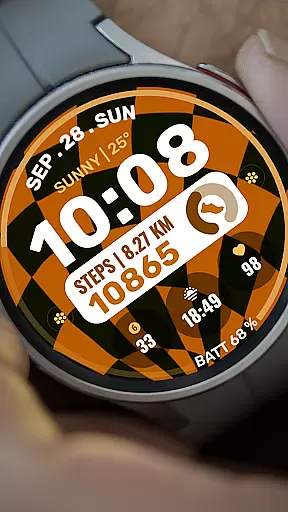
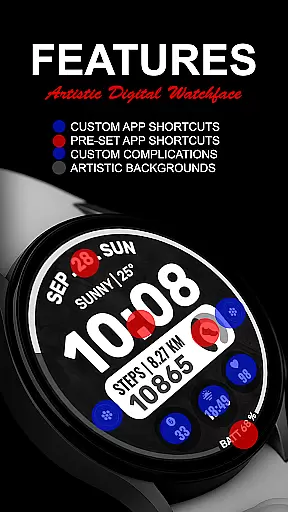
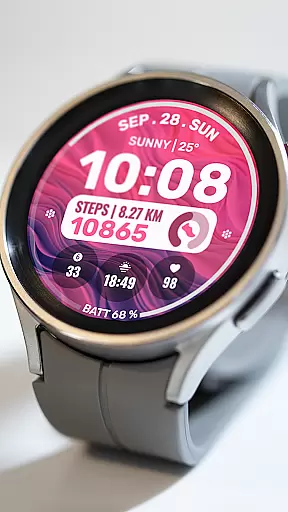
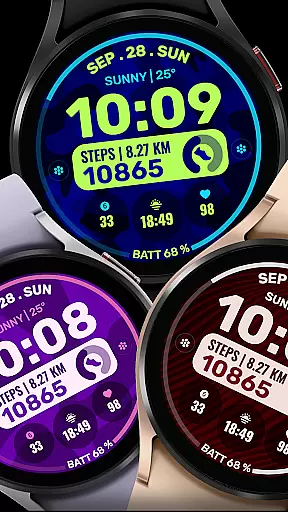
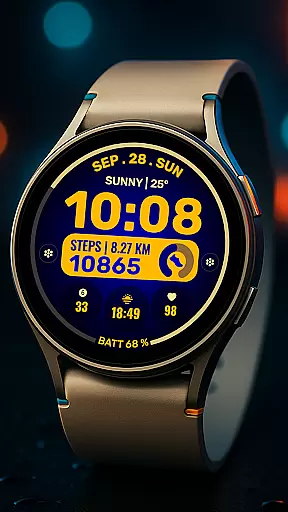
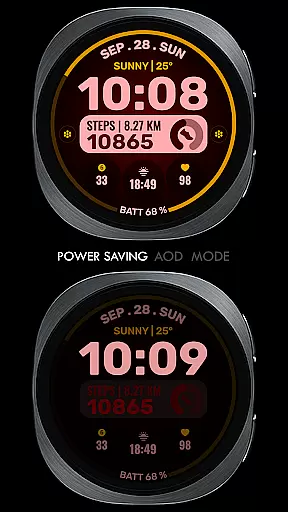
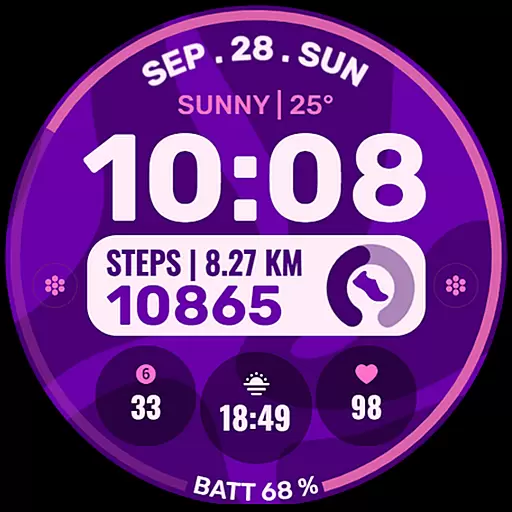
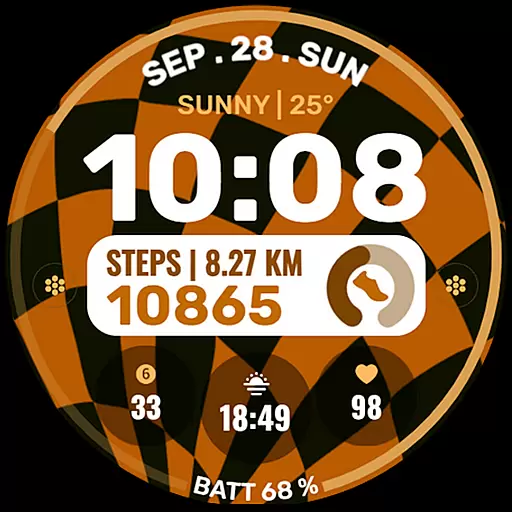
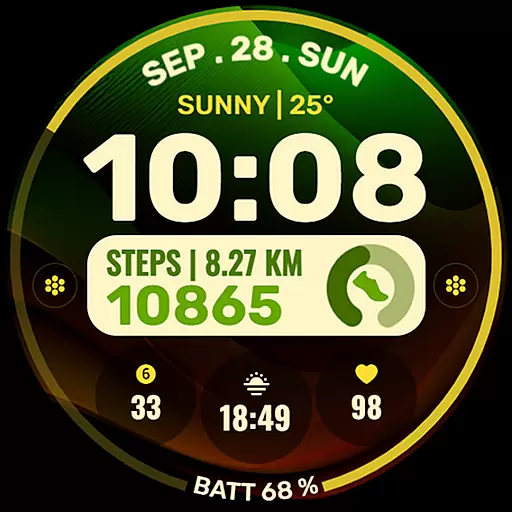
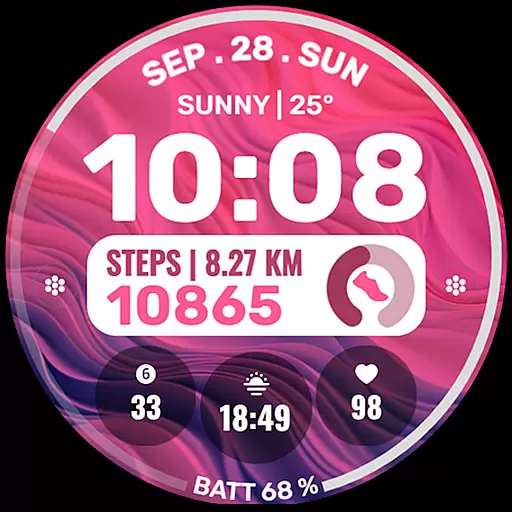
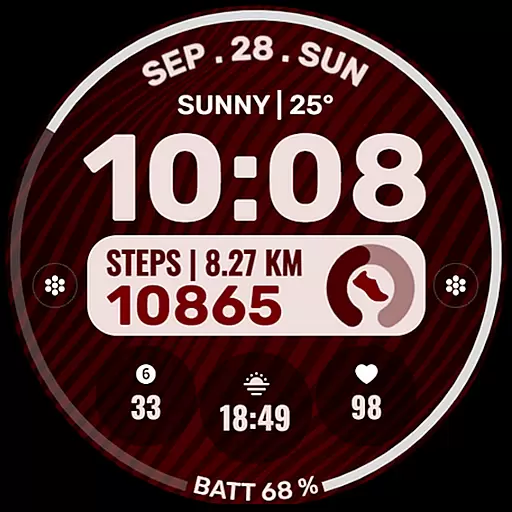
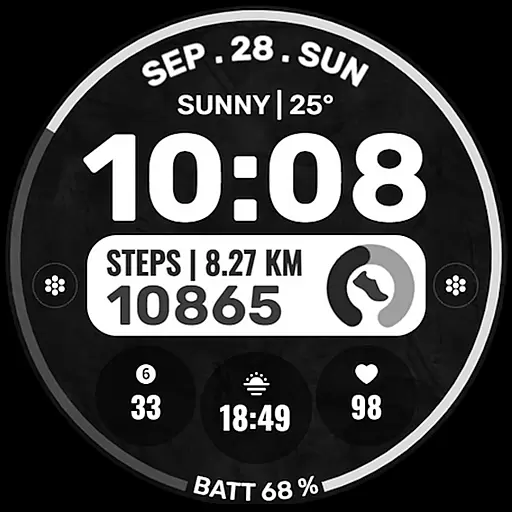
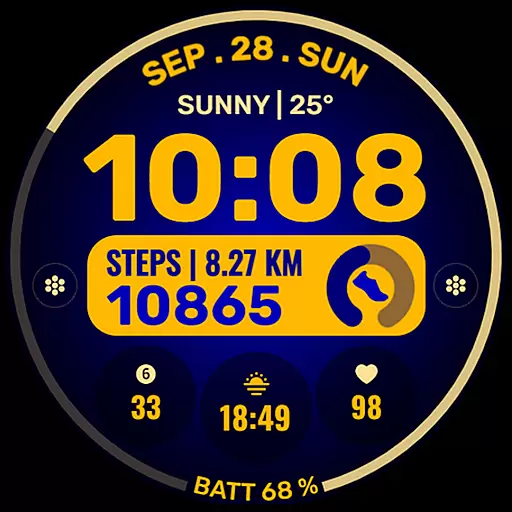
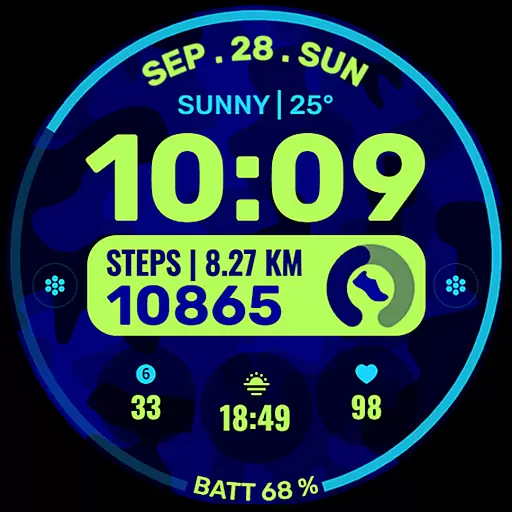
Data Dash is a feature-rich watch face designed for Wear OS devices, offering users an artistic digital clock display alongside advanced customization options. The app supports all Wear OS devices running API Level 34+ and later versions, ensuring compatibility with the latest smartwatches.
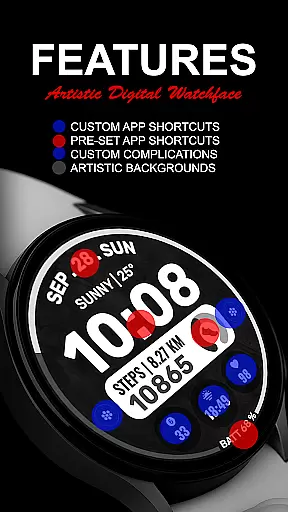
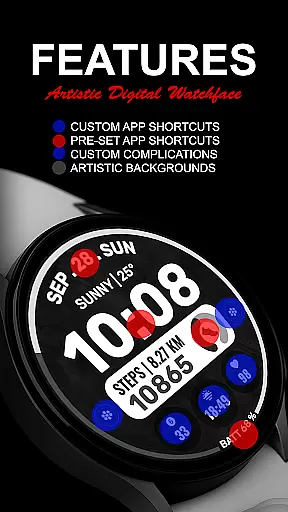
Key features include pre-set app shortcuts for essential functions like Alarm, Calendar, Battery, and Steps, as well as two custom app shortcuts and three customizable complications. Users can personalize their watch face with various data points such as Date, Weather, Steps, World Clock, and more. Additionally, Data Dash allows for custom background and color themes, providing a tailored experience that suits individual preferences.
This watch face is particularly useful for Galaxy Watch users who want to customize their device directly on the watch due to syncing issues with the Samsung Wearable app. With proper installation and setup, Data Dash enhances the smartwatch experience by delivering both aesthetic appeal and functional utility.
Data Dash stands out with its comprehensive set of features designed to enhance the Wear OS experience. One of the main highlights is the artistic digital clock, which provides a visually appealing way to check the time. This feature alone makes the watch face a standout choice for users looking for something beyond the standard analog display.
In addition to the clock, Data Dash offers pre-set app shortcuts for frequently used functions such as Alarm, Calendar, Battery, and Steps. Users also have the flexibility to add two custom app shortcuts and three customizable complications. These complications can be personalized with various data points including Date, Weather, Steps, World Clock, Sunrise/Sunset times, Next Appointment, and Distance Walked, among others. This level of customization ensures that users can tailor their watch face to meet their specific needs and preferences.
The ability to customize the background and color themes further enhances the user experience, allowing for a unique and personalized look. By following the installation notes and ensuring proper syncing between the phone and watch, users can enjoy a seamless and enhanced smartwatch experience with Data Dash.
Companion app integration is essential for a seamless wearable experience. Data Dash ensures that users can easily sync their watch face with their smartphone, providing a cohesive ecosystem between devices.
The watch face supports all Wear OS devices with API Level 34+ and later versions, ensuring compatibility across various models. Users are advised to keep their devices synced using the same email address for an uninterrupted connection.
For Galaxy Watch users experiencing sync issues, customizing directly on the watch is recommended until Samsung resolves related concerns. This approach maintains functionality without compromising user experience.
By allowing permissions through settings, users can maximize the potential of Data Dash, enjoying features like pre-set app shortcuts and customizable complications tailored to their preferences.
Device compatibility is crucial for ensuring that a watch face functions optimally across different platforms. Data Dash is designed to support all Wear OS devices with API Level 34+ and later versions, making it versatile for a wide range of smartwatches.
Although some features may not be available on certain watches, the core functionalities such as artistic digital clock, custom app shortcuts, and complications remain accessible. These elements allow users to personalize their watch faces extensively.
Installation is straightforward; after downloading, users should wait a few minutes for the transfer to complete. If needed, they can search for 'Data Dash' in the Play Store on their watch to locate the installed watch face easily.
Ensuring that all permissions are enabled from the settings enhances the overall utility of the watch face, offering users a dynamic and interactive wearable experience.
Highly customizable
Artistic digital clock
Wide compatibility
Useful complications
Regular updates
Complex setup
Limited support
Syncing issues
Premium cost
Battery usage

Christmas and New Year - Themed Watchface
 4.0
4.0
A full-featured Amazon Alexa voice assistant that can show you things.
3.70
A watch face that fuses motorsport precision with contemporary smartwatch design
4.1
Sleek, highly customizable watch face inspired by Galaxy Watch Circle Dashboard.
4.0
Locate your family members by GPS phone location tracker everywhere and anytime
4.30
Premium hybrid watch face with many customizations for Wear OS devices.
4.40
Back up your contacts & access them anywhere
4.30
Spam call blocker and caller ID for automatic call protection!
4.40
Download full tracks, listen to music offline, make unlimited playlists.
4.80
Nutrition, Macro tracker: Food, fitness & healthy diet tracking for weight loss
4.60
Kia Access makes getting your vehicle information easier than ever
4.60
Ideal for surviving in the wasteland left after nuclear fallout
4.50
Stylish, Energizing and Modern Watch Face crafted by Dominus Mathias.
4.50
Let's celebrate Thanksgiving - Wear Os watch face
4.20
Wear Os Watch Face - Animated Snow Effect & Magic Spark - 6 Scenes
4.10
Viewer for Wyze/Yi/Eufy/Arlo/ONVIF/RTSP/P2P IP cams w/ adv. features & DIY DVR
4.00
A Wintery Snow Globe on Your Wrist; now celebrating Christmas!
4.2
Stylish digital watch face for Wear OS devices with customizable features
4.2
Hybrid Vibrant Health Watch Face for Wear OS
4.3


User Reviews