
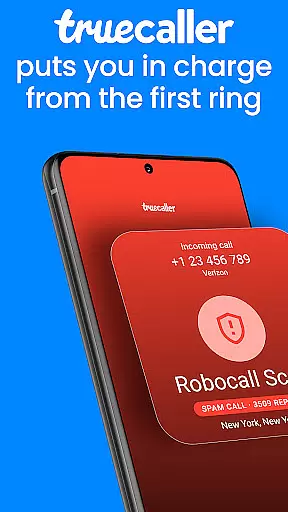
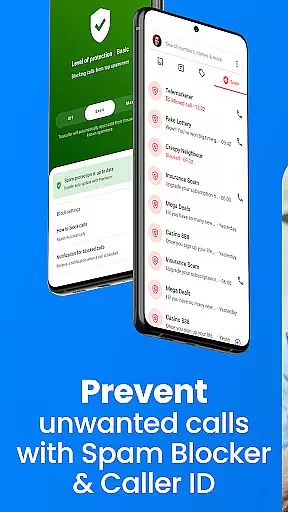

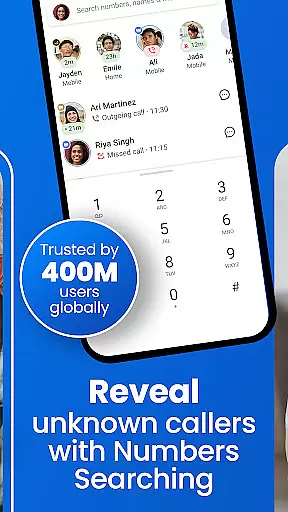

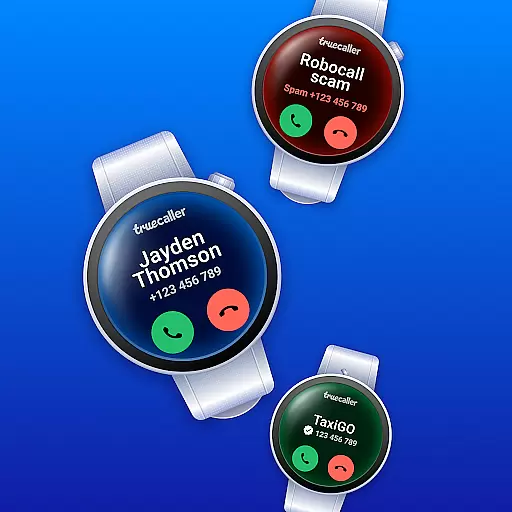
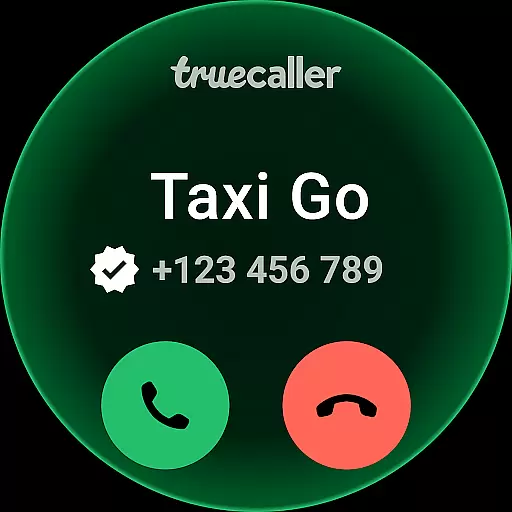
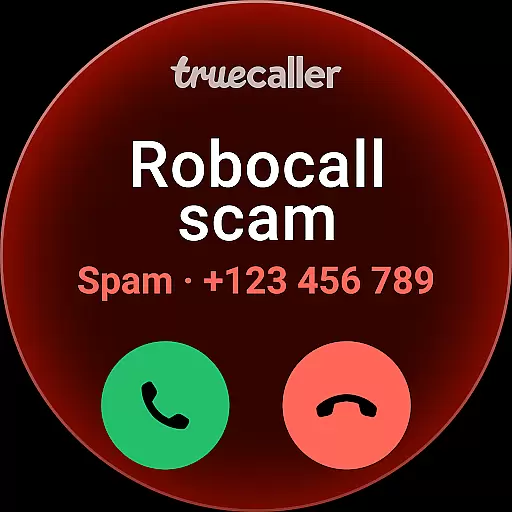

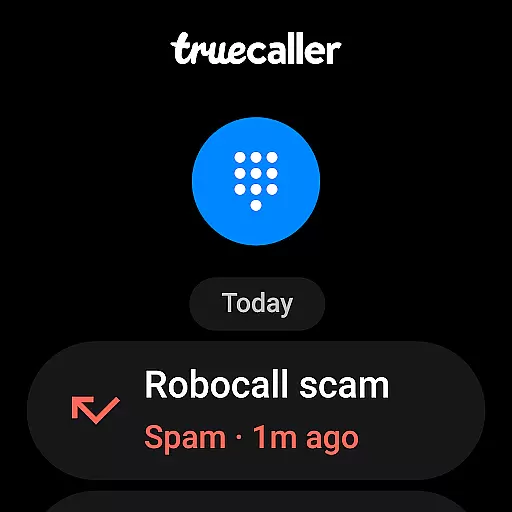
Truecaller is a comprehensive communication app designed for Android Wear, offering advanced Caller ID and call-blocking features. The app instantly identifies incoming calls, empowering users to block spam, scam, and unwanted calls effectively. With cutting-edge tools like AI Call Scanner and Truecaller Assistant, the app ensures you only engage with important calls while protecting you from potential phone scams.
Beyond its core functionality, Truecaller provides additional productivity-enhancing features such as Call Recording, reverse number lookup, and an integrated messaging platform. These capabilities make it more than just a caller ID app but a complete communication suite that helps users manage their calls and messages efficiently on wearable devices.
Truecaller stands out with its robust feature set tailored for Android Wear users. One of its key highlights is the AI Call Scanner, which differentiates between human and AI-synthesized voices, adding an extra layer of security against fraudulent calls. This feature is easily accessible through a dedicated button within the Truecaller dialer, ensuring ease of use even on smaller wearable screens.
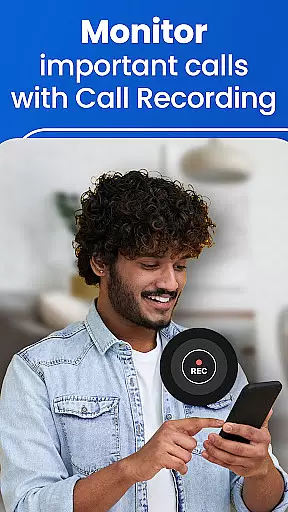
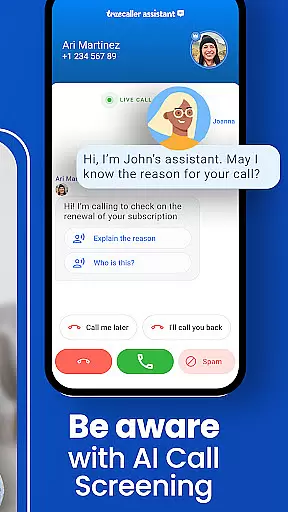
In addition to AI Call Scanner, Truecaller Assistant offers smart call screening powered by machine learning and speech-to-text technology. It answers calls, asks pertinent questions to the caller, and determines with over 90% accuracy if the call is spam or a scam. Furthermore, the app's Call Recorder feature not only records calls but also generates AI-driven summaries and transcripts, making it easier for users to review essential conversation points at a glance.
Truecaller offers seamless companion app integration, ensuring that your wearable devices work in harmony with your smartphone. This feature allows users to access essential call and messaging functionalities directly from their Android Wear devices.
The synchronization between the main Truecaller app and its wearable counterpart is designed for real-time updates. Whether it's identifying incoming calls or reading messages, the information displayed on your smartwatch is always current and accurate.
With intuitive controls tailored for smaller screens, managing calls and messages on your wearable device becomes effortless. Users can easily perform tasks such as blocking unwanted callers or sending quick replies without needing to reach for their phones.
This integration not only enhances convenience but also ensures a consistent user experience across all connected devices, empowering you to stay connected no matter where you are or what you're doing.
Truecaller provides extensive compatibility with Wear OS and various devices, making it a versatile choice for users invested in the Android ecosystem. The app supports a wide range of smartwatches, ensuring broad accessibility regardless of your specific device model.
Engineered to leverage the full potential of Wear OS, Truecaller delivers optimized performance and battery efficiency. This means you can enjoy uninterrupted service without worrying about excessive power consumption draining your wearableu2019s battery life.
Device-specific features are intelligently incorporated into the Truecaller experience. For instance, if your watch has a built-in speaker or microphone, Truecaller will utilize these components to facilitate hands-free operations like answering calls or dictating responses.
By prioritizing cross-device functionality, Truecaller ensures that whether you're using an older model smartwatch or the latest release, you'll benefit from reliable performance and access to key features right at your fingertips.
Advanced spam filtering
AI-powered call analysis
Comprehensive call recording
Reverse number lookup
Integrated messaging platform
Premium subscription required
Limited free features
Occasional false positives
Privacy concerns
Resource-intensive

Diet tracker for weight loss - track calories, food and macros. Simple and easy!
 4.70
4.70
Highly customizable hybrid watch face for Wear OS, perfect for everyday use.
4.60
Current temperature, weather hourly, weather radar by the weather forecast app
4.40
Connect to your Bluelink equipped Hyundai vehicle from your smartphone.
4.50
Reliable phone calls with spam protection, caller ID and more helpful features
4.40
Professional weather radar and more
3.90
The most customizable hybrid watch face. For Wear OS 5.0, API 34+ and later
4.70
Hyper-Realistic Airplane Dashboard Watch Face With 10 Skins and Custom AOD
4.00
Track airplanes and follow flights with our real-time flight tracker
4.50
Period, ovulation & pregnancy tracker. Fertility insights & menstrual calendar.
4.90
A modern premium sporty hybrid watch face for Wear OS by Ballozi
4.70
Retro digital watch face with customizable colors and a unique lighting effect
4.60
Deck out your Wear OS Watch face with a beautifully decorated pine wreath!
4.50
Beautiful artistic animated digital watch face, with a customizable layout!
4.40
Premium hybrid watch face with many customizations for Wear OS devices.
4.40
A white realistic classic analog watch face with many customization options.
4.40
Let's celebrate Thanksgiving - Wear Os watch face
4.20
Animated video-game inspired “secret agent” simulation, right on your wrist!
4.20
Wear Os Watch Face - Animated Snow Effect & Magic Spark - 6 Scenes
4.10


User Reviews