
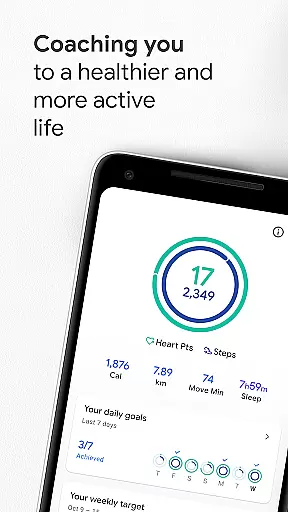
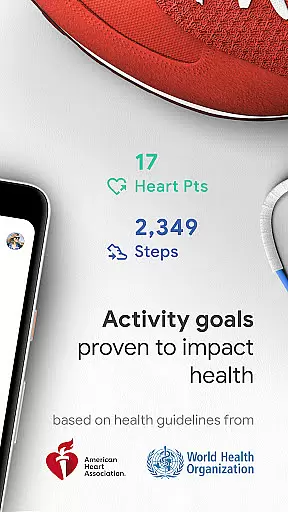
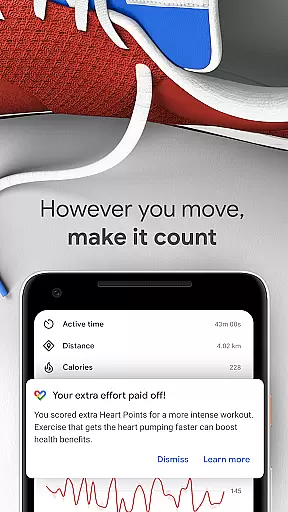
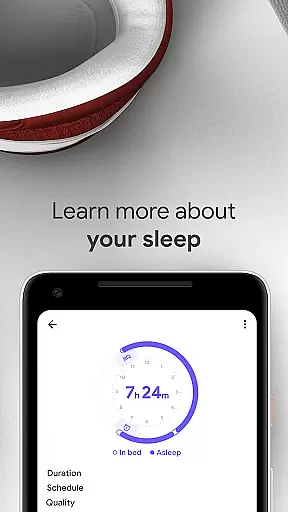
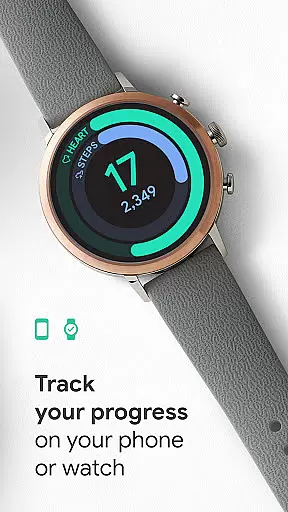
Google Fit is a comprehensive health and fitness tracking application designed to help users achieve a healthier and more active lifestyle. Developed in collaboration with the World Health Organization (WHO) and the American Heart Association (AHA), it introduces Heart Points, an innovative activity goal system that promotes cardiovascular health. By earning points for moderate and intense physical activities, users can work towards the recommended amount of exercise shown to reduce heart disease risks and improve overall wellbeing.
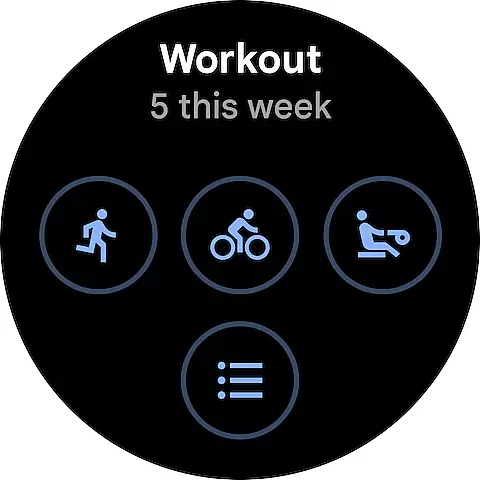
The app offers robust tracking features for workouts, whether you're using an Android phone or a Wear OS smartwatch. It automatically detects walking, running, and biking activities throughout the day, ensuring all movements are accounted for. Users can also manually log various workout types, from pilates to rowing, allowing them to earn Heart Points across different exercises. With its ability to integrate data from numerous third-party apps and devices, Google Fit provides a holistic view of your health metrics.
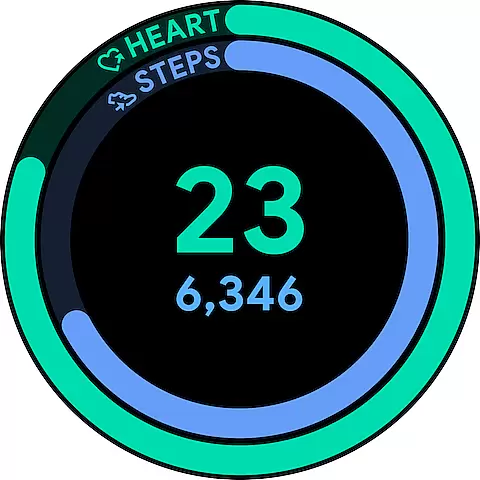
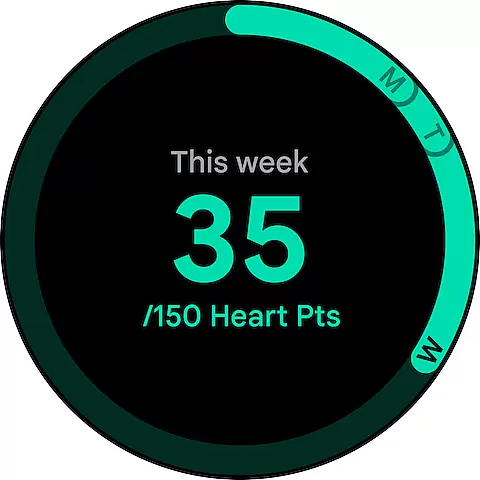
Designed for convenience, Google Fit allows users to monitor their daily progress through easily adjustable goals and provides instant insights during workouts. The app's home screen widget and Wear OS complications enable quick access to daily stats, while the breathing and heart rate monitoring features offer valuable tools for stress management and health awareness. Whether you're a casual walker or a dedicated athlete, Google Fit adapts to your fitness level and helps you maintain a healthier lifestyle.
Google Fit distinguishes itself through its sophisticated feature set tailored for comprehensive health tracking. The app's core functionality revolves around its Heart Points system, which scientifically measures physical activity's impact on cardiovascular health. Using your device's sensors, it accurately tracks various metrics including speed, pace, route, and heart rate during workouts, providing real-time statistics for runs, walks, and bike rides.
One of the app's standout features is its automatic activity detection capability, which seamlessly records walking, running, and biking sessions throughout the day. This ensures users receive credit for all their movements without manual input. For more structured workouts, Google Fit offers a diverse selection of activity types, allowing users to log everything from yoga sessions to strength training routines. The integration with third-party apps and devices creates a centralized hub for health data, pulling information from popular platforms like MyFitnessPal, Strava, and Nike+.
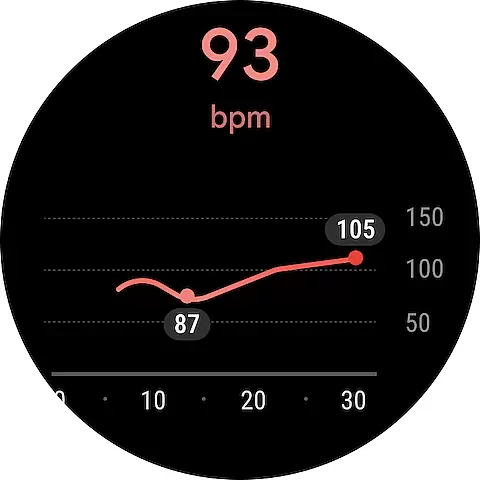
Advanced health monitoring features include respiratory rate measurement using just your phone's camera and accurate heart rate tracking. These tools provide valuable insights into your body's response to exercise and stress. The redesigned journal view offers a clear overview of your activity history across all integrated apps, while customizable widgets and watch complications enable quick access to essential stats. With its combination of automatic tracking, manual logging options, and comprehensive data integration, Google Fit delivers a versatile solution for managing your health and fitness journey.
Companion app integration is essential for wearable devices to function seamlessly with smartphones. Google Fit excels in this area by ensuring that data captured on your Wear OS smartwatch is automatically synced with the companion app on your Android phone.
The app uses advanced synchronization protocols to ensure real-time data transfer between devices. Whether you're tracking your heart rate during a workout or monitoring your daily step count, all metrics are instantly available across both platforms.
This seamless integration provides users with the convenience of accessing their health data anytime, anywhere. You can start a workout on your watch and review detailed analytics on your phone afterward.
Furthermore, Google Fit's companion app integration extends to third-party applications, creating a unified health ecosystem. This allows users to get a comprehensive view of their wellness journey without switching between multiple apps.
Device compatibility is crucial for ensuring that applications work optimally across various hardware platforms. Google Fit demonstrates excellent compatibility with Wear OS devices, supporting a wide range of smartwatches from different manufacturers.
The app leverages the full capabilities of Wear OS, utilizing built-in sensors like heart rate monitors and GPS to deliver accurate fitness tracking. This ensures that users receive consistent performance regardless of their device model.
Google Fit also supports automatic activity detection on Wear OS devices, making it easy for users to track their movements throughout the day without manual input. The app intelligently recognizes activities such as walking, running, or biking and logs them accordingly.
Moreover, regular updates and optimizations ensure that Google Fit maintains compatibility with new Wear OS devices and software versions, providing users with continuous access to the latest features and improvements.
User-friendly interface
Comprehensive health tracking
Automatic activity detection
Wide device compatibility
Third-party app integration
Limited advanced metrics
Occasional sync issues
Basic free version
Battery consumption
Learning curve

Christmas watch face. For Wear OS devices.
 4.30
4.30
Analog watch face with 8 complications and expedition styling
4.0
Let's celebrate Thanksgiving - Wear Os watch face
4.20
Locate your family members by GPS phone location tracker everywhere and anytime
4.30
To-Do List: daily schedule planner, task organizer, to do reminder app, calendar
4.60
Period, ovulation & pregnancy tracker. Fertility insights & menstrual calendar.
4.90
Get helpful reminders, take progress photos and find answers to your questions.
3.90
Stylish, Energizing and Modern Watch Face crafted by Dominus Mathias.
4.50
A digital watch face that celebrates Christmas.
4.00
Easy Voice Recorder is your everyday companion to record important moments.
4.70
Highly customizable hybrid watch face for Wear OS, perfect for everyday use.
4.60
Real-time results, stats, schedules and player profiles for all leagues
4.60
A realistic hybrid watch face with many customization options.
4.60
A white realistic classic analog watch face with many customization options.
4.40
Viewer for Wyze/Yi/Eufy/Arlo/ONVIF/RTSP/P2P IP cams w/ adv. features & DIY DVR
4.00
Animated Watch Face and Customizable with 24 Backgrounds. Perfect for Christmas!
3.90
Stay in touch with your friends and family using LINE!
3.40
Artistic Digital Watchface
4.5
3 Complications. All shadow on/off. 30 Themes color palette...
4.5


User Reviews