
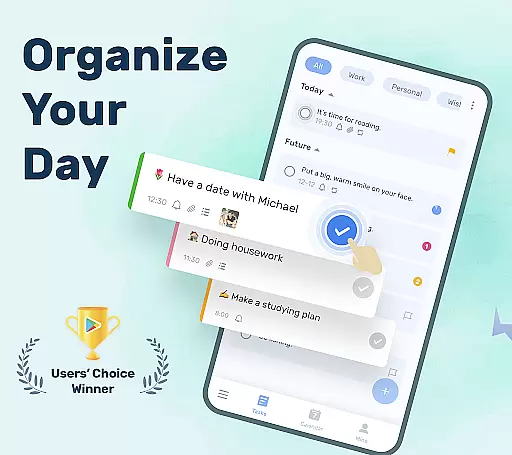
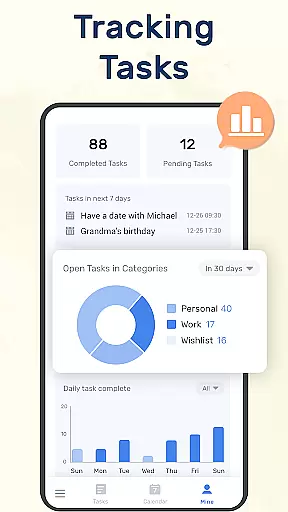
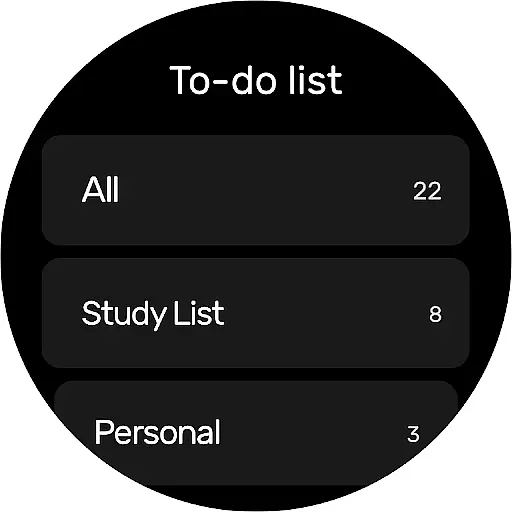
To-Do List is a comprehensive task management app designed to help users organize their daily schedules effectively. This free to-do list manager and schedule planner allows you to create multiple task lists, set reminders with alarms, and categorize tasks efficiently.
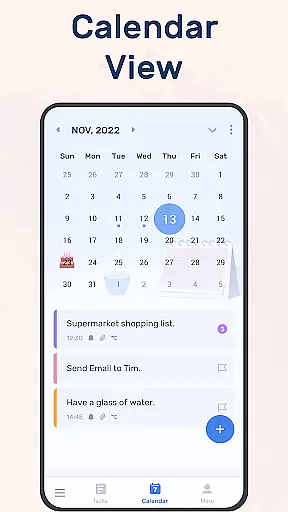
With its user-friendly interface and beautiful themes, the app makes managing your time both simple and enjoyable. The calendar view provides an overview of daily, weekly, and monthly tasks, while cloud sync ensures your data is always safe. Whether for work, study, or personal life, this app helps you stay on top of all your commitments.
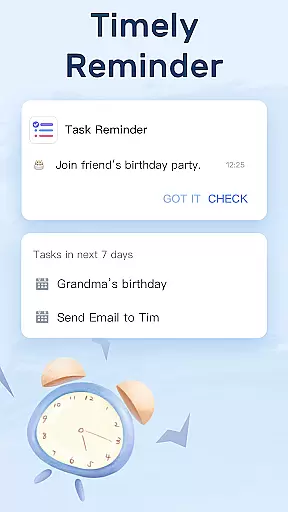
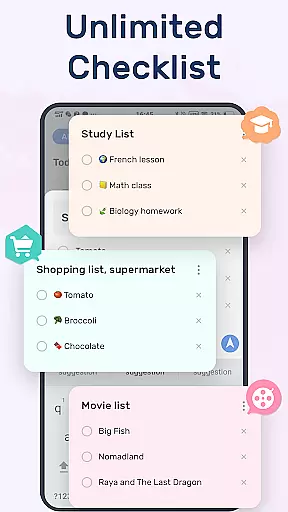
The app offers numerous valuable features including multiple task list creation in just two steps, customizable themes for visual comfort, and various reminder options. You can set recurring reminders for repetitive tasks and use priority settings to highlight important items.
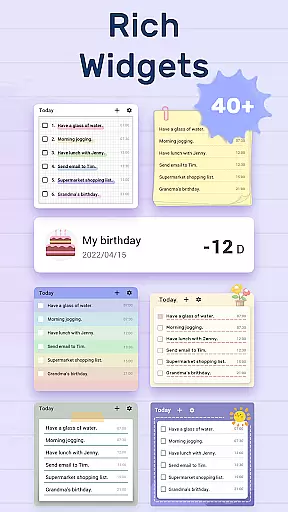
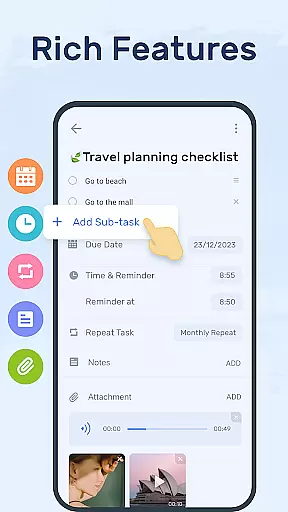
Advanced functionality includes sub-task creation for complex projects, star-marking for crucial tasks, and widget support for quick access. The app also supports Wear OS devices and offers cross-device synchronization through Google Drive, making it versatile for different user needs.
Companion app integration is essential for users who want a seamless experience across multiple devices. To-Do List - Schedule Planner & To Do List Task Manager offers robust companion app features that ensure your data is synchronized and accessible wherever you are.
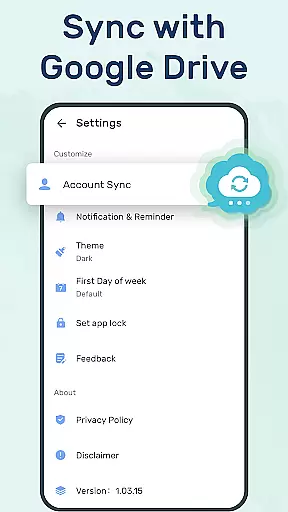
The application supports syncing your to-do lists or daily schedule planners to the cloud via Google Drive. This means you can check things to do, track daily planners, or receive task reminders on different devices without missing a beat. Whether you're switching from your phone to a tablet or using your computer, all your information is up-to-date and readily available.
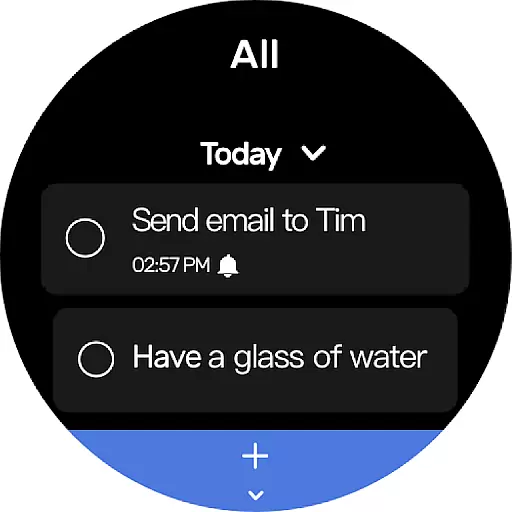
Additionally, the app supports Wear OS, allowing you to manage your tasks directly from your smartwatch. This feature provides unparalleled convenience, ensuring that you never miss an important reminder, even when you're on the go. The ability to access your to-do list from your wrist adds a layer of accessibility and immediacy that enhances productivity.
By integrating with various devices, To-Do List ensures that your planning and task management are as flexible and dynamic as your lifestyle. This comprehensive companion app integration empowers users to stay organized and efficient, no matter where they are or what device they are using.
For users invested in the Wear OS ecosystem, device compatibility is a crucial factor when selecting a task management app. To-Do List - Schedule Planner & To Do Reminder App Free excels in this area by offering full compatibility with Wear OS devices, ensuring that you can manage your tasks seamlessly from your smartwatch.
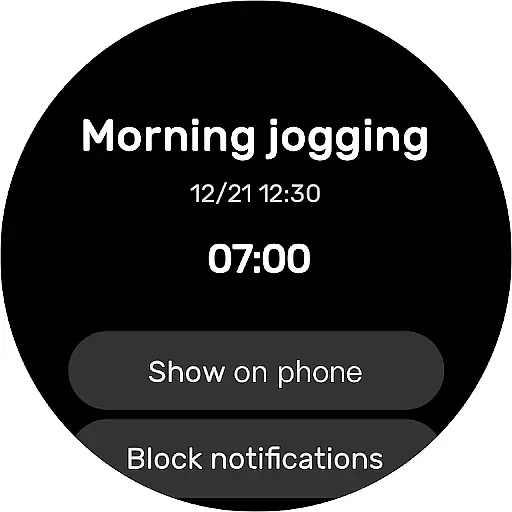
This compatibility allows you to receive real-time notifications and reminders directly on your smartwatch. Whether it's a recurring task or an important deadline, you'll be alerted instantly, allowing you to stay on top of your schedule without needing to pull out your phone. This immediate access to your to-do list ensures that you never miss an important task or event.
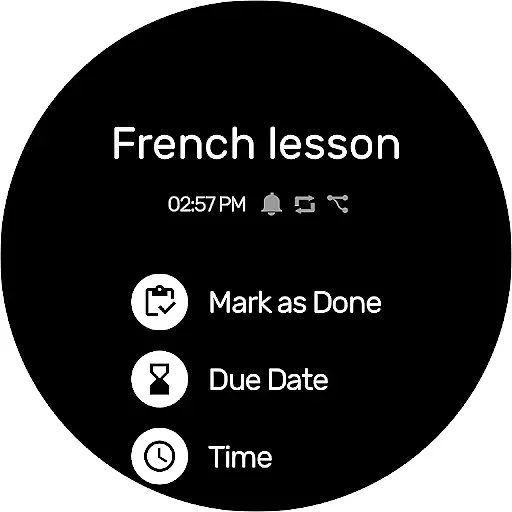
Moreover, the app's Wear OS support includes the ability to view and manage your daily planners and to-do lists right from your watch face. You can quickly mark tasks as complete or create new ones, making it incredibly convenient to update your list on the fly. This hands-free approach to task management is perfect for busy individuals who need to keep their focus on other activities.
With its robust Wear OS/device compatibility, To-Do List - Schedule Planner & To Do Reminder App Free ensures that you have constant access to your task manager, enhancing both your productivity and peace of mind. This level of integration makes it an ideal choice for anyone looking to streamline their task management process across all their devices.
User-friendly interface
Customizable themes
Task reminders with alarms
Cloud sync via Google Drive
Cross-device compatibility
Limited advanced features
Occasional sync issues
Basic free version
Ads in free version
Learning curve for new users

Wear Os Watch Face - Animated Snow - Sesonal for Christmas & Winter
 4.4
4.4
Deck out your Wear OS Watch face with a beautifully decorated pine wreath!
4.50
3 Complications. All shadow on/off. 30 Themes color palette...
4.5
The #1 source of faces for your smartwatch!
4.00
Get helpful reminders, take progress photos and find answers to your questions.
3.90
Real-time results, stats, schedules and player profiles for all leagues
4.60
Stay in touch with your friends and family using LINE!
3.40
A white realistic classic analog watch face with many customization options.
4.40
Control your Samsung Smart TVs, appliances, and SmartThings-compatible devices
4.60
The most customizable hybrid watch face. For Wear OS 5.0, API 34+ and later
4.70
WTW M17 is a premium and luxurious hybrid watch face
4.70
Hybrid watch face for Wear OS with customizable complications by Matteo Dini MD
4.70
Find EV charging stations
4.30
Elegant animated Christmas tree with multiple customization options
4.20
A full-featured Amazon Alexa voice assistant that can show you things.
3.70
Simple Analog-Digital Watchface For Wear OS 3.0 and Up Smartwatches
4.3
Sleek, highly customizable watch face inspired by Galaxy Watch Circle Dashboard.
4.2
Stylish digital watch face for Wear OS devices with customizable features
4.5
Funny animated watch face for Thanksgiving
4.2


User Reviews