
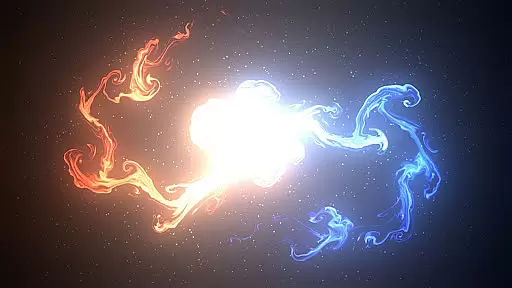
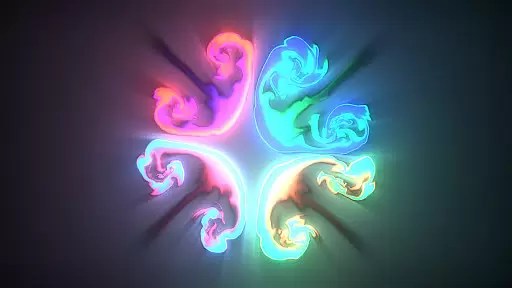
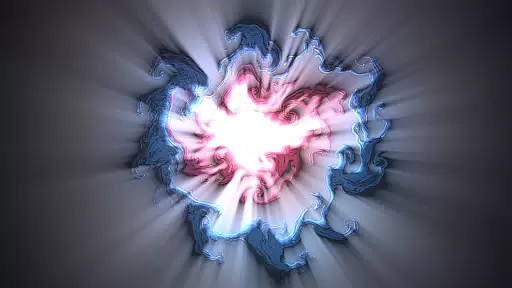
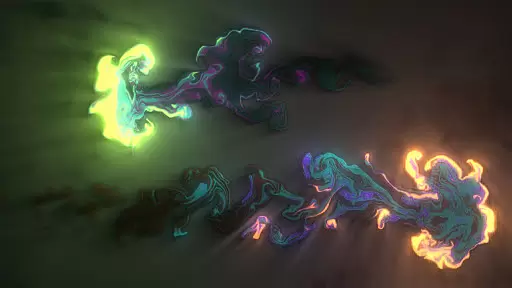

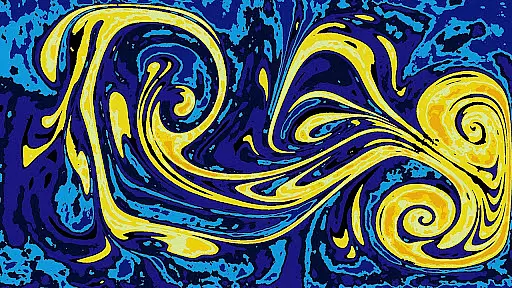

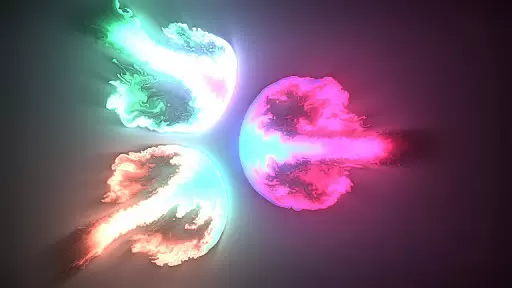
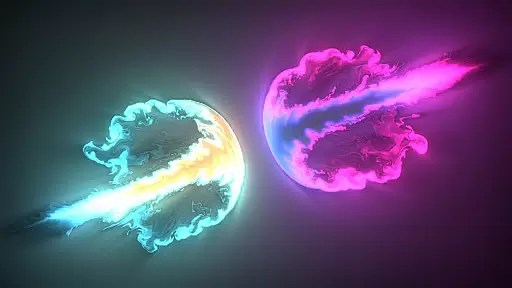
Magic Fluids is an innovative entertainment app that combines fluid simulation technology with artistic expression. This digital drawing tool allows users to create mesmerizing fluid animations by simply touching the screen. The app's advanced algorithms generate realistic fluid movements, producing stunning visual effects that range from tranquil swirls to dynamic, psychedelic patterns.
Designed for both relaxation and creativity, Magic Fluids caters to various user needs. Whether you're looking to unwind after a stressful day or seeking inspiration for digital art projects, this app provides the perfect platform. Its therapeutic qualities make it particularly beneficial for meditation and stress relief, while its sophisticated features appeal to professional artists and hobbyists alike.
The application's versatility extends beyond personal use. Parents can engage their children with Magic Fluids' captivating visuals, helping them develop motor skills while providing a calming activity. Additionally, the app's live wallpaper functionality brings devices to life with continuously evolving fluid animations, making it a comprehensive entertainment solution for all ages.
Magic Fluids stands out in the entertainment category through its sophisticated feature set. At its core, the app employs advanced fluid dynamics algorithms that simulate realistic water and smoke behaviors. Users can manipulate these elements through intuitive multitouch controls, creating complex interactions between thousands of particles in real-time.
The app offers extensive customization options, including over 30 pre-configured presets for quick setup and unlimited custom configurations for advanced users. Artists can experiment with multiple color modes, special effects like glow and textures, and adjustable animation speeds. The ability to save custom presets ensures users can maintain their preferred settings across sessions.
Performance optimization makes Magic Fluids accessible to a wide range of devices. The app features multiple quality settings that balance visual fidelity with device capabilities, ensuring smooth performance even on older hardware. Additional practical features include pause functionality, screenshot capture, and dual-mode operation as both a regular app and live wallpaper, providing maximum flexibility for creative expression.
Magic Fluids offers a diverse range of content that ensures users have a unique and engaging experience every time they interact with the app. The fluid simulation is not just limited to one type of animation; it includes both smoke and water effects, providing a rich visual experience.
With over 30 configuration presets available, users can explore different styles and looks without having to manually adjust settings each time. This feature caters to those who prefer quick access to varied aesthetics without delving into detailed customization.
The ability to save custom presets adds another layer of personalization, allowing users to revisit their favorite configurations or experiment with new ones at their leisure. This flexibility enhances user engagement as they can continually refresh their experience according to mood or preference.
Furthermore, Magic Fluids supports multitouch controls which means more interactivity and dynamic creation possibilities for users seeking an immersive entertainment experience through touch-based gestures on their device screens.
Magic Fluids has been designed in such a way that it naturally encourages extended periods of user engagement. Its mesmerizing fluid animations are not only visually appealing but also serve as a tool for relaxation and stress relief, prompting users to return frequently for calming sessions.
The inclusion of thousands of particles moving within the fluid creates an ever-changing canvas that captures attention and invites continued interaction. Users find themselves lost in the trippy motion of colors, which aids in meditation and sleep, thus increasing the likelihood of prolonged use during downtime.
For creative individuals, Magic Fluids presents an opportunity to design aesthetic digital art pieces using its sophisticated color modes and special effects like glow and textures. The artistic potential helps retain users by giving them a platform to express themselves while producing impressive designs resembling galaxies, liquid, fire, light, smoke, lava, and more.
Additionally, Magic Fluids' dual functionality as both a regular app and live wallpaper ensures that even when not actively drawing, users remain connected through passive viewing on their home screenu2014a subtle yet effective method for maintaining top-of-mind awareness and encouraging daily interaction with the application.
Highly customizable settings
Realistic fluid simulation
Multiple usage modes
Therapeutic benefits
Kid-friendly interface
May drain battery quickly
Steep learning curve
Requires modern device
Limited free features
Occasional glitches

EVP Recorder / Voice Recorder for ghost hunting, to communicate with ghosts.
 4.1
4.1
Open-source, fast, simple and powerful IPTV app
4.90
Watch everything you want.
2.90
The JBL Portable app works with JBL portable Bluetooth speakers.
4.60
Alice Box is an Instrumental Trans Communication app.
3.80
Browse popular images and videos from Reddit on Android TV!
3.90
VR 360 Cinema Player is the ultimate VR player for playing videos on mobile
3.50
Companion app for Elden Ring to track quests, bosses, progress and more.
4.70
Watch Reels, Drama Shorts & TV Series Anytime. Download DramaWave Now!
4.70
Stories that spark in seconds.
4.80
Pathfinder 2e initiative tracker with bestiary, HP, reaction, conditions, etc
4.80
Wodfix Air aggregates popular online content for you.
4.80
Classic dynamic pixel art from Mark Ferrari.
4.70
Fun brain twisting challenge with trending Whirlpool Filter.
4.70
Hand-drawn, cartoon OC creator - original character creator
4.70
Create, chat & bond with AI souls who truly listen.
4.50
Stream Online TV - Watch Live IPTV Playlist & Channel with Built-In Player
4.50
Disney Stickers: Zootopia 2
4.3
Neon Christmas Tree Animated: Festive Wear OS watch face with fitness info
4.4


User Reviews