
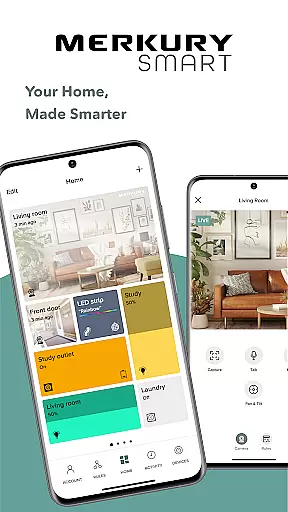
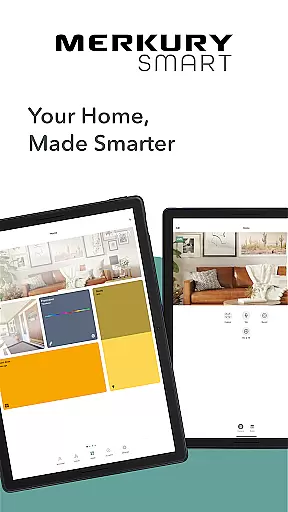
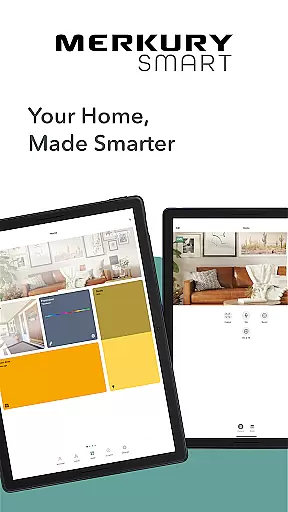
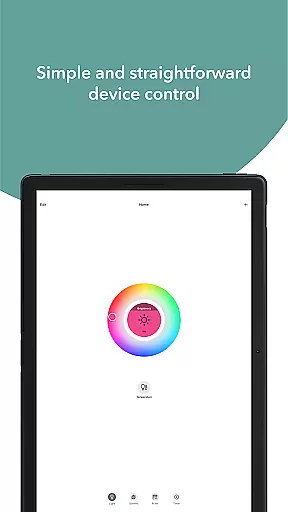
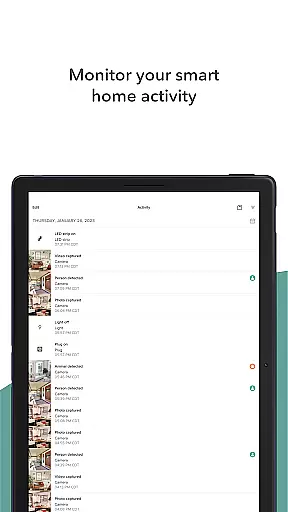
Merkury Smart is a comprehensive home automation application designed to work seamlessly with a range of Merkury smart devices. The app allows users to control and monitor their Merkury Indoor and Outdoor Smart Cameras, Auto-Follow Smart Camera, Smart Color Bulb, Smart Plug, Smart LED Strip, Smart Doorbell Camera, Smart Wi-Fi Floodlight Camera, and Smart Wi-Fi Outlet Extender. With its user-friendly interface, the app provides an all-in-one solution for managing your smart home ecosystem.
One of the standout features of Merkury Smart is its ability to provide live HD streaming directly to your mobile device. This enables real-time monitoring of your property, ensuring peace of mind whether you're at home or away. Additionally, the app supports motion detection notifications and automated recording, allowing users to capture important events as they happen. Beyond security, the app also offers vibrant lighting solutions through integration with Merkury's Smart LED Strips and Wi-Fi Light Bulbs, which can be customized to fit any mood or occasion.
The Merkury Smart app is ideal for tech-savvy homeowners looking to enhance their living spaces with smart technology. Whether it's controlling lights, managing security cameras, or automating daily routines, this app delivers convenience and efficiency right at your fingertips.
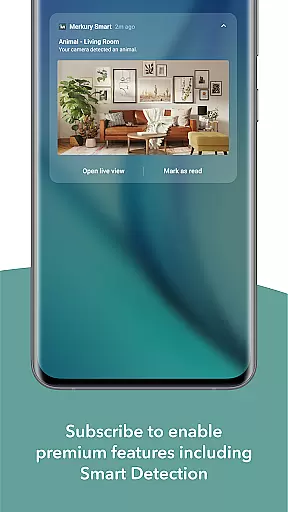
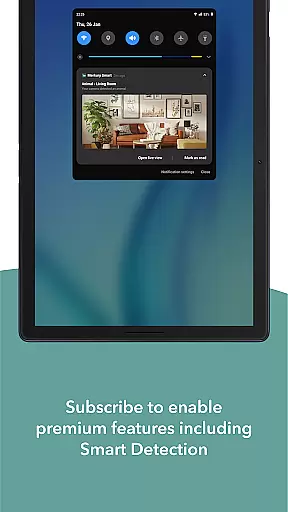
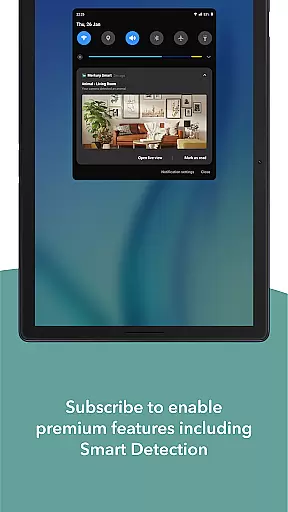
Merkury Smart stands out due to its extensive compatibility with various smart devices, making it a versatile tool for home automation. The app's primary feature is its robust live HD streaming capability, which allows users to access real-time video feeds from their Merkury cameras. This functionality is complemented by advanced motion detection that sends instant alerts to your device, ensuring you're always aware of activity around your home. Furthermore, the app's rule-based automation system lets users set up custom triggers for recording and saving events, enhancing security measures.
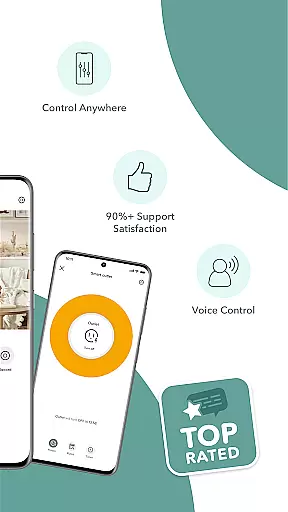
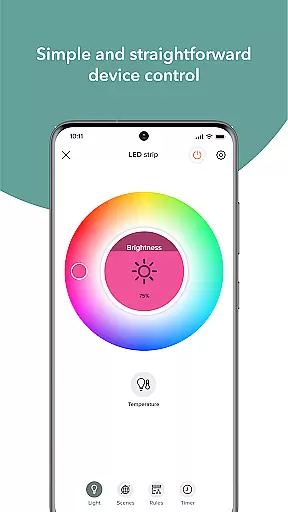
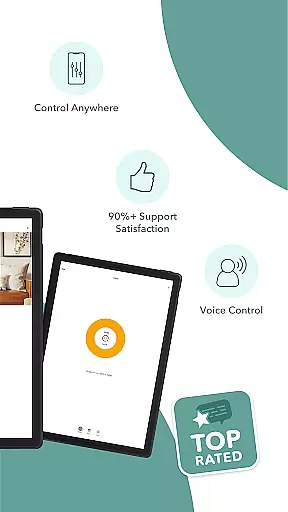
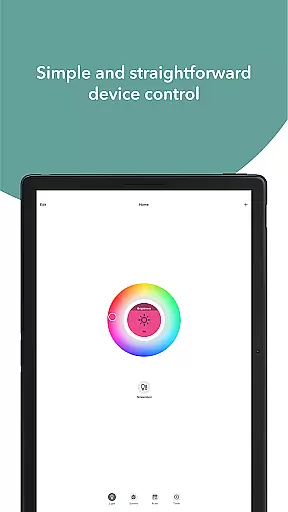
Beyond surveillance, Merkury Smart offers creative lighting solutions. Users can personalize their environments with the Smart LED Strips and Wi-Fi Light Bulbs, which support thousands of color and temperature variations. These lighting options are perfect for setting the ambiance during holidays or special occasions. The app also includes remote device control, enabling users to manage their smart plugs and bulbs from anywhere in the world. This level of customization extends to scheduling and voice command integration, providing unparalleled convenience.
Another notable aspect of Merkury Smart is its multi-location support. Users can add and manage multiple cameras across different properties, making it an excellent choice for those overseeing both home and business security. The app's intuitive design ensures that even beginners can easily navigate and utilize its full range of features, promoting a seamless user experience.
When managing smart devices for your home, ensuring the authenticity and accuracy of device listings is crucial. The Merkury Smart app provides verified and accurate listings for each connected device, including cameras, bulbs, plugs, and more. This guarantees that users can trust the information displayed about their smart devices.
The app meticulously updates and reflects real-time statuses of all connected devices. Whether it's a Merkury Indoor Smart Camera or a Smart LED Strip, users receive precise details about device operations, settings, and connectivity status. This ensures that homeowners are always aware of their smart home environment.
By offering authentic property listings, the app enhances user confidence in managing their smart homes. Users can easily monitor and control multiple devices from a single platform, ensuring seamless integration and reliable performance across various locations.
This level of authenticity in device listings helps prevent potential issues related to device mismanagement. With trusted and up-to-date information, users can efficiently maintain their smart home ecosystem, making the Merkury Smart app an essential tool for modern homeowners.
Effective home management is at the core of the Merkury Smart app's functionality. By integrating advanced features, the app allows users to effortlessly manage a variety of smart devices from one centralized location. This includes live HD streaming from cameras, control over smart bulbs and plugs, and even LED strip customization.
One standout feature is the ability to set up automated rules for device operation. For instance, users can configure motion detection alerts, schedule lighting changes, and automate routine tasks. These capabilities ensure that your home remains secure and operates smoothly, even when you're not there.
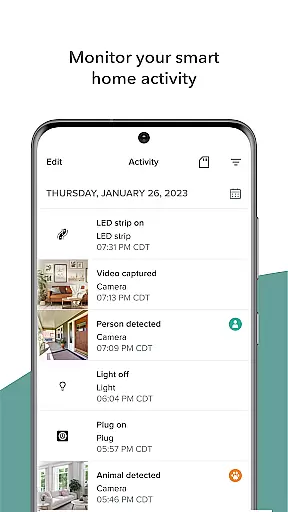
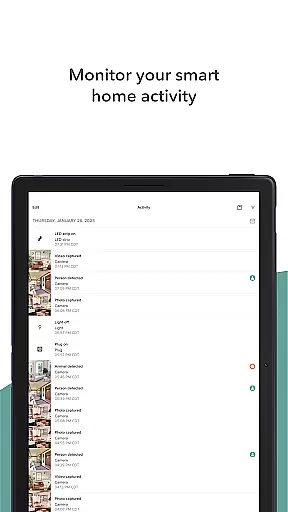
In addition to automation, the app offers robust review and sharing options. Users can look back at recorded activities, download important video clips, and share them with others. This functionality is vital for maintaining security and staying informed about events at home.
Overall, the Merkury Smart app transforms home management into a simplified and efficient process. Its comprehensive suite of tools empowers users to take full control of their smart home devices, enhancing both convenience and peace of mind.
User-friendly interface
Wide device compatibility
Real-time HD streaming
Advanced motion detection
Customizable lighting options
Limited third-party integration
Occasional connectivity issues
No 24/7 customer support
Requires stable internet
Premium features need subscription

An awesome mobile app for Home Security Surveillance - uses ZoneMinder
 3.20
3.20
Find paints using a Color Muse & ColorSnap® Match
3.60
This Fire TV Remote control's your Fire TV Device and Insignia Fire TV Remote
3.70
Convert your Phone to HiSense Smart TV Remote Control
4.70
Find the perfect paint color with advanced tools to explore and visualize color.
3.80
Find contractors for all home renovation projects. Remodeling, repair, and more.
4.20
Search for Homes, Rentals, Agents & Schools
4.70
Turn old phones into security cameras, baby monitors, pet cams, and more.
4.70
Set up your devices, customize settings, and monitor your home—from anywhere
4.40
Find your next home, house, apartment, condo, casa, flat, rental, studio, or bed
4.70
AI-powered home design, interior design, home decor, and room design solutions
4.50
Resident Center, powered by Buildium, is designed with simplicity in mind.
4.50
Make Renting Easy
4.40
Wobble Fix Tool
4.40
Plan your remodel AI home renovation easily using planner 5D and home decor AI.
4.40
Control your thermostat, comfort, and home monitoring from your phone
4.30
Smart AI plant care schedules, Real plant experts, support & Thriving community!
4.20
Design house plans in 2D & 3D, style furniture, and preview renovation layouts
3.70
Control Fire TV & mirror your phone screen instantly over Wi-Fi.
3.30


User Reviews