
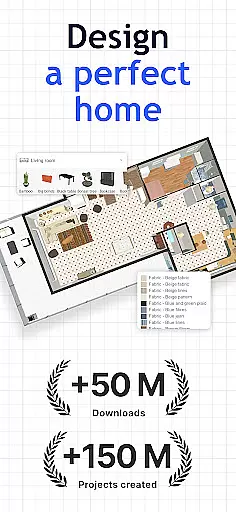
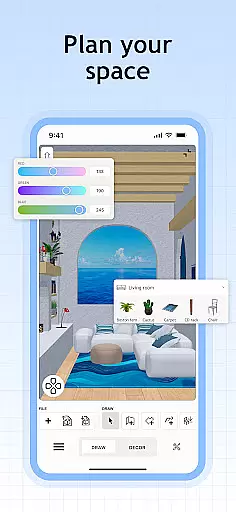
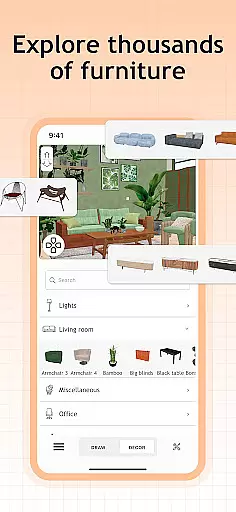
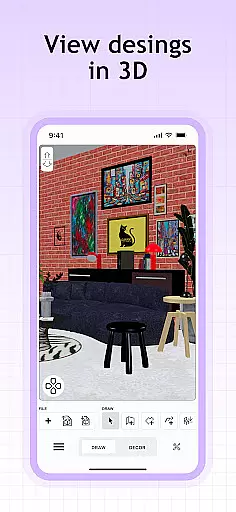
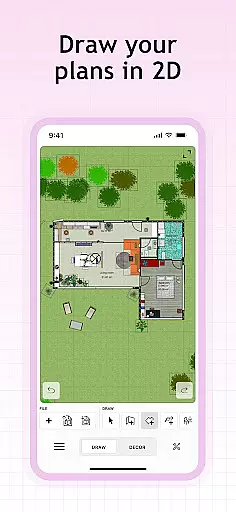
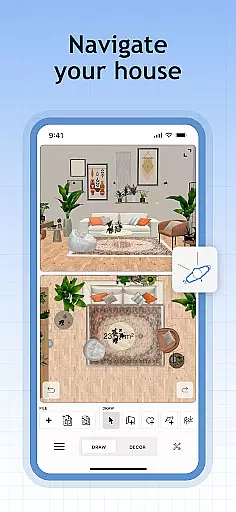
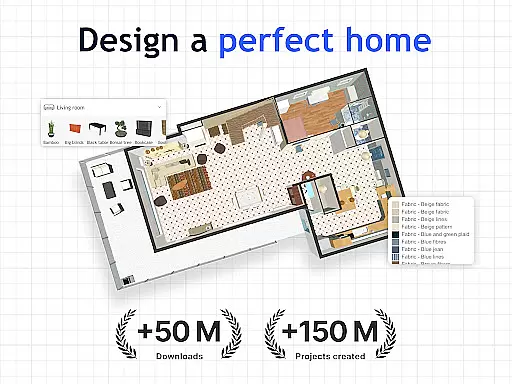
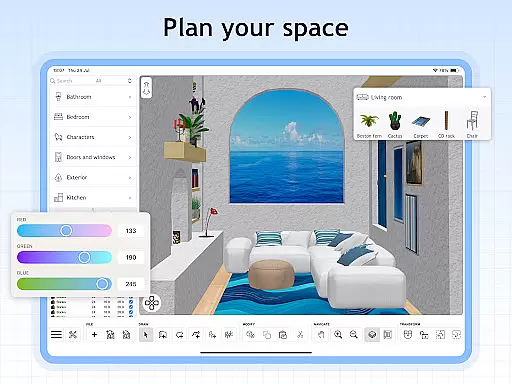
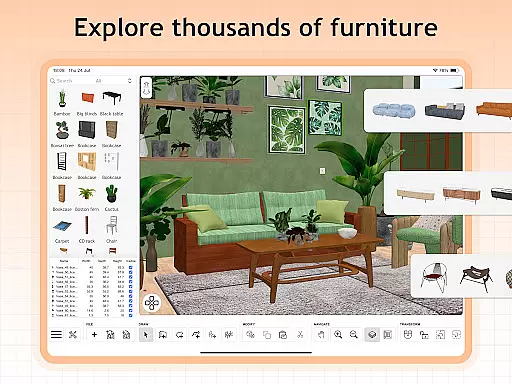
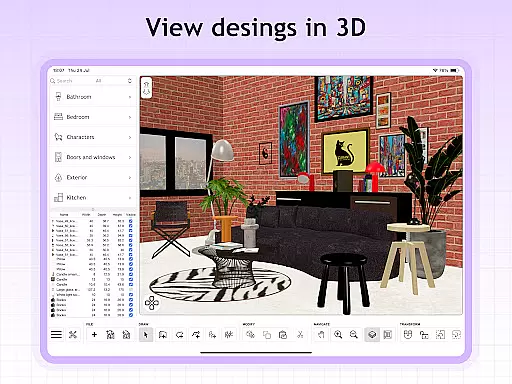
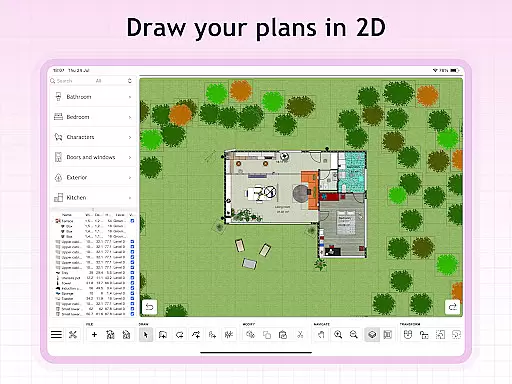
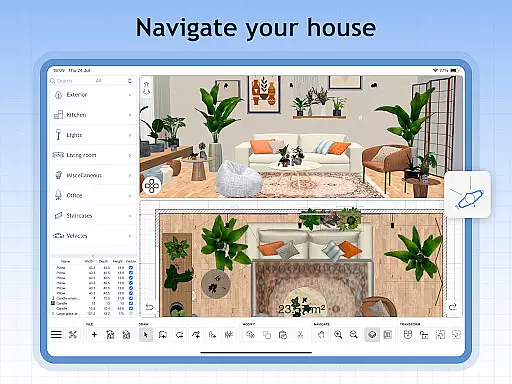
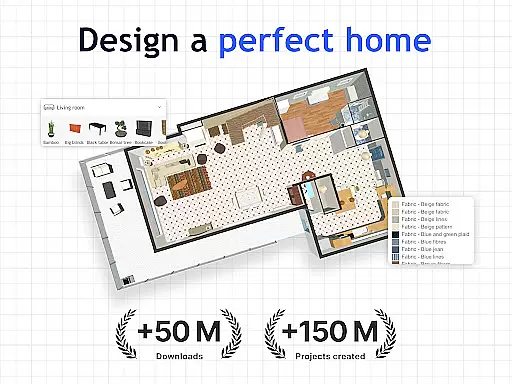
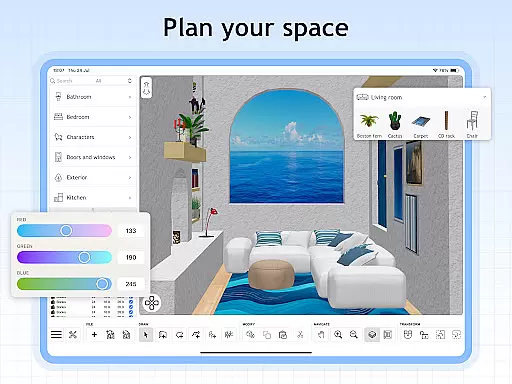
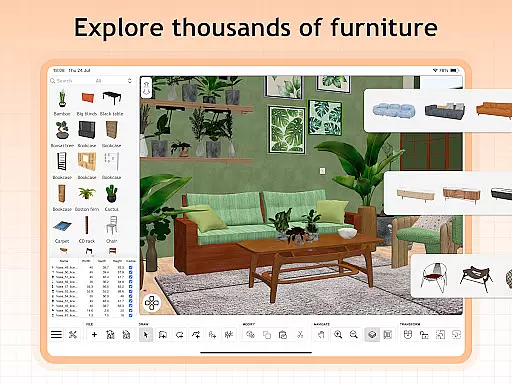
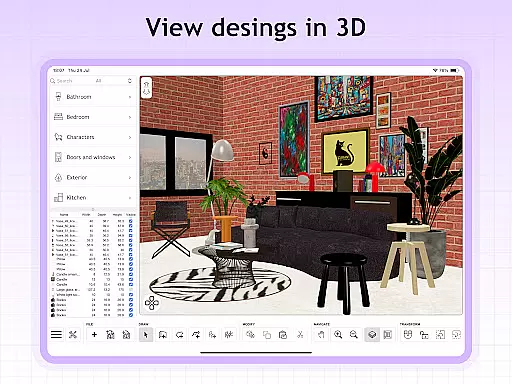
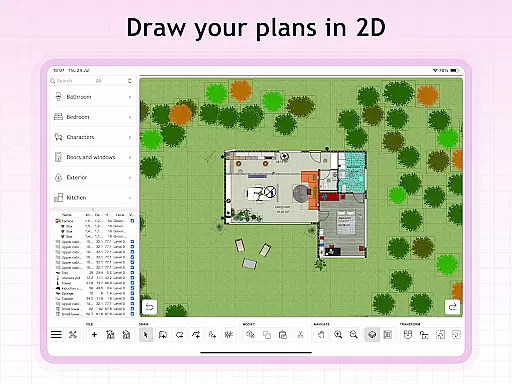
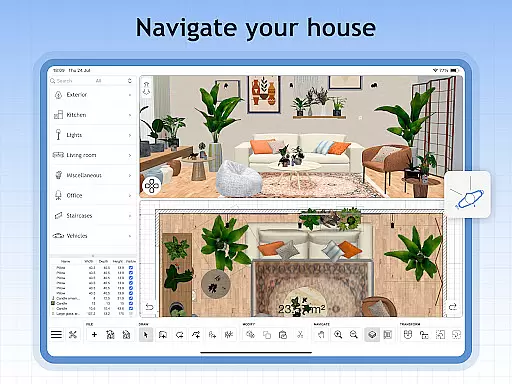
Sweet Home 3D is a premier house and apartment design planner that empowers users to craft their dream spaces with precision. The app offers an extensive library of over 800 furniture pieces, lighting options, and decor items, allowing for detailed customization of room layouts in both 2D and 3D views.
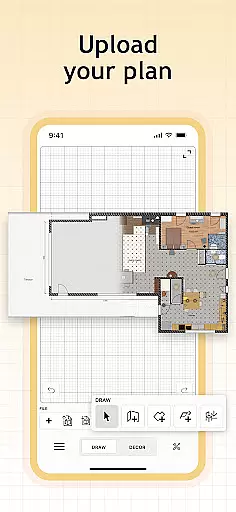
With its intuitive drag-and-drop interface, Sweet Home 3D makes it easy for anyone to design and visualize their home's layout. Users can import custom 3D models for unique elements and save their projects for future review. Multi-language support ensures global accessibility, making it an ideal tool for interior design enthusiasts and professionals alike.
Sweet Home 3D stands out with its comprehensive set of features tailored for detailed home planning. The app provides an easy-to-use 2D floor plan creation tool that instantly renders designs in 3D, offering users a realistic preview of their envisioned space.
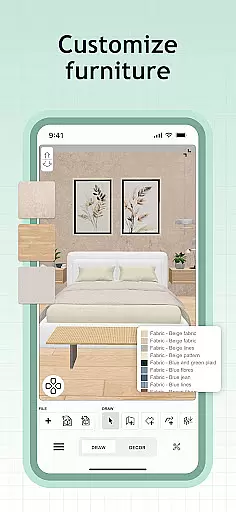
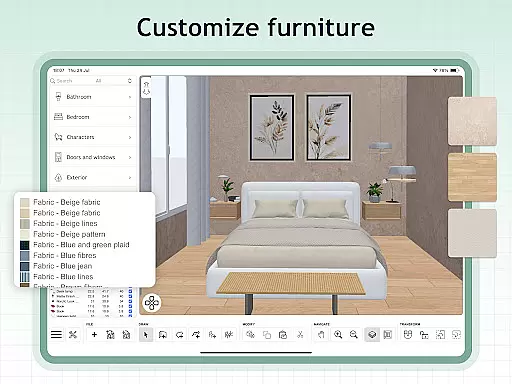
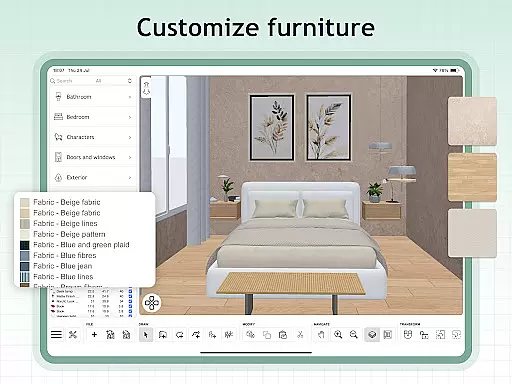
Users can customize dimensions and colors of more than 800 items, ensuring each design reflects personal style accurately. The ability to import additional 3D models and textures allows for unlimited creativity. Furthermore, access to a supportive online community offers inspiration, tips, and feedback, enhancing the overall design experience.
When designing a home in Sweet Home 3D, the authenticity of property listings is paramount. The app provides users with an extensive library of over 800 furniture pieces and decor items, each accurately represented with precise dimensions and textures. This ensures that every item placed in your virtual space mirrors its real-world counterpart.
The software allows for meticulous customization of room layouts and architectural elements. Users can set exact measurements for walls, doors, and windows, ensuring that the digital representation aligns perfectly with their physical space. This precision supports authentic property planning and design.
Sweet Home 3D stands out by offering multi-language support, making it accessible globally and allowing users from different regions to utilize the app according to their local standards and measurements. This feature enhances the authenticity of property listings by catering to regional specifics.
By saving designs and having the ability to review them later, users are assured that their planning process is both reliable and genuine. This functionality not only aids in accurate property representation but also serves as a valuable tool for professionals in the housing market who require dependable design software.
Sweet Home 3D offers robust home management features that allow users to efficiently organize and oversee their interior design projects. With an intuitive drag-and-drop interface, users can easily place and rearrange furniture and decor elements within their digital floor plans. This simplifies the process of visualizing different layout options and experimenting with various design ideas.
In addition to its user-friendly design tools, Sweet Home 3D provides simultaneous 2D and 3D viewing modes. This dual perspective enables users to explore their designs from multiple angles, ensuring comprehensive oversight of the project's progress and facilitating better decision-making when adjusting room layouts or adding new elements.
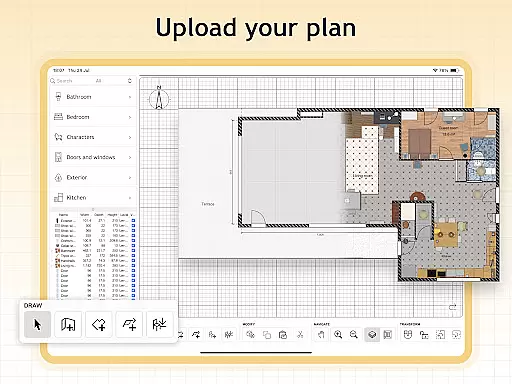
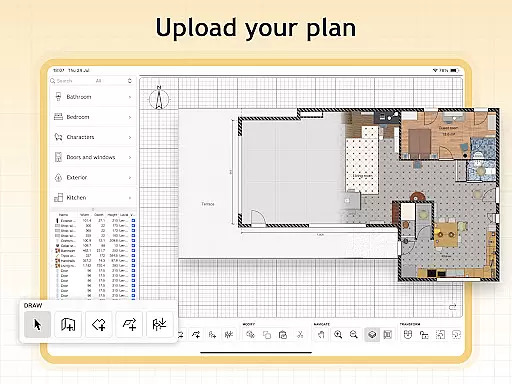
The application supports importing custom 3D models, which adds another layer of flexibility to home management. Users can incorporate unique furniture pieces and decor items that are not available in the standard library, allowing for personalized and distinctive design solutions tailored to individual preferences and needs.
Furthermore, subscription access to premium features enhances home management capabilities by unlocking unlimited project potential and seamless model imports. These advanced options empower users to create complex designs while maintaining control over every aspect of their home planning experience.
User-friendly interface
Extensive furniture library
Real-time 2D and 3D visualization
Customizable design elements
Multi-language support
Limited free trial availability
Subscription required for premium features
No refunds for unused subscription periods
Auto-renewal by default
Potential learning curve for beginners

Wobble Fix Tool
 4.40
4.40
Control your Daikin, Amana & Goodman heating & cooling systems from anywhere
4.40
This Fire TV Remote control's your Fire TV Device and Insignia Fire TV Remote
3.70
Download today to join the community to help bring lost pets home faster.
4.70
Convert your Phone to HiSense Smart TV Remote Control
4.70
Control Fire TV & mirror your phone screen instantly over Wi-Fi.
3.30
Smart AI plant care schedules, Real plant experts, support & Thriving community!
4.20
View houses and apartments for rent, updated daily.
4.80
Search for Homes, Rentals, Agents & Schools
4.70
MLS-powered real estate app to find homes for sale & apartments for rent
4.70
A Smarter Home in Seconds
4.70
Innovative and budget-friendly housing options
4.60
Parcel Pending Resident App
4.50
AI Home Designer & Room Planner: Decorate your interior space with AI
4.40
Control your Vivint Smart Home with the next generation Vivint App.
4.30
Book your local plumber 24/7, track your service order & get exclusive coupons
4.00
An easier way to make payments and maintenance requests from anywhere.
3.50
Calculate baluster spacing with ease and precision.
4.1
Universal TV Remote for TV, control all Smart TVs with your mobile phone.
4.1


User Reviews