
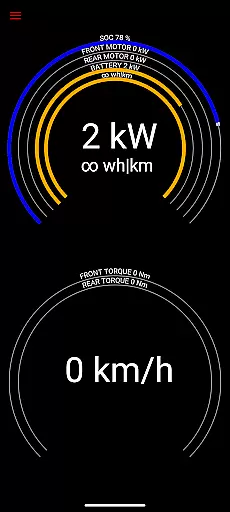
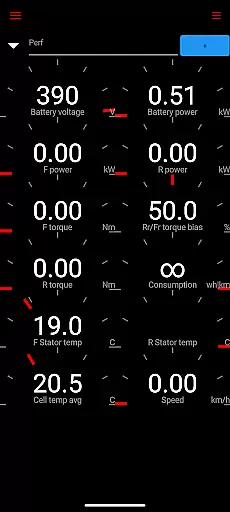
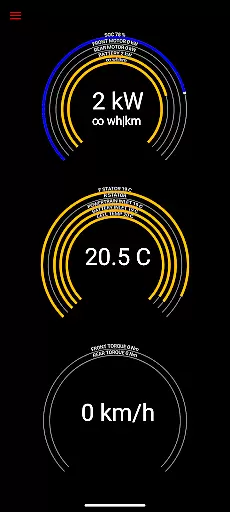
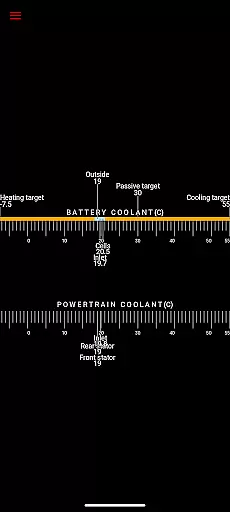
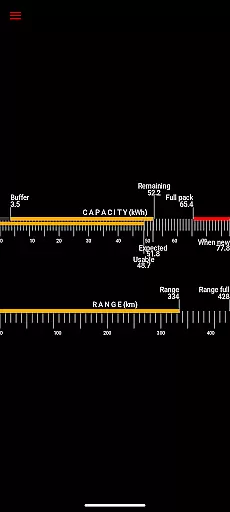
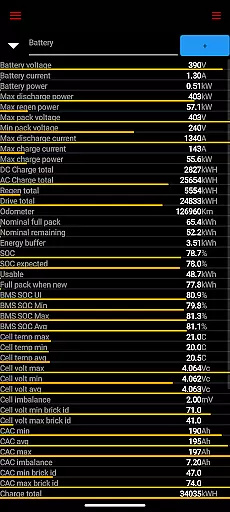
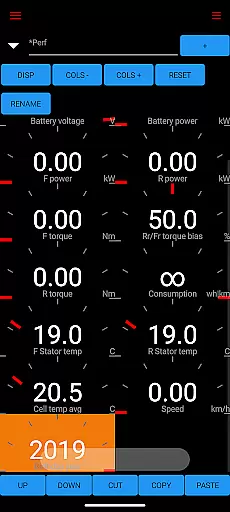
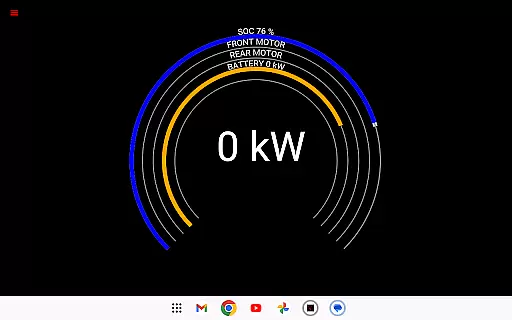
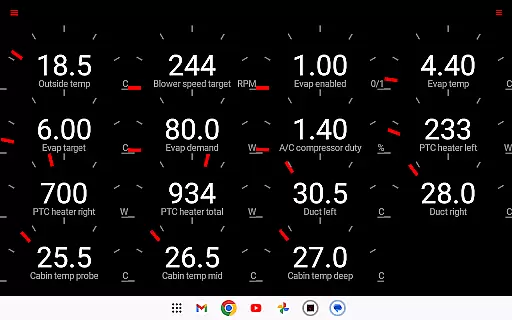
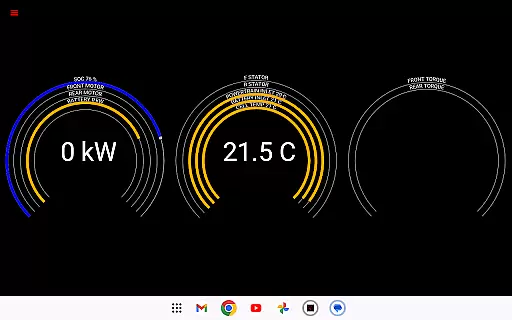
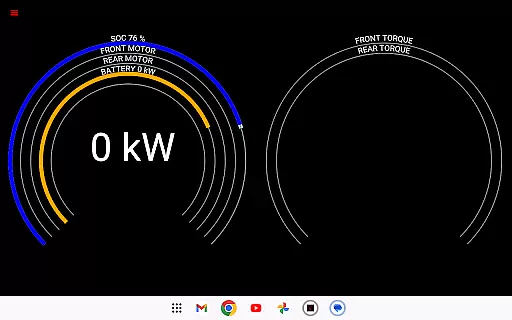
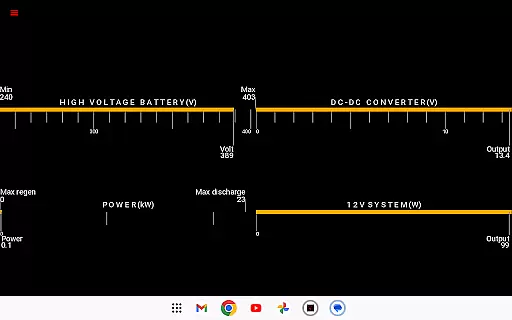
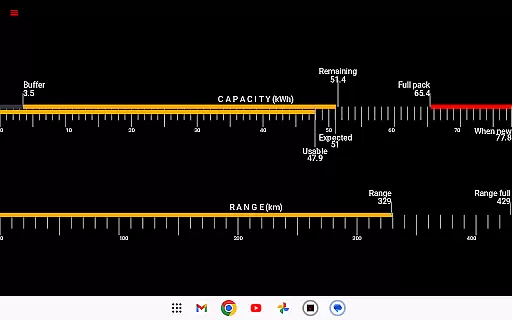
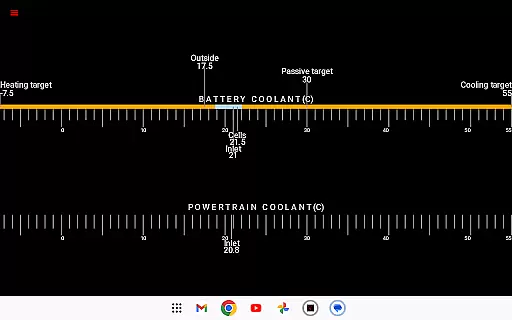
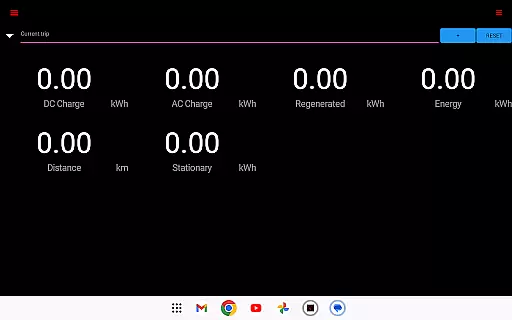
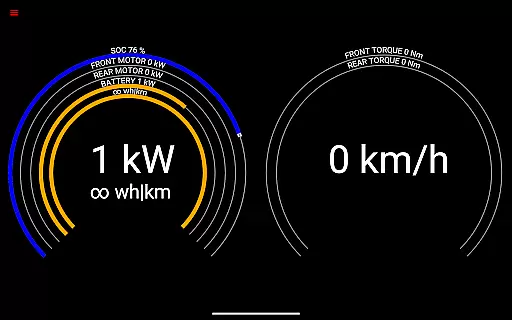
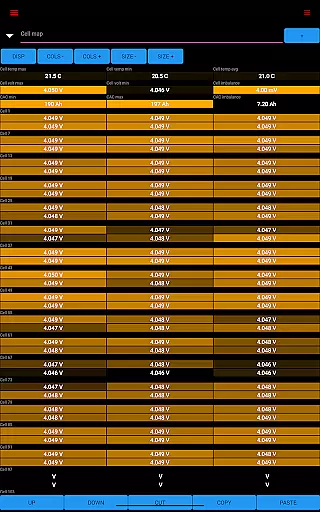
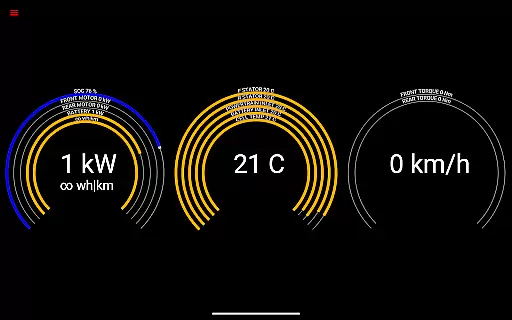
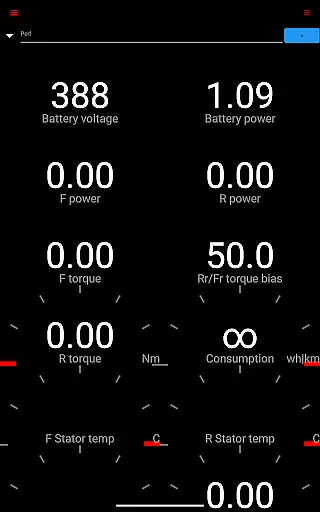
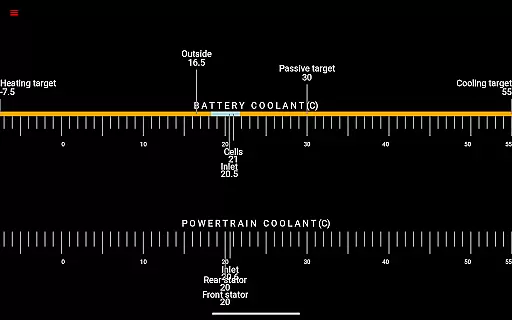
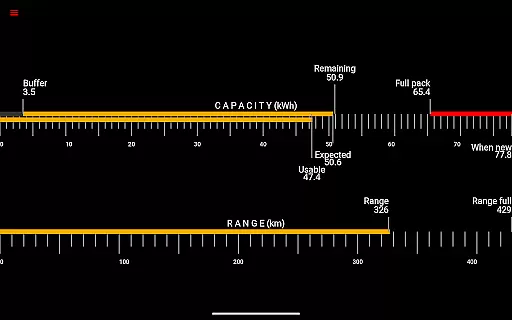
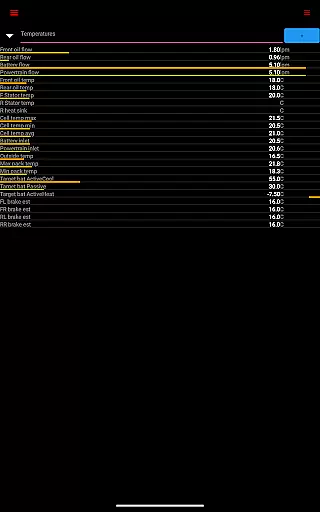
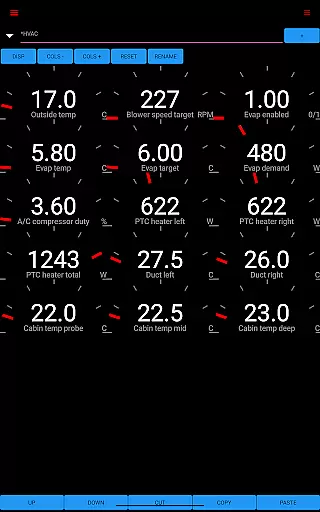
Scan My Tesla is a specialized diagnostic tool designed for Tesla Model S, 3, X, and Y owners. This application provides real-time readings from the vehicle's diagnostics port, offering users valuable insights into their car's performance. With the help of an adapter cable and a compatible OBD2 adapter, available at https://www.scanmytesla.com/adapters, users can access numerous live statistics.
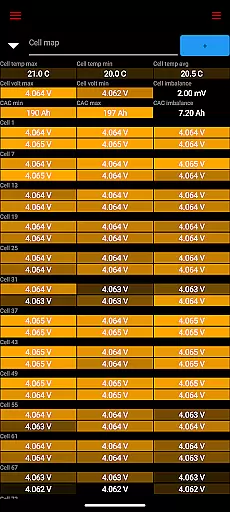
The app displays critical data such as battery power, voltage, current, and temperatures, along with drive unit metrics like electric power, torque, horsepower (not available on Model 3), RPM, and temperatures. Additionally, it offers battery lifetime stats, capacity estimates, mileage, 12V system details, and comprehensive trip recording including regenerated and charged energy. This information empowers Tesla owners to better understand their vehicle's health and optimize its usage.
Scan My Tesla stands out with its ability to decode CANBUS packets, thanks to contributions from experts like Jason Hughes and Jack Rickard. The app features visually engaging presentations of diagnostic data and logging capabilities for later analysis. Users can monitor battery cell information, HVAC controls developed by Marc Olivier Chouinard, and utilize a trip recording system conceptualized by the same expert.
Community-driven efforts have further enhanced Model 3 decoding, led by JWardell. The app contains elements of Android OS example code under Apache 2.0 license, ensuring compatibility and reliability. For more information, users can visit https://sites.google.com/view/scanmytesla/ or join discussions on Facebook and forums like Tesla Owners Online. These features collectively provide a robust platform for Tesla enthusiasts to explore their vehicle's potential.
Detailed vehicle information is crucial for Tesla owners who want to monitor their car's performance and health. Scan My Tesla provides comprehensive diagnostic data directly from the vehicle's systems, offering unprecedented insight into your Tesla's operations.
The app reads real-time statistics from the diagnostics port, presenting vital information such as battery power, voltage, current, and temperatures. It also offers data on the drive unit's electric power, torque, RPM, and temperature, ensuring that you have a complete overview of your vehicle's status at all times.
Users benefit from access to battery lifetime stats, capacity estimates, and 12V system metrics. This level of detail allows for proactive maintenance and a deeper understanding of the vehicle's efficiency over time. The app even includes trip recording, capturing regenerated and charged energy metrics.
By providing such detailed vehicle information, Scan My Tesla empowers Tesla owners with knowledge, enabling them to maximize their car's potential while ensuring optimal performance and longevity.
Price transparency in automotive apps ensures users understand all associated costs without hidden fees or surprises. For an application like Scan My Tesla, price transparency involves clear communication about the costs related to using specific features or required accessories.
Scan My Tesla clearly outlines that the app requires an adapter cable and a specific type of OBD2 adapter to function correctly. This upfront information helps users make informed decisions regarding necessary purchases before utilizing the app's full capabilities.
While the app itself may be free or have a one-time purchase fee, users are made aware of additional hardware requirements through the app's description and supporting web pages. This approach fosters trust and prevents frustration by setting clear expectations.
Ultimately, Scan My Tesla's commitment to price transparency enhances user satisfaction. Customers appreciate knowing exactly what they need to invest in to fully leverage the app's diagnostic capabilities, leading to a more positive overall experience with the product.
Real-time diagnostics
Comprehensive stats
User-friendly interface
Active community support
Regular updates
Requires adapter
Model 3 limitations
Complex setup
Potential inaccuracies
No official affiliation

Easily notify car owners in urgent situations, safe, fast, multilingual.
 4.5
4.5
ODB2 based monitoring application for the Chevy Bolt (2017-2021)
4.00
OBD1 ECMs application. Data log or tune directly from your phone or tablet!
4.60
BlueDriver® is a Premium Diagnostic OBD2 Scan Tool. www.BlueDriver.com
3.90
Car Values, Research and More
4.80
The ExtraMile App allows you to pay for fuel from the comfort of your car!
4.70
Your Path to Driving Licensing Success Begins Here! Develop your driving skills.
4.40
Available in select states.
4.00
Autotrader is your online solution for buying and selling new and used cars.
4.40
Get more out of your AAWireless adapter with this companion app | aawireless.io
4.80
1M+ high-quality auto parts at your fingertips. Fitment guaranteed.
4.70
Shop cars & see your financing
4.60
Get price alerts, vehicle history details and more for cars near you!
4.50
Ultimate OBD2 Car Scanner: Diagnostics, Service and Modification Tool
4.30
myAudi offers users services and Audi connect services for Audi drivers
4.10
Control maps, media and messaging, with the Google Assistant while you drive
4.10
Boost profits and hit your goals faster with GigU's amazing tools for gigworkers
4.00
Club Car Wash Mobile App—the fast lane to managing your wash membership.
3.30
Better fuel to help keep you on the road
3.20


User Reviews