
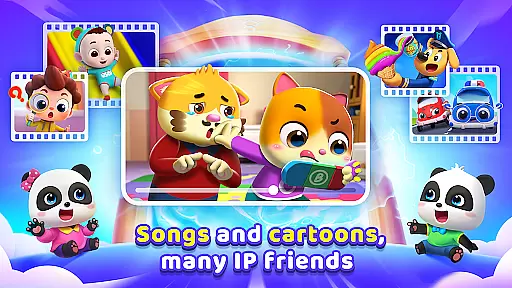
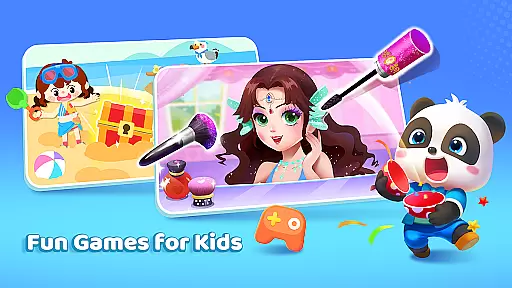
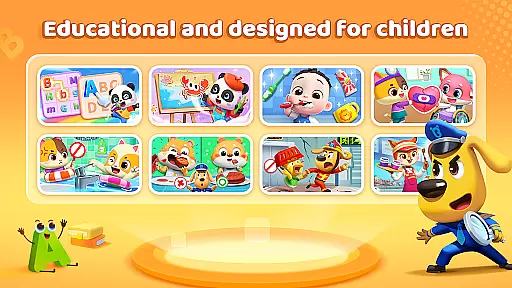
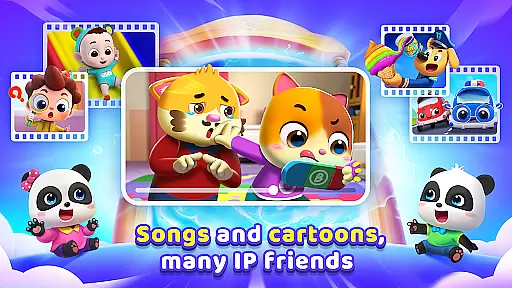
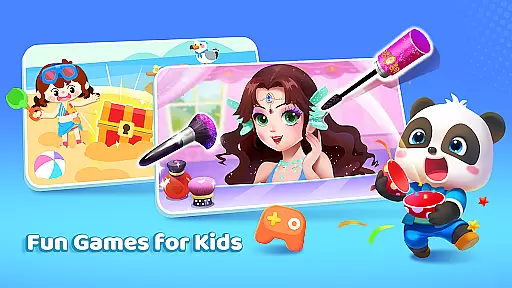
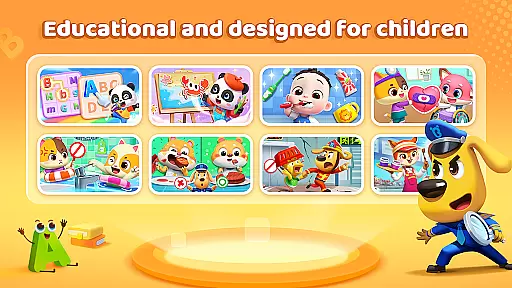
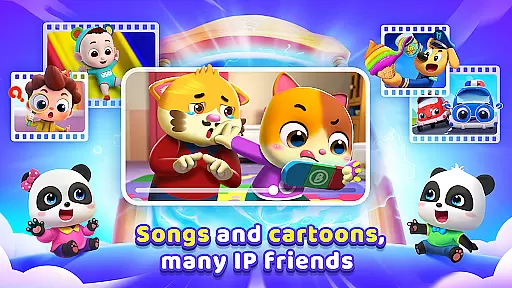
BabyBus TV is an educational app designed to spark children's imagination and foster a love for learning through engaging content. With over 600 episodes featuring beloved characters like Kiki and Miumiu, the app covers diverse topics including safety, art, cognition, emotions, math, and English.
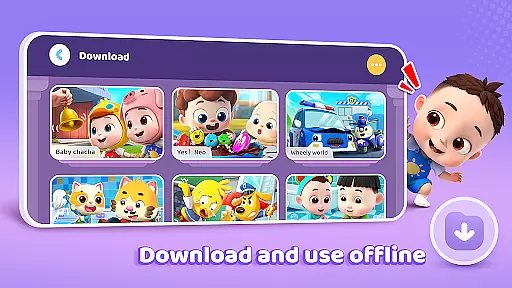
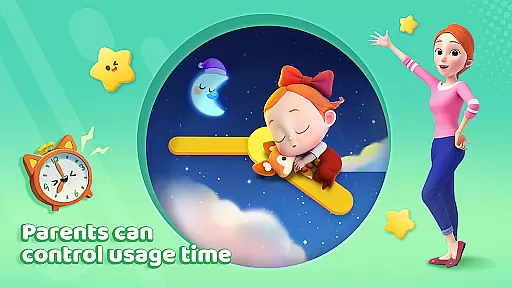
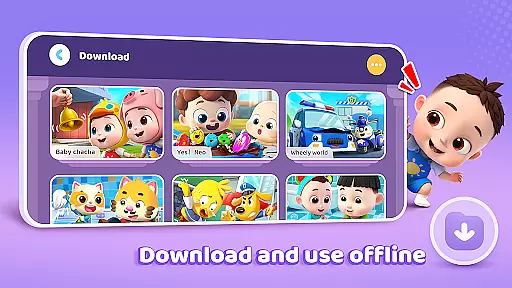
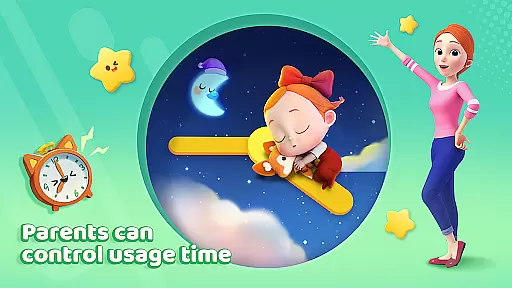
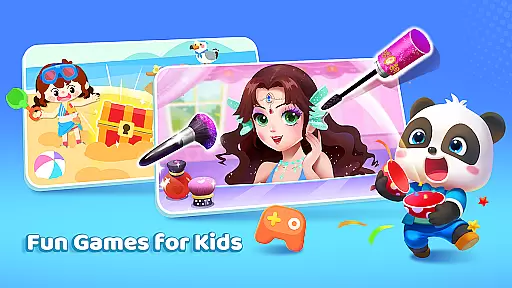
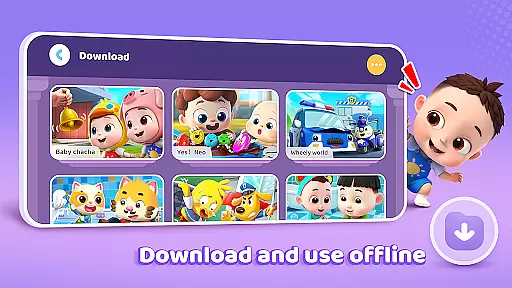
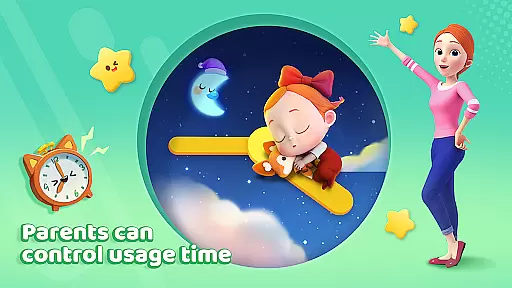
The app provides parents with essential controls such as screen time management, offline viewing, and privacy protection. These features ensure a safe and balanced learning environment while allowing kids to explore their favorite songs, cartoons, and interactive games.
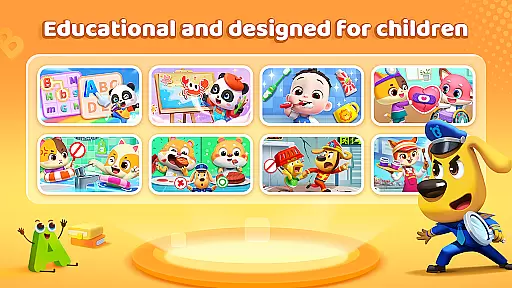
BabyBus TV offers a rich selection of educational materials that cater to various developmental needs. The habit-building section teaches essential routines, while the art segment encourages creativity through music and drawing. The safety module imparts crucial knowledge for different scenarios, ensuring children are well-prepared.
Cognitive development is supported through content about dinosaurs, cars, food, numbers, and more. Emotional intelligence is nurtured via stories that promote empathy and social skills. Additionally, the app includes dedicated sections for math and English, providing structured learning through videos and games.
In the realm of educational content for children, accuracy and authority are paramount. BabyBus TV takes this responsibility seriously by offering a vast library of over 600 episodes that cover a wide array of educational topics. These include essential life skills such as brushing teeth and taking showers, to more complex subjects like math and English, ensuring that each piece of content is not only engaging but also factually correct and beneficial for young minds.
The app collaborates with child education experts to develop its content, instilling confidence in parents that their children are learning from reliable sources. This dedication to authoritative content ensures that whether it's through songs, cartoons, or interactive games, children receive age-appropriate knowledge that aligns with educational standards and promotes cognitive development.
Furthermore, BabyBus TV integrates safety education into its programming, teaching kids crucial knowledge about home, travel, and emergency situations. By doing so, it equips children with the necessary skills to navigate the world around them safely, all while wrapped in the engaging format of their favorite characters and stories.
BabyBus TV stands out by providing personalized learning paths tailored to nurture each childu2019s unique abilities and interests. The app achieves this through an extensive selection of educational materials covering diverse topics such as art, cognition, emotions, and more. This variety ensures that every child can explore subjects they are passionate about, fostering a love for learning that is both personal and profound.
Understanding the importance of adapting to individual learning paces, BabyBus TV incorporates features like Auto Save to track viewing history. This allows the platform to recommend content that aligns with a child's ongoing learning journey, effectively guiding them through new challenges at just the right pace for optimal growth and understanding.
Moreover, the app encourages creativity and social skills development through specific content categories focused on drawing, music, empathy, and social interactions. By integrating these elements into personalized learning experiences, BabyBus TV not only educates but also helps shape well-rounded individuals ready to embrace life's adventures with confidence and curiosity.
User-friendly interface
Extensive educational content
Parental control features
Offline viewing capability
Privacy protection measures
Limited original content
Ads between videos
In-app purchases available
Occasional loading issues
Subscription model

Learn math, step-by-step
 4.30
4.30
scanner body part for fun Prank friends realistic scan effects
3.00
Astronomy app ? Discover the universe scope, explore solar system model in 3D.
4.20
Gain new skills in 10 minutes
4.70
Astronomy Guide to the Night Sky
4.40
Designed for Calculator 84 users
4.20
For medical training - Visualize complex vein maps and structures in real-time.
4.10
Visit Daniel's house & make believe. Play doctor, make music, & feed fish.
3.20
The best way to study for your amateur radio license exam.
4.90
Learn & Speak New Languages
4.70
Dinosaurs coloring book game. Drawing and painting dinos.
4.50
Intuitive Transformer Lab - By a Lineman, For Linemen & Apprentices
4.50
Pass your FAA written with flying colors - Study Buddy can help.
4.30
Break Language Barriers with AI—Learn Language Anytime, Anywhere!
4.00
Master note reading with StaffWars….
4.00
Listen, request and record pronunciations in more than 450 languages. Everywhere
3.90
Snap a dog photo to identify its breed instantly. Fast, accurate and easy to use
3.40
Master the NRP with 700+ questions, rationales, and updated NREMT scenarios.
3.00
Study the questions most likely to be asked during the Oral & Practical Exams.
2.80


User Reviews