
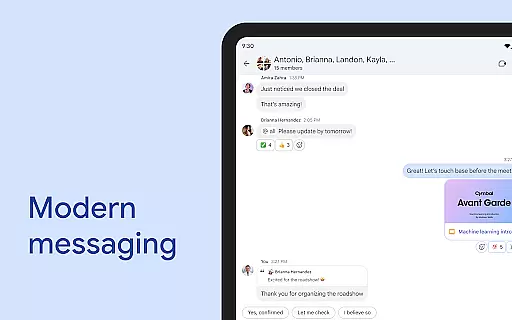
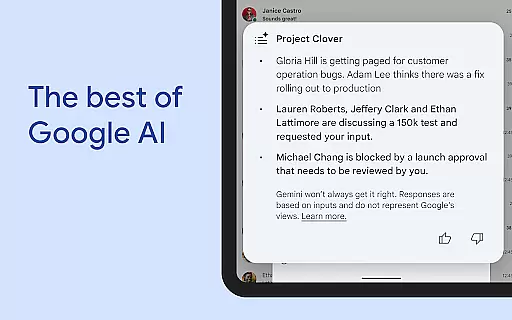
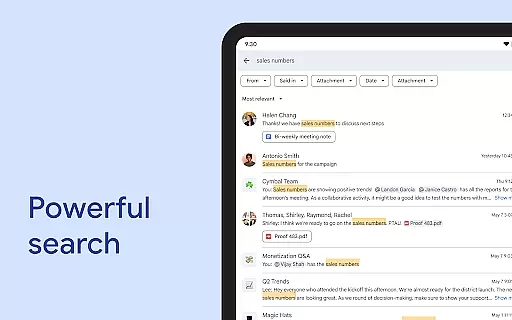
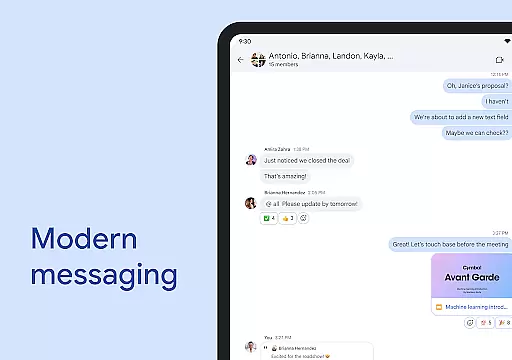
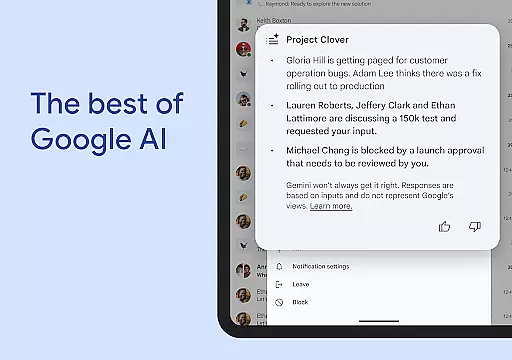
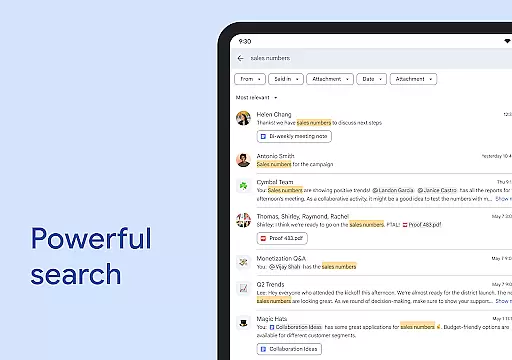
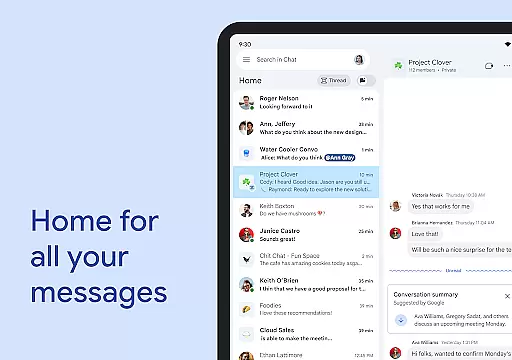
Google Chat is a powerful communication and collaboration tool designed specifically for teams using Google Workspace. This AI-first messaging platform transforms team interactions through innovative features powered by Gemini. The app provides comprehensive conversation summaries, automatic translations across 120+ languages, and AI-powered search capabilities.
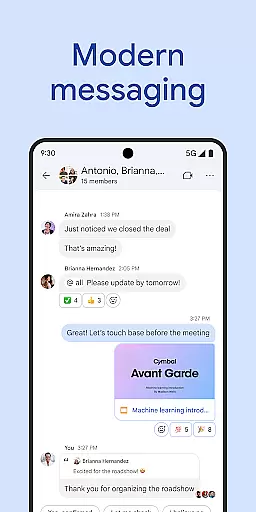
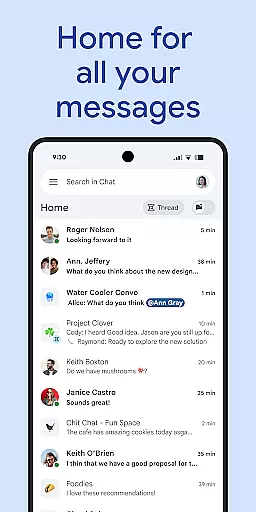
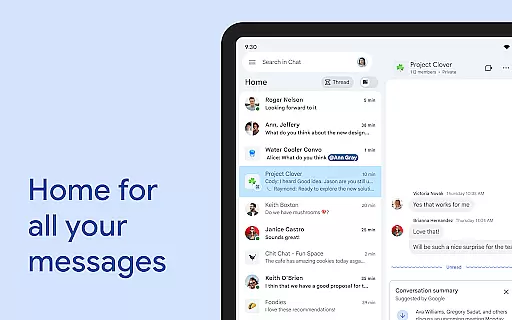
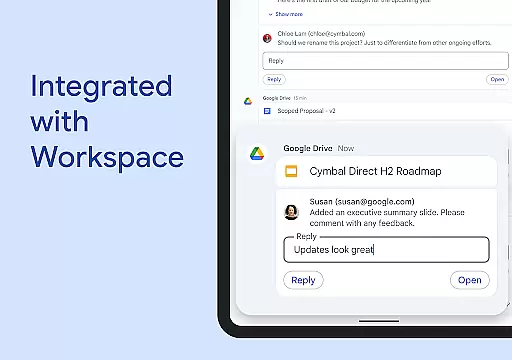
Beyond basic messaging, Google Chat offers everything teams need to stay connected and productive. Users can initiate chats with individuals or groups, share detailed updates through audio and video messages, and engage in real-time huddles. The application's deep integration with other Workspace apps creates a unified productivity ecosystem.
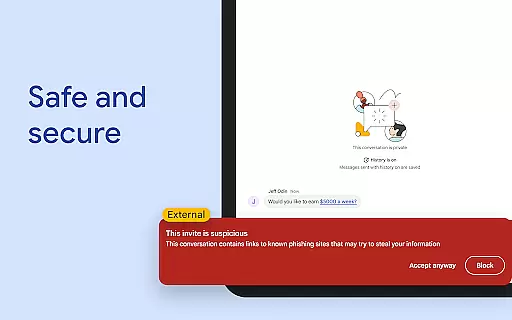
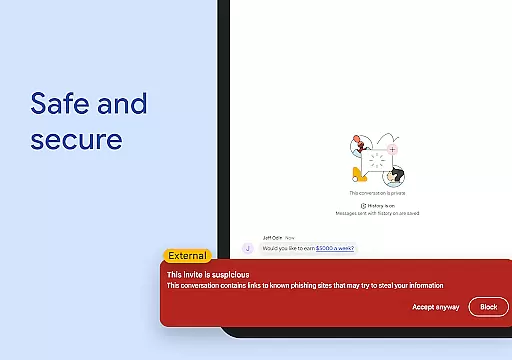
The platform's enterprise-grade security features ensure safe collaboration. Protected by Google's zero-trust architecture, it eliminates desktop app vulnerabilities and employs advanced data loss prevention mechanisms. While basic features are included with Google Workspace, premium functionalities require a paid subscription.
Google Chat distinguishes itself through its comprehensive feature set tailored for modern workplace collaboration. The application's AI-powered capabilities include automatic translation across multiple languages, intelligent conversation summaries, and advanced search functionality that helps users quickly find relevant information.
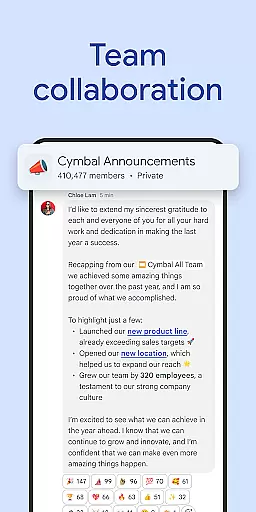
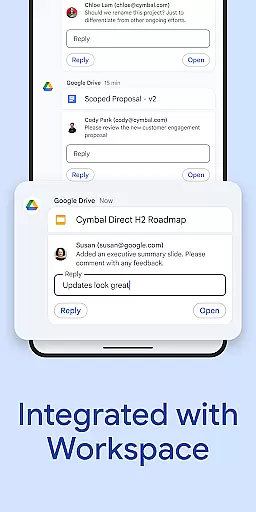
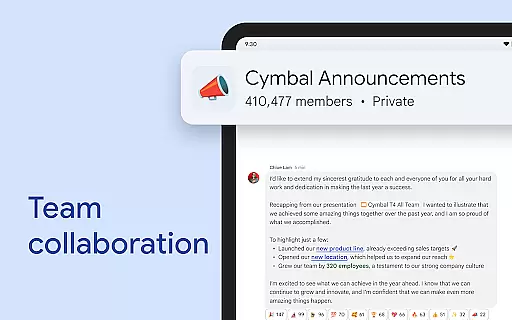
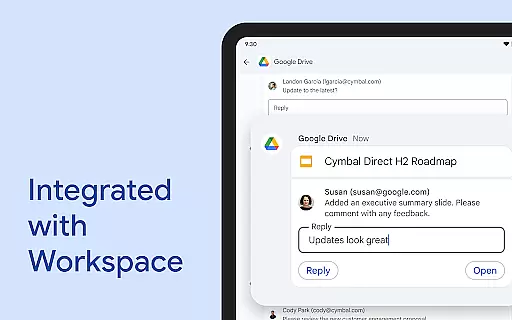
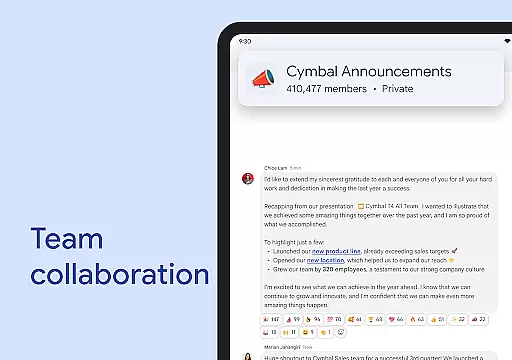
The platform offers versatile communication options, allowing users to create different types of conversations - from one-on-one chats to group discussions and company-wide channels. Its integration with Workspace apps like Gmail, Calendar, and Drive streamlines workflow management. Smart chips technology enables seamless linking of files, people, and spaces within conversations.
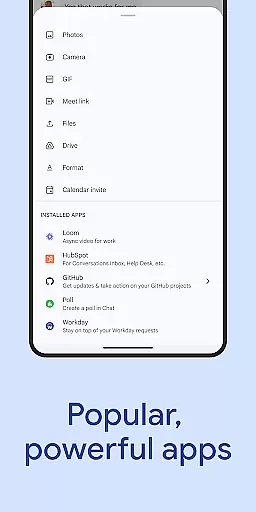
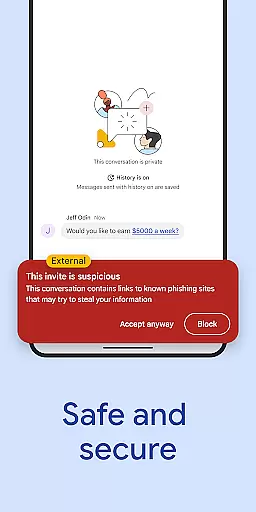
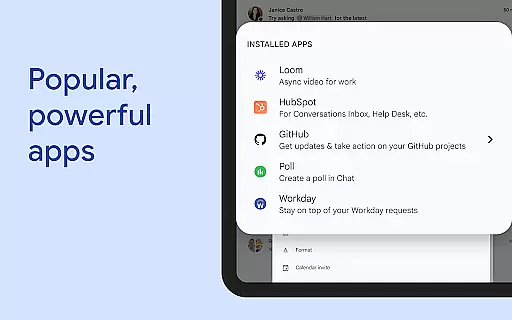
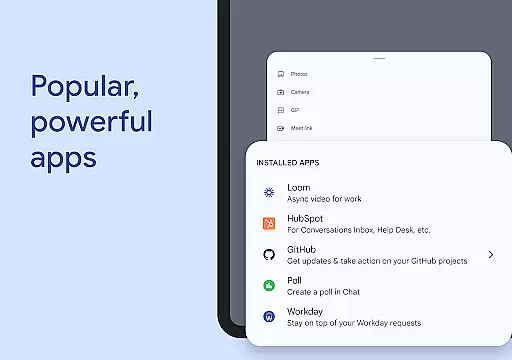
For developers and administrators, Google Chat provides robust API support for building custom applications. The platform supports no-code, low-code, and professional development approaches. Additionally, its security features include AI-driven data loss prevention, malware detection, and protection against phishing attacks, making it suitable for enterprise-level deployment.
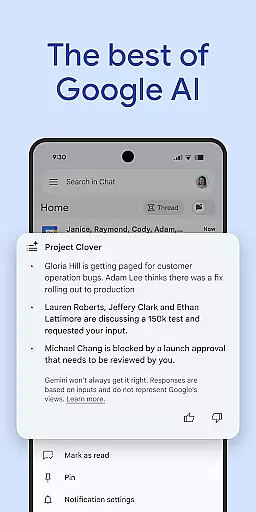
Google Chat revolutionizes team collaboration by integrating advanced AI capabilities with seamless communication tools. The platform offers conversation summaries that help teams stay updated without having to scroll through lengthy discussions.
With support for automatic translation across more than 120 languages, Google Chat ensures that language barriers do not hinder global teamwork. This feature allows multinational teams to communicate effortlessly and maintain productivity.
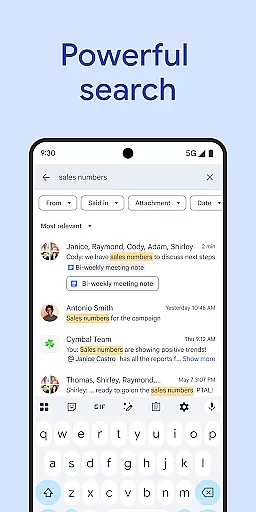
The app also includes AI-powered search functionality, enabling users to quickly find specific messages, files, or links within their chats. This saves valuable time and enhances overall efficiency as employees can focus on tasks instead of searching for information.
Additionally, action items can be captured during conversations, ensuring all team members are aligned and aware of their responsibilities. This promotes accountability and streamlines project management efforts.
Google Chat provides robust task management features designed to keep teams organized and productive. Users can initiate chats with individuals, groups, or entire teams, facilitating real-time communication and collaboration.
Personalized status updates allow team members to indicate when they are focused on deep work or available for interaction. This transparency helps colleagues manage expectations and plan interactions accordingly.
For comprehensive updates, the platform supports audio and video messages, allowing users to share detailed information beyond text-based communication. This multimedia approach enriches the collaborative experience and ensures clarity in conveying complex ideas.
Huddles enable spontaneous, real-time connections, mimicking the benefits of in-person meetings without the need for scheduling. These features collectively enhance teamwork dynamics and contribute to a cohesive work environment.
AI-powered features
Multi-language support
Workspace integration
Enterprise security
Custom API access
Premium costs
Complex setup
Limited free features
Internet dependency
Learning curve

viewing and sharing of PDFs
 3.60
3.60
Formerly Facebook Ads Manager. Manage and create ads on the go.
4.20
The MyWalmart App is available for all associates in stores.
4.70
Recover what matters — quickly and easily.
4.70
enjoy effortless PDF reading anytime, anywhere
3.90
A secure, all-in-one team collaboration app
4.30
We are a dynamic team of creatives people of design, marketing, web & apps
3.00
USPS Mobile®Access USPS.com’s most popular tools on-the-go.
4.70
Ship, Track, Find a Location or Get a Quote with UPS. Anytime. Anywhere.
4.60
Earn free swag, G-Cards & food • Enter sweepstakes • Find stores • So much more.
4.70
Manage Your Shop
4.70
Find jobs and make money fast with JobStack.
4.60
Finance, Investing, Stocks, Trading and Stock news
4.60
Amazon A to Z is the place to manage your work-life at Amazon.
4.50
One marketplace. Hundreds of services. Unlimited possibilities. All on Fiverr.
4.40
All Your Gig Work. One App.
4.30
Find work, shifts and gigs near you. Jobs lasting a few hours to a few months.
4.30
Delivery Track App - Tracking with Fedex, USPS, UPS, DHL. Monitor your Orders.
3.20
Completed Course Lectures on how to use IBM Maximo in Maintenance issues
4.0


User Reviews