
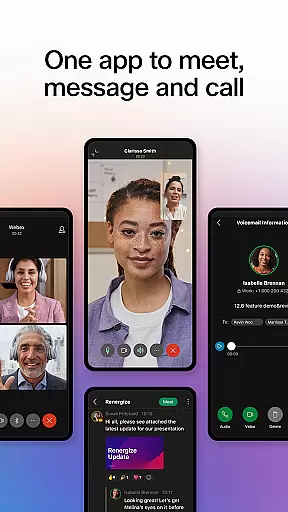
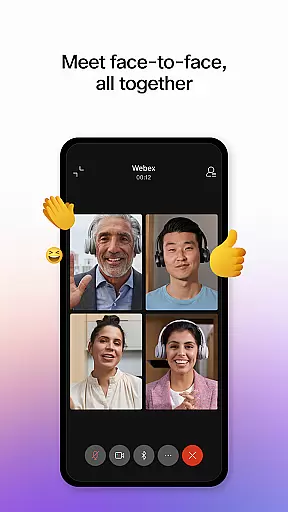

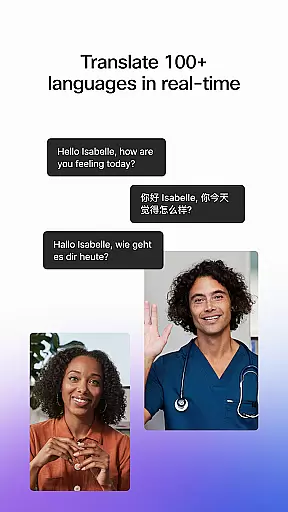
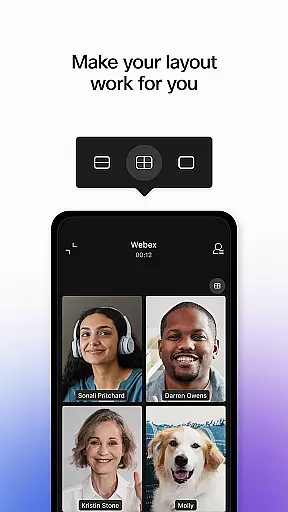
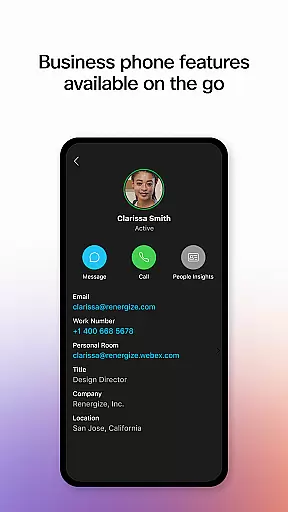
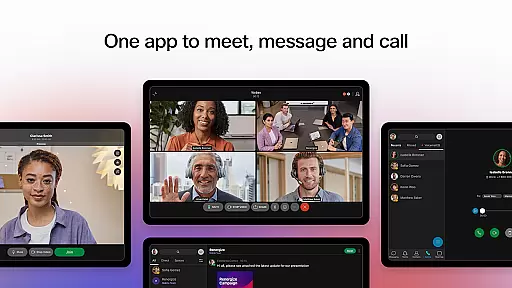
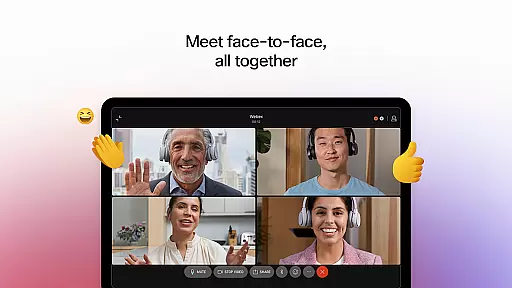

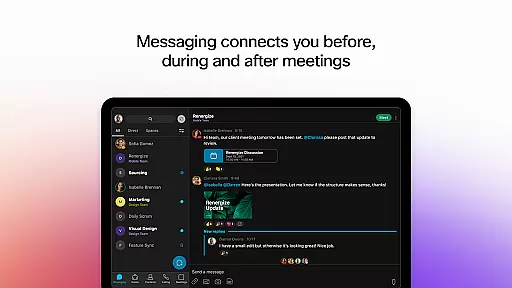

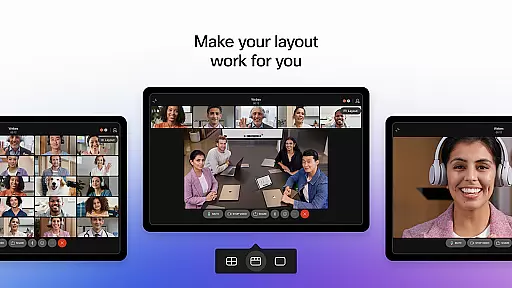
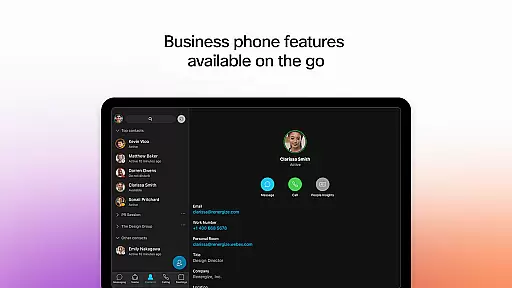
Webex is a comprehensive business communication app that unifies meetings, messaging, and calling into a single platform. Designed for seamless collaboration, it offers intelligent features like real-time language translation in over 100 languages, background noise removal, and personalized meeting layouts to ensure everyone can participate effectively regardless of location. Its secure environment makes it ideal for both internal teams and external partners.
The app's strength lies in its ability to facilitate engaging and inclusive experiences. Users can connect through persistent messaging threads, share files effortlessly using just an email address, and enjoy high-quality video meetings with advanced customization options. With integrated calling features such as visual voicemail and instant call initiation, Webex provides a complete solution for modern workplaces seeking efficient remote collaboration tools.
Webex stands out with its robust feature set tailored for today's dynamic work environments. The meeting functionality includes AI-powered capabilities like real-time multilingual translation, which breaks down language barriers, and smart meeting layouts that adapt to different devices and settings. Advanced audio processing removes background noise, ensuring crystal-clear communication during virtual meetings.
Beyond meetings, the app excels in messaging and file sharing. Users can maintain continuous conversations through threaded messages while collaborating on documents shared securely across organizational boundaries. The built-in calling system transforms mobile devices into powerful business phones, supporting essential telephony features without requiring additional hardware or software installations.
Collaborative work features are essential for modern business applications, enabling teams to work together efficiently regardless of location. The Webex App excels in this area by providing a unified platform for meetings, messaging, and calls.
The application supports real-time translation in over 100 languages, ensuring that language barriers do not hinder collaboration. Personalized meeting layouts and background noise removal further enhance the experience, making sure everyone can participate fully.
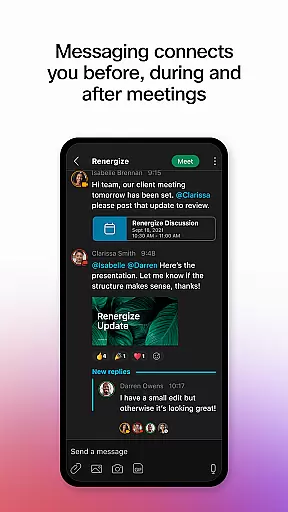
With seamless integration of 1:1 and group messaging, users can maintain communication before, during, and after meetings. This continuous engagement fosters a more connected and productive work environment.
By incorporating these collaborative features, Webex ensures that teams can work together effectively, promoting inclusivity and productivity across all interactions.
Effective task management is crucial for maintaining productivity and ensuring that projects progress smoothly. While the Webex App focuses primarily on communication, it incorporates task management elements that support organized workflows.
Through its messaging capabilities, users can create threads dedicated to specific tasks or projects. These threads serve as virtual meeting spaces where team members can share updates, assign responsibilities, and track progress without losing context.
Additionally, the app's calling features allow for instant initiation of conversations, facilitating quick decision-making and problem-solving. This immediacy helps keep tasks on track and ensures timely completion.
Although not a traditional task management tool, Webex enhances productivity by integrating communication and collaboration features that naturally support task-oriented activities.
User-friendly interface
Secure communication channels
Integrated calling features
Real-time language translation
Advanced noise cancellation
Occasional connectivity issues
Steep learning curve for new users
Limited free tier functionality
High resource consumption
Complex permission requirements

The Penny Puss app with DG penny finder
 4.10
4.10
Earn crypto with secure cloud mining. Monitor, track & withdraw easily
4.40
The MyWalmart App is available for all associates in stores.
4.70
Get instant construction estimates: accurate home repair & material calculator.
4.70
enjoy effortless PDF reading anytime, anywhere
3.90
All your team communication in one place
4.70
Start earning fast. Apply Today.
4.80
On the go? Take FedEx with you.
4.00
We help people get jobs
4.70
GoTo Mobile is a simple & secure calling, messaging & meetings solution
4.80
TurboScan turns your phone into a full-featured PDF document scanner.
4.80
Use Generative Summary to understand your rental or insurance docs in seconds.
4.70
Ship, Track, Find a Location or Get a Quote with UPS. Anytime. Anywhere.
4.60
ANDROID'S TOP MOBILE OFFICE - Word, Excel, PowerPoint and PDF at your fingertips
4.50
The app that lets you deliver with Amazon.
4.50
Build a store in minutes with our full suite of AI tools. Start for free!
4.20
Work happy with AI Companion
4.10
Simple, Fast & Lightweight
3.90
Delivery Track App - Tracking with Fedex, USPS, UPS, DHL. Monitor your Orders.
3.20


User Reviews