
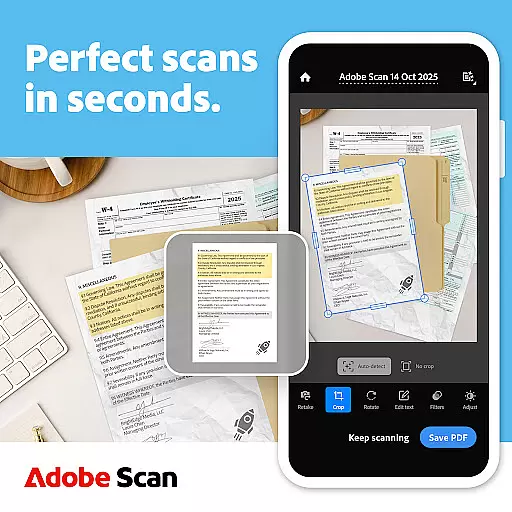
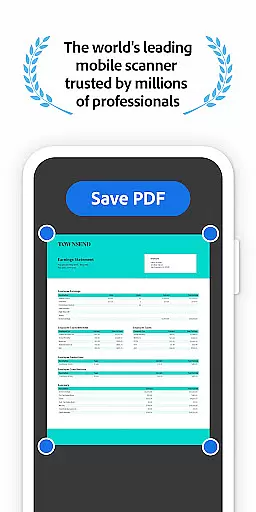
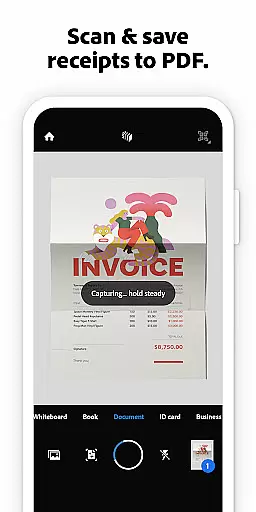
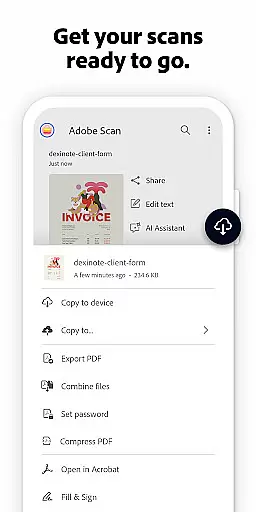
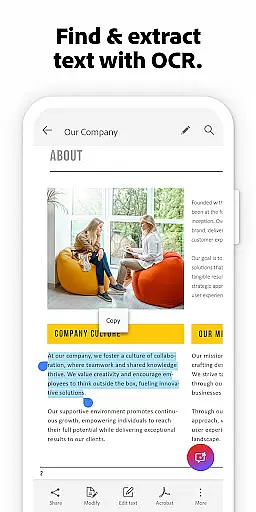

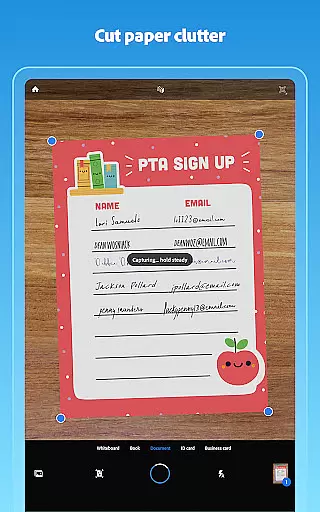
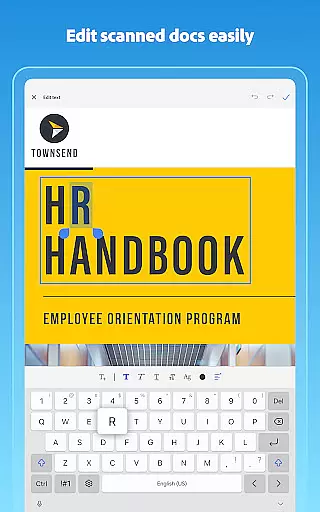
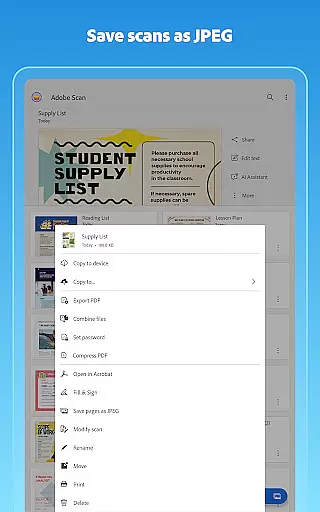
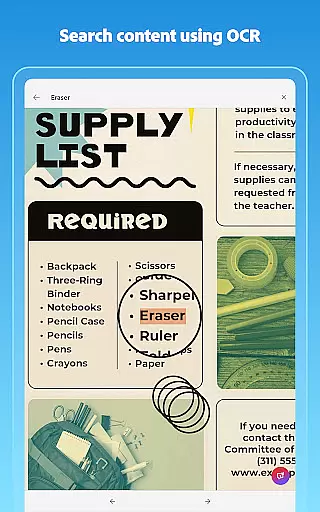
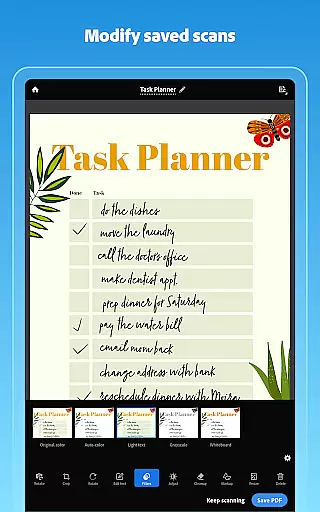
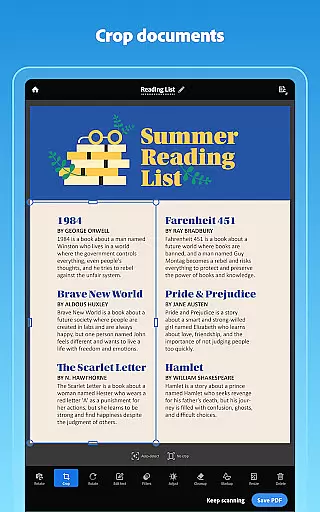
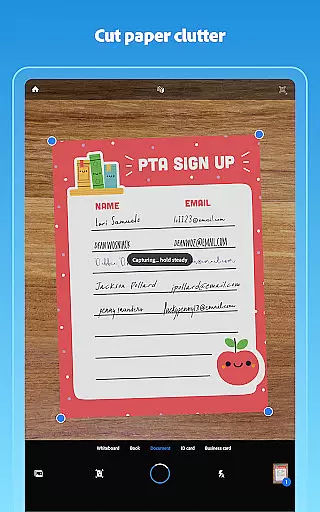
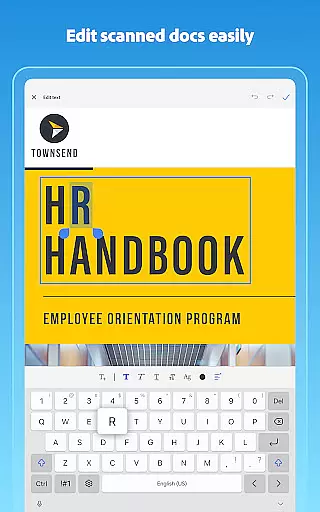
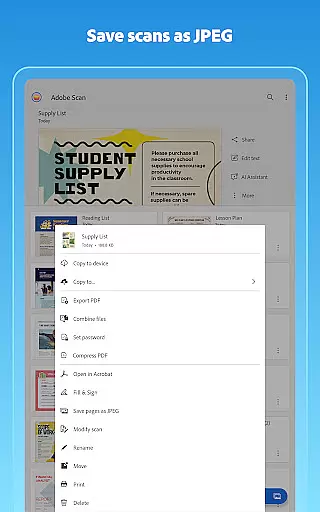
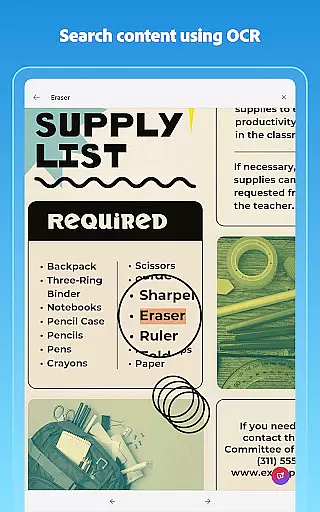
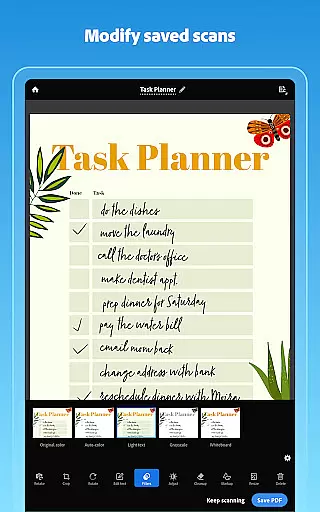
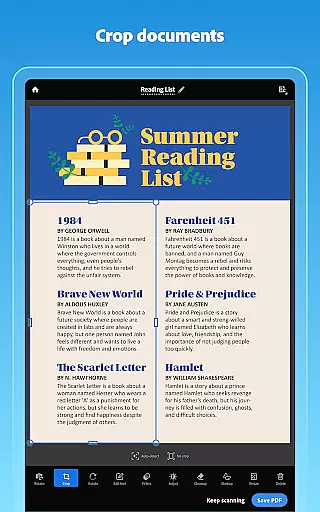
Adobe Scan AI PDF Scanner is a versatile mobile application that transforms your device into a powerful document scanner. It allows users to scan various types of documents, including receipts, notes, and business cards, converting them into high-quality PDFs or JPEGs. The app's advanced OCR technology makes scanned text searchable and editable, enhancing productivity.
With features like the Straighten tool, automatic border detection, and image enhancement, Adobe Scan ensures professional-looking scans every time. Its AI capabilities enable users to summarize content, extract key points, and even draft follow-up emails directly from scans. Available for free download, this app is ideal for professionals and students who need to digitize and organize paper documents efficiently.
Adobe Scan offers an array of sophisticated features designed to streamline document management. The High-speed scan functionality allows bulk scanning, turning stacks of papers into PDFs within seconds. Its OCR technology not only converts images to text but also supports handwritten text recognition, making all content editable and searchable.
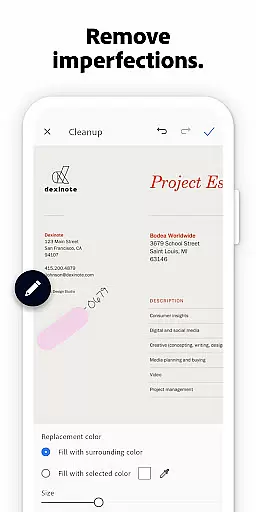
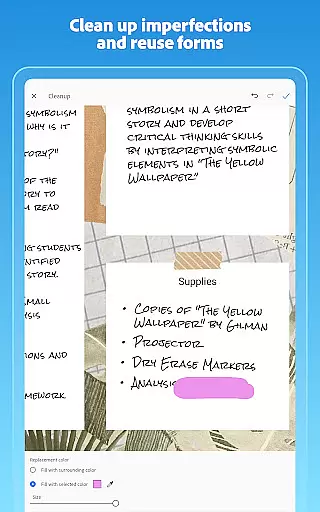
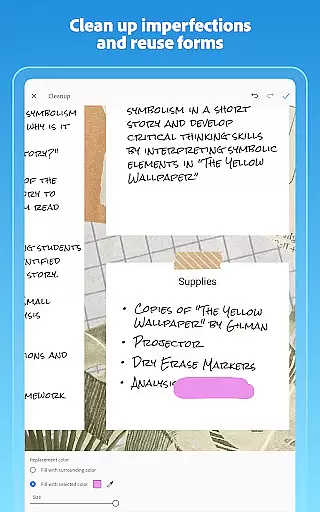
The app provides comprehensive editing tools such as cropping, rotating, resizing, and color adjustments. Users can reorder pages and preview changes before saving. Additionally, the Cleanup feature helps remove imperfections like stains or creases. With cloud integration, scans are automatically saved to Adobe Document Cloud, ensuring easy access and sharing across devices.
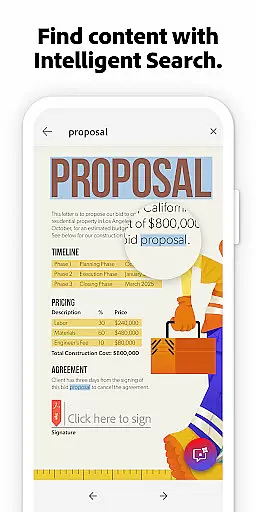
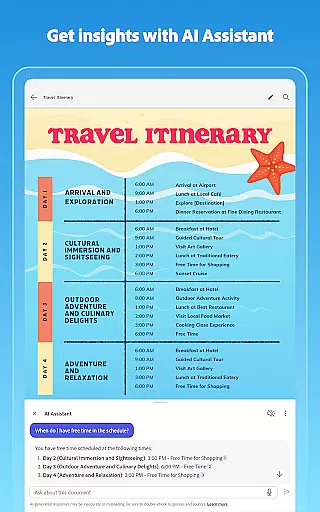
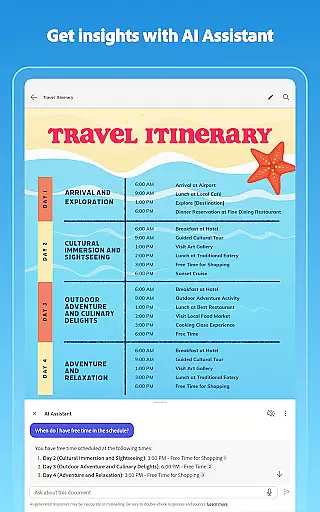
Adobe Scan stands out with its AI-powered capabilities, including Generative summary and AI Assistant. These features allow users to quickly pull key points from any scan and generate summaries or follow-up actions. The Smart Library function finds documents in your photo library and turns them into PDFs, while the ability to export scans to Word, Excel, or PowerPoint formats adds versatility to document reuse.
In today's interconnected work environments, the ability to collaborate efficiently is paramount. Adobe Scan AI PDF Scanner, OCR facilitates seamless teamwork by integrating with Adobe Document Cloud. This allows multiple users to access and work on scanned documents simultaneously, regardless of their physical location.
The app ensures that all collaborators can view, edit, and comment on PDFs in real-time. With its powerful OCR technology, text from images becomes fully editable and searchable, enabling team members to quickly make necessary changes or extract important information without any hassle.
Furthermore, the app supports secure sharing options, ensuring that sensitive documents are only accessible to authorized personnel. Permissions can be customized for different users, providing an additional layer of security and control over document access and modifications.
By combining high-quality scans with robust cloud integration, Adobe Scan enhances collaborative workflows, making it easier than ever for teams to stay productive and organized.
Effective task management is crucial for maintaining productivity and meeting deadlines. Adobe Scan AI PDF Scanner, OCR offers a suite of features designed to streamline document-related tasks. Users can create custom folders for different projects, ensuring that all scanned documents are neatly organized and easily accessible.
The app's advanced OCR capabilities allow users to convert scanned images into editable and searchable PDFs or Word documents. This functionality is particularly useful for repurposing content, as it enables users to quickly extract and modify text from various sources, saving valuable time and effort.
Additionally, Adobe Scan provides tools for adjusting scan quality, such as brightness, contrast, and color settings. These features ensure that every document meets professional standards, enhancing readability and presentation. The ability to reorder pages and preview changes before finalizing further aids in managing complex document workflows.
With these comprehensive task management features, Adobe Scan empowers users to handle their document processing tasks more efficiently, ultimately boosting overall productivity.
User-friendly interface
Advanced OCR technology
AI-powered summarization
Cloud integration
Versatile file support
Limited free OCR pages
Premium features require subscription
Occasional ads in free version
Advanced tools need learning
Large file sizes for high-quality scans

Quickly open and manage PDF files on your device.
 3.80
3.80
Scan Business Cards & Conference Badges - Capture Leads at Events & Tradeshows
4.20
Your employer must have UKG Ready software configured for Mobile.
4.60
All document reader, pdf viewer app, read docs & excel files
3.80
Delivery Track App - Tracking with Fedex, USPS, UPS, DHL. Monitor your Orders.
3.20
Job search app that finds jobs for you! Takes the work out of looking for a job!
4.90
Access All PDF Files
3.40
Smarter career moves start here. AI job alerts, insights & the right tools.
4.20
The app that lets you deliver with Amazon.
4.50
GoTo Mobile is a simple & secure calling, messaging & meetings solution
4.80
Create curriculum vitae, a professional cover letter creator and resume designer
4.80
Permission Guard is a security app that helps you manage app permissions.
4.80
Manage Your Shop
4.70
USPS Mobile®Access USPS.com’s most popular tools on-the-go.
4.70
ANDROID'S TOP MOBILE OFFICE - Word, Excel, PowerPoint and PDF at your fingertips
4.50
Master crypto trading with real-time simulations and exciting challenges!
4.50
Earn crypto with secure cloud mining. Monitor, track & withdraw easily
4.40
Find work, shifts and gigs near you. Jobs lasting a few hours to a few months.
4.30
Windows App allows you to connect to remote PCs and virtual apps.
3.70


User Reviews