

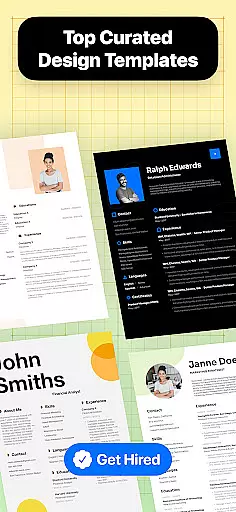
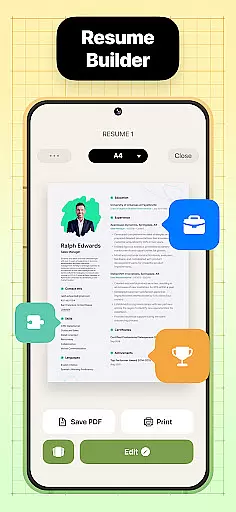
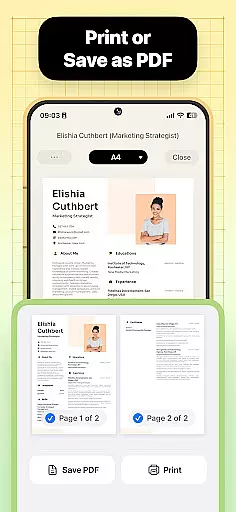
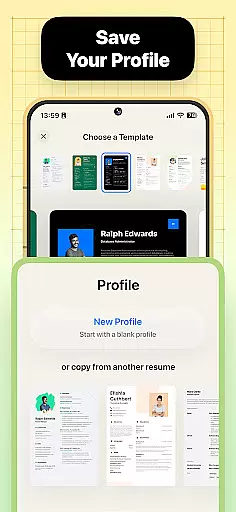
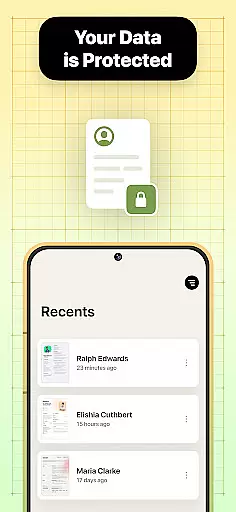

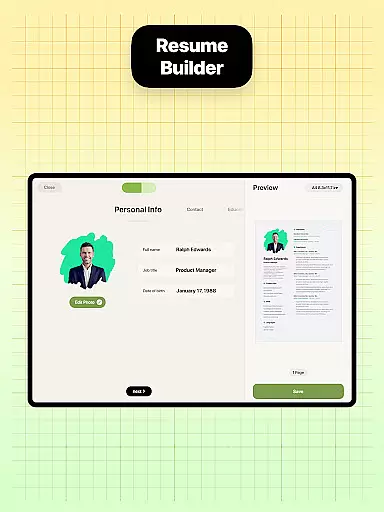
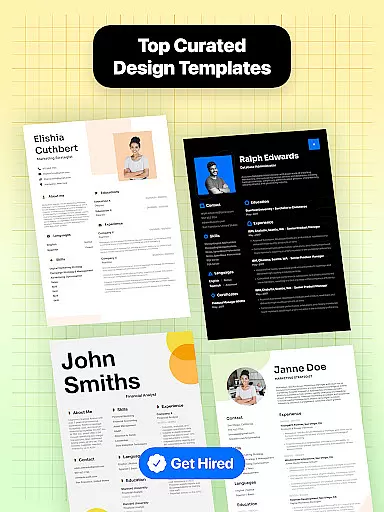
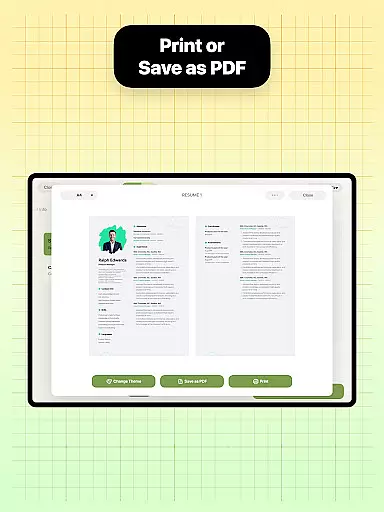

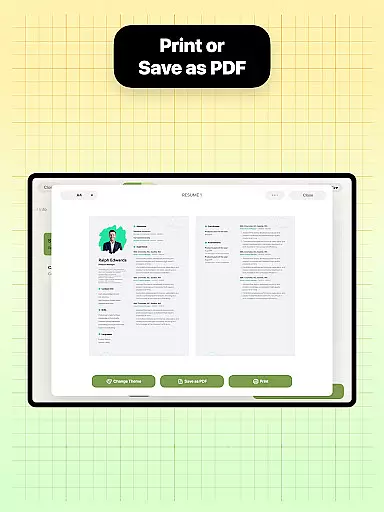
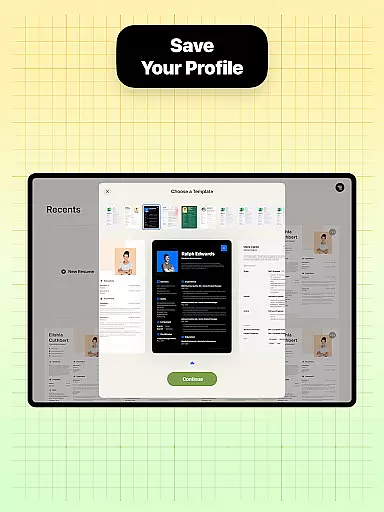
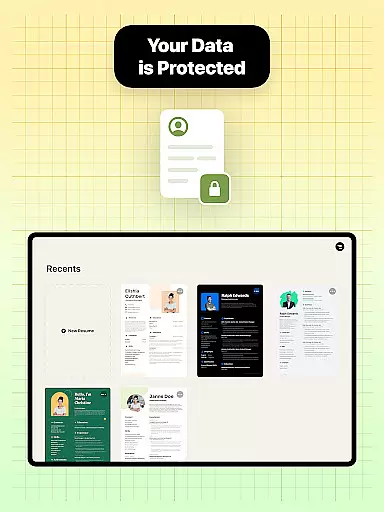
Resume Builder is a professional resume creation tool designed for job seekers across all career stages. This business app enables users to create visually appealing and well-structured resumes in PDF format directly from their mobile devices. With its intuitive step-by-step guidance system, even first-time users can easily navigate through the resume building process.
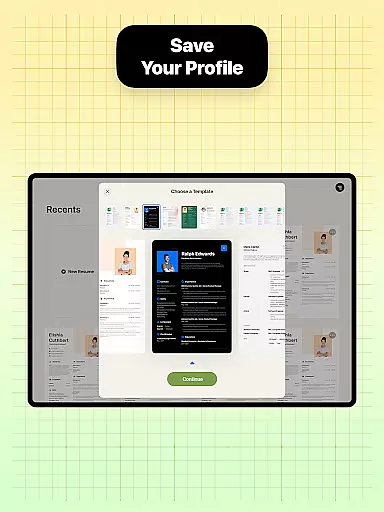
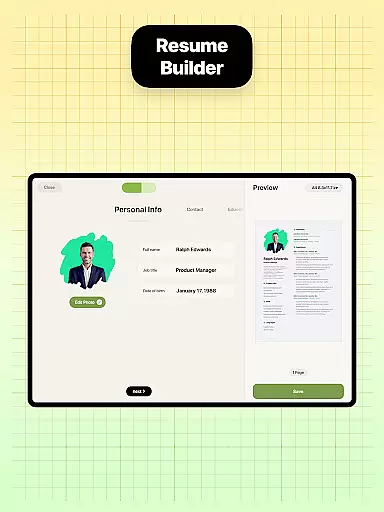
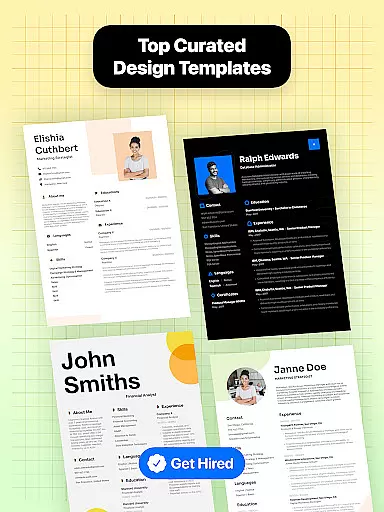
The application provides a comprehensive solution for creating professional-grade resumes. It offers multiple templates that cater to different industries and career levels, from entry-level positions to executive roles. Users can customize every aspect of their resume, including sections, fonts, and layouts, ensuring their CV stands out to potential employers. The app's real-time preview feature allows users to see changes as they make them, providing complete control over the final document's appearance.
One of the key strengths of Resume Builder is its ability to adapt to various career goals and job requirements. Whether you're a recent graduate or a seasoned professional, the app's flexible template system and customization options ensure your resume accurately reflects your qualifications and experience. The built-in sharing functionality makes it easy to distribute your resume to employers and recruiters, streamlining the job application process.
Resume Builder distinguishes itself through its comprehensive feature set tailored specifically for modern job seekers. The application offers an extensive library of professionally designed resume templates, each optimized for different industries and career levels. These templates are not only aesthetically pleasing but also structured to meet current hiring manager expectations and Applicant Tracking System (ATS) requirements.
A standout feature is the app's intelligent content suggestion system. As users fill in their information, Resume Builder provides context-aware recommendations for phrasing achievements and structuring work experience. The application's customization capabilities extend beyond basic text editing - users can modify fonts, adjust spacing, and incorporate design elements that reflect their personal brand. The real-time preview function ensures users can immediately see how their changes impact the overall document presentation.
Additional notable features include cloud-based document storage for easy access across devices, version history tracking to maintain previous resume iterations, and integrated job market insights that help optimize resume content based on current industry trends. The app's export functionality supports various file formats, though its primary focus remains on generating high-quality PDF documents suitable for both digital submission and printing.
Collaborative work features are essential for modern business applications, enabling teams to work together efficiently regardless of location. Resume Builder incorporates these features by allowing users to share their resumes easily with peers or mentors for feedback and suggestions.
The app's built-in sharing functionality supports collaborative efforts by enabling users to send their resumes directly to others via various communication channels. This ensures that the resume can be reviewed and refined by multiple stakeholders before it is finalized and sent to potential employers.
Through this collaborative approach, users benefit from diverse perspectives and expertise, resulting in a more polished and effective resume. The ability to receive input from others not only enhances the quality of the resume but also saves time by streamlining the review process.
By integrating collaborative work features, Resume Builder empowers users to create resumes that are not only professionally formatted but also enriched by the insights of trusted colleagues or mentors, ultimately increasing their chances of securing desired job opportunities.
Task management is a critical component of productivity, especially when crafting documents as important as resumes. Resume Builder excels in task management by providing an intuitive step-by-step guidance system that helps users organize and execute the resume creation process effectively.
The app offers customizable options for different sections of the resume, allowing users to manage tasks such as entering professional experience, qualifications, and personal information systematically. This structured approach ensures that no critical element is overlooked during the resume-building process.
With real-time progress tracking, users can see their resume take shape as they input data, making it easier to manage time and effort. The app's user-friendly interface further simplifies task management by offering easy navigation and quick access to various resume templates and customization options.
By focusing on efficient task management, Resume Builder ensures that users can create high-quality resumes in a timely manner, enhancing their ability to respond quickly to job opportunities with a polished and professional application document.
User-friendly interface
Wide template selection
Real-time preview
Cloud storage integration
ATS optimization
Limited free templates
Premium feature costs
Occasional bugs
Learning curve
Export limitations

All Your Gig Work. One App.
 4.30
4.30
FX Plus adds media, networking, and cloud capabilities to FX File Explorer.
4.10
TurboScan turns your phone into a full-featured PDF document scanner.
4.80
Employee Management Made Easy
4.80
enjoy effortless PDF reading anytime, anywhere
3.90
Delivery Track App - Tracking with Fedex, USPS, UPS, DHL. Monitor your Orders.
3.20
Permission Guard is a security app that helps you manage app permissions.
4.80
ADP Mobile Solutions is an employee self service app
4.50
Chat, meet, and collaborate to achieve more together, all in one place on Teams
4.60
Manage Your Shop
4.70
Finance, Investing, Stocks, Trading and Stock news
4.60
Paychex Flex - Save Time and Stay Connected
4.60
Find work, shifts and gigs near you. Jobs lasting a few hours to a few months.
4.30
Say hello to the mobile work experience built to help you thrive at work.
4.30
The Penny Puss app with DG penny finder
4.10
Shop, deliver, and earn with the Spark Driver™ App
4.10
Zoom built for Chrome OS
3.90
Find part-time earning opportunities near you that pay within days.
3.20
Completed Course Lectures on how to use IBM Maximo in Maintenance issues
4.2


User Reviews