
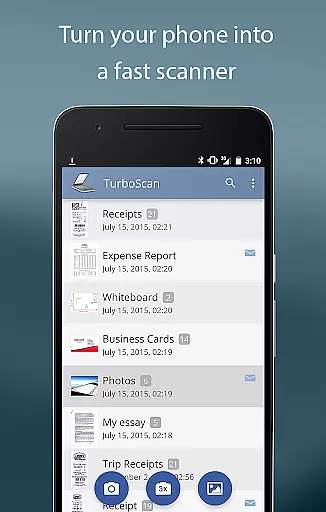
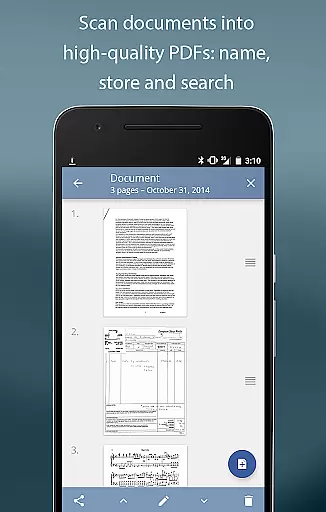
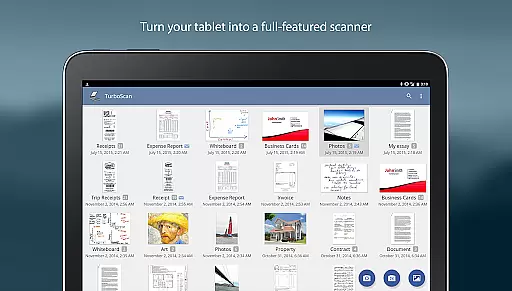
TurboScan Pro is a premier mobile scanning solution that transforms your smartphone into a sophisticated multipage scanner. Designed for professionals and individuals alike, this app excels in capturing high-quality scans of documents, receipts, notes, whiteboards, and photos, exporting them as multipage PDF or JPEG files.
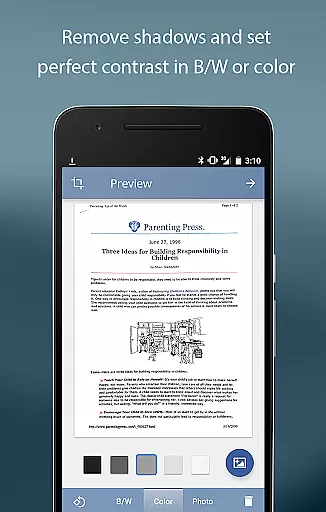
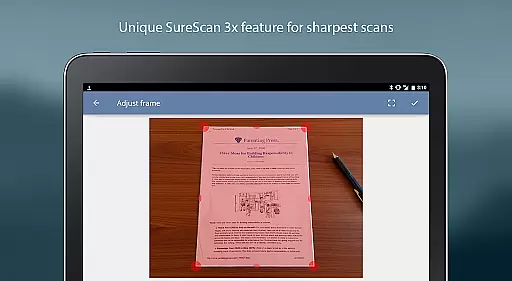
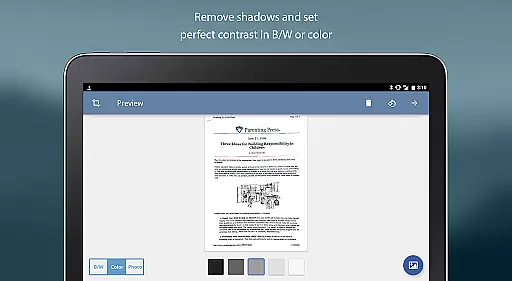
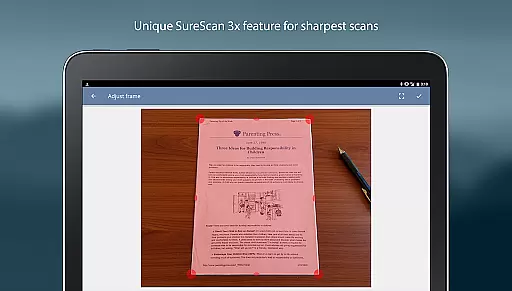
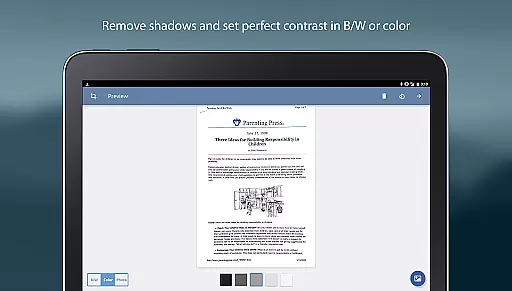
What sets TurboScan Pro apart is its advanced processing capabilities. The app employs cutting-edge algorithms to detect document edges, correct perspective, remove shadows, and optimize contrast. Its proprietary SureScan mode ensures exceptional clarity even in low-light conditions. With features like instant one-tap brightness, rotation, and color controls, users can enhance their scans effortlessly.
Ideal for business environments, TurboScan Pro offers seamless integration with popular cloud services and supports various export formats. The app's offline processing ensures data confidentiality while providing essential functionalities like document naming, storage, search, and multipage editing.
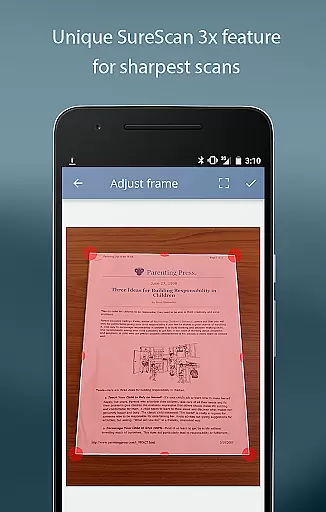
TurboScan Pro stands out with its comprehensive feature set tailored for efficient document management. The app's automatic edge detection and perspective correction ensure perfectly aligned scans every time. Its SureScan technology requires three consecutive shots of the same document, producing ultra-sharp results even in challenging lighting conditions.
The application provides robust document management tools including multipage editing, page reordering, copying between scans, and customizable naming conventions. Users can export their documents in multiple formats (PDF, JPEG, PNG) and integrate with cloud services like Dropbox, Evernote, and Google Drive through third-party apps.
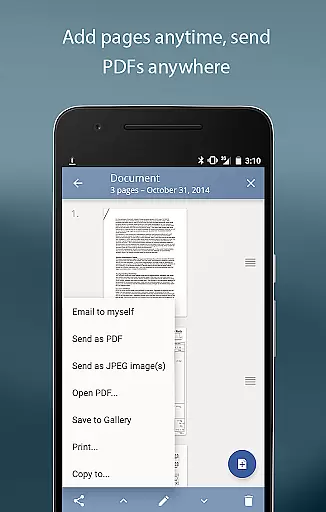
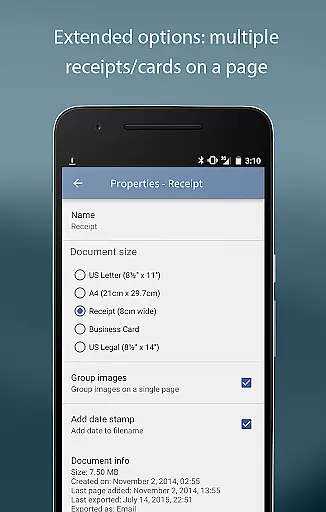
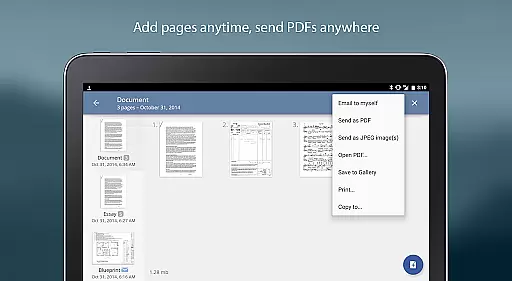
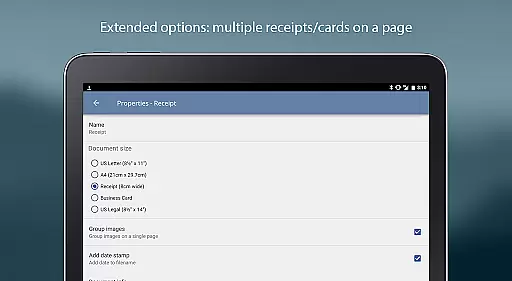
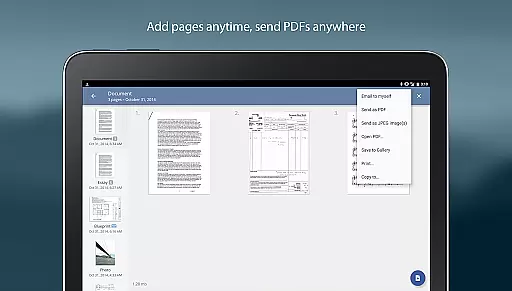
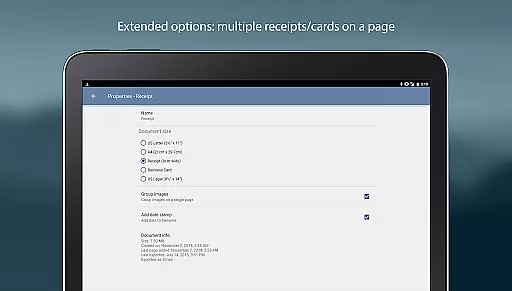
Additional notable features include compact attachment options with adjustable sizes, printing capabilities via Cloud Print, and the convenient 'Email to myself' function for quick sharing. All processing occurs locally on the device, ensuring maximum data security without requiring an internet connection.
In today's fast-paced business environment, collaborative work features are essential for efficient teamwork. TurboScan Pro excels in this area by offering seamless document sharing and collaboration capabilities.
The app allows users to quickly scan documents and convert them into multipage PDF or JPEG files. These digital copies can then be easily shared with team members via email or uploaded to cloud storage services like Evernote, Google Drive, or Dropbox.
With its 'Email to myself' feature, TurboScan Pro simplifies the process of sending documents to a predefined address. This functionality is particularly useful for professionals who need to share information rapidly without spending time on manual entry.
Moreover, the ability to open PDFs or JPEGs in other apps enhances cross-platform compatibility, allowing teams to access files from various devices and operating systems. This ensures that everyone stays connected and informed, regardless of their location.
Effective task management is crucial for maintaining productivity in any business setting. TurboScan Pro supports this by providing tools that streamline document handling and organization.
Users can take advantage of the app's automatic document edge detection and perspective correction to create high-quality scans. This feature saves time and effort, enabling professionals to focus on more critical tasks.
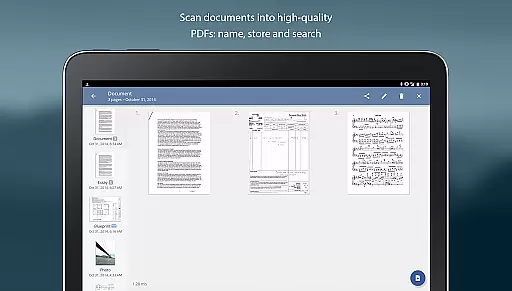
The app also offers multipage editing, allowing users to add, reorder, and delete pages within stored scans. This flexibility is invaluable when managing complex projects that involve multiple documents or receipts.
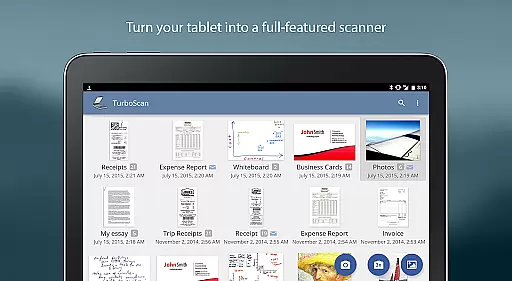
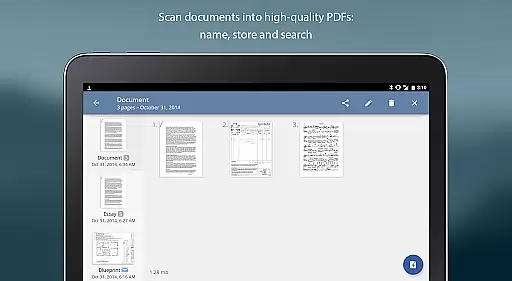
Additionally, TurboScan Pro includes document naming, storage inside the app, and search functionalities. These features help users keep their files organized and easily accessible, reducing the risk of misplacing important information. With such robust task management capabilities, TurboScan Pro empowers businesses to operate more efficiently.
Advanced scanning algorithms
Offline document processing
Multipage PDF support
Cloud service integration
Fast processing speed
Premium version costs
Storage limitations
Learning curve
Occasional glitches
Ads in free version

Quickly open and manage PDF files on your device.
 3.80
3.80
Measure distances, surfaces and draw plans in seconds with CamToPlan!
4.40
BuildCalc - the easiest AND the most advanced construction calculator app.
4.80
Finance, Investing, Stocks, Trading and Stock news
4.60
Recover what matters — quickly and easily.
4.70
Job search app that finds jobs for you! Takes the work out of looking for a job!
4.90
Earn money with the driver & delivery partner app for Uber, UberEats & Postmates
4.60
ADP Mobile Solutions is an employee self service app
4.50
Make money as a delivery driver with DoorDash and work when you want as a Dasher
4.30
FaxCover - Create fax cover pages. Works with any app or fax machine.
4.90
Permission Guard is a security app that helps you manage app permissions.
4.80
All your team communication in one place
4.70
Your employer must have UKG Ready software configured for Mobile.
4.60
Manage work life on the go
4.50
The app that lets you deliver with Amazon.
4.50
Shop, deliver, and earn with the Spark Driver™ App
4.10
All document reader, pdf viewer app, read docs & excel files
3.80
Windows App allows you to connect to remote PCs and virtual apps.
3.70
Take the stress out of storage with the all-in-one app to manage your space.
3.70


User Reviews