
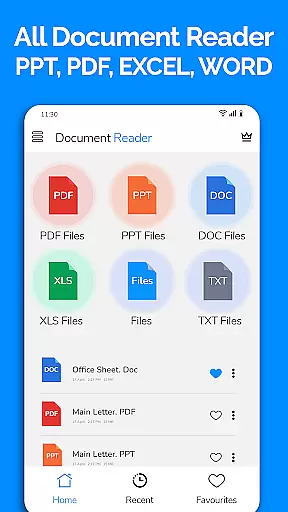
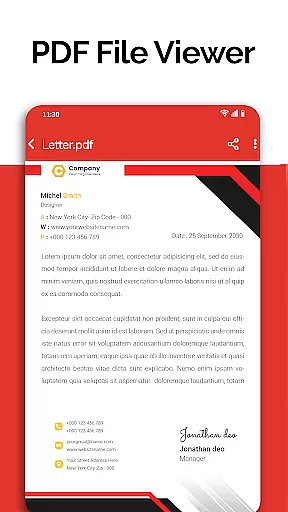
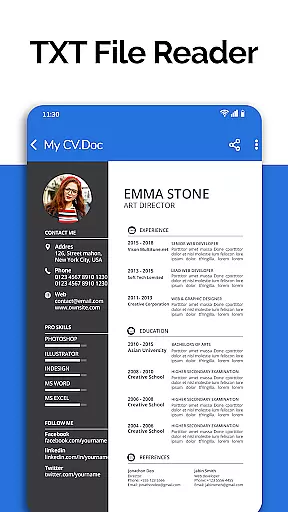
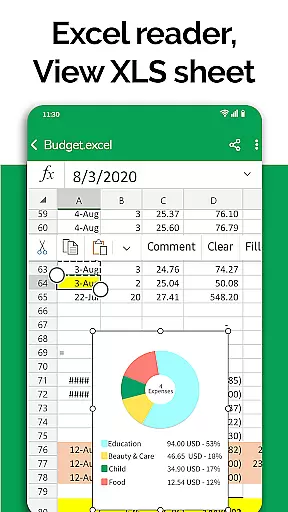
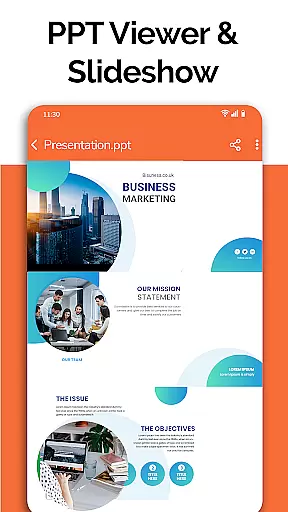
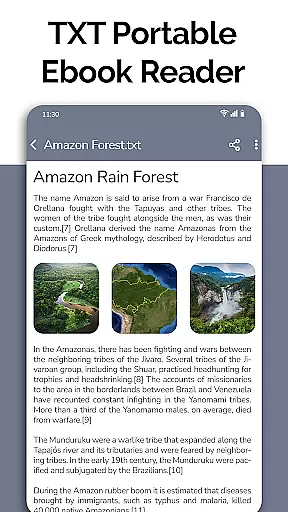
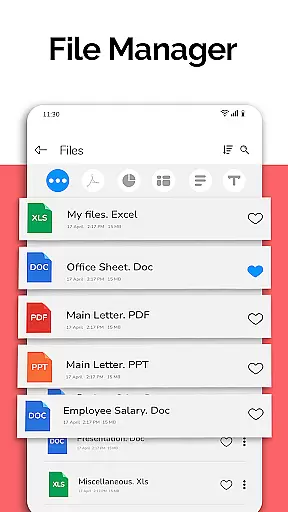
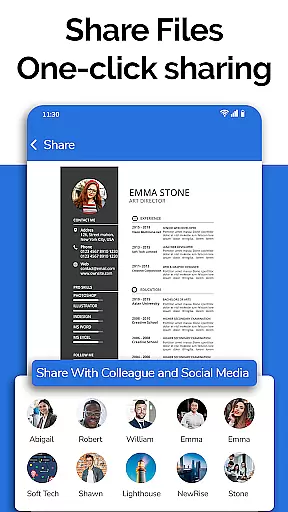
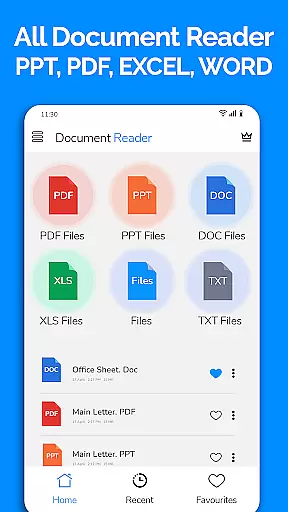
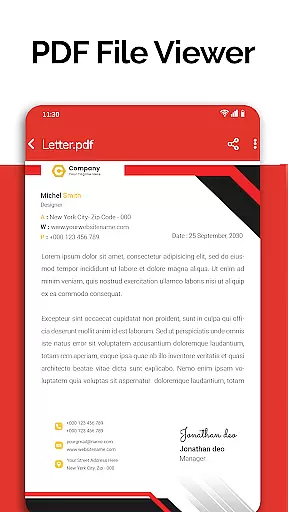
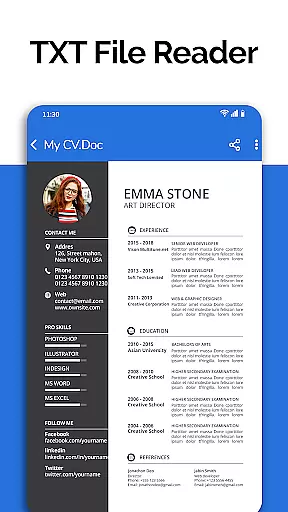
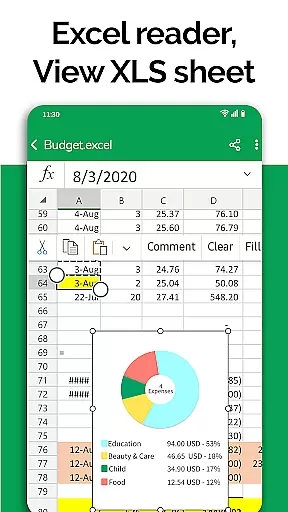
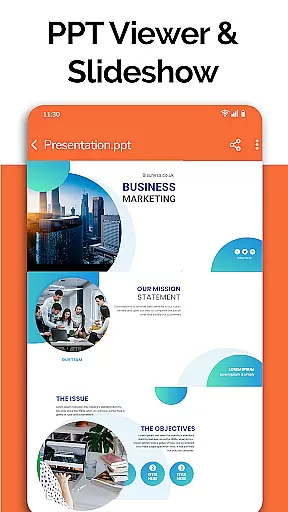
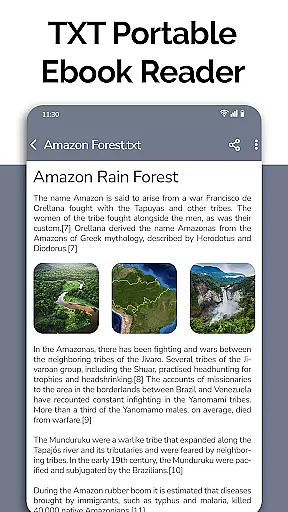
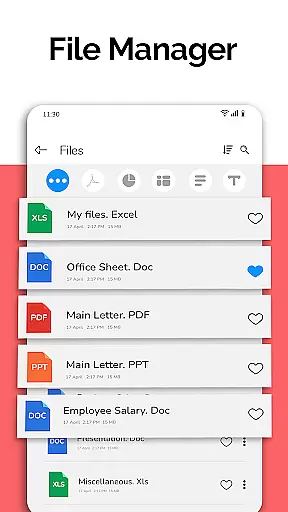
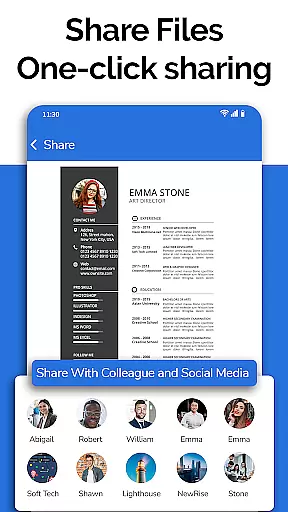
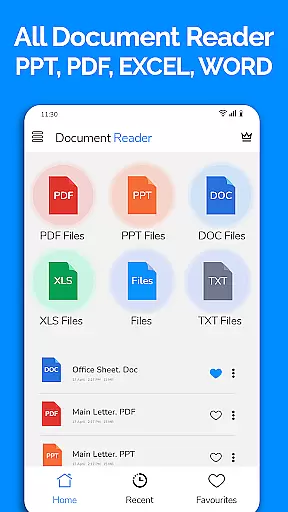
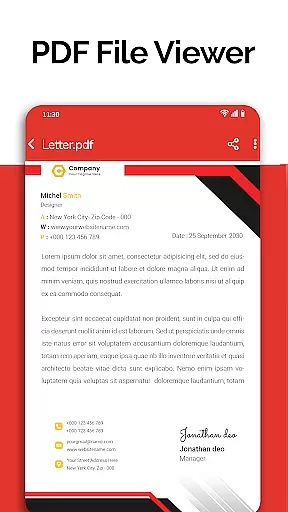
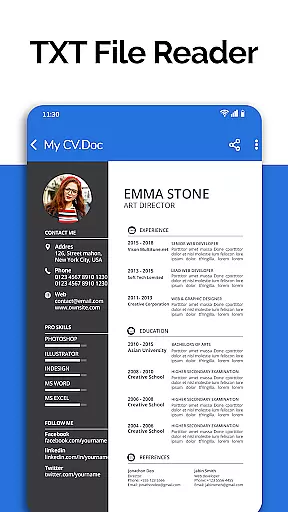
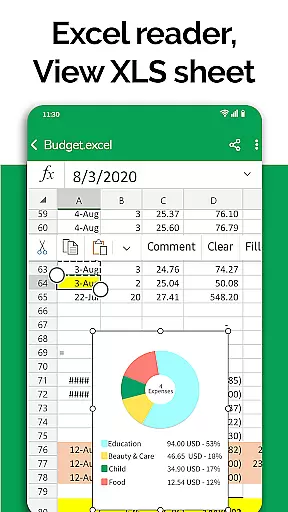
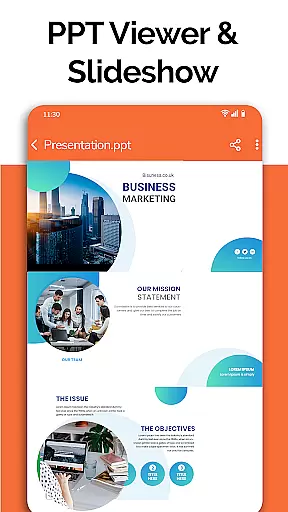
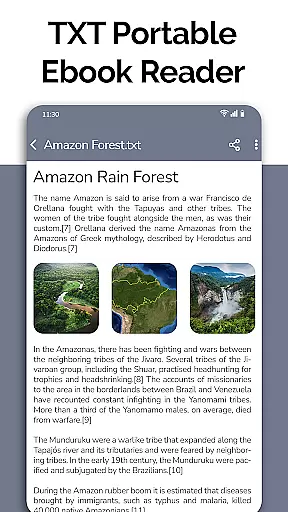
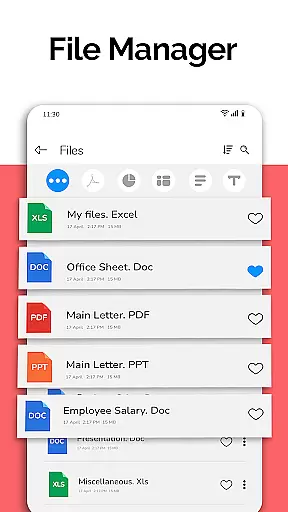
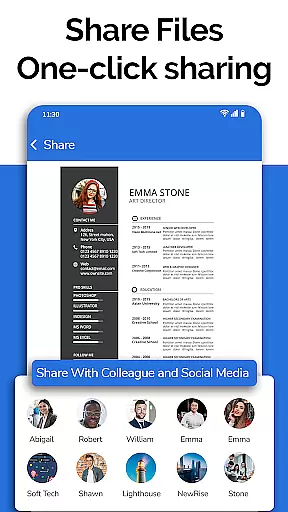
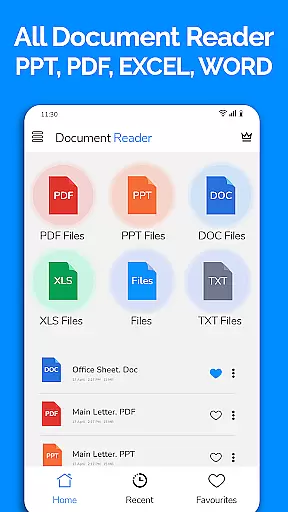
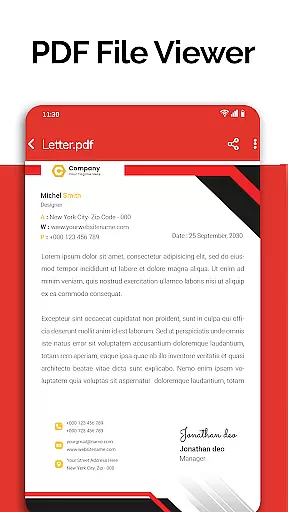
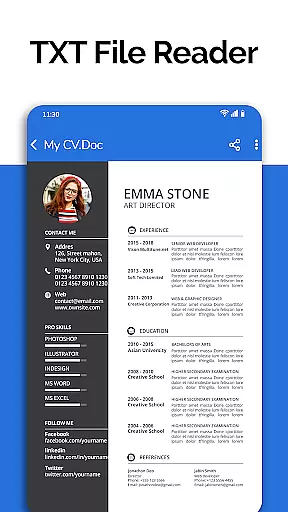
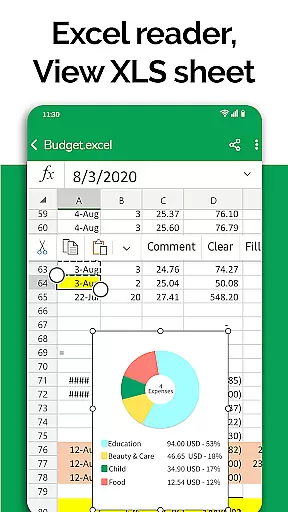
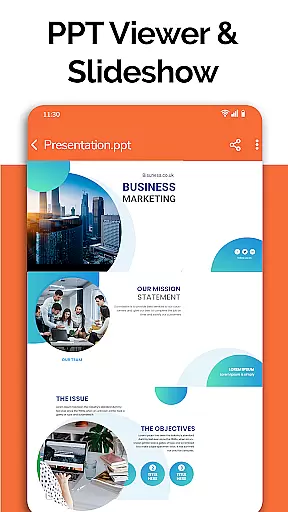
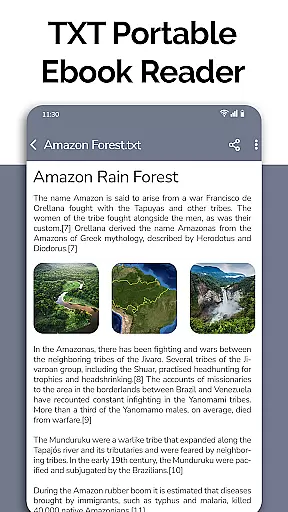
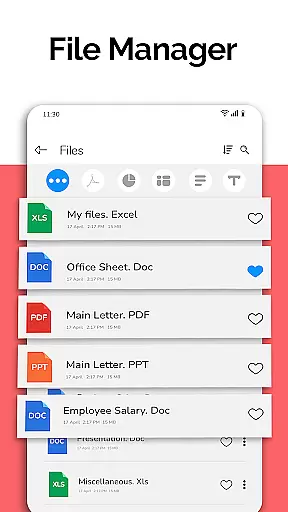
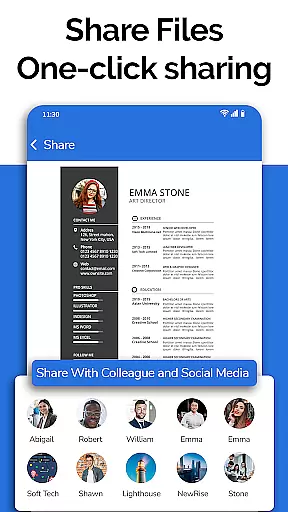
All Document Reader is a versatile business application designed to streamline document management and viewing across multiple formats. This app allows users to open, view, and manage Word, PDF, Excel, PowerPoint, and TXT documents directly from their mobile devices without the need for a computer. With its integrated file manager, users can easily sort, organize, rename, delete, and share files while accessing detailed file information such as size and modification dates.
One of the standout features of All Document Reader is its ability to handle PDFs with ease, making it ideal for reading newspapers, invoices, tickets, and academic notes. Additionally, the app supports advanced functionalities like editing XLSX, DOCX, PPT, and TXT files, ensuring that professionals can work on presentations, spreadsheets, and text documents seamlessly. The user-friendly interface enhances productivity by simplifying navigation and ensuring quick access to essential tools.
This app is particularly beneficial for students, business professionals, and anyone who needs to manage various document types on the go. By consolidating multiple document readers into one platform, All Document Reader eliminates the need for separate apps, saving both time and device storage space. Its upcoming features, including dark mode and image-to-PDF conversion, further enhance its appeal as an all-in-one document solution.
All Document Reader offers a comprehensive suite of features tailored to meet diverse document management needs. At its core, the app functions as an all-in-one document viewer, supporting formats such as DOC, XLSX, PPT, PDF, and TXT. Each format is optimized for smooth viewing, ensuring high-quality rendering of text, images, and charts. For instance, the PDF reader provides intuitive controls for navigating lengthy documents, while the Excel viewer allows users to review complex spreadsheets and data tables effortlessly.
Beyond basic viewing capabilities, the app includes advanced tools like a file manager and document editor. The file manager organizes documents automatically, categorizing them by type and displaying key details such as file paths and sizes. Users can also perform actions like renaming, deleting, and sharing files directly within the app. Meanwhile, the document editor enables users to modify existing files or create new ones, bridging the gap between viewing and editing functionalities.
Another notable feature is the app's focus on usability and accessibility. The clean, easy-to-navigate interface ensures that even novice users can operate the app efficiently. Upcoming enhancements, such as dark mode and voice search, promise to further improve the user experience. Overall, All Document Reader stands out as a robust tool for individuals seeking a reliable, multifunctional document management solution.
Collaborative work features are essential for modern business applications as they enable teams to work together efficiently regardless of location. All Document Reader offers robust collaborative capabilities that allow users to view, edit, and share various document formats including Word, Excel, PowerPoint, PDF, and TXT files.
The app simplifies teamwork by providing a unified platform where documents can be accessed and managed easily. Its integrated file manager organizes files automatically, making it simple for team members to locate and work on the necessary documents without confusion or delay.
Users benefit from real-time updates and seamless sharing options, ensuring everyone is on the same page. Whether preparing presentations, reviewing spreadsheets, or editing text documents, this app ensures smooth collaboration, enhancing productivity and reducing the need for multiple disparate tools.
By consolidating document management and offering intuitive sharing features, All Document Reader empowers businesses to maintain efficient workflows and effective communication among team members, ultimately leading to successful project outcomes.
Effective task management is crucial for maintaining productivity and meeting deadlines in any business environment. All Document Reader provides comprehensive task management features that help users organize and prioritize their work efficiently. With functionalities that support viewing, editing, and sharing of DOC, XLSX, PPT, PDF, and TXT files, users can manage their tasks seamlessly within a single application.
The app's file manager plays a significant role in task management by sorting and organizing documents automatically. This feature allows users to quickly access relevant files, review their content, and make necessary edits, streamlining the entire workflow process.
Additionally, the ability to track file information such as modification dates and file paths ensures users have complete oversight of their tasks. This level of detail helps in maintaining accurate records and facilitates better decision-making.
Overall, All Document Reader enhances task management by integrating essential tools into one platform, allowing users to focus more on their core responsibilities while minimizing time spent on managing multiple applications.
User-friendly interface
Multi-format support
Integrated file manager
Advanced editing tools
Regular updates
Limited free features
Ads in free version
Large app size
Occasional bugs
No cloud sync

AI-powered document scanner with auto enhance for perfect PDFs.
 4.60
4.60
Formerly Facebook Ads Manager. Manage and create ads on the go.
4.20
BuildCalc - the easiest AND the most advanced construction calculator app.
4.80
The MyWalmart App is available for all associates in stores.
4.70
Your employer must have UKG Ready software configured for Mobile.
4.60
Paychex Flex - Save Time and Stay Connected
4.60
Start earning fast. Apply Today.
4.80
view, manage, and share every PDF file you have
3.60
Earn money with the driver & delivery partner app for Uber, UberEats & Postmates
4.60
Job search app that finds jobs for you! Takes the work out of looking for a job!
4.90
Recover what matters — quickly and easily.
4.70
All your team communication in one place
4.70
ANDROID'S TOP MOBILE OFFICE - Word, Excel, PowerPoint and PDF at your fingertips
4.50
Manage work life on the go
4.50
All Your Gig Work. One App.
4.30
A secure, all-in-one team collaboration app
4.30
Find flexible, hourly jobs hiring near you in restaurant, retail & hospitality!
4.00
Take the stress out of storage with the all-in-one app to manage your space.
3.70
Find part-time earning opportunities near you that pay within days.
3.20


User Reviews