
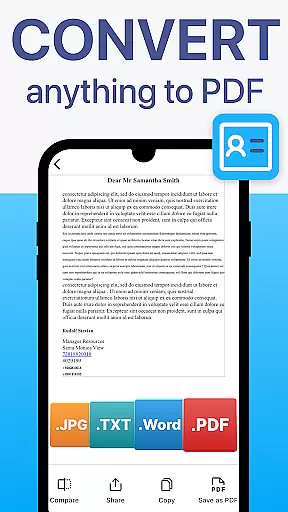
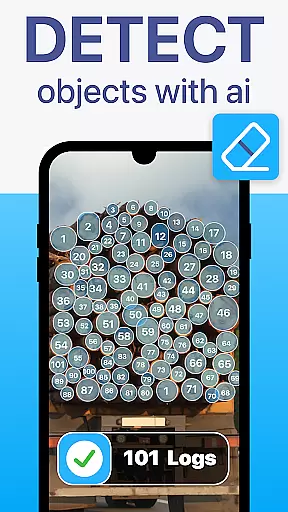
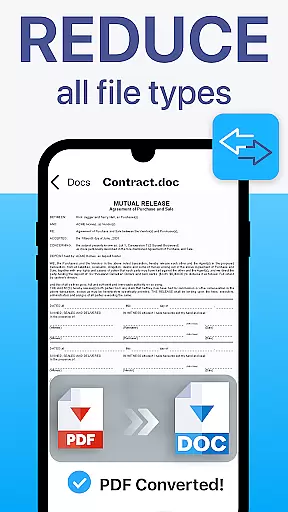
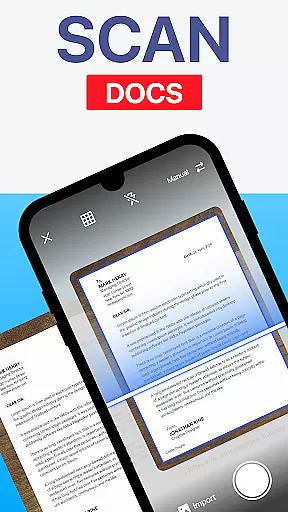
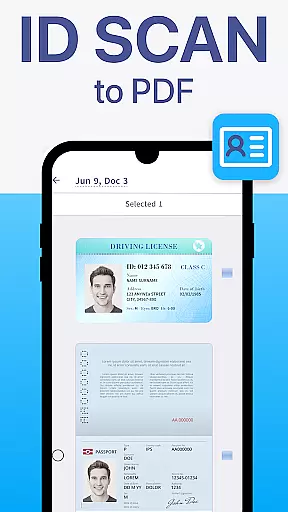
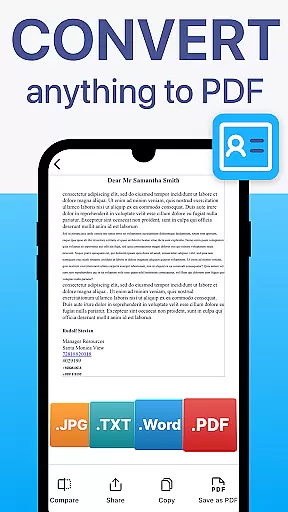
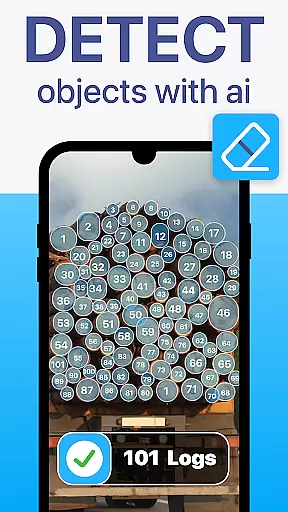
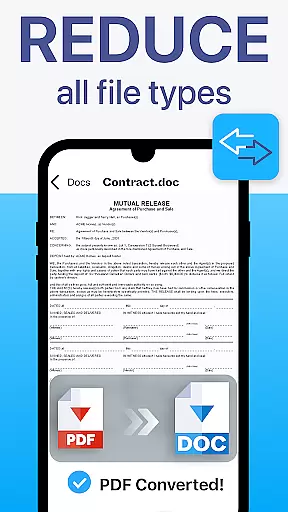
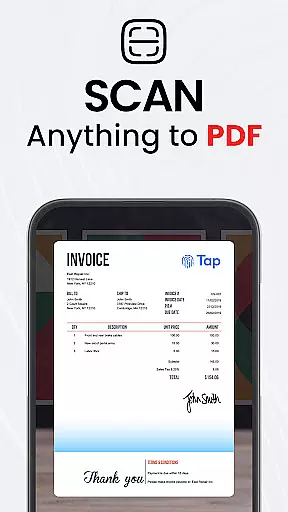
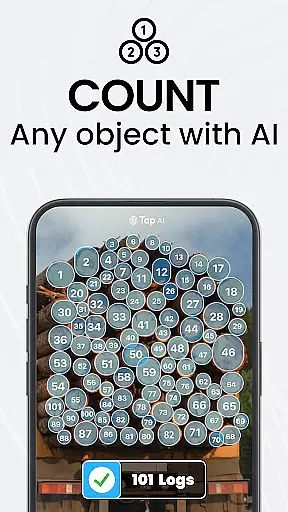
TapScanner is a powerful mobile application that transforms your device into a professional-grade document scanner and comprehensive PDF management tool. Trusted by millions globally, this app allows users to capture, edit, organize, and share various types of documents with exceptional clarity and precision.
The app's standout features include automatic edge detection, smart image correction, and advanced PDF manipulation capabilities such as merging, splitting, reordering, signing, and annotating files. Additionally, TapScanner incorporates OCR technology supporting over 110 languages, making scanned documents fully searchable and editable. Its intuitive interface caters to both professionals and casual users, streamlining document management for work, school, and personal purposes.
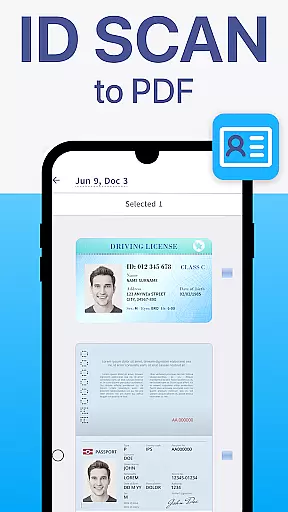
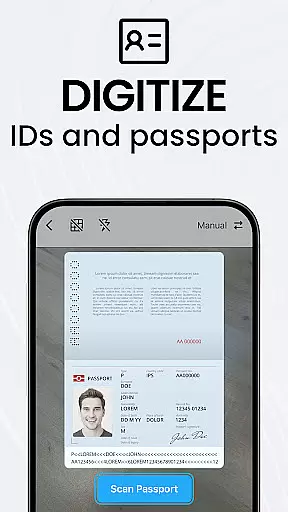
Whether you need to digitize receipts, contracts, business cards, or multi-page reports, TapScanner provides a complete solution for all your document processing needs while ensuring secure cloud backup options through popular services like Google Drive and Dropbox.
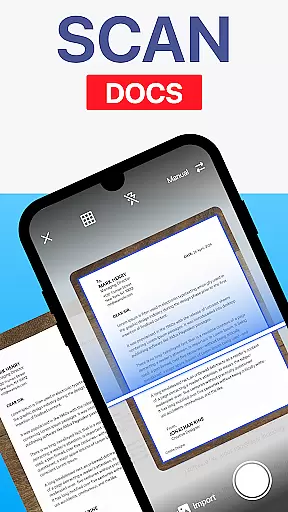
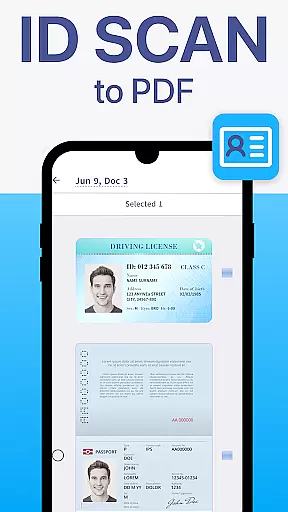
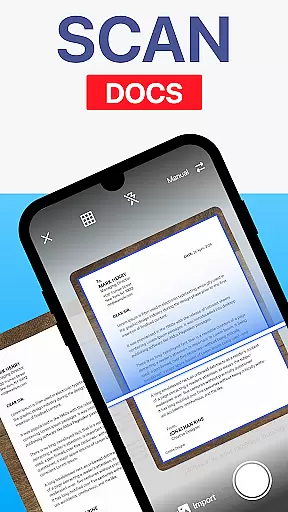
TapScanner distinguishes itself through an impressive array of features designed to enhance productivity and document management efficiency. The app's scanning capabilities are particularly noteworthy, offering automatic edge detection, perspective correction, and multiple image enhancement options including brightness adjustment, shadow removal, and specialized filters for optimal scan quality.
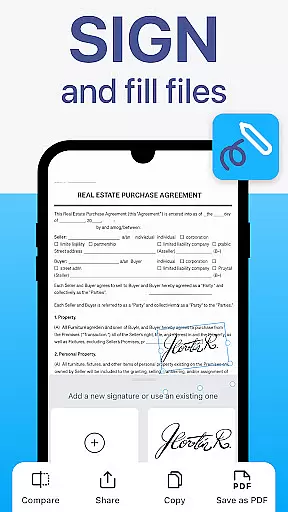
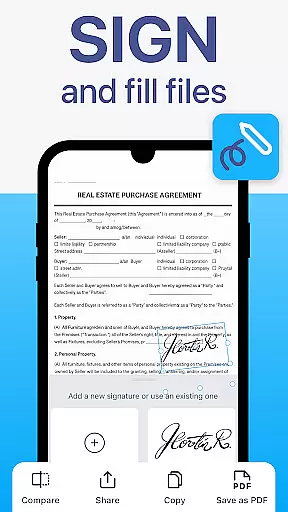
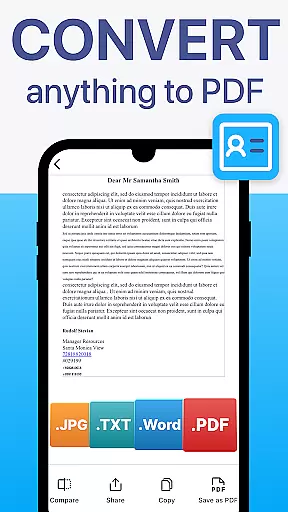
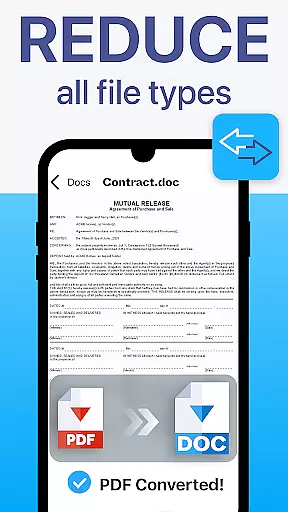
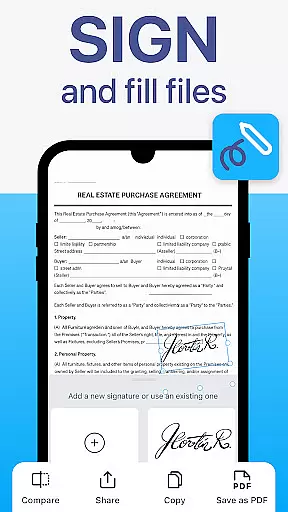
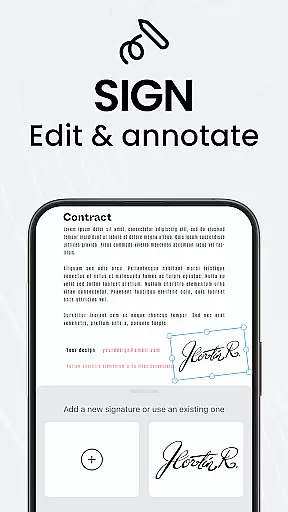
For PDF management, TapScanner provides a complete toolkit enabling users to merge multiple files, split documents, reorder pages, add electronic signatures, and create annotations directly within the app. The built-in OCR engine supports over 110 languages, converting images into fully editable and searchable text while maintaining formatting integrity.
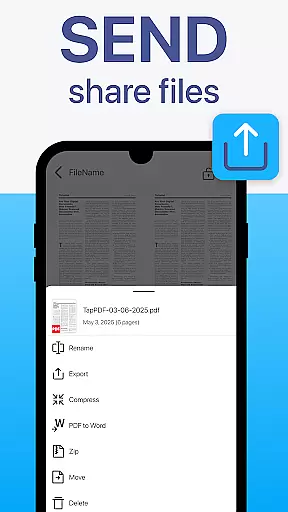
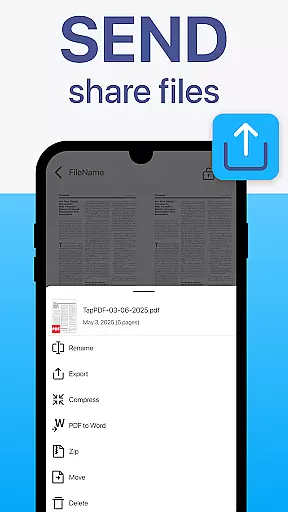
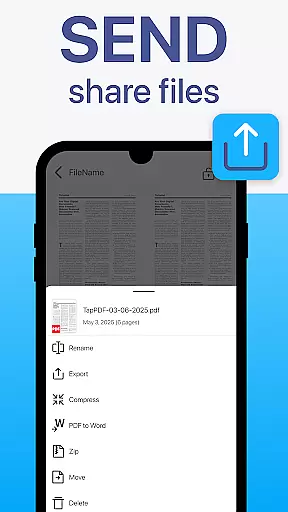
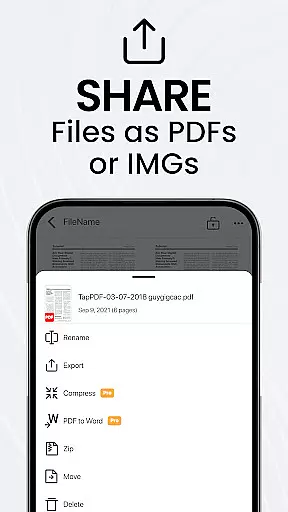
Additional productivity features include batch scanning functionality, automated file organization, one-tap renaming, and instant sharing options through email or messaging apps. The app also supports direct printing to Wi-Fi printers and offers secure cloud synchronization with major storage providers, plus password protection for sensitive documents.
TapScanner offers a comprehensive suite of collaborative work features that streamline document management for teams and professionals. The app allows multiple users to access, edit, and manage PDFs simultaneously, ensuring seamless teamwork.
One of the standout collaborative features is the ability to merge, split, reorder, sign, and annotate PDFs directly within the app. This functionality ensures that all team members can contribute to document workflows without needing additional software or tools.
Furthermore, TapScanner supports secure cloud backup and synchronization with services like Google Drive, Dropbox, and OneDrive. This ensures that all collaborators have access to the latest versions of documents, enhancing productivity and reducing the risk of errors from working on outdated files.
The app also includes instant sharing capabilities, allowing users to send scans via email or messaging apps quickly. This feature facilitates swift communication and decision-making among team members, regardless of their physical location.
Effective task management is crucial for maintaining productivity, and TapScanner excels in this area by offering a variety of features designed to save time and keep users organized. The app's batch scanning capability allows users to scan multiple documents at once, significantly speeding up the digitization process.
In addition to batch scanning, TapScanner provides one-tap renaming and automated file organization. These features help users maintain a tidy digital workspace, making it easier to locate and manage documents as needed.
Another key aspect of TapScanner's task management is its multi-page support. Users can scan dozens of pages and compile them into a single, neatly ordered PDF. This is particularly useful for managing lengthy contracts or reports, ensuring that all relevant information is consolidated in one place.
Finally, TapScanner's user-friendly interface enhances task management by making advanced tools accessible to professionals, students, and everyday users alike. The clean design ensures that even those unfamiliar with document management software can navigate and utilize the app's features effectively.
User-friendly interface
Advanced PDF editing tools
Multi-language OCR support
Secure cloud integration
Batch scanning capability
Premium features require subscription
Occasional minor bugs
Limited free storage
Advanced tools need learning
Ads in free version

Quickly open and manage PDF files on your device.
 3.80
3.80
Earn crypto with secure cloud mining. Monitor, track & withdraw easily
4.40
Your employer must have UKG Ready software configured for Mobile.
4.60
Master crypto trading with real-time simulations and exciting challenges!
4.50
Access All PDF Files
3.40
Roadie connects people with stuff to send with drivers already going that way.
3.50
Earn money with the driver & delivery partner app for Uber, UberEats & Postmates
4.60
No more passwords, easier sign-in, and greater protection for your accounts.
4.60
Chat, meet, and collaborate to achieve more together, all in one place on Teams
4.60
GoTo Mobile is a simple & secure calling, messaging & meetings solution
4.80
The MyWalmart App is available for all associates in stores.
4.70
Access to Paylocity, empowering employees with information they need 24/7.
4.70
Drive and earn extra money
4.50
The revolutionary flexible staffing platform
4.40
Build a store in minutes with our full suite of AI tools. Start for free!
4.20
Shop, deliver, and earn with the Spark Driver™ App
4.10
Zoom built for Chrome OS
3.90
enjoy effortless PDF reading anytime, anywhere
3.90
All document reader, pdf viewer app, read docs & excel files
3.80


User Reviews