
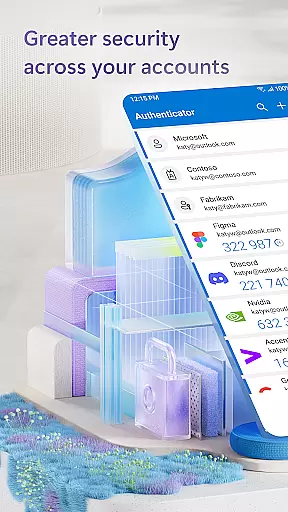

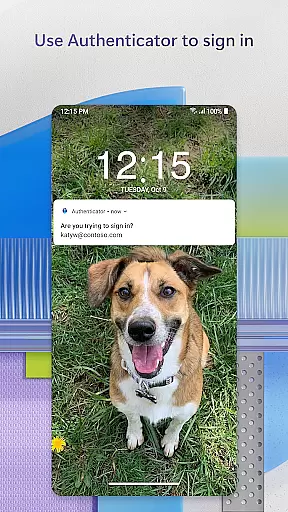
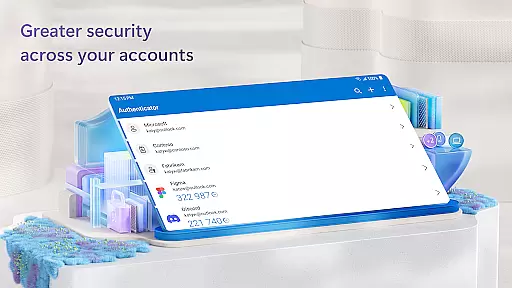
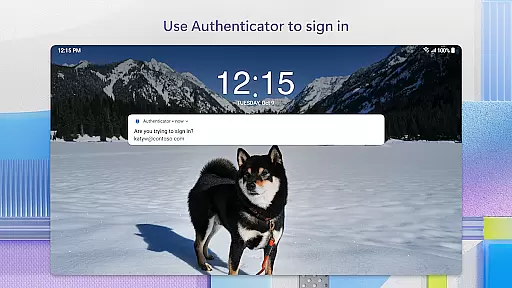
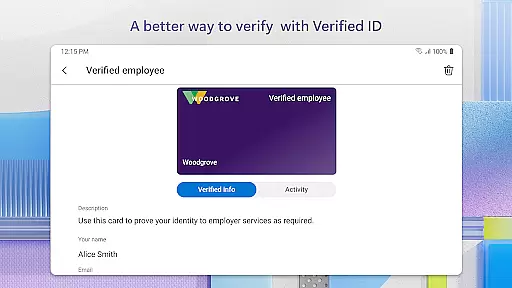
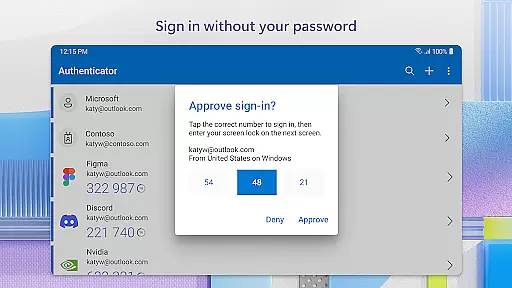
Microsoft Authenticator is a business-focused authentication app that provides secure sign-in options for online accounts through multi-factor authentication (MFA), passwordless login, and traditional passwords. The app supports both personal Microsoft accounts and work or school accounts, offering users a reliable way to protect their digital identities.
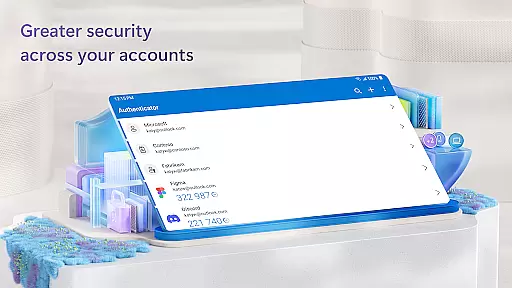
With features like time-based one-time passwords (TOTP) and push notifications for approval, the app ensures robust security without compromising user convenience. It also allows integration with non-Microsoft services such as Facebook, Amazon, and Google, making it a versatile tool for managing multiple accounts securely.
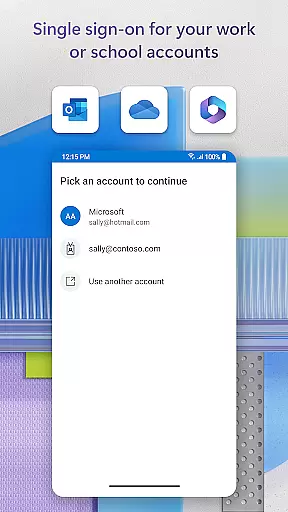
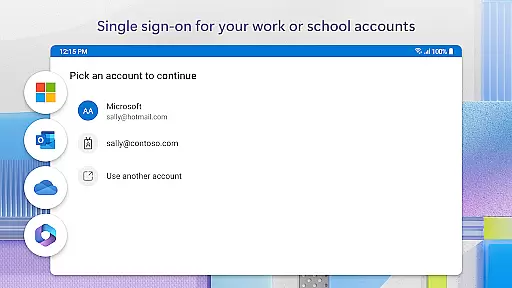
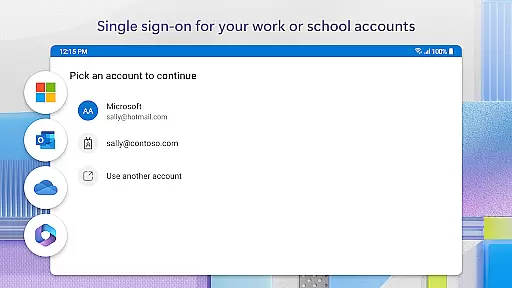
For organizations, Microsoft Authenticator supports cert-based authentication and single sign-on capabilities, streamlining access to various Microsoft services while maintaining enterprise-grade security protocols. This makes it an essential app for businesses looking to enhance their cybersecurity measures.
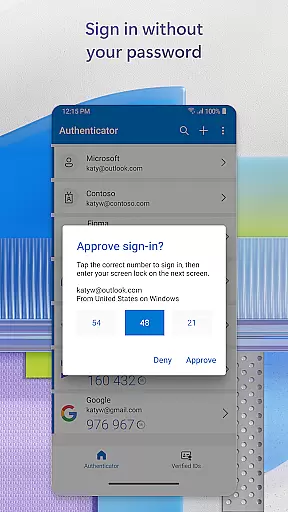
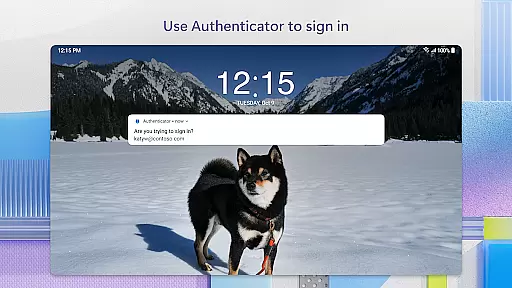
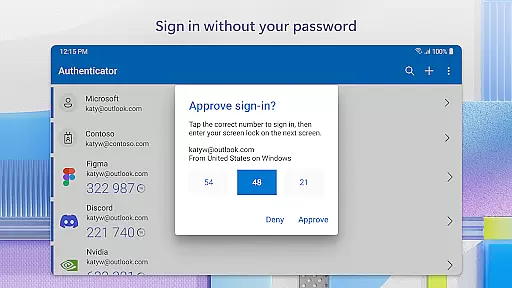
One of the standout features of Microsoft Authenticator is its support for multi-factor authentication (MFA). Users can verify their identity using methods like push notifications or time-based one-time passwords (TOTP), which change every 30 seconds. This ensures that even if a password is compromised, unauthorized access remains nearly impossible.
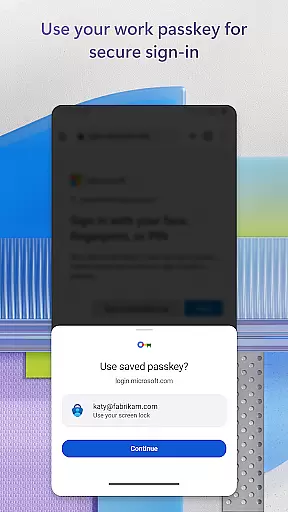
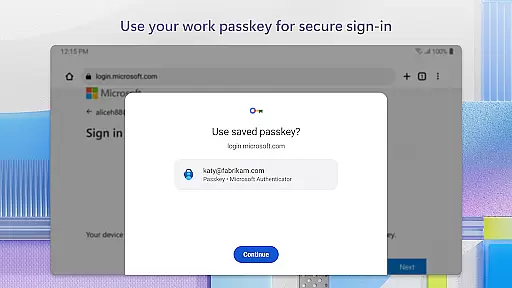
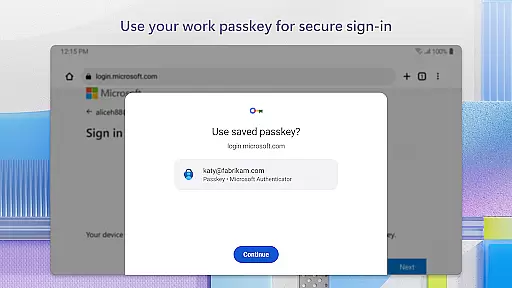
The app also facilitates passwordless logins, allowing users to authenticate using biometric data such as fingerprints or facial recognition. Additionally, it offers seamless integration with Microsoft products like Outlook, OneDrive, and Office, providing a smooth experience when accessing these services.
For corporate environments, Microsoft Authenticator includes advanced functionalities like certificate-based authentication and optional permissions management. These features help IT administrators enforce stricter security policies while enabling employees to access necessary resources efficiently.
Microsoft Authenticator offers robust collaborative work features that enhance team security and streamline access management for organizations. The app supports cert-based authentication by issuing a certificate on your device, which allows your organization to verify that sign-in requests are coming from trusted devices.
This verification process enables seamless and secure access to multiple Microsoft apps and services without the need to log in individually to each application. This feature is particularly beneficial for teams that require constant access to various resources while maintaining high-security standards.
Additionally, the app facilitates single sign-on capabilities. Once users authenticate their identity using the app's two-factor authentication process, they can access all authorized Microsoft products and services without repeated login prompts. This saves time and reduces password fatigue among team members, allowing them to focus more on productive tasks rather than managing multiple credentials.
Task management within Microsoft Authenticator revolves around simplifying and securing the login processes for various accounts through multi-factor authentication (MFA) and passwordless options. By integrating MFA, the app ensures that every login attempt is verified not just by a password but also by an additional layer of security.
Users can approve notifications sent directly to their mobile devices or enter one-time passwords (OTPs) generated by the app. These OTPs are refreshed every 30 seconds, ensuring enhanced security without the hassle of remembering complex codes or being connected to a network. This approach significantly reduces the risk of unauthorized access due to compromised passwords.
Moreover, the app supports adding multiple accounts, including non-Microsoft ones like Facebook, Amazon, and Google. This versatility makes it an essential tool for managing different account credentials efficiently. With these features, users can maintain strong security practices across all their online activities while enjoying a streamlined task management experience.
Enhanced Security
User-Friendly Interface
Multi-Account Support
Seamless Integration
Optional Permissions
Requires Network
Limited Offline Use
Device Compatibility
Occasional Glitches
Privacy Concerns

viewing and sharing of PDFs
 3.60
3.60
Amazon A to Z is the place to manage your work-life at Amazon.
4.50
All document reader, pdf viewer app, read docs & excel files
3.80
All your team communication in one place
4.70
Grow your business and connect with more people with Meta Business Suite.
4.60
Build a store in minutes with our full suite of AI tools. Start for free!
4.20
view, manage, and share every PDF file you have
3.60
The app that lets you deliver with Amazon.
4.50
On the go? Take FedEx with you.
4.00
FaxCover - Create fax cover pages. Works with any app or fax machine.
4.90
Job search app that finds jobs for you! Takes the work out of looking for a job!
4.90
Earn free swag, G-Cards & food • Enter sweepstakes • Find stores • So much more.
4.70
Access to Paylocity, empowering employees with information they need 24/7.
4.70
AI-powered document scanner with auto enhance for perfect PDFs.
4.60
Drive and earn extra money
4.50
Master crypto trading with real-time simulations and exciting challenges!
4.50
Measure distances, surfaces and draw plans in seconds with CamToPlan!
4.40
Scan Business Cards & Conference Badges - Capture Leads at Events & Tradeshows
4.20
Windows App allows you to connect to remote PCs and virtual apps.
3.70


User Reviews