
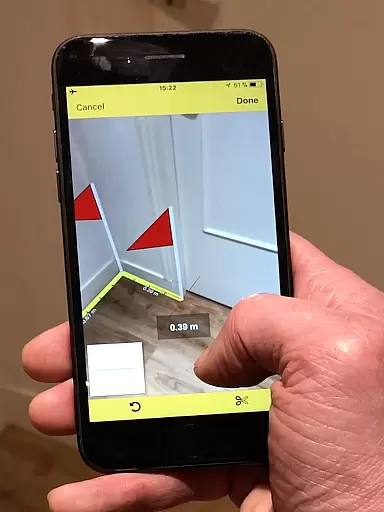
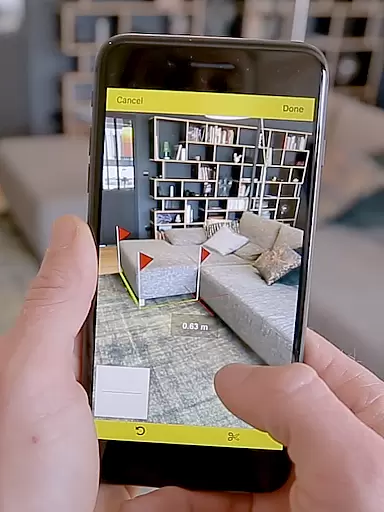
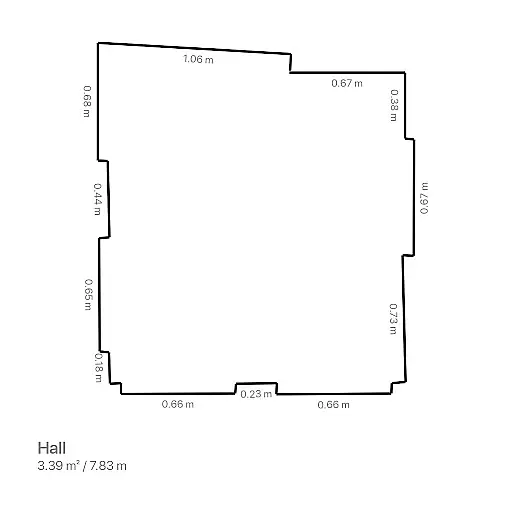
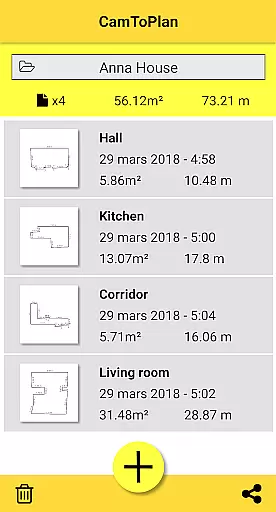
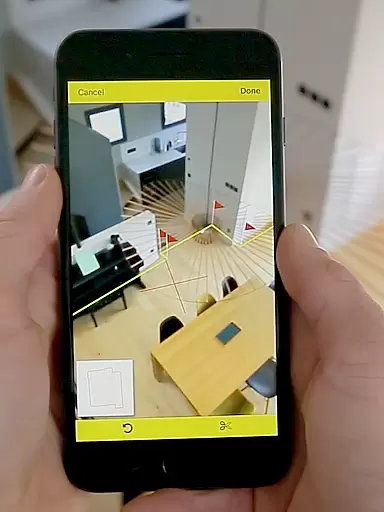
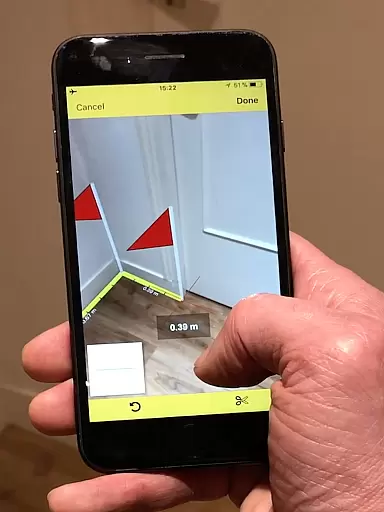
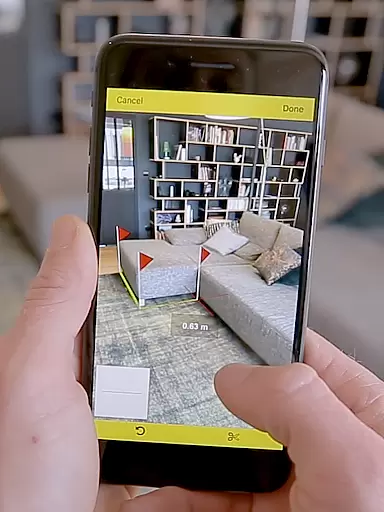
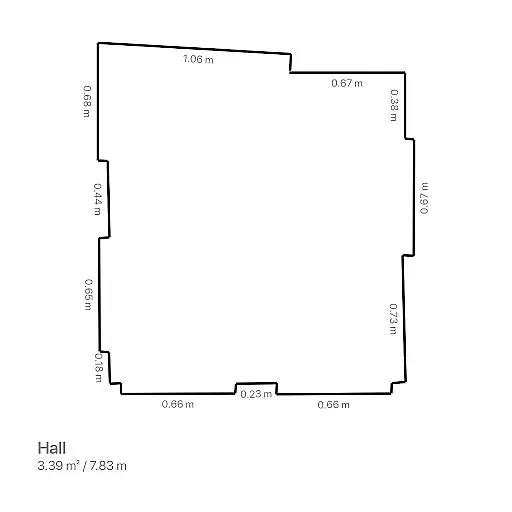
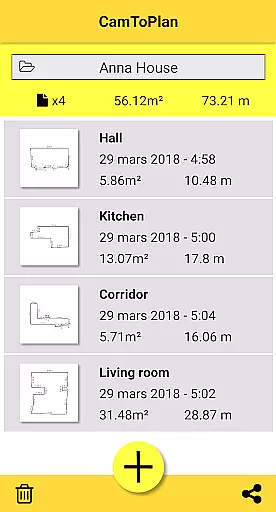
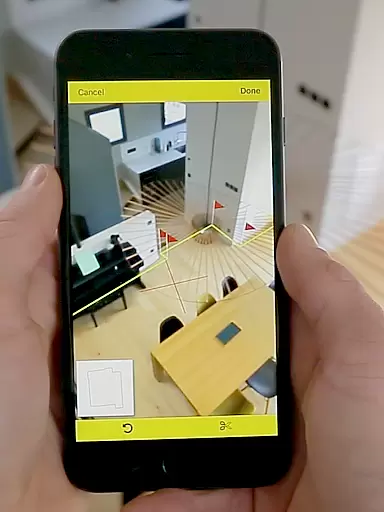
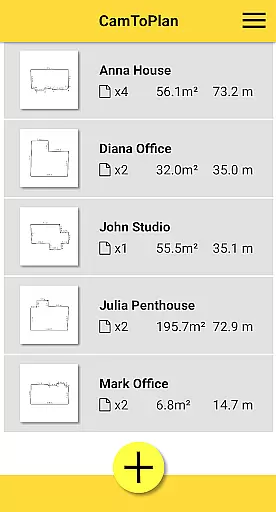
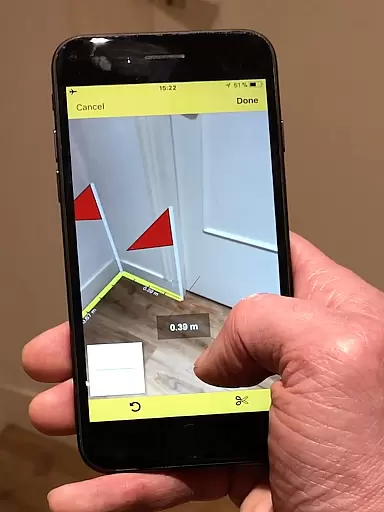
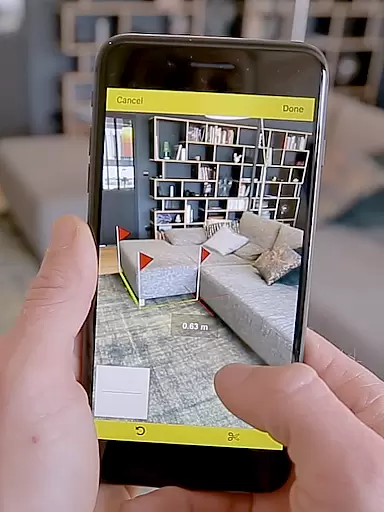
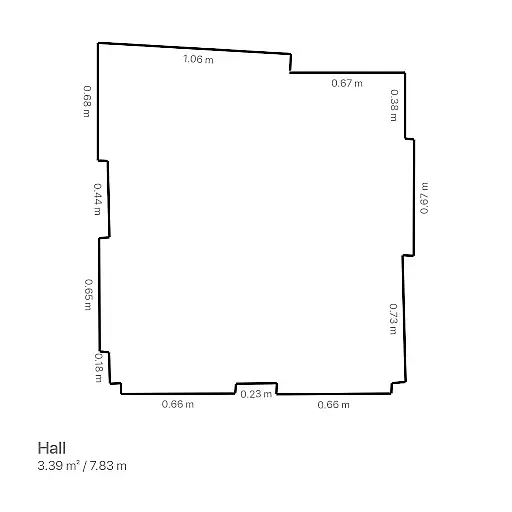
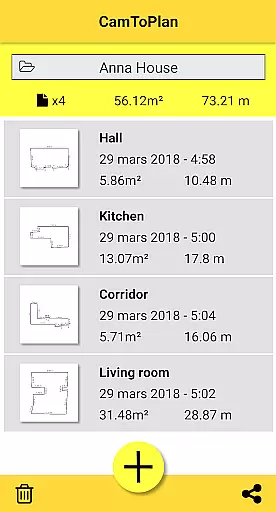
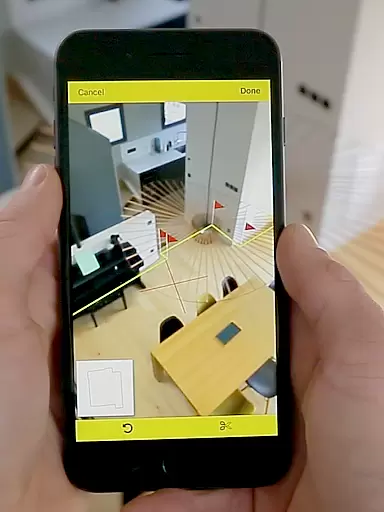
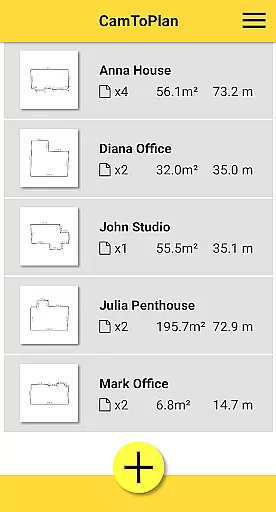
CamToPlan is a revolutionary business application that leverages augmented reality to transform your mobile device into a powerful measurement tool. With this app, users can effortlessly measure distances both horizontally and vertically, calculate surface areas, and even draw room plans in seconds. The app's innovative 3D tape measure feature allows for precise measurements of baseboards, walls, furniture dimensions, and more without the need to kneel or manually mark points.
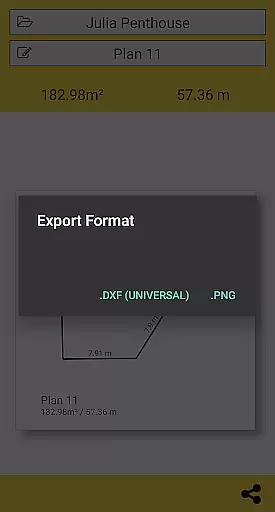
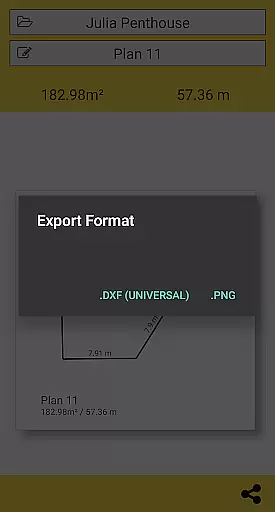
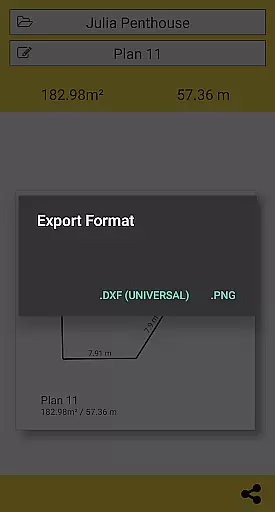
The application supports exporting data in PNG or DXF formats, making it an essential tool for professionals such as architects and decorators. Its ability to automatically determine intersection points between the floor and target points, even behind furniture, ensures maximum precision. While accuracy may vary based on lighting and floor texture conditions, CamToPlan offers unparalleled convenience and efficiency for all your spatial measurement needs.
CamToPlan stands out with its advanced augmented reality capabilities, allowing users to take measurements directly through their device's video feed. This eliminates the need for traditional measuring tools like rulers or laser rangefinders. The app instantly calculates area in square meters or feet and generates detailed room plans complete with all measured dimensions. Users can easily share these plans via email, message, or social media with just one click.
Additional features include the option to select Metric or Imperial units, ensuring global usability. The app's intelligent system can safely extrapolate hidden points while maintaining accuracy, even when moving during measurements. With support for textured floors and automatic visual detail identification, CamToPlan provides a comprehensive solution for both professionals and DIY enthusiasts looking to streamline their measurement processes.
CamToPlan revolutionizes collaborative work in the field of architecture and interior design by offering seamless measurement capabilities through augmented reality. The app allows multiple users to contribute to a project by sharing precise measurements and plans effortlessly.
The application's ability to export data in PNG or DXF formats ensures that all team members can access and utilize the information according to their specific needs. This feature is particularly beneficial for architects and decorators who require accurate dimensions for their projects.
With just one click, users can share plans via email, messages, or social media platforms. This immediate sharing capability enhances communication among team members, allowing for real-time updates and modifications to the project.
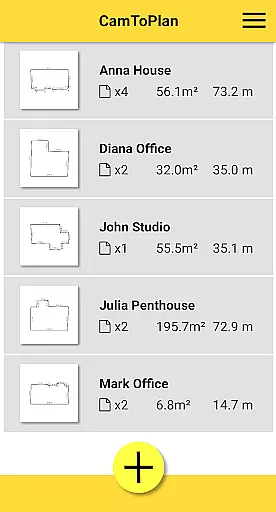
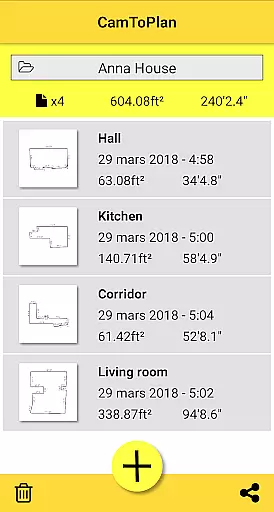
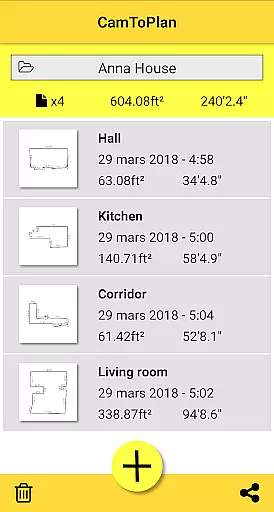
By providing tools for managing folders and organizing measurements, CamToPlan facilitates efficient teamwork. These organizational features ensure that all project-related data is systematically arranged, making it easier for teams to collaborate effectively.
Task management within CamToPlan is streamlined through its innovative augmented reality interface, which allows users to measure distances and surfaces with ease. The app's intuitive design ensures that users can quickly adapt to its functionalities without a steep learning curve.
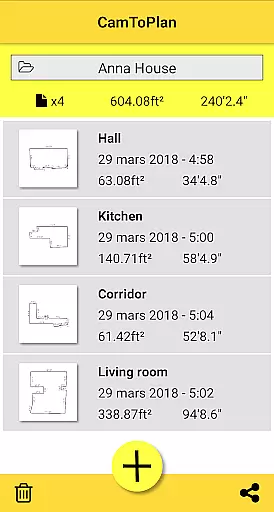
CamToPlan automatically calculates areas and generates room plans with all measured dimensions, simplifying the task management process. This automation reduces the time required for manual calculations and plan drawings, enabling users to focus on more critical aspects of their projects.
The app supports both Metric and Imperial units, catering to a global audience and ensuring that users can manage tasks according to their preferred measurement system. This flexibility is crucial for professionals working across different regions.
Additionally, CamToPlan's ability to determine intersection points between floors and target points, even behind furniture, enhances task accuracy. Users can confidently move while taking measurements, knowing that the app maintains precision through extrapolation techniques.
User-friendly interface
Augmented reality precision
Instant area calculations
Export options in PNG and DXF
Global unit compatibility
Accuracy depends on lighting
May struggle with uniform floors
Requires good floor texture
No guaranteed precision
Limited by reflections

Zoom built for Chrome OS
 3.90
3.90
Completed Course Lectures on how to use IBM Maximo in Maintenance issues
4.3
ANDROID'S TOP MOBILE OFFICE - Word, Excel, PowerPoint and PDF at your fingertips
4.50
Earn crypto with secure cloud mining. Monitor, track & withdraw easily
4.40
Get your benefits on-the-go.
3.80
Take the stress out of storage with the all-in-one app to manage your space.
3.70
Drive and earn extra money
4.50
Recover what matters — quickly and easily.
4.70
Make invoices, bills, receipts & estimates on the go with Invoice Generator.
4.70
Create curriculum vitae, a professional cover letter creator and resume designer
4.80
TurboScan turns your phone into a full-featured PDF document scanner.
4.80
All your team communication in one place
4.70
A secure, all-in-one team collaboration app
4.30
All-in-one Mobile solutions for employees & managers to succeed at work
4.30
Say hello to the mobile work experience built to help you thrive at work.
4.30
Smarter career moves start here. AI job alerts, insights & the right tools.
4.20
FX Plus adds media, networking, and cloud capabilities to FX File Explorer.
4.10
enjoy effortless PDF reading anytime, anywhere
3.90
Access All PDF Files
3.40


User Reviews