
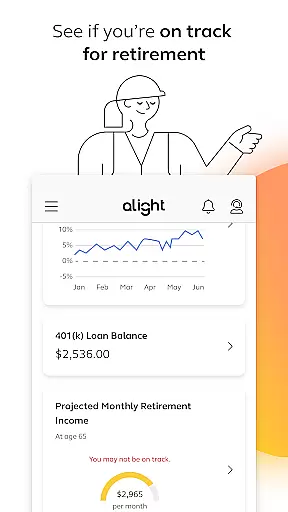
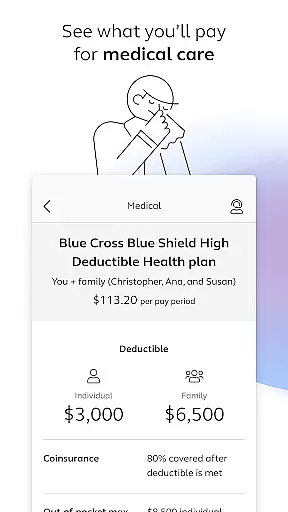
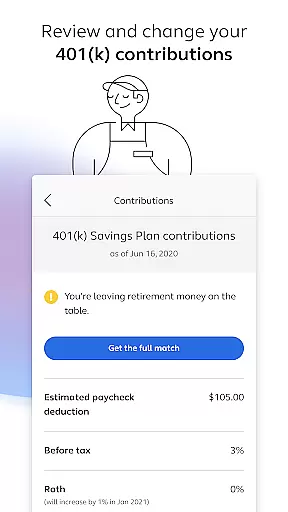

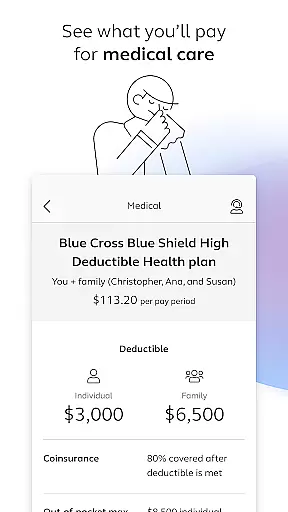
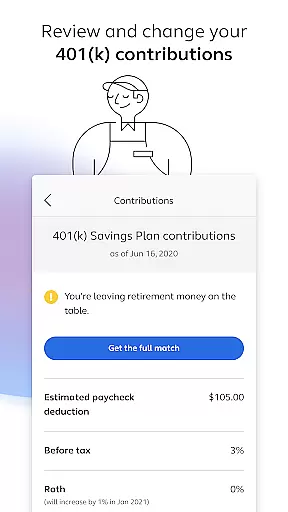
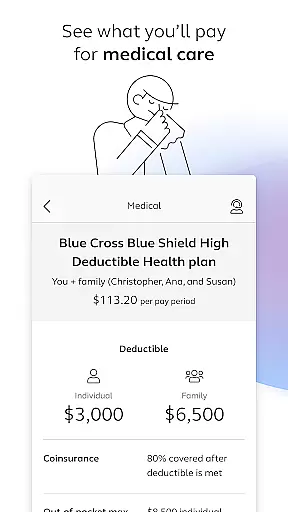
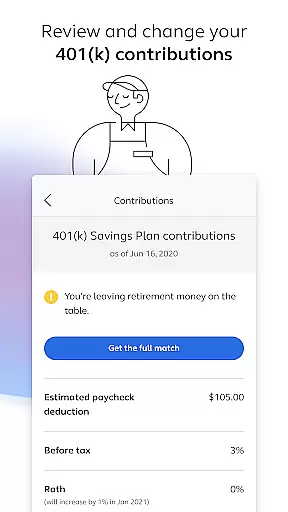
Alight Mobile is a comprehensive business application designed to provide employees with seamless access to their employer-sponsored benefits. The app enables users to manage health, retirement, and payroll information from their mobile devices, ensuring convenience and accessibility. With Alight Mobile, you can enroll in benefits, review medical plans, adjust 401(k) contributions, and even access important documents like insurance cards. This makes it an essential tool for employees who need to stay on top of their benefits while on the go.
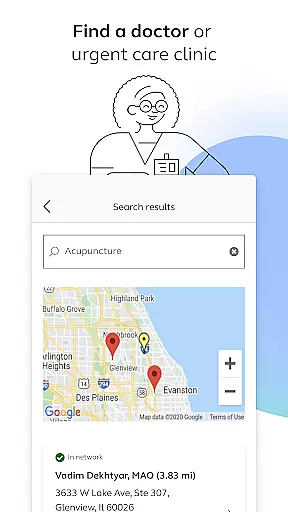
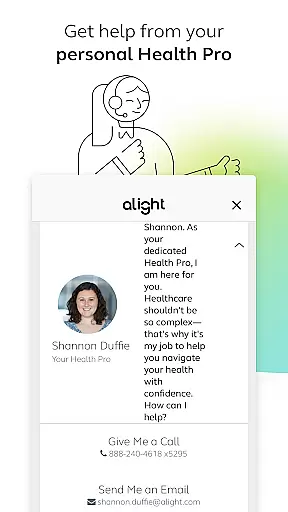
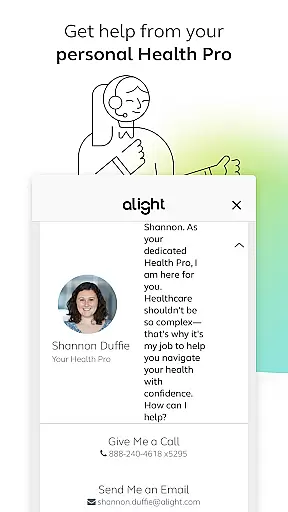
The app also offers additional resources such as finding healthcare providers, consulting with personal Health Pros, and tracking time-off balances. These features are particularly useful for individuals looking to optimize their benefits package and ensure they are prepared for retirement. By consolidating all these functionalities into one platform, Alight Mobile provides significant value to users by simplifying the management of complex benefit programs.
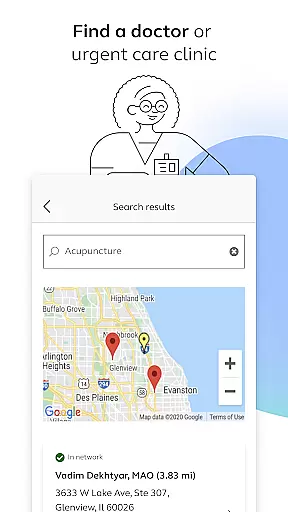
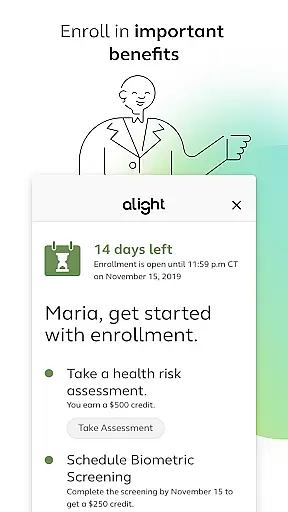
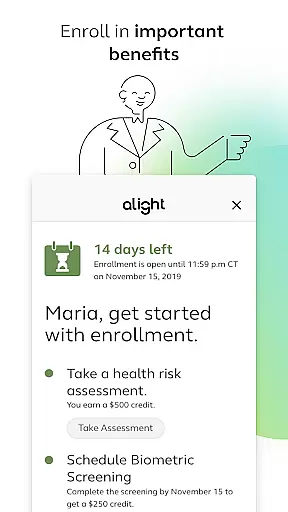
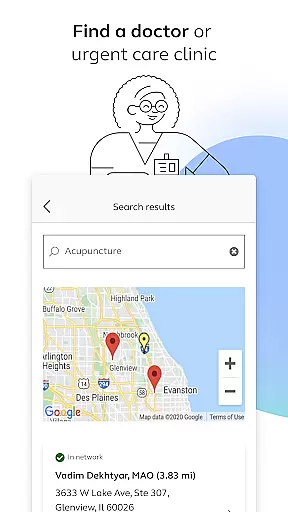
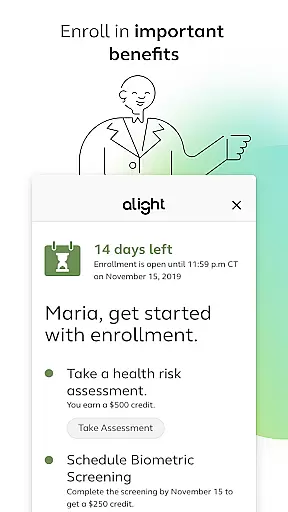
Alight Mobile stands out with its robust set of features tailored to enhance the employee benefits experience. One of the key functionalities is the ability to find healthcare providers, including doctors and urgent care clinics, directly through the app. This feature saves time and ensures that users can quickly locate necessary medical services. Additionally, the app allows for easy enrollment in various benefits programs, providing step-by-step guidance through the process.
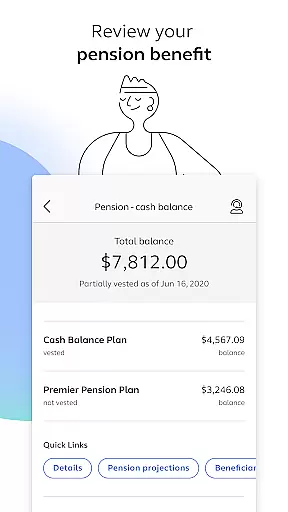
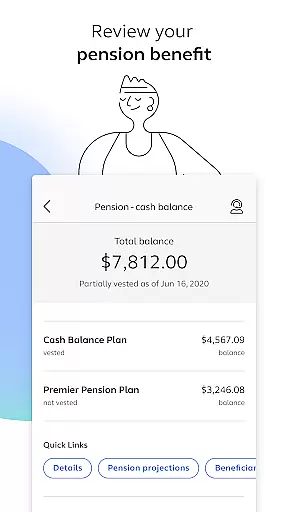
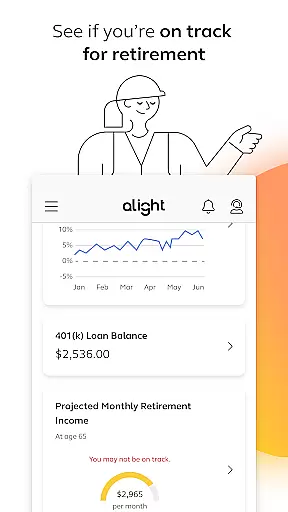
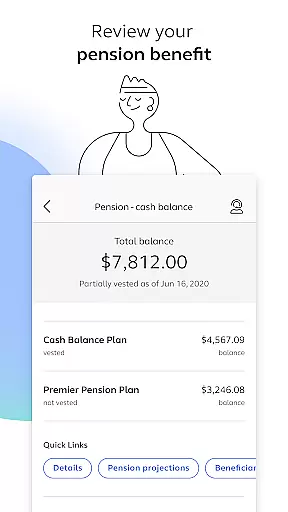
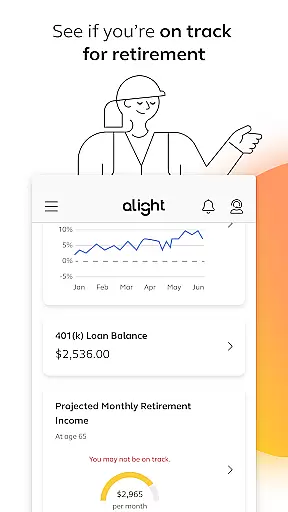
Another notable feature is the detailed overview of financial benefits such as 401(k) plans and pension benefits. Users can review their current elections, make necessary adjustments, and track their progress towards retirement goals. The app also includes tools for managing health benefits, such as viewing medical plan details and accessing digital copies of insurance cards. These capabilities empower users to take control of their benefits, leading to better financial and health outcomes.
In today's fast-paced business environment, the ability to collaborate effectively is crucial. Alight Mobile facilitates collaborative work features by enabling employees and benefit participants to access their personal benefits information seamlessly. This ensures that wherever you are, you can enroll in important benefits, review your medical plans, and make necessary changes to your 401(k) contributions.
The app provides a centralized platform where users can find essential resources such as locating healthcare providers or accessing insurance cards. By integrating these functionalities, Alight Mobile fosters an interconnected workspace that enhances productivity and decision-making. The ease of accessing all these features from one place significantly reduces the time spent on managing personal benefits.
For businesses, this means employees can focus more on their core responsibilities without being bogged down by administrative tasks. The app's design supports real-time updates and interactions, ensuring that both employers and employees have the most current information at their fingertips. This level of collaboration not only improves efficiency but also boosts employee satisfaction and engagement.
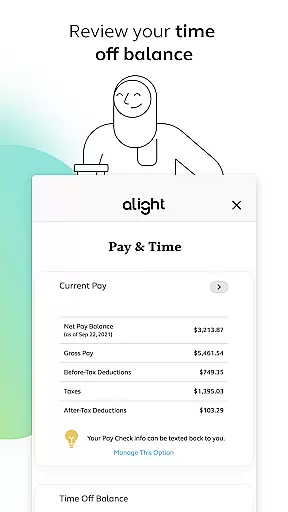
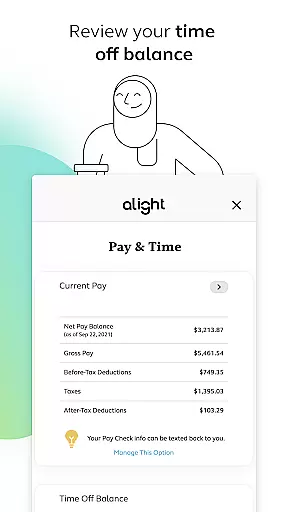
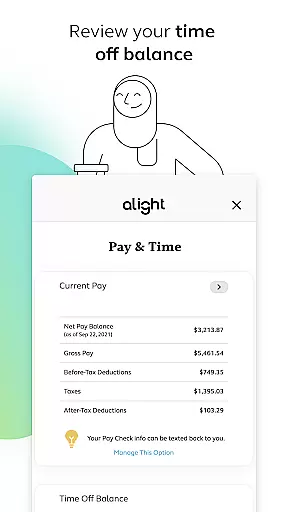
Effective task management is pivotal for maintaining productivity and achieving business goals. Alight Mobile offers robust task management capabilities by allowing users to track various aspects of their employment benefits efficiently. With features like reviewing time off balances and monitoring retirement readiness, employees can manage their personal tasks with greater precision and ease.
The application simplifies complex processes such as pension benefit reviews and medical plan evaluations, breaking them down into manageable tasks. Users can easily navigate through different sections to update their details or explore additional benefit resources. This structured approach helps individuals prioritize their actions and stay organized.
Moreover, Alight Mobileu2019s task management tools are designed to adapt to individual needs based on the employer's benefit plan. Whether it's adjusting contribution elections or consulting with a personal Health Pro, the app ensures that every task is aligned with specific user requirements. By streamlining these processes, Alight Mobile empowers users to take control of their benefits management effectively.
User-friendly interface
Comprehensive benefits management
Accessible anytime, anywhere
Personalized support options
Integrated resource platform
Limited to partner companies
Feature availability varies
Requires employer setup
Potential privacy concerns
Dependent on employer plans

AI-powered document scanner with auto enhance for perfect PDFs.
 4.60
4.60
FX Plus adds media, networking, and cloud capabilities to FX File Explorer.
4.10
Simple, Fast & Lightweight
3.90
Find work, shifts and gigs near you. Jobs lasting a few hours to a few months.
4.30
enjoy effortless PDF reading anytime, anywhere
3.90
All document reader, pdf viewer app, read docs & excel files
3.80
Make invoices, bills, receipts & estimates on the go with Invoice Generator.
4.70
Permission Guard is a security app that helps you manage app permissions.
4.80
Make money as a delivery driver with DoorDash and work when you want as a Dasher
4.30
Ask Accio anything about business. Alibaba-backed, built by experts, not just AI
4.60
Your employer must have UKG Ready software configured for Mobile.
4.60
Earn money with the driver & delivery partner app for Uber, UberEats & Postmates
4.60
Amazon A to Z is the place to manage your work-life at Amazon.
4.50
Drive and earn extra money
4.50
Formerly Facebook Ads Manager. Manage and create ads on the go.
4.20
Work happy with AI Companion
4.10
Find flexible, hourly jobs hiring near you in restaurant, retail & hospitality!
4.00
viewing and sharing of PDFs
3.60
Completed Course Lectures on how to use IBM Maximo in Maintenance issues
4.0


User Reviews