





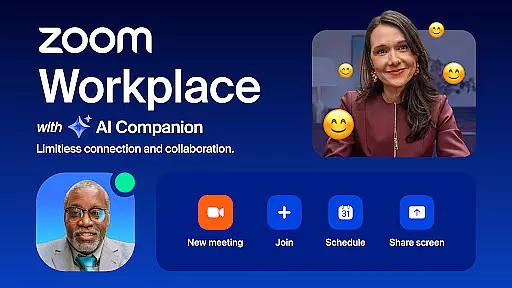
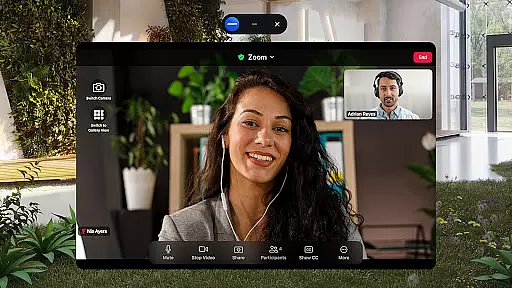
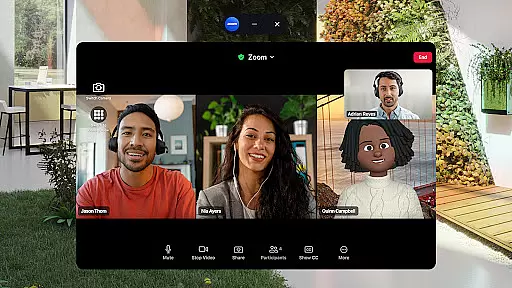
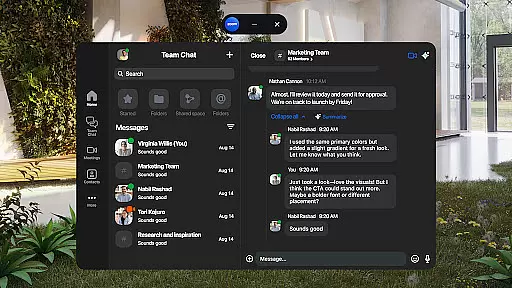
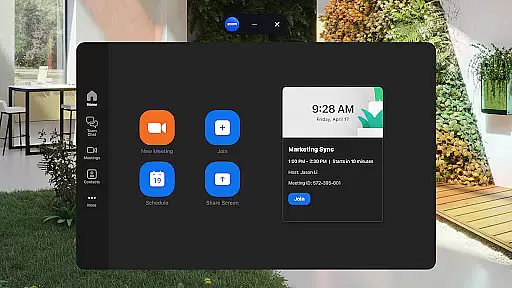
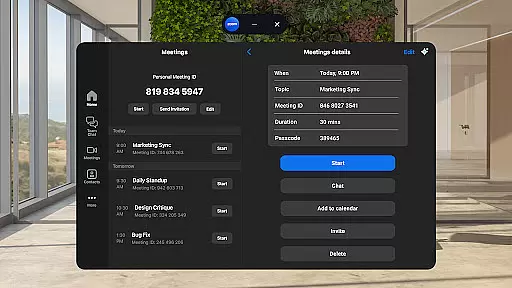
Zoom Workplace is an AI-first collaboration platform that integrates team chat, meetings, phone, whiteboard, calendar, mail, and docs. It offers a comprehensive solution for businesses seeking seamless communication and enhanced productivity.
With a Pro or Business license, users gain access to AI Companion, which provides meeting summaries, content drafting, and conversation focusing. The mobile app allows users to streamline communications, improve productivity, and work safely on the go with enterprise-grade security.
Zoom Workplace combines multiple business tools into one platform, including video meetings, team chat, and phone capabilities. Its AI Companion feature helps users quickly prepare for meetings and draft content.
The app supports cross-device functionality, allowing users to move live meetings between devices seamlessly. It also includes productivity-enhancing features like Zoom Docs, virtual whiteboards, and automated meeting summaries.
Security features include 'Hey Google' voice commands for hands-free control and enterprise-grade security with SSO. Certain advanced features require a paid subscription, and AI Companion availability may vary by region.
Zoom Workplace revolutionizes collaborative work by integrating essential communication tools into a single platform. The application combines team chat, video meetings, phone capabilities, and collaborative whiteboards, all accessible from mobile devices.
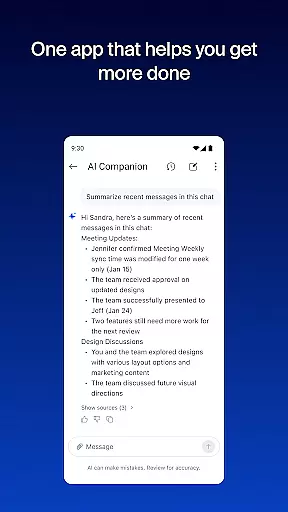
One of the standout features is the seamless integration of AI Companion, which enhances productivity. This personal assistant summarizes unread messages, drafts new content, and keeps conversations focused. With a Pro or Business license, users can leverage AI to quickly prepare for meetings and generate first drafts of content.
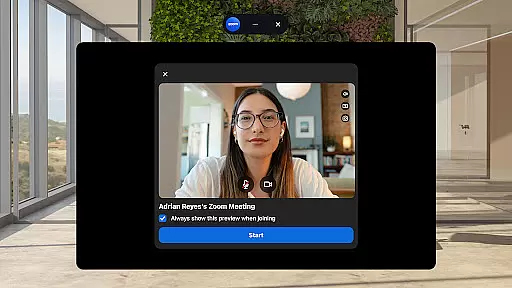
The app's strength lies in its ability to streamline communications. Users can schedule or join video meetings with a single tap, chat with colleagues and external contacts, and manage phone calls or SMS messages. These features ensure that teams stay connected regardless of location.
Moreover, Zoom Workplace supports cross-device functionality, allowing users to move live meetings between devices effortlessly. This flexibility, combined with enterprise-grade security features, makes it an ideal solution for modern businesses looking to improve both efficiency and safety in their operations.
Task management within Zoom Workplace is designed to enhance productivity through smart organization tools. The platform offers integrated calendar and mail features alongside document management capabilities, creating a unified workspace for professionals on the go.
AI Companion plays a crucial role in task management by providing automated meeting summaries and helping users catch up on important discussions. This feature ensures that team members can stay informed without getting overwhelmed by information overload.
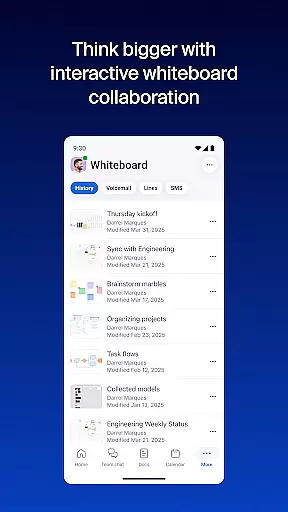
Users can create and share content using Zoom Docs, which allows for organizing and distributing information at scale. The virtual whiteboard feature facilitates brainstorming sessions, enabling teams to collaborate visually and develop ideas more effectively.
For those with a Pro subscription, additional benefits include cloud recording, meeting co-host assignments, and extended meeting durations. These premium features, combined with the app's core functionalities, create a comprehensive task management solution that adapts to various business needs while maintaining enterprise-level security standards.
Integrated communication tools
AI-powered productivity features
Seamless cross-device functionality
Enterprise-grade security measures
Comprehensive collaboration platform
Paid subscription required for advanced features
AI Companion has regional limitations
Automatic renewal of subscriptions
Some features not available across all plans
Enterprise-focused pricing structure

Completed Course Lectures on how to use IBM Maximo in Maintenance issues
 4.3
4.3
Find flexible, hourly jobs hiring near you in restaurant, retail & hospitality!
4.00
Scan Business Cards & Conference Badges - Capture Leads at Events & Tradeshows
4.20
Employee Management Made Easy
4.80
Drive and earn extra money
4.50
We are a dynamic team of creatives people of design, marketing, web & apps
3.00
Find jobs near you and temp work in minutes, from your phone.
4.50
USPS Mobile®Access USPS.com’s most popular tools on-the-go.
4.70
Make invoices, bills, receipts & estimates on the go with Invoice Generator.
4.70 4.70
4.70
Find the right fit, faster.
4.70
Recover what matters — quickly and easily.
4.70
Paychex Flex - Save Time and Stay Connected
4.60
Earn money with the driver & delivery partner app for Uber, UberEats & Postmates
4.60
No more passwords, easier sign-in, and greater protection for your accounts.
4.60
The revolutionary flexible staffing platform
4.40
One marketplace. Hundreds of services. Unlimited possibilities. All on Fiverr.
4.40
Smarter career moves start here. AI job alerts, insights & the right tools.
4.20
Windows App allows you to connect to remote PCs and virtual apps.
3.70


User Reviews