
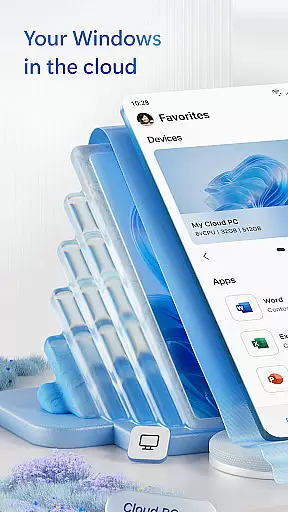
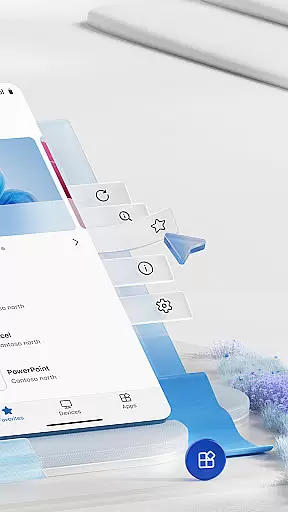
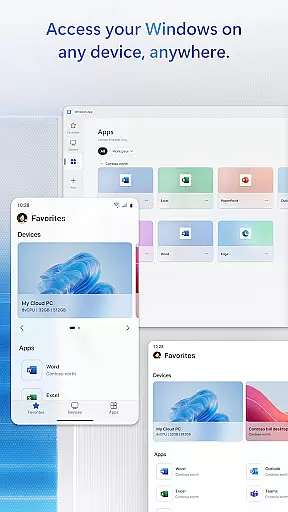
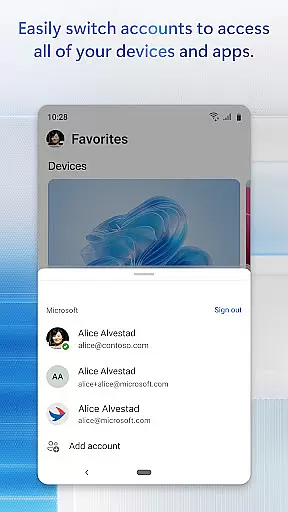
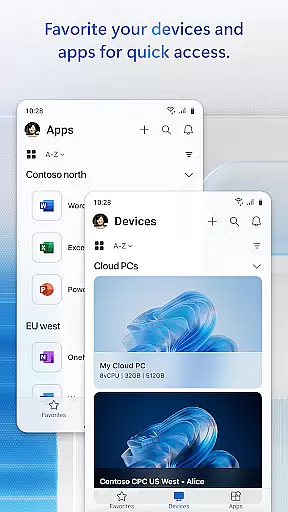
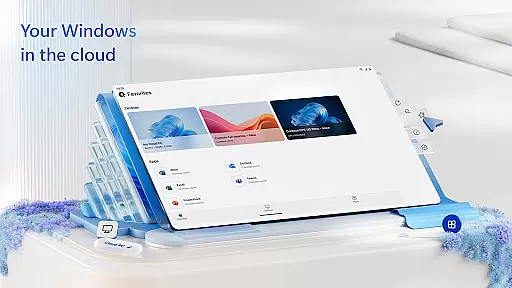
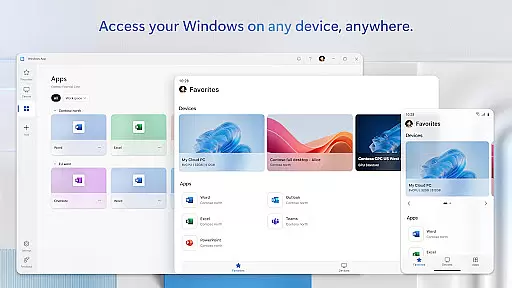
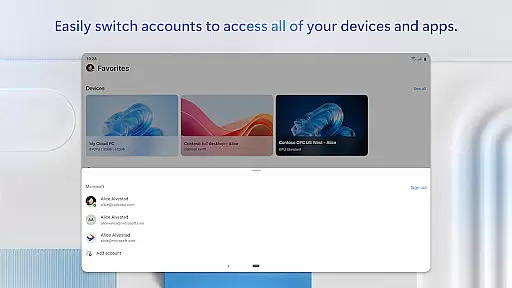
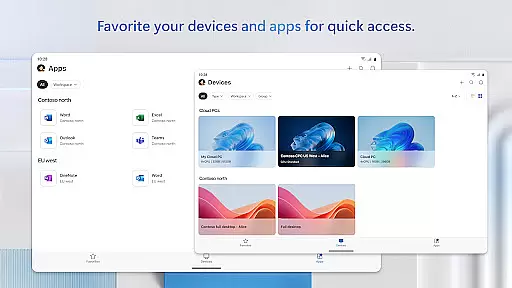
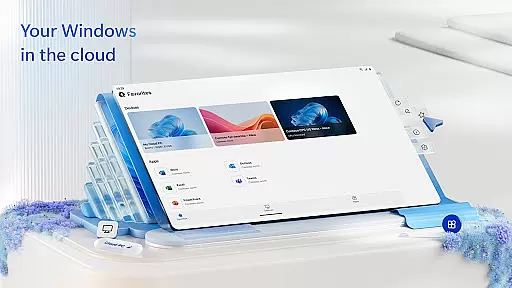
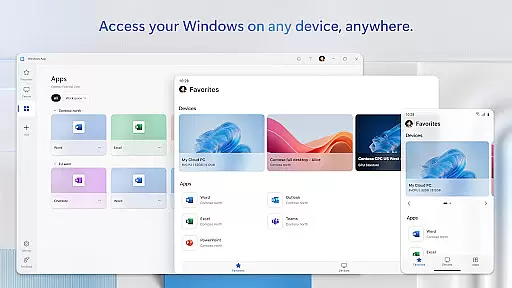
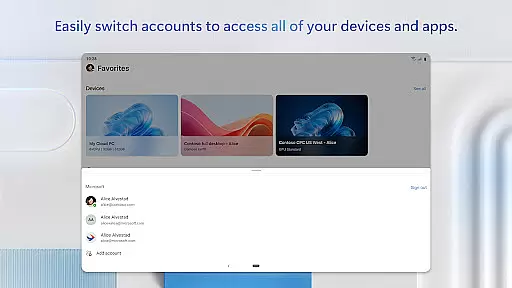
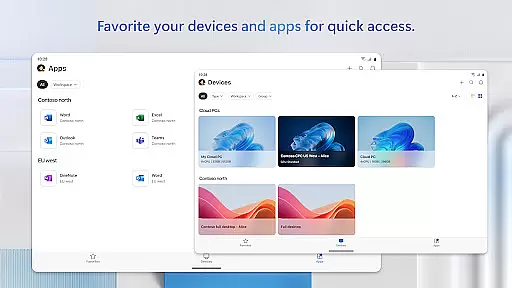
Windows App is a business-oriented remote desktop solution that securely connects users to various Windows experiences. These include Azure Virtual Desktop, Windows 365, Microsoft Dev Box, Remote Desktop Services, and remote PCs. Designed for professionals who require reliable remote access, the app ensures secure and efficient connections across different platforms.
The app supports all Android devices running Android 11 and above, including tablets, smartphones, VR headsets, and Chromebooks that can run apps from the Play Store. This broad compatibility allows businesses to maintain productivity regardless of the device their employees use. With its robust feature set, Windows App provides a seamless remote working experience, making it an essential tool for modern business environments.
Windows App offers a comprehensive set of features designed to enhance remote connectivity. One of its standout capabilities is the support for multiple remote Windows services, including Azure Virtual Desktop and Windows 365. This versatility allows users to access their virtual desktops and applications from virtually anywhere, ensuring business continuity and flexibility.
In addition to supporting various remote services, the app provides a secure connection protocol that safeguards data during transmission. Users can customize their remote session settings, adjust display configurations, and manage permissions easily through the app's intuitive interface. These features collectively ensure that businesses can maintain high productivity levels while keeping their data secure, making Windows App a reliable choice for remote work solutions.
Collaborative work features are essential for modern business applications, enabling teams to work together efficiently regardless of location. Windows App excels in this area by providing secure connections to various remote Windows environments.
The app supports Azure Virtual Desktop, Windows 365, and other remote services, allowing users to access their desktops and applications from Android devices. This seamless integration ensures that team members can collaborate in real-time, accessing the same resources as if they were in the office.
With support for multiple device types including tablets, smartphones, and Chromebooks, Windows App enhances productivity by enabling users to stay connected and collaborate effectively. The ability to work across different platforms ensures that no team member is left behind.
By securely connecting users to remote PCs and services, Windows App facilitates efficient teamwork, making it an invaluable tool for businesses looking to enhance their collaborative capabilities while maintaining security and flexibility.
Effective task management is crucial for maintaining productivity and ensuring that projects progress smoothly. Windows App offers robust task management capabilities by providing access to remote Windows environments from Android devices.
Users can connect to Azure Virtual Desktop, Windows 365, and other services, enabling them to manage tasks and applications as if they were using a physical PC. This capability ensures that users can handle their workload efficiently without being tied to a specific location or device.
The app's compatibility with various Android devices, including tablets and smartphones, allows users to manage tasks on-the-go. Whether attending meetings, responding to emails, or working on documents, users have the flexibility to perform tasks whenever and wherever needed.
By integrating seamlessly with remote desktop services, Windows App empowers users to take control of their task management, enhancing overall productivity and ensuring that business operations run smoothly across different locations and devices.
Secure remote connections
Supports multiple platforms
Customizable session settings
Broad device compatibility
Intuitive user interface
Limited to Android 11+
Requires stable internet
No iOS version available
Advanced features need subscription
Occasional connection issues

GoTo Mobile is a simple & secure calling, messaging & meetings solution
 4.80
4.80
TurboScan turns your phone into a full-featured PDF document scanner.
4.80
The MyWalmart App is available for all associates in stores.
4.70
Manage work life on the go
4.50
viewing and sharing PDFs and other files—anytime, anywhere!
4.4
Find work, shifts and gigs near you. Jobs lasting a few hours to a few months.
4.30
Deliver and earn money
4.30
Access to Paylocity, empowering employees with information they need 24/7.
4.70
All-in-one Mobile solutions for employees & managers to succeed at work
4.30
Permission Guard is a security app that helps you manage app permissions.
4.80
BuildCalc - the easiest AND the most advanced construction calculator app.
4.80 4.70
4.70
We help people get jobs
4.70
Find jobs and make money fast with JobStack.
4.60
Your employer must have UKG Ready software configured for Mobile.
4.60
Grow your business and connect with more people with Meta Business Suite.
4.60
Master crypto trading with real-time simulations and exciting challenges!
4.50
Quickly open and manage PDF files on your device.
3.80
view, manage, and share every PDF file you have
3.60


User Reviews