
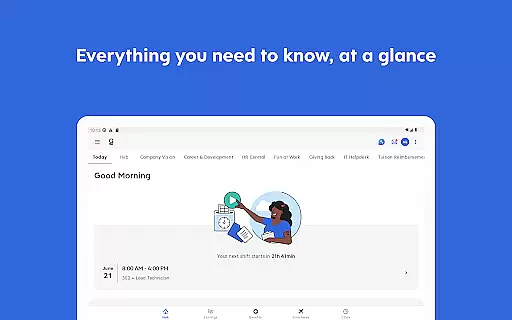
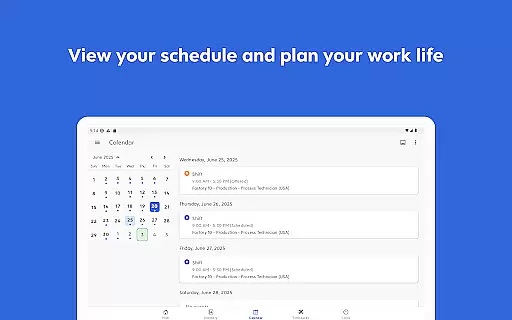
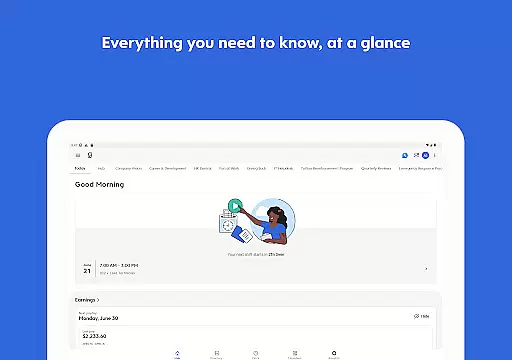
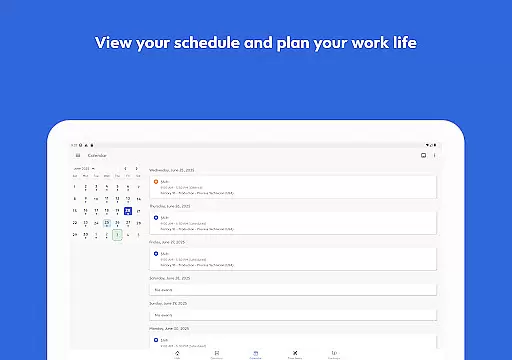
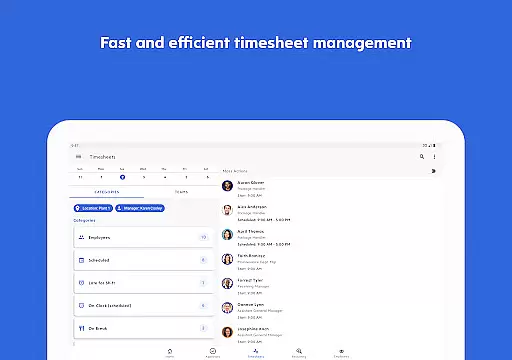
Dayforce is a comprehensive business application designed to help employees take control of their work and personal life. The app offers an array of features that allow users to manage their schedules, clock in and out, swap shifts, and even review benefits directly from their mobile devices. It eliminates the need for cumbersome paperwork by enabling efficient task management across various devices.
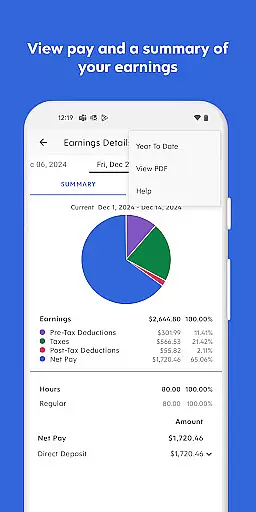
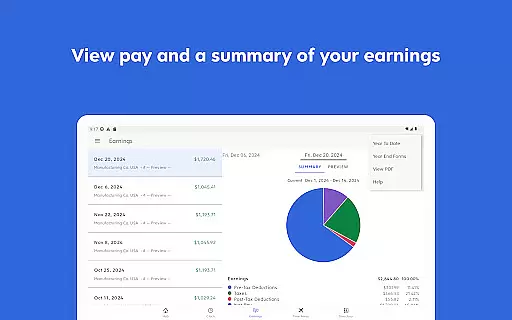
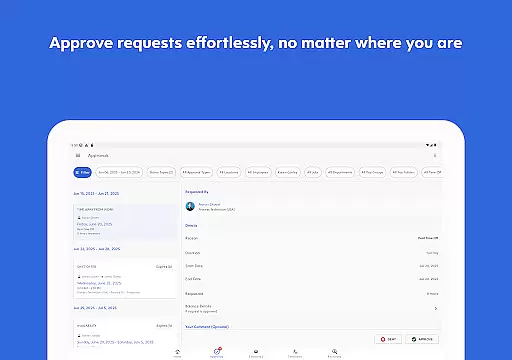
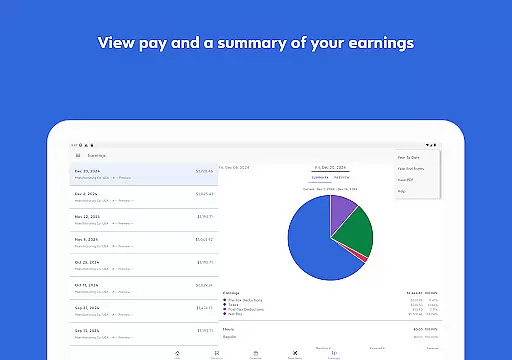
One of the standout features of Dayforce is its ability to provide real-time earnings tracking and early access to pay before payday, offering users greater financial flexibility. For people leaders, the app provides essential management tools at their fingertips, allowing them to approve timesheets and respond to requests on the go. This ensures that managers can stay connected and maintain control over their team's operations regardless of location.
The app is particularly useful for businesses that require flexible employee management solutions. By streamlining administrative tasks and enhancing communication between staff members, Dayforce helps organizations improve productivity and employee satisfaction. However, it's important to note that feature availability depends on the employer's setup, and not all functionalities may be accessible to every user.
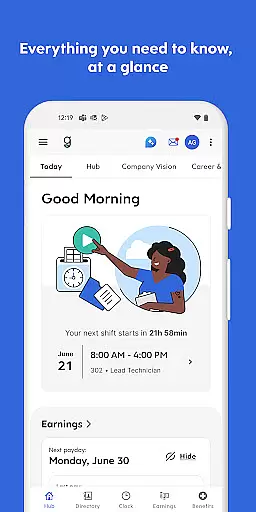
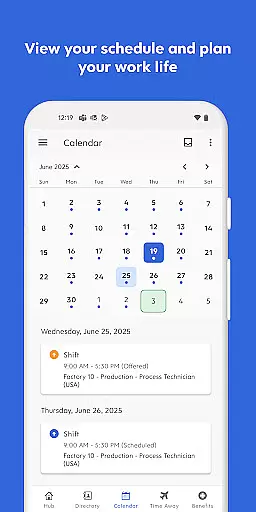
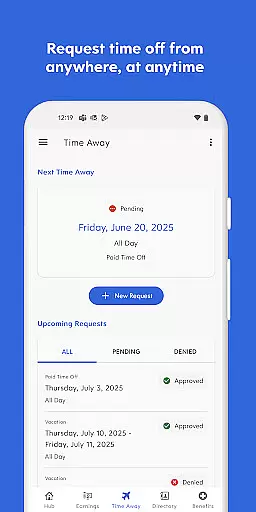
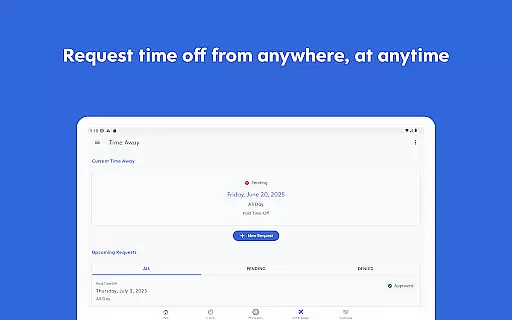
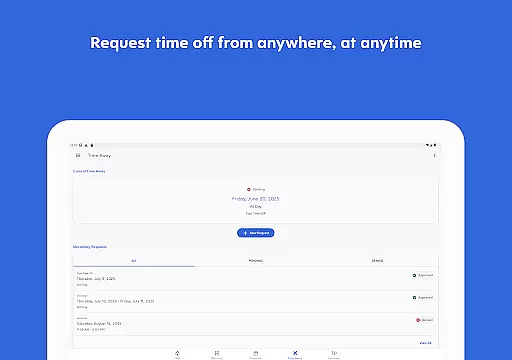
Dayforce stands out with its robust set of features tailored for both employees and managers. For employees, the app simplifies daily tasks such as clocking in and out, managing schedules, requesting time off, and reviewing benefits. These features are designed to enhance productivity and ensure that employees have all necessary information readily available on their mobile devices.
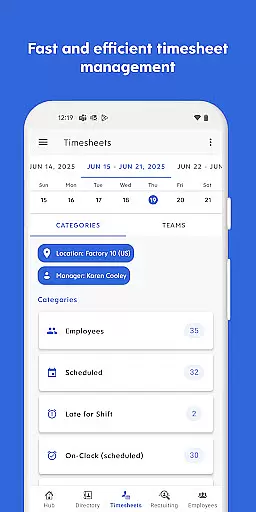
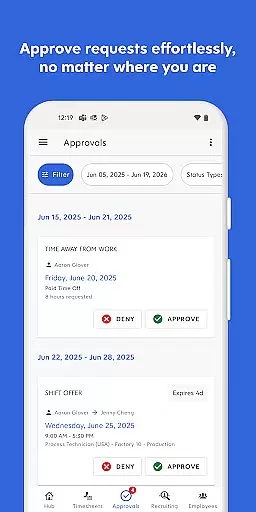
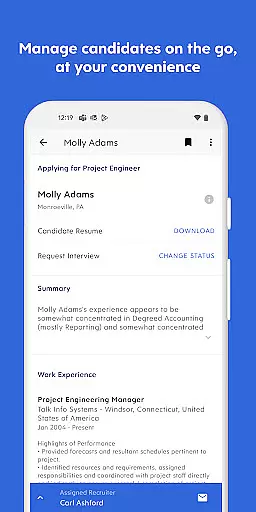
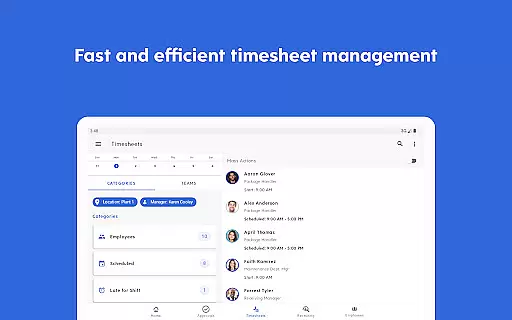
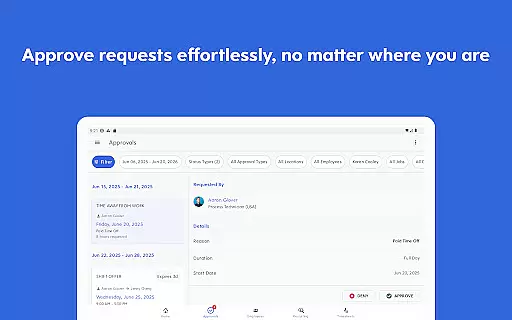
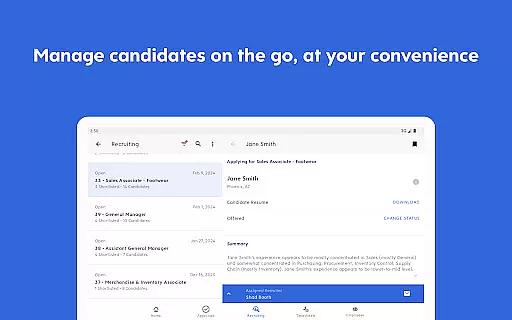
For managers and people leaders, Dayforce offers powerful tools that facilitate efficient team management. Managers can approve timesheets, respond to leave requests, and handle other administrative duties directly from the app. This mobility ensures that critical decisions can be made promptly without being tied to a desk. Additionally, the app supports real-time earnings tracking and provides access to pay before payday, empowering employees with greater financial control.
All these features are integrated into a seamless user experience that works across multiple devices, ensuring consistent performance whether accessed via smartphone or tablet. While the specific functionalities available depend on the employer’s configuration, Dayforce generally aims to simplify workforce management while enhancing overall operational efficiency.
Collaboration is at the heart of workplace productivity, and Dayforce excels in providing tools that facilitate seamless teamwork. The app enables employees and managers to stay connected across devices, ensuring that communication barriers do not hinder productivity. With features like shift swapping and request submissions, team members can coordinate effectively without unnecessary back-and-forth emails or messages.
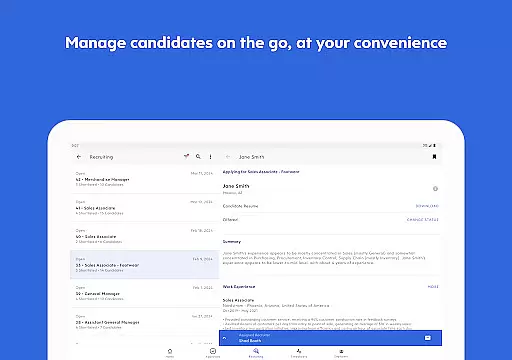
Dayforce also empowers people leaders by offering essential management tools directly within the app. Managers can approve timesheets, respond to leave requests, and handle other critical tasks while on the go. This ensures that decision-making is not delayed, even when key personnel are away from their desks. Such accessibility promotes a culture of responsiveness and accountability within teams.
Furthermore, the app integrates real-time updates, ensuring that all users have access to the most current information regarding schedules, benefits, and earnings. This transparency fosters trust and allows employees to focus on their core responsibilities without worrying about outdated or conflicting data. By streamlining these collaborative processes, Dayforce helps organizations maintain operational efficiency and employee satisfaction.
Effective task management is crucial for both individual productivity and organizational success, and Dayforce offers robust solutions in this area. Employees can clock in and out, check their schedules, and plan time off with ease, reducing administrative overhead and potential errors associated with manual processes. These features ensure that workers can manage their time efficiently while staying aligned with company policies and deadlines.
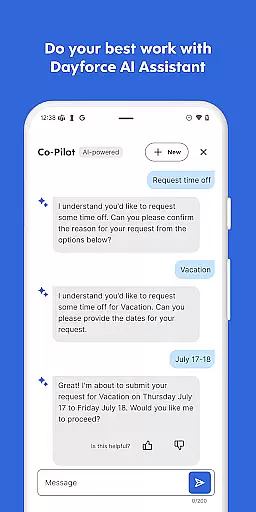
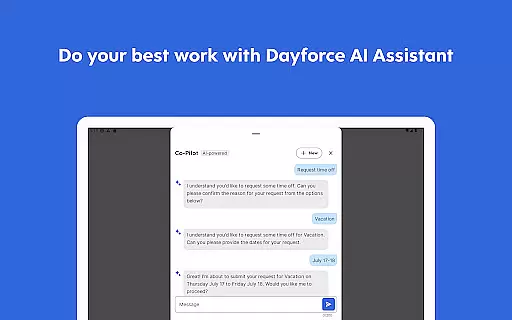
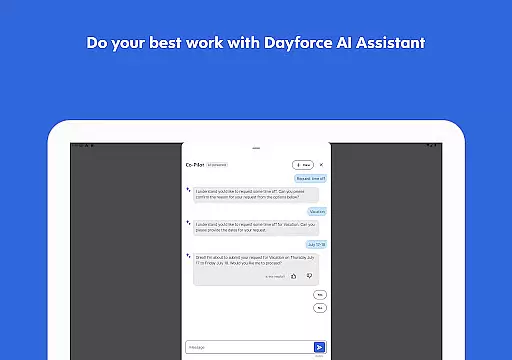
In addition to basic scheduling, Dayforce provides advanced functionalities such as shift swapping and request management. These capabilities allow employees to adjust their work commitments dynamically based on personal needs or unexpected changes, promoting flexibility and work-life balance. For managers, the ability to approve or deny these requests quickly ensures minimal disruption to business operations.
The app also supports tracking real-time earnings and accessing pay before payday, giving employees greater financial control. This feature not only enhances personal financial planning but also reduces stress related to cash flow issues. Overall, Dayforce's comprehensive task management tools help streamline workflows, enhance transparency, and empower both employees and managers to perform at their best.
User-friendly interface
Real-time earnings tracking
Accessible on multiple devices
Comprehensive scheduling tools
Efficient task management
Limited feature availability based on employer setup
Requires employer subscription to Dayforce
Potential learning curve for new users
Dependent on internet connectivity
Some advanced features may incur additional costs

All Your Gig Work. One App.
 4.30
4.30
ANDROID'S TOP MOBILE OFFICE - Word, Excel, PowerPoint and PDF at your fingertips
4.50
Find work, shifts and gigs near you. Jobs lasting a few hours to a few months.
4.30
Paychex Flex - Save Time and Stay Connected
4.60
One marketplace. Hundreds of services. Unlimited possibilities. All on Fiverr.
4.40
A secure, all-in-one team collaboration app
4.30
Make invoices, bills, receipts & estimates on the go with Invoice Generator.
4.70
All-in-one Mobile solutions for employees & managers to succeed at work
4.30
Say hello to the mobile work experience built to help you thrive at work.
4.30
AI-powered document scanner with auto enhance for perfect PDFs.
4.60
Ask Accio anything about business. Alibaba-backed, built by experts, not just AI
4.60
From Gone to Back Again — In Just a Few Taps
4.50
Collaborate seamlessly with Google Chat, part of Google Workspace
4.50
ADP Mobile Solutions is an employee self service app
4.50
Deliver and earn money
4.30
Simple, Fast & Lightweight
3.90
All document reader, pdf viewer app, read docs & excel files
3.80
Take the stress out of storage with the all-in-one app to manage your space.
3.70
viewing and sharing of PDFs
3.60


User Reviews