

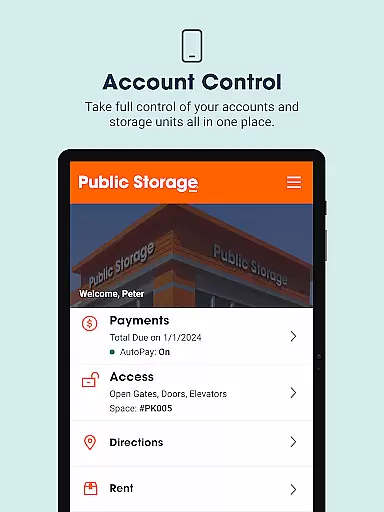


Public Storage is a comprehensive business app designed to simplify the self-storage experience for users. The app provides essential features such as gate access, bill payment, account management, and customer support, all accessible from your mobile device. With Public Storage, you can effortlessly manage your storage space, ensuring that you have control over your belongings whenever needed.
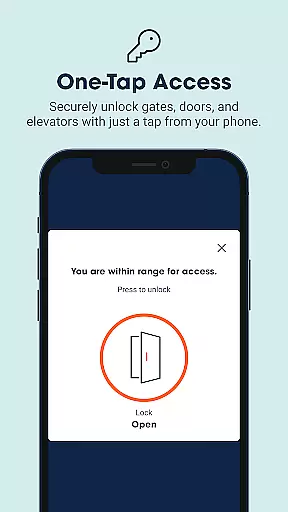
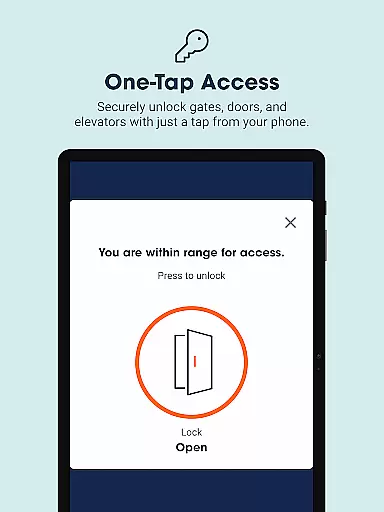
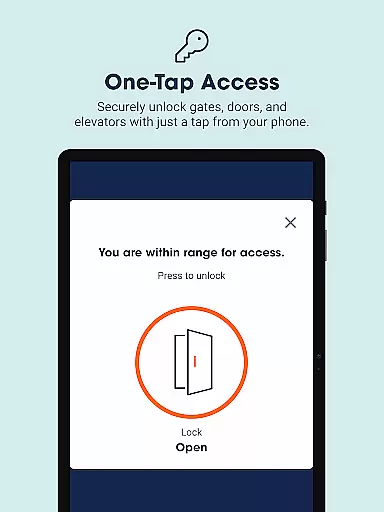
The app's standout feature is its ability to grant users seamless access to gates, doors, and elevators at most locations by simply tapping their phones. This eliminates the hassle of traditional keypads and streamlines the process of visiting your storage unit. Additionally, the app offers convenient bill payment options and account management tools, empowering users to handle their storage needs efficiently.
Whether you need to store personal items, vehicles, or furniture, Public Storage offers flexible month-to-month contracts and a variety of storage unit sizes to accommodate different requirements. This makes it an ideal solution for both short-term and long-term storage needs, providing users with peace of mind and convenience.
Public Storage stands out with its innovative features tailored to enhance user convenience. One of the app's primary functionalities is the ability to open gates, doors, and elevators using just your smartphone. This feature leverages proximity technology, allowing users to gain access to their storage units effortlessly when within range, thus speeding up each visit.
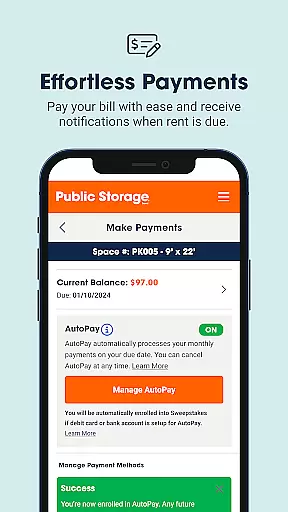
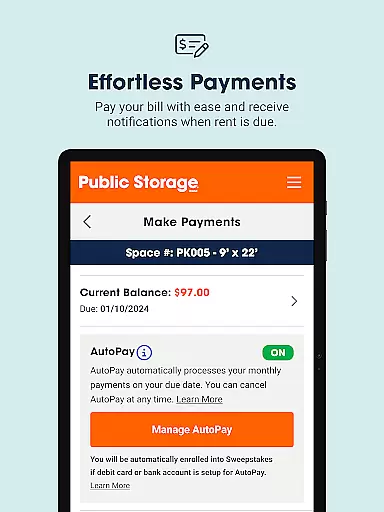
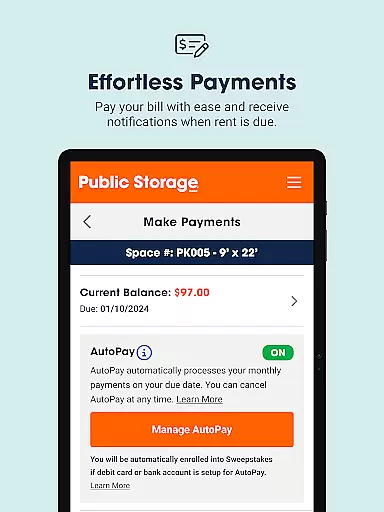
Beyond access control, the app simplifies financial management through easy bill payment options. Users can pay their monthly bills or set up AutoPay with a single tap, ensuring timely payments and avoiding late fees. The app also sends notifications when rent is due, keeping users informed and organized.
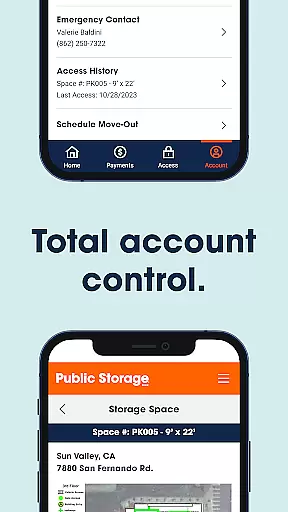
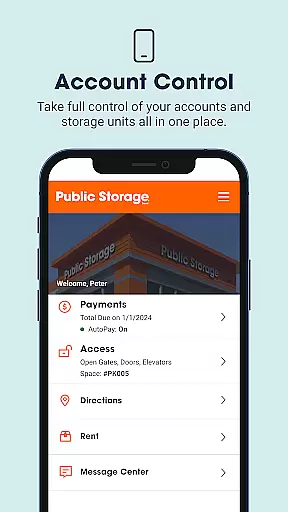
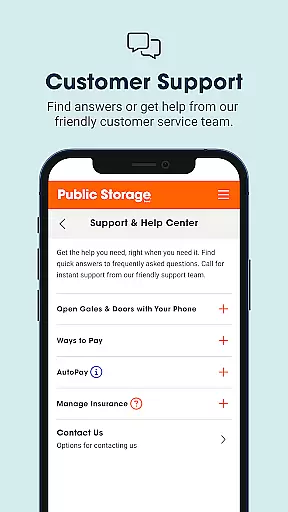
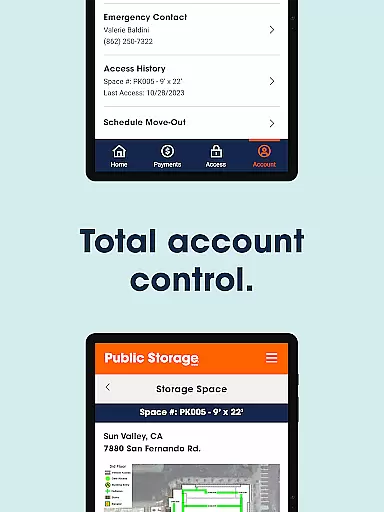
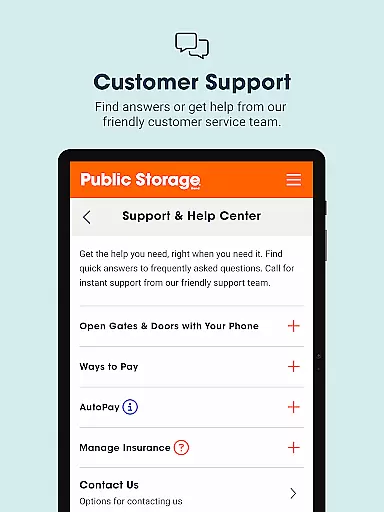
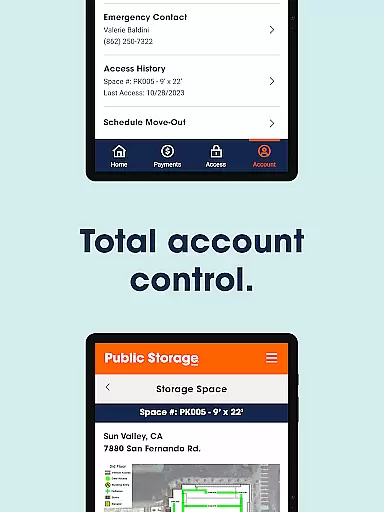
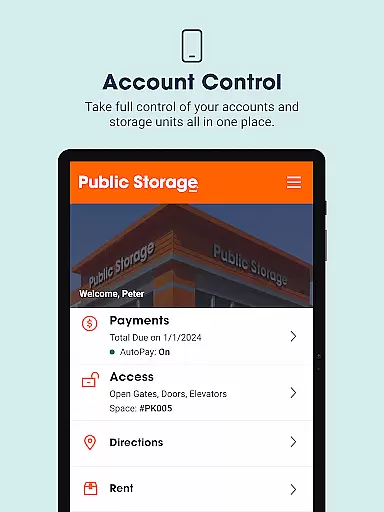
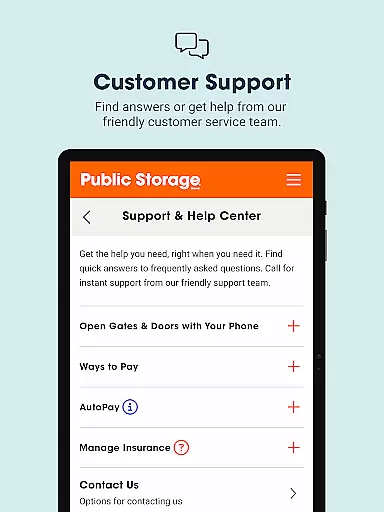
Account management is another core aspect of Public Storage. The app consolidates multiple accounts and storage units into one platform, enabling users to update payment preferences and other settings without needing to contact customer service. Additionally, the app provides robust customer support, including instant phone assistance and messaging capabilities, ensuring that help is always available when needed.
In the realm of business applications, collaborative work features are essential for streamlining communication and project management. Public Storage app excels in this area by providing seamless gate access, bill pay, and account management functionalities that can be shared across multiple users if needed.
The app allows property managers and tenants to interact efficiently, ensuring that everyone involved in the storage process is on the same page. With just a tap, gates and doors can be opened, facilitating smooth operations for businesses that rely on timely access to their stored assets.
Moreover, the ability to manage one or multiple accounts within the app enhances team collaboration. Users can update payment preferences and settings without needing to contact customer service, which saves time and reduces miscommunication. This self-service model empowers teams to handle their storage needs autonomously while maintaining accurate records.
By integrating direct communication channels with customer support, the app ensures that any collaborative hiccups can be swiftly addressed. Whether it's resolving access issues or updating account details, help is readily available, making teamwork more efficient and stress-free.
Effective task management is crucial for business apps, enabling users to organize and prioritize their responsibilities seamlessly. The Public Storage app offers robust tools for managing various tasks associated with self-storage, such as paying bills, accessing gates, and handling customer support queries.
One of the standout features is the ease of paying monthly bills. With a single tap, users can complete payments or activate AutoPay, ensuring they never miss a due date. This functionality helps businesses maintain financial discipline and avoid late fees, contributing to better fiscal health.
Beyond bill payments, the app provides comprehensive account management capabilities. Users can oversee multiple accounts from one dashboard, simplifying the task of monitoring different storage units. This centralized control allows for quick updates to payment methods and other settings, enhancing operational efficiency.
Additionally, the app includes intuitive customer support options that aid in task management. Users can call or message support staff directly through the app, ensuring that any task-related issues are resolved promptly. This integrated approach not only boosts productivity but also enhances user satisfaction by keeping tasks organized and manageable.
User-friendly interface
Convenient bill pay
Seamless gate access
Comprehensive account management
Responsive customer support
Limited to Public Storage customers
Requires internet connection
Monthly fee applies
No offline functionality
Location-specific features

 4.70
4.70
AI-powered document scanner with auto enhance for perfect PDFs.
4.60
GoTo Mobile is a simple & secure calling, messaging & meetings solution
4.80
Scan Business Cards & Conference Badges - Capture Leads at Events & Tradeshows
4.20
Earn free swag, G-Cards & food • Enter sweepstakes • Find stores • So much more.
4.70
Amazon A to Z is the place to manage your work-life at Amazon.
4.50
Make invoices, bills, receipts & estimates on the go with Invoice Generator.
4.70
All-in-one Mobile solutions for employees & managers to succeed at work
4.30
We help people get jobs
4.70
The MyWalmart App is available for all associates in stores.
4.70
Use Generative Summary to understand your rental or insurance docs in seconds.
4.70
Collaborate seamlessly with Google Chat, part of Google Workspace
4.50
All Your Gig Work. One App.
4.30
Find work, shifts and gigs near you. Jobs lasting a few hours to a few months.
4.30
Formerly Facebook Ads Manager. Manage and create ads on the go.
4.20
Work happy with AI Companion
4.10
enjoy effortless PDF reading anytime, anywhere
3.90
Quickly open and manage PDF files on your device.
3.80
Get your benefits on-the-go.
3.80


User Reviews