
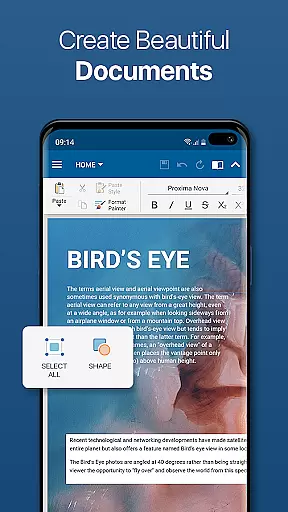
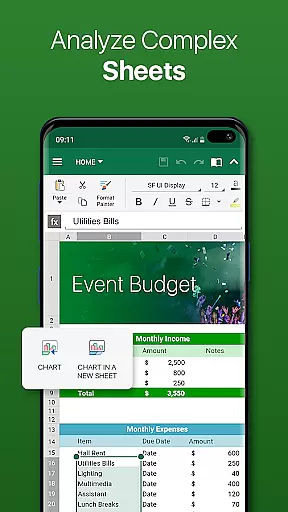
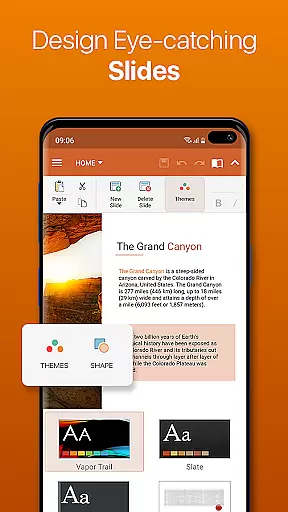
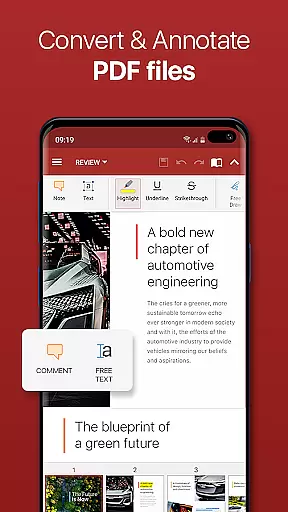
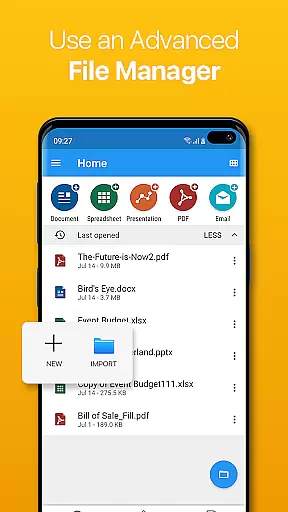


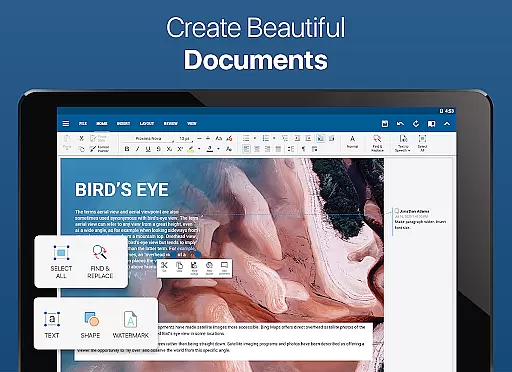
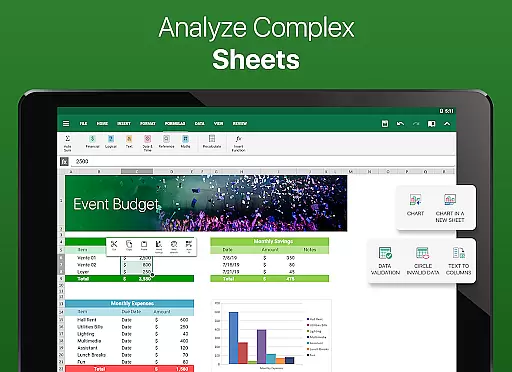
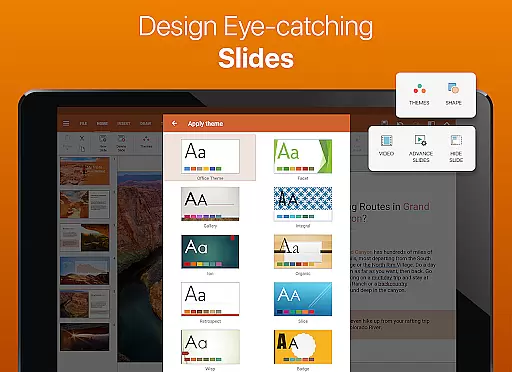
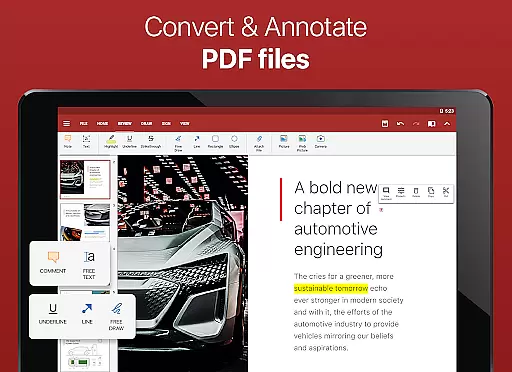
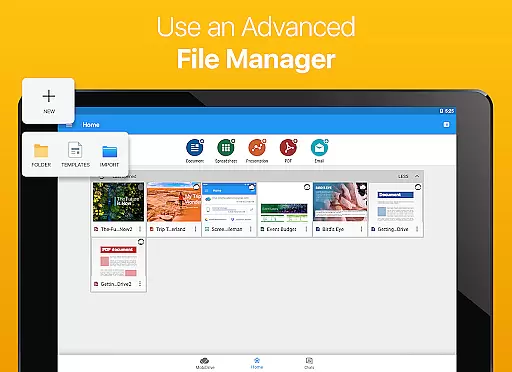

OfficeSuite Pro + PDF is a comprehensive business application designed to handle all office document needs on mobile devices. This app allows users to view, edit, and create Word, Excel, and PowerPoint documents with ease, while also offering seamless PDF conversion and file management capabilities.
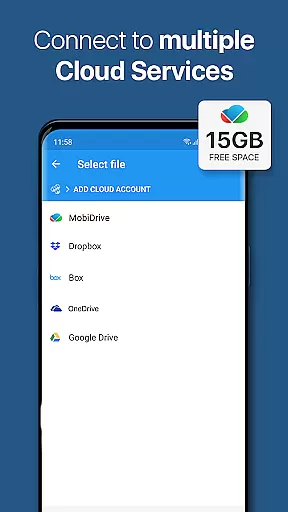
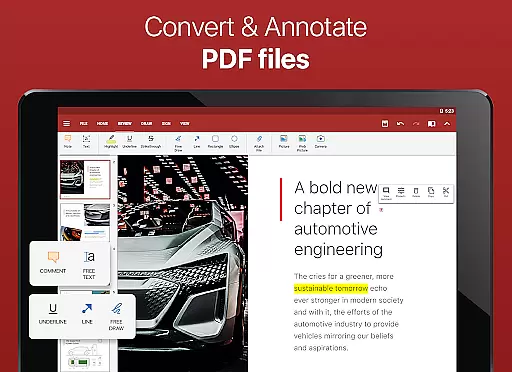
The app features a familiar desktop-style interface that supports full compatibility with Microsoft Office formats, including DOCX, XLSX, and PPTX. Additionally, it provides advanced PDF functionalities such as PDF camera scanning, export to PDF, and fillable forms. With integrated cloud services like Google Drive and Dropbox, users can access and share their files effortlessly.
Designed for professionals and businesses, OfficeSuite Pro + PDF enhances productivity by enabling users to work on documents from any location. Its exclusive features, such as the integrated spell checker in over 40 languages and text-to-speech support, ensure high-quality document creation and editing.
OfficeSuite Pro + PDF stands out with its robust set of features tailored for business professionals. The app offers an intuitive desktop-style interface that supports complex document editing, making it easy for users to work on Word, Excel, and PowerPoint files. It ensures full compatibility with Microsoft formats and includes additional support for common file types like RTF, TXT, and CSV.
One of the key highlights is its comprehensive PDF support, which includes security features like digital signatures and permissions management. Users can also benefit from integrated cloud services such as Google Drive and Dropbox, allowing for efficient file sharing and synchronization. The inclusion of an integrated spell checker and text-to-speech functionality further enhances document accuracy and accessibility.
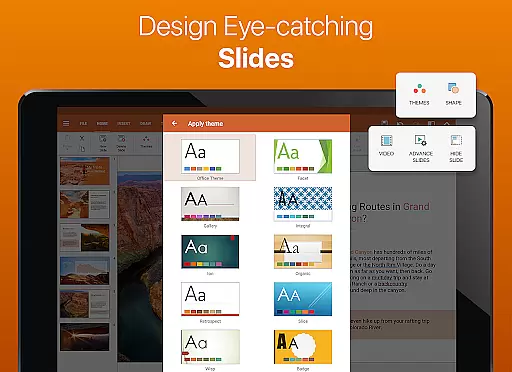
Exclusive features like OfficeSuite Chats enable real-time collaboration and document exchange. With added functionalities such as Chromecast support and multiple beautiful themes for presentations, OfficeSuite Pro + PDF ensures a versatile and secure working environment for its users.
OfficeSuite Pro + PDF excels in collaborative work features, enabling seamless teamwork across documents. The app allows multiple users to view, edit, and create Word, Excel, and PowerPoint files simultaneously, ensuring that teams can collaborate efficiently without compatibility issues.
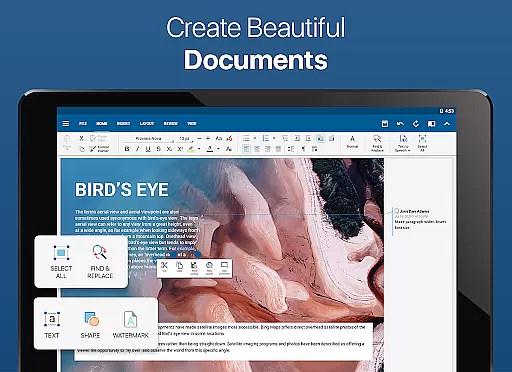
One of the standout features is its track changes functionality with support for multiple authors. This ensures that edits from different team members are clearly marked and manageable, making it ideal for projects requiring input from various stakeholders. Additionally, OfficeSuite Chats enhances collaboration by allowing users to exchange documents and communicate effortlessly within the app.
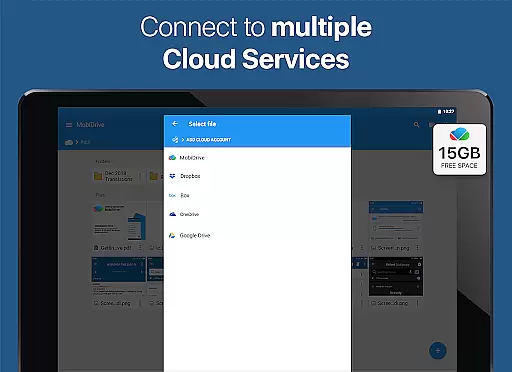
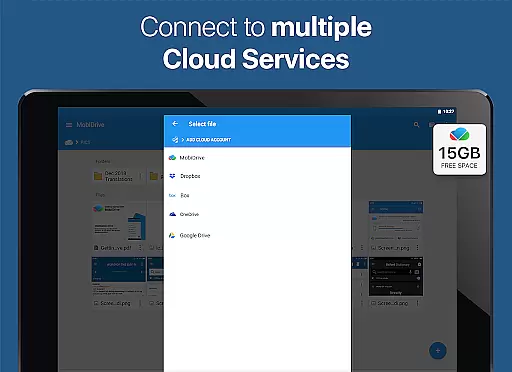
The integration with cloud services such as Google Drive, Dropbox, and OneDrive further streamlines collaborative efforts. Users can easily share documents via these platforms or through email and Bluetooth, ensuring that everyone has access to the latest version of a file. This connectivity fosters real-time updates and feedback, which is crucial for dynamic work environments.
Task management within OfficeSuite Pro + PDF is designed to enhance productivity and streamline workflows. The app offers robust tools for organizing and managing tasks related to document creation and editing. With features like Format Painter in Word documents and the ability to insert filters and conditional formatting in Excel, users can efficiently handle complex tasks.
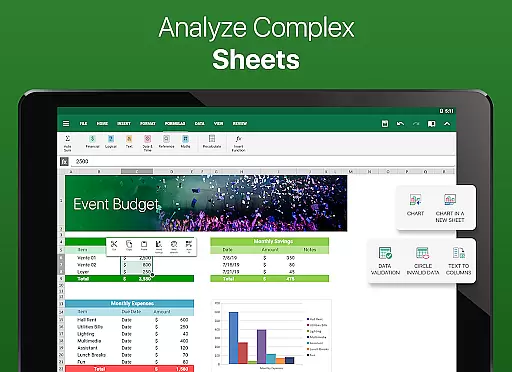
For project tracking, the app provides options to protect individual sheets and cells in spreadsheets, adding an extra layer of security and control over sensitive data. This feature is particularly beneficial for teams handling confidential information, ensuring that only authorized personnel can make changes.
Moreover, OfficeSuite Pro + PDF supports interactive form elements in PDFs, such as checkboxes and text fields, which simplifies task assignments and data collection. These capabilities allow users to create detailed forms and checklists, facilitating better task oversight and completion tracking. Overall, the app's comprehensive task management features empower users to maintain high levels of organization and efficiency.
Full MS Office compatibility
Advanced PDF tools
Cloud integration
Text-to-speech support
Collaboration features
Subscription required
Complex UI
Limited free version
High cost
Occasional bugs

GoTo Mobile is a simple & secure calling, messaging & meetings solution
 4.80
4.80
Scan Business Cards & Conference Badges - Capture Leads at Events & Tradeshows
4.20
The All-in-One File Manager for Phone, TV, Watch, Cars, XR / VR, Chromebook
4.10
Convert Your Lovable.dev Website into a Mobile App Instantly!
4.1
Find the right fit, faster.
4.70
Amazon A to Z is the place to manage your work-life at Amazon.
4.50
Employee Management Made Easy
4.80
Shop, deliver, and earn with the Spark Driver™ App
4.10
Work happy with AI Companion
4.10
Start earning fast. Apply Today.
4.80
AI-powered document scanner with auto enhance for perfect PDFs.
4.60
Paychex Flex - Save Time and Stay Connected
4.60
Drive and earn extra money
4.50
One marketplace. Hundreds of services. Unlimited possibilities. All on Fiverr.
4.40
Find work, shifts and gigs near you. Jobs lasting a few hours to a few months.
4.30
A secure, all-in-one team collaboration app
4.30
All-in-one Mobile solutions for employees & managers to succeed at work
4.30
Take the stress out of storage with the all-in-one app to manage your space.
3.70
view, manage, and share every PDF file you have
3.60


User Reviews