
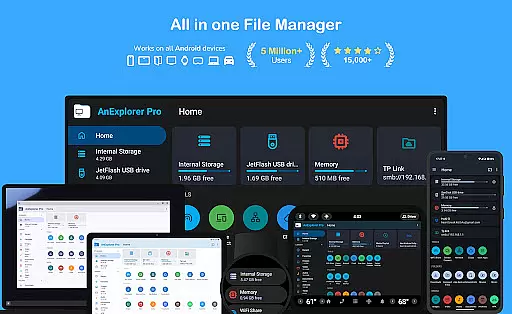
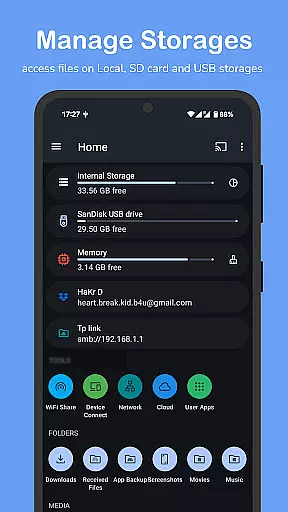

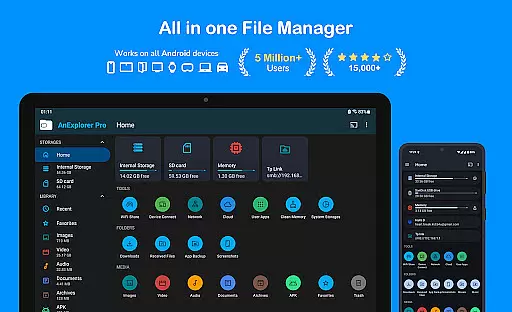
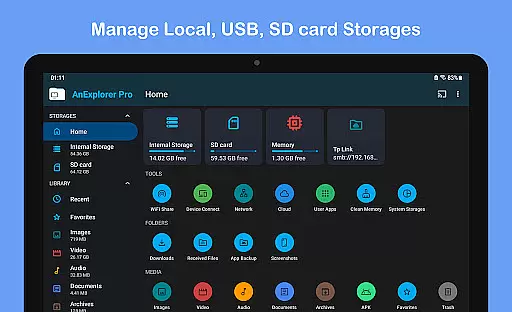
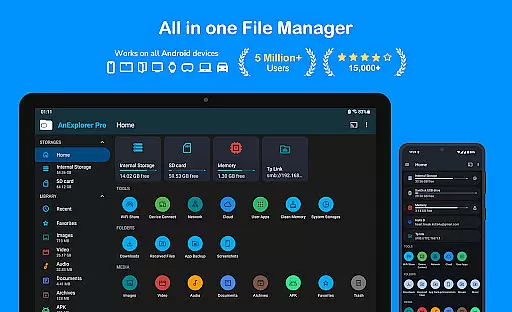
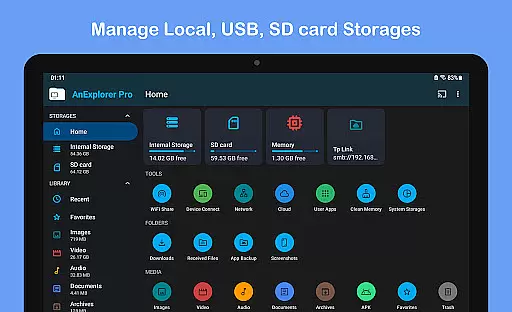
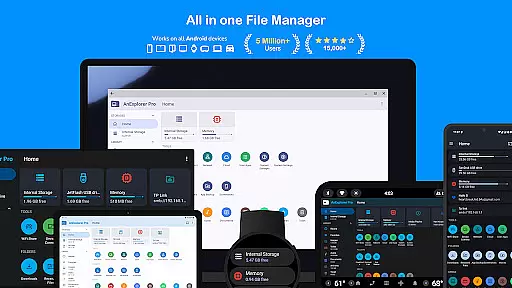
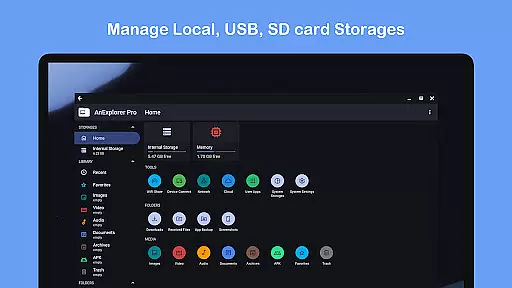
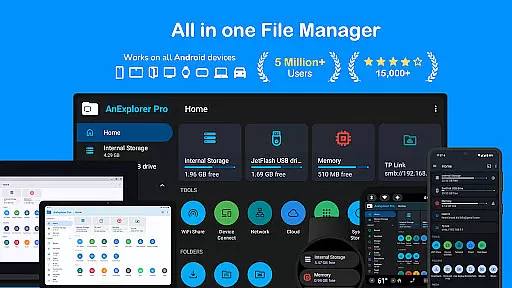
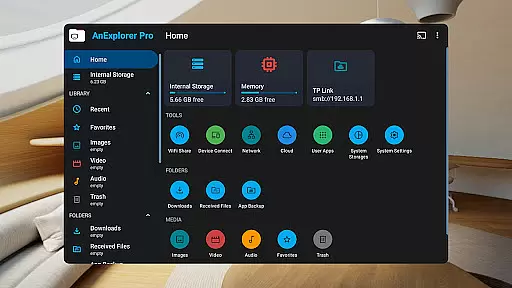
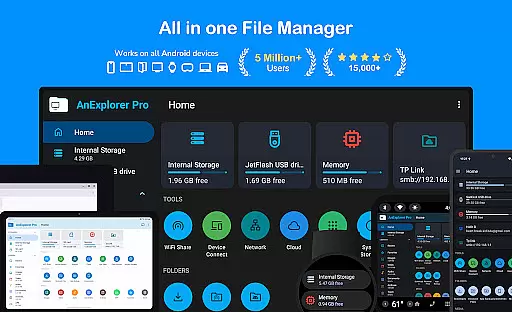
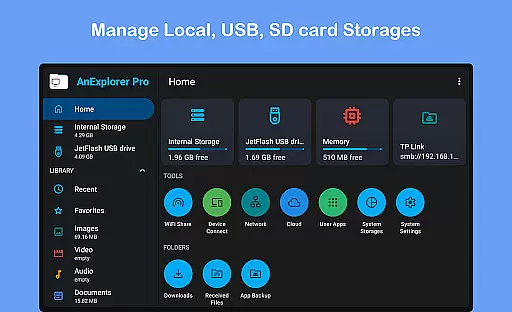



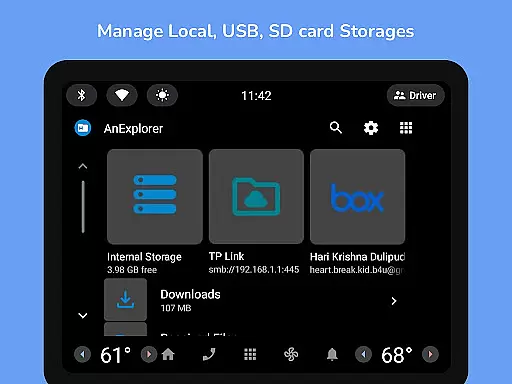
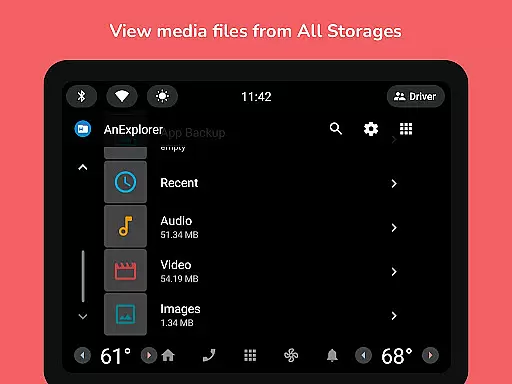
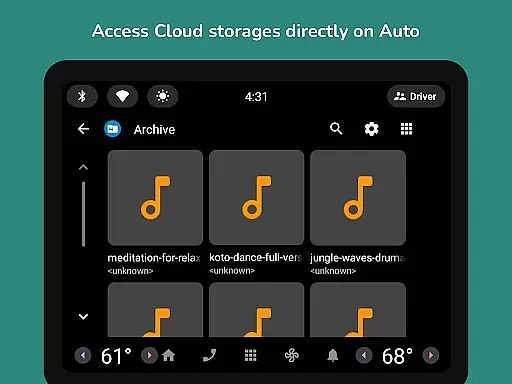
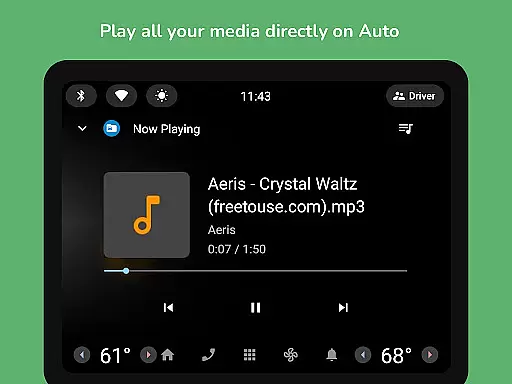
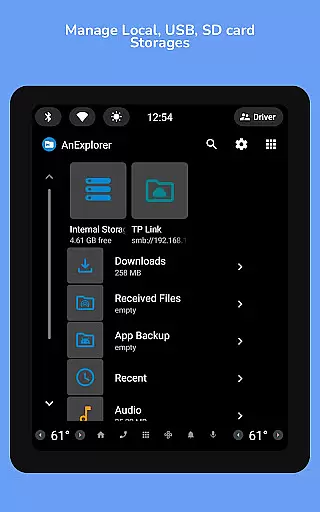
AnExplorer Pro File Manager is a versatile business tool designed for managing files across various Android devices and platforms. This file manager app offers a clean, intuitive interface with support for multiple storage types including USB, SD cards, network, and cloud storages. It enables seamless file transfers over WiFi and supports RTL languages, making it ideal for international business environments.
The app stands out with its comprehensive feature set that includes file organization, media playback, archive management, and text editing capabilities. Its ability to handle different file systems like FAT32 and NTFS ensures compatibility with various storage devices. AnExplorer Pro also provides advanced functionalities such as root mode for system-level file editing, making it an essential tool for both regular users and developers in the business sector.
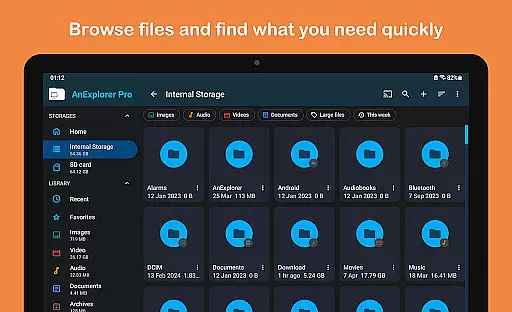
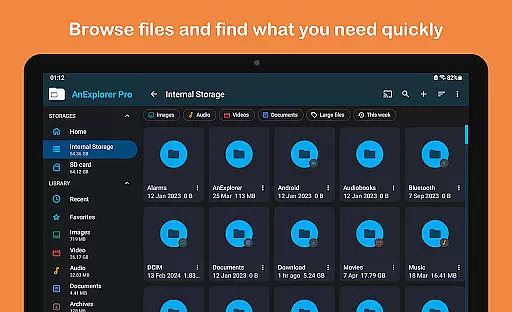
AnExplorer Pro File Manager distinguishes itself through a rich array of features tailored for business use. The app allows users to browse, copy, move, rename, delete, compress, and extract files and folders with ease. It supports searching by file name, type, size, or date, and filtering by media types, which enhances productivity when managing large volumes of business documents.
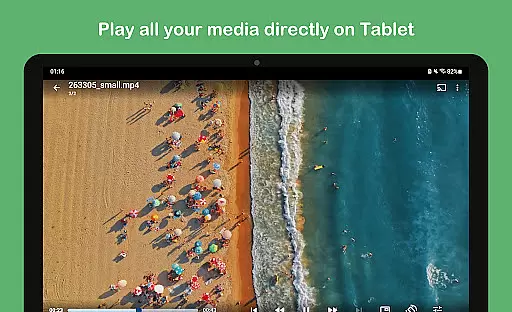
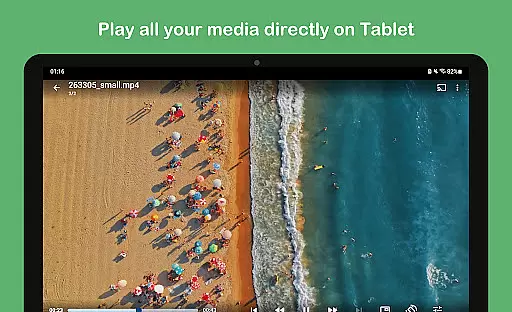
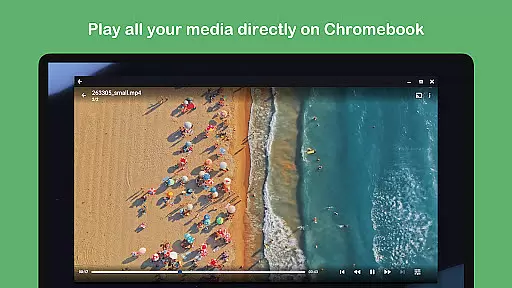
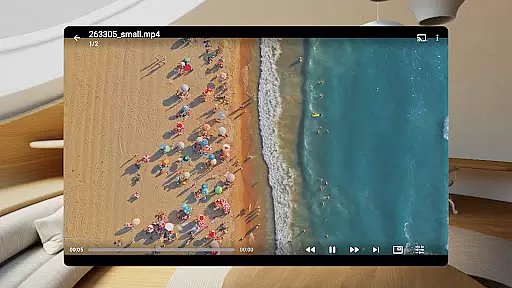
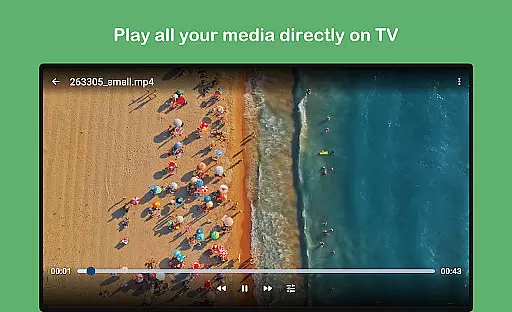
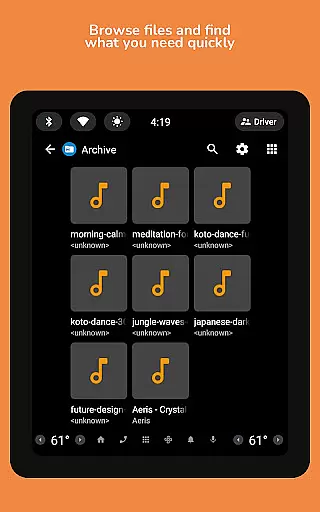
In addition to file management, the app integrates a photo viewer, music and video player, archive viewer, text editor, and PDF viewer. These built-in tools eliminate the need for additional applications, streamlining workflows. The app's support for network and cloud file management, offline WiFi sharing, and device connectivity options like FTP and SMB make it indispensable for modern businesses that require flexible and efficient data handling solutions.
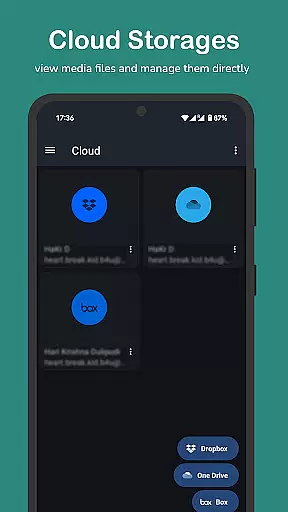
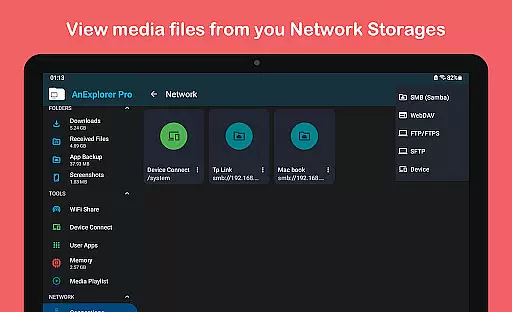
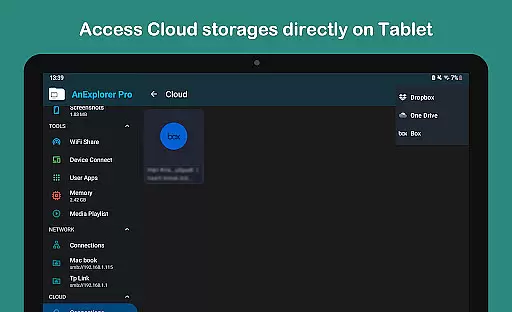
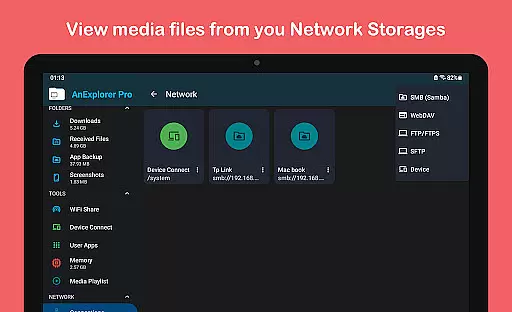
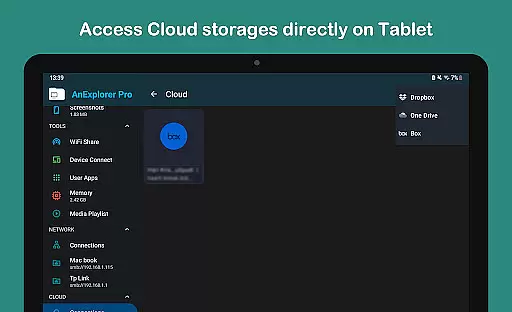
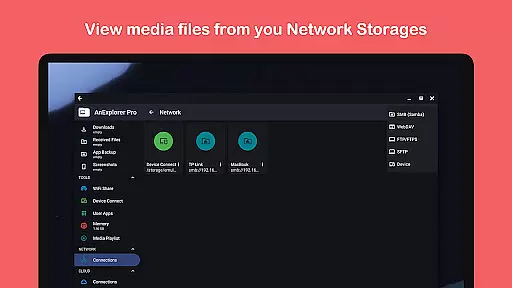
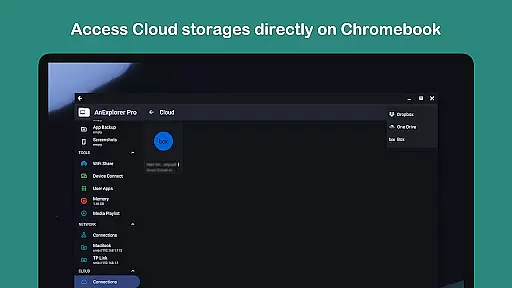
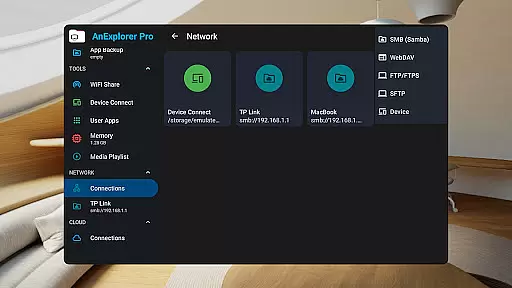
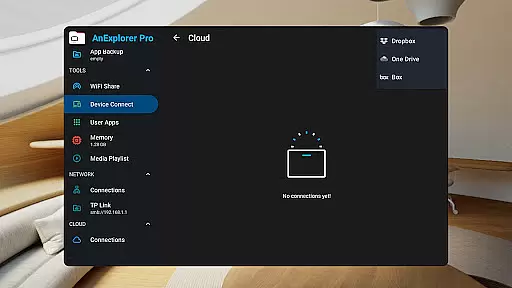
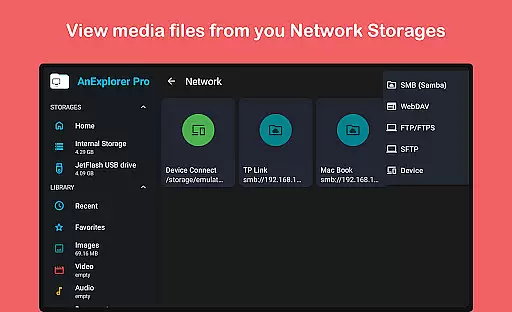
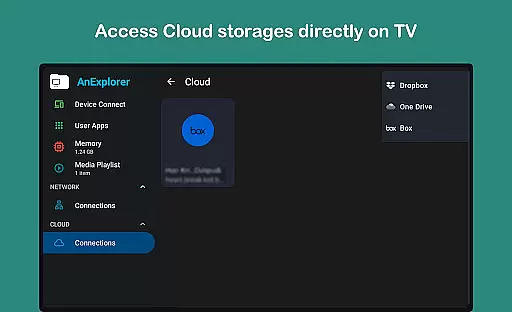
In today's interconnected world, collaborative work features are essential for any business tool. AnExplorer Pro File Manager excels in this area by offering seamless integration with network and cloud storage solutions. This allows teams to access shared folders across Dropbox, OneDrive, and other services without hassle.
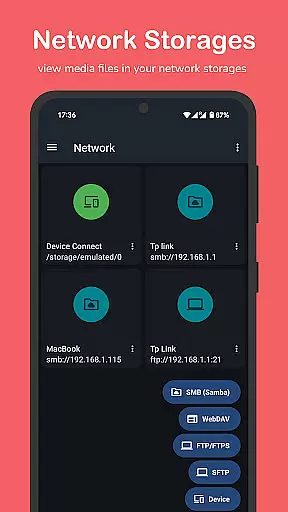
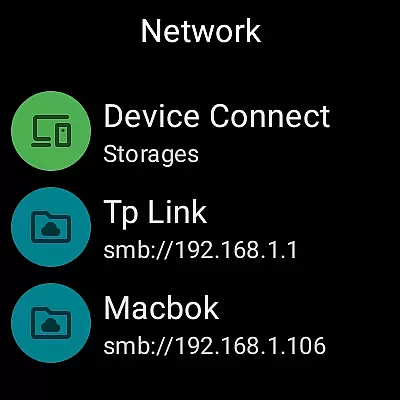
The app supports multiple protocols including FTP, FTPS, SMB, and WebDAV, enabling users to connect to various servers effortlessly. With these capabilities, team members can stream and transfer files from NAS devices and shared folders, ensuring everyone has the latest documents and resources at their fingertips.
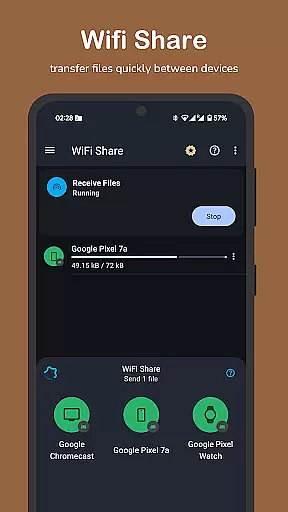
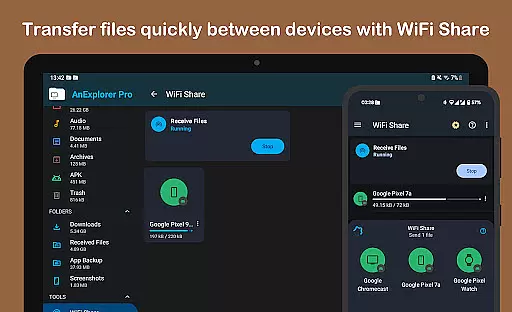
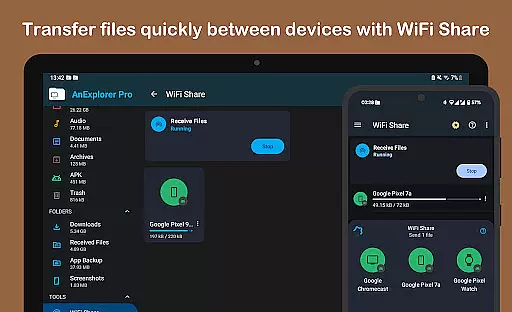
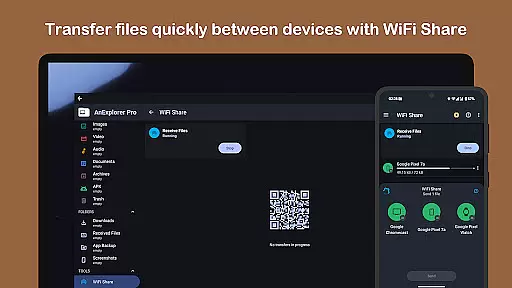
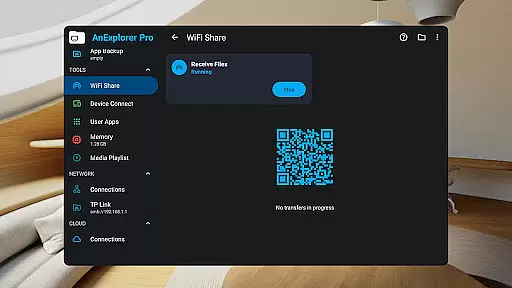
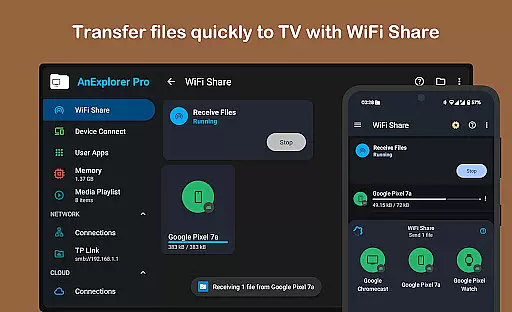
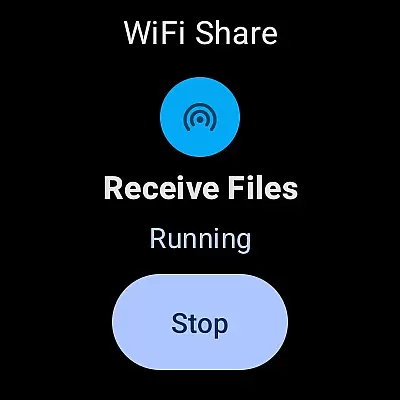
Moreover, AnExplorer Pro facilitates offline WiFi sharing, allowing users to wirelessly transfer files between Android devices on the same network. This feature is particularly useful for quick exchanges during meetings or collaborative sessions without needing an internet connection.
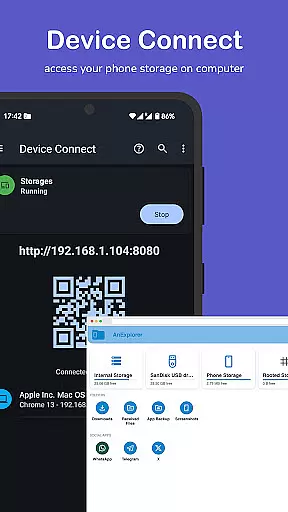
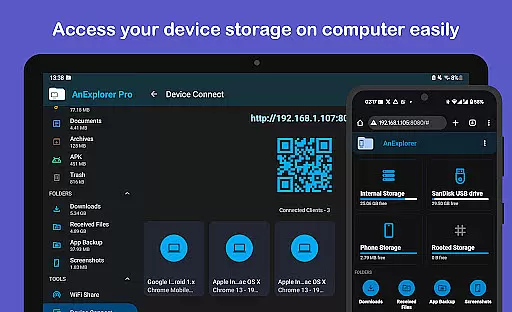
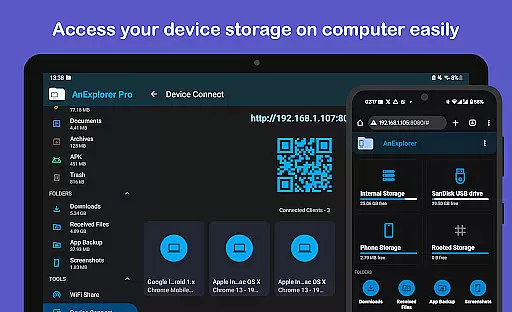
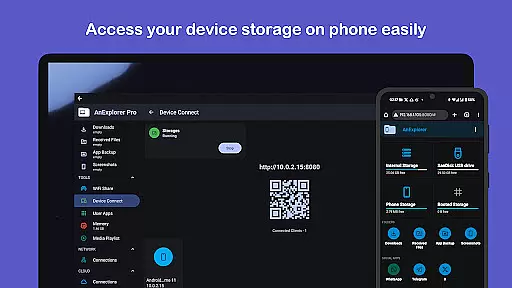
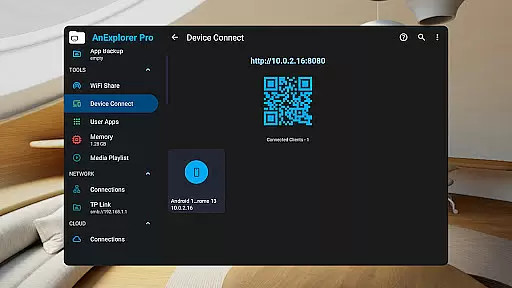
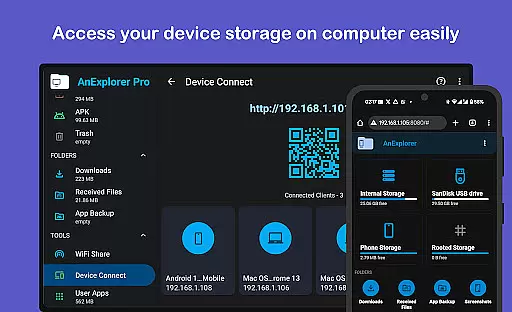
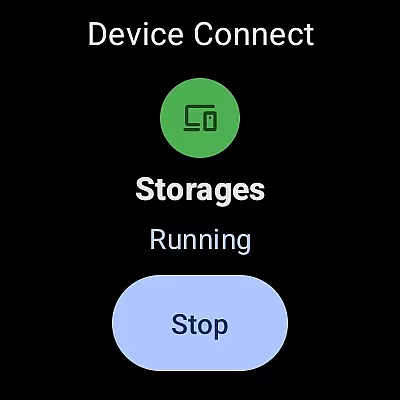
By turning your device into a server, AnExplorer Pro also lets you access files from a browser, making it easy to share important documents with colleagues who might not have the app installed. Simply enter the IP address in any computer browser, and you're ready to go.
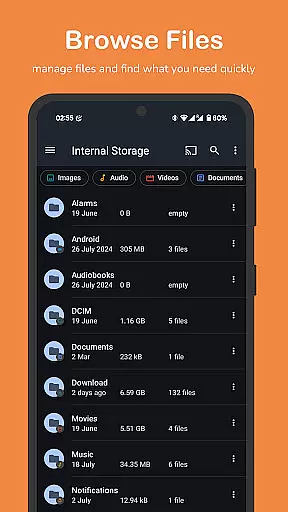
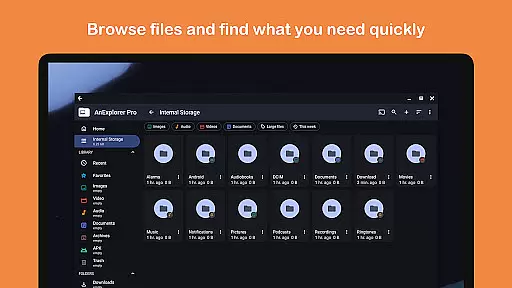
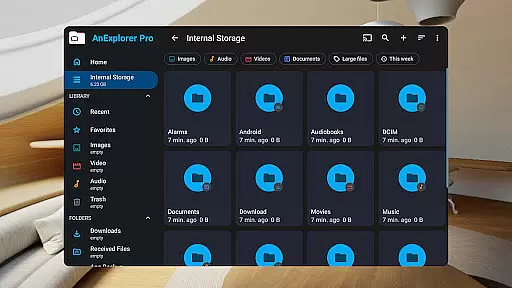
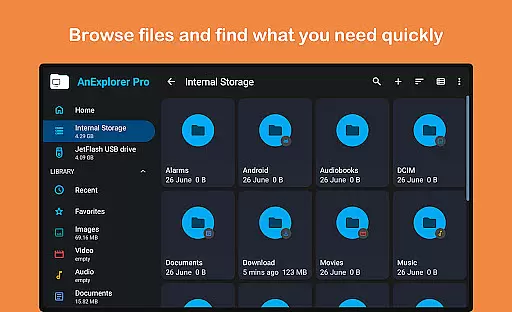
Effective task management is crucial for maintaining productivity, and AnExplorer Pro File Manager offers robust tools to help users stay organized. The app provides a comprehensive file organizer that allows users to browse, copy, move, rename, delete, compress, and extract files and folders with ease.
One standout feature is the ability to search for files by name, type, size, or date, as well as filter them by media types. This ensures that users can quickly locate specific files amidst vast amounts of data, saving valuable time and effort.
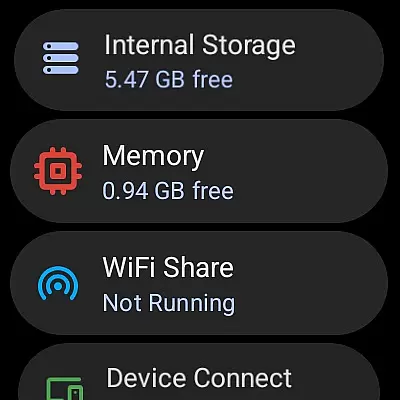
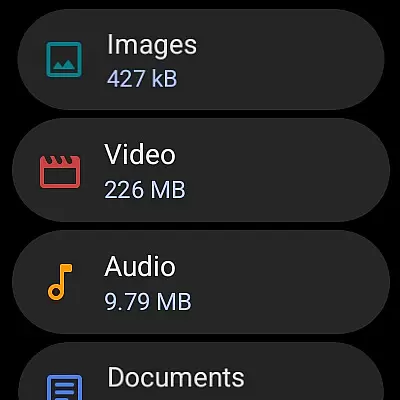
AnExplorer Pro also shows hidden folders and thumbnails, giving users a complete overview of their storage landscape. Additionally, the app displays folder sizes across all storage types, helping users manage disk space efficiently and prioritize tasks based on available resources.
For those dealing with diverse file formats, AnExplorer Pro supports full functionality for FAT32 and NTFS file systems, including SD cards, USB OTG, and pen drives. This versatility ensures that no matter where your files are stored, you can manage them effectively within a single, intuitive interface.
User-friendly interface
Comprehensive file management
Multi-platform support
Advanced root capabilities
Efficient media handling
Paid version only
Complex for beginners
Requires permissions
Occasional bugs
Limited customer support

AI-powered document scanner with auto enhance for perfect PDFs.
 4.60
4.60
Find jobs and make money fast with JobStack.
4.60
Find the right fit, faster.
4.70
Use Generative Summary to understand your rental or insurance docs in seconds.
4.70
Find part-time earning opportunities near you that pay within days.
3.20
Access to Paylocity, empowering employees with information they need 24/7.
4.70
From Gone to Back Again — In Just a Few Taps
4.50
All-in-one Mobile solutions for employees & managers to succeed at work
4.30
Earn money with the driver & delivery partner app for Uber, UberEats & Postmates
4.60
BuildCalc - the easiest AND the most advanced construction calculator app.
4.80
TurboScan turns your phone into a full-featured PDF document scanner.
4.80
We help people get jobs
4.70
Paychex Flex - Save Time and Stay Connected
4.60
Grow your business and connect with more people with Meta Business Suite.
4.60
Collaborate seamlessly with Google Chat, part of Google Workspace
4.50
Deliver and earn money
4.30
Shop, deliver, and earn with the Spark Driver™ App
4.10
Work happy with AI Companion
4.10
Roadie connects people with stuff to send with drivers already going that way.
3.50


User Reviews