
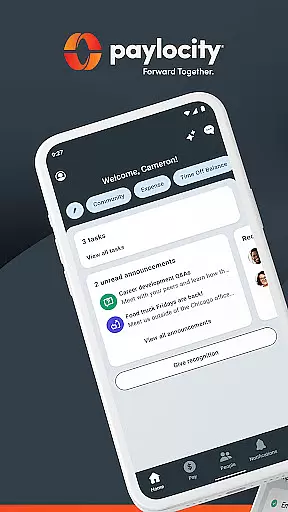
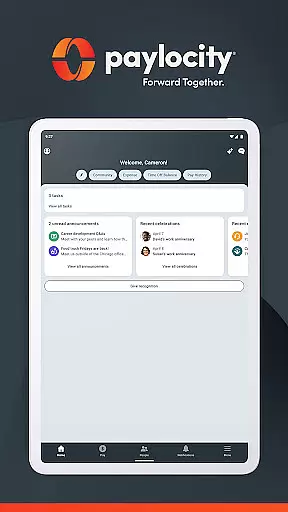
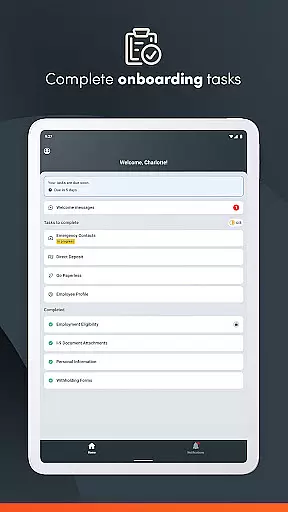
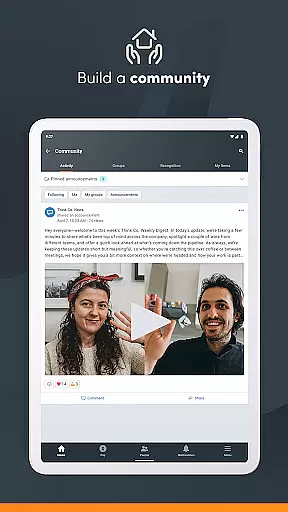
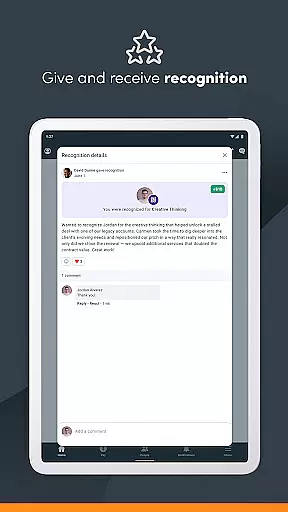
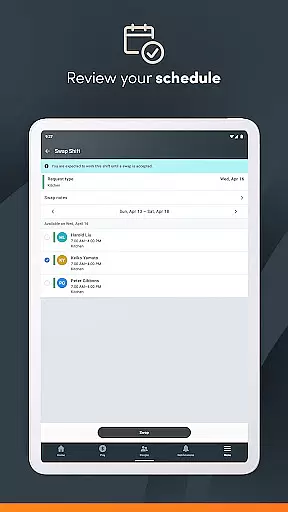
Paylocity is a comprehensive business application designed to streamline HR and payroll processes. The app provides an intuitive platform for employees and supervisors to access essential work-related information and perform various tasks efficiently. Users can view paychecks, manage schedules, update personal details, and complete tasks from a personalized dashboard.
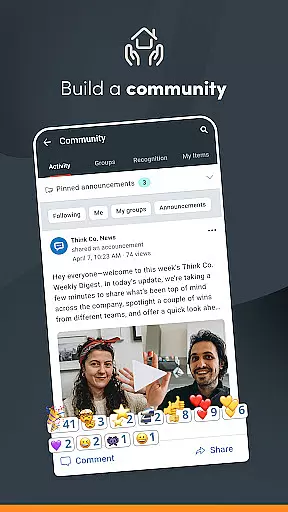
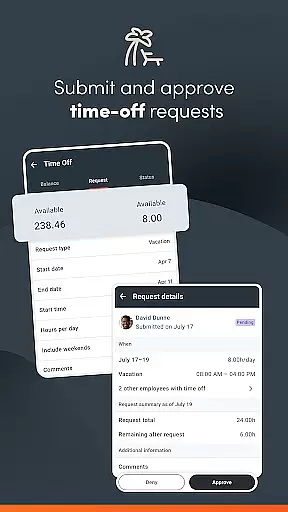
The app stands out with its secure access system that requires only one login to reach all necessary functions. It also features Community, a social collaboration hub where users can receive important updates and connect with colleagues. Supervisors benefit from unified tools to manage time-off requests, approve expense reports, and oversee team schedules. With biometric login and advanced encryption, Paylocity ensures top-level security for sensitive data.
Designed for businesses whose employers are existing Paylocity clients, this app is ideal for organizations looking to enhance their HR management and improve employee engagement through technology. By centralizing these functions into one platform, Paylocity helps businesses handle their operations seamlessly while maintaining robust security protocols.
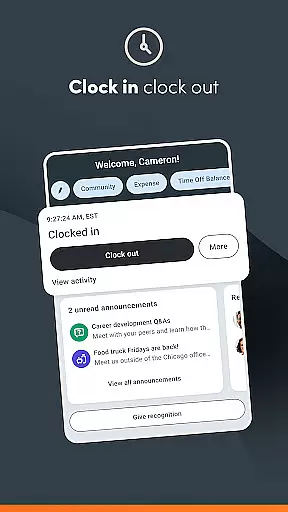
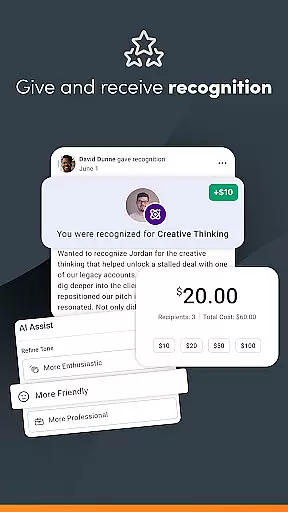
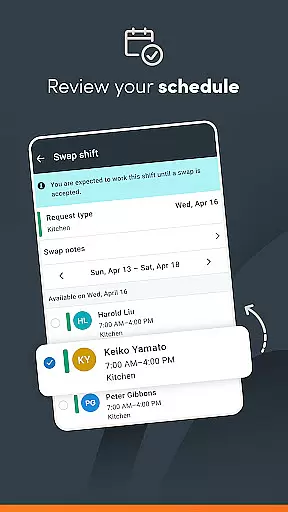
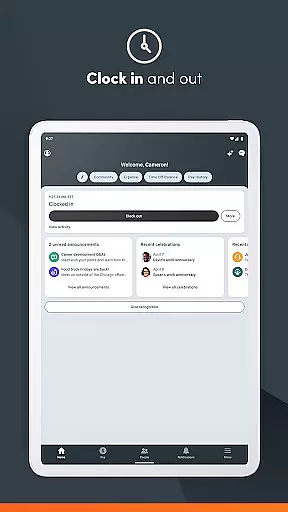
Paylocity offers a rich set of features tailored for both employees and supervisors within the business environment. For employees, the app provides easy access to pay information, the ability to clock in and out, schedule management, and updating personal details. Additionally, it includes unique functionalities such as requesting early access to earned wages and tracking expenses.
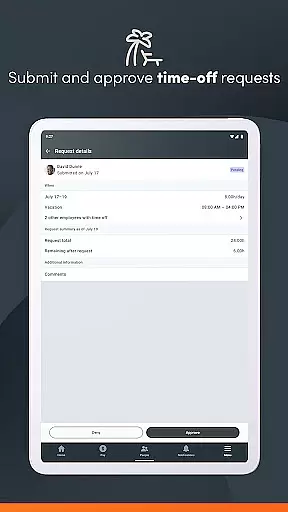
For supervisors, Paylocity delivers powerful tools like real-time notifications for time-off approvals, managing journal entries, and creating work schedules. The app's standout feature is its unified platform that consolidates all these capabilities into one interface, simplifying oversight and management tasks significantly.
Security is another cornerstone of Paylocity's feature set. The inclusion of biometric authentication, activity encryption, session timeout after inactivity, and account lockout after failed login attempts ensures that user data remains protected at all times. These features collectively ensure that Paylocity not only enhances operational efficiency but also maintains stringent security standards expected in today's digital landscape.
Collaborative work features are essential for modern businesses to ensure seamless communication and efficient task management. Paylocity offers a unified platform that allows both employees and supervisors to stay connected and manage various HR and payroll tasks effortlessly.
The app provides real-time push notifications for activities such as time-off request approvals, making it easier for supervisors to manage their teams effectively. Employees can also receive instant updates on their paycheck availability and other important communications, ensuring everyone is on the same page.
With access to Community, Paylocity's social collaboration hub, users can get crucial updates from leaders and connect with peers. This feature fosters a collaborative work environment where information sharing and team interaction are prioritized, ultimately enhancing productivity and engagement.
Overall, these collaborative features not only streamline workflows but also create a more cohesive work culture by integrating communication and task management into one intuitive experience.
Effective task management is crucial for maintaining productivity and ensuring that all team members are aligned with organizational goals. Paylocity excels in this area by offering comprehensive tools that allow both employees and supervisors to manage their tasks efficiently.
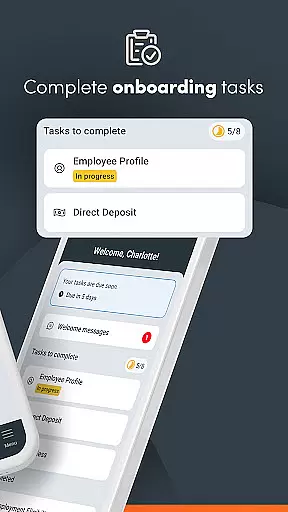
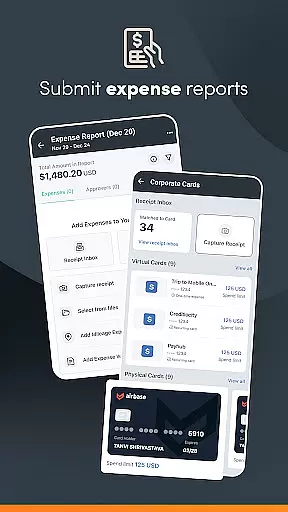
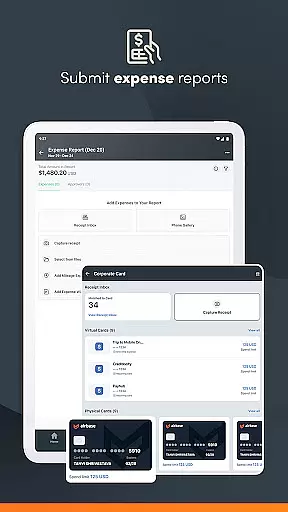
Employees can easily update personal information, submit receipts, reconcile expenses, and complete various HR-related tasks from a personalized home screen. This centralized approach ensures that all necessary actions are accessible and straightforward, reducing the time spent on administrative duties.
For supervisors, the app provides functionalities to review and approve expense reports, timecards, and time-off requests. These features are supported by real-time notifications, enabling quick decision-making and enhancing overall task management efficiency.
By integrating these robust task management capabilities, Paylocity helps organizations handle their operations seamlessly, allowing teams to focus more on strategic initiatives rather than getting bogged down by routine tasks.
User-friendly interface
Comprehensive HR tools
Robust security measures
Unified platform experience
Real-time notifications
Limited to Paylocity clients
Varied functionality per company
Requires authorization
No offline mode mentioned
Potential learning curve

GoTo Mobile is a simple & secure calling, messaging & meetings solution
 4.80
4.80
Quickly open and manage PDF files on your device.
3.80
Manage work life on the go
4.50
Amazon A to Z is the place to manage your work-life at Amazon.
4.50
Delivery Track App - Tracking with Fedex, USPS, UPS, DHL. Monitor your Orders.
3.20
All your team communication in one place
4.70
Find part-time earning opportunities near you that pay within days.
3.20
Shop, deliver, and earn with the Spark Driver™ App
4.10
Ship, Track, Find a Location or Get a Quote with UPS. Anytime. Anywhere.
4.60
BuildCalc - the easiest AND the most advanced construction calculator app.
4.80
Chat, meet, and collaborate to achieve more together, all in one place on Teams
4.60
The revolutionary flexible staffing platform
4.40
Find work, shifts and gigs near you. Jobs lasting a few hours to a few months.
4.30
Say hello to the mobile work experience built to help you thrive at work.
4.30
Formerly Facebook Ads Manager. Manage and create ads on the go.
4.20
The Penny Puss app with DG penny finder
4.10
The All-in-One File Manager for Phone, TV, Watch, Cars, XR / VR, Chromebook
4.10
Access All PDF Files
3.40
Completed Course Lectures on how to use IBM Maximo in Maintenance issues
4.0


User Reviews