

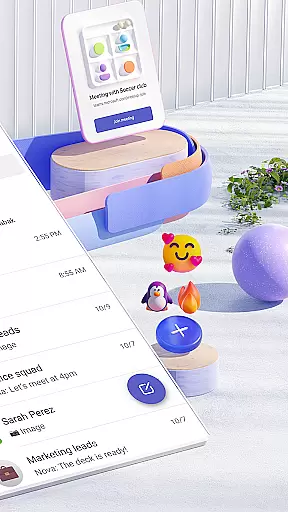

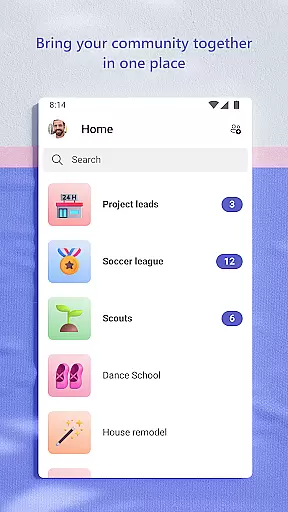
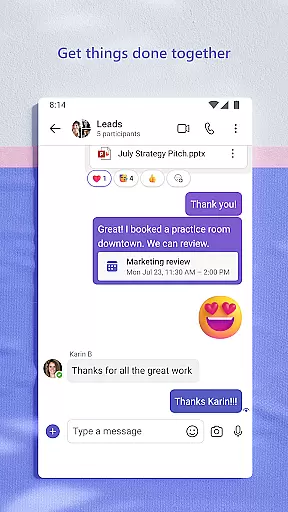
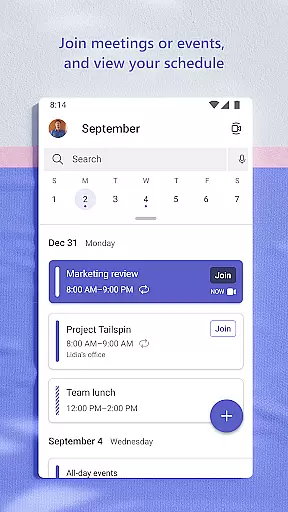
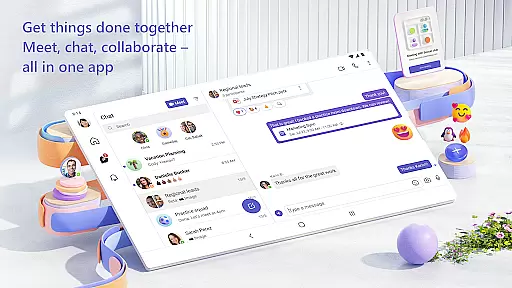
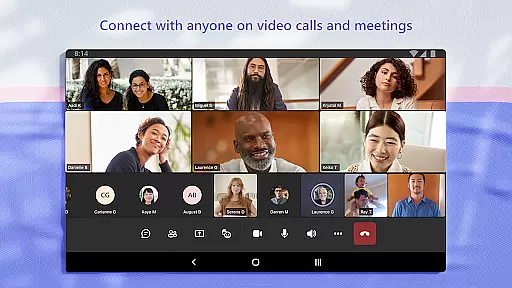
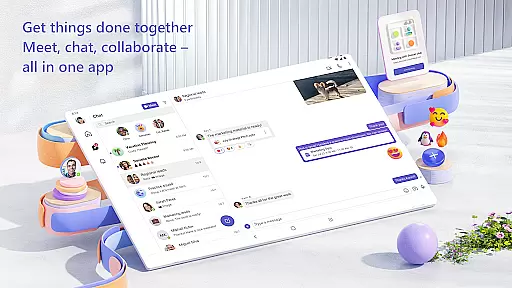
Microsoft Teams is a comprehensive business communication platform that unifies communities, events, chats, channels, meetings, storage, tasks, and calendars in one place. It facilitates seamless collaboration for both professional teams and personal groups, making it an ideal tool for remote work and community management. The app allows users to connect through audio and video calls, collaborate on documents, and store files securely in the cloud.
With its unique integration of Skype, Teams enables users to continue their existing communications seamlessly. The platform supports organized conversations through topic-specific channels, direct calls, and group chat conversions. Its robust feature set includes task management, file sharing, and event organization, ensuring teams can efficiently accomplish their goals while maintaining data security and access control.
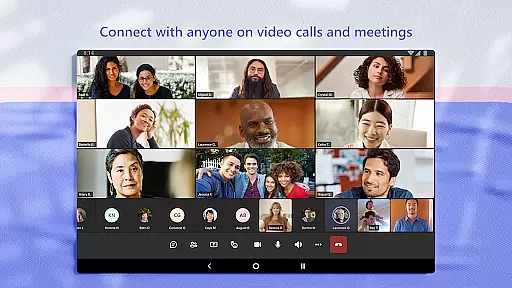
Microsoft Teams stands out with its all-in-one communication suite that combines chat, video conferencing, file storage, and application integration. The platform supports secure meetings with anyone, from teammates to family members, and offers quick meeting setup through simple link sharing. Its powerful collaboration tools include document co-authoring, cloud storage, and virtual meeting enhancements like screen sharing and whiteboards.
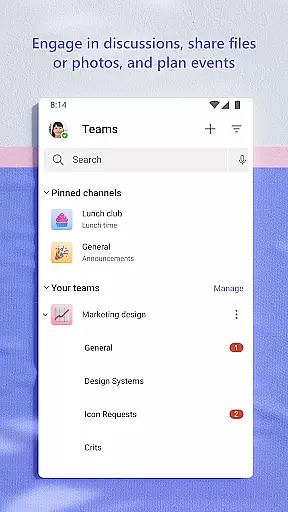
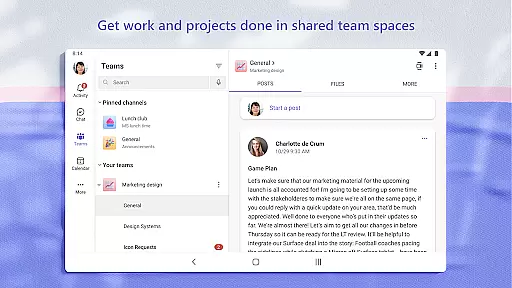
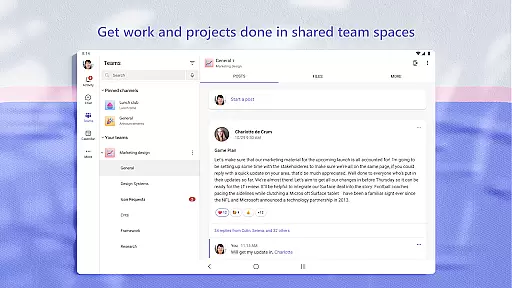
The app's channel-based organization system helps teams keep discussions focused on specific topics or projects. Advanced features such as enterprise-level security, content organization, and access management ensure that the right people have appropriate information access. Additionally, the built-in task management system helps teams stay organized with assignable tasks, due dates, and progress tracking, while maintaining peace of mind through Microsoft's trusted security protocols.
Microsoft Teams offers a comprehensive suite of collaborative work features that are essential for modern teamwork. The platform integrates communities, events, chats, channels, meetings, storage, tasks, and calendars into one unified interface. This integration ensures that users can easily connect with their teams and manage access to shared information without switching between multiple applications.
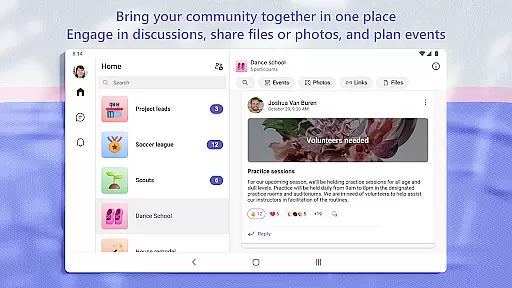
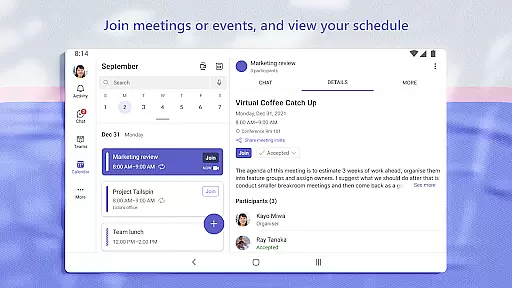
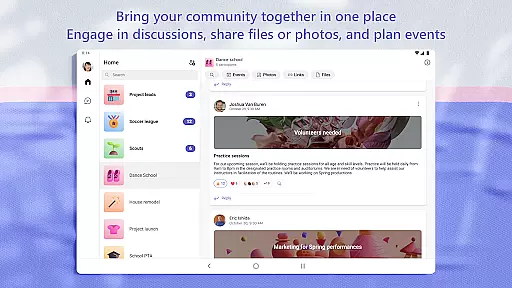
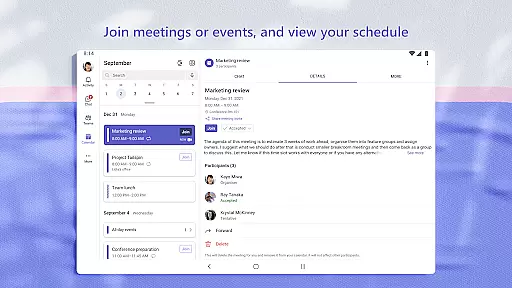
The app allows users to create dedicated communities for discussing specific topics and making plans. These communities help keep conversations organized by specific themes or projects through the use of teams and channels. Users can also set up meetings within seconds and invite anyone by sharing a link or calendar invite, ensuring seamless communication and collaboration.
One of the standout features is the ability to join audio and video calls in a secure setting. Microsoft Teams supports instant conversion of group chats to calls, allowing for dynamic and flexible interactions. Additionally, users can share screens, use virtual whiteboards, or break out into virtual rooms during meetings to enhance productivity and engagement.
Overall, these collaborative work features ensure that whether you're working on a project with teammates or connecting with your community for an upcoming activity, Microsoft Teams provides the tools necessary to get things done efficiently and effectively.
Task management in Microsoft Teams is designed to help users stay on top of projects and plans with ease. The platform includes task lists that allow users to assign tasks, set due dates, and cross off items as they are completed. This functionality keeps everyone on the same page and ensures that all team members are aware of their responsibilities and deadlines.
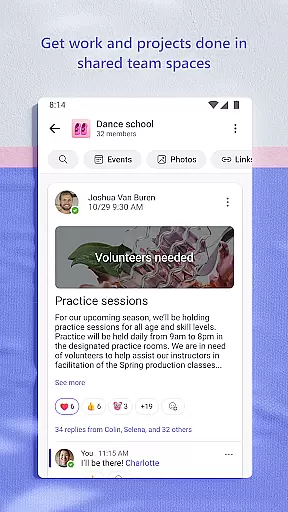
Users can organize shared content within a community, including events, photos, links, and files, which eliminates the need to waste time searching for important documents or information. This organizational capability extends to managing access to information, ensuring that the right people have access to the right info, even when team members join or leave projects.
Microsoft Teams also supports close collaboration by maintaining organized conversations around specific topics and projects. This structured approach helps teams work closely together, keeping discussions focused and productive. Furthermore, the platform's enterprise-level security and compliance standards provide peace of mind, ensuring that data remains protected while teams collaborate.
In summary, Microsoft Teams' robust task management features empower users to accomplish plans and projects together, streamlining workflows and enhancing overall productivity.
User-friendly interface
Comprehensive feature set
Secure data management
Seamless integration
Reliable performance
Requires subscription
Complex setup
Resource intensive
Limited free features
Learning curve

The Penny Puss app with DG penny finder
 4.10
4.10
VSD Viewer - Visio Drawings Viewer for Android Preview VSD, VDX, VSDX drawings
4.10
Find work, shifts and gigs near you. Jobs lasting a few hours to a few months.
4.30
Delivery Track App - Tracking with Fedex, USPS, UPS, DHL. Monitor your Orders.
3.20
Say hello to the mobile work experience built to help you thrive at work.
4.30
The app that lets you deliver with Amazon.
4.50
Earn money with the driver & delivery partner app for Uber, UberEats & Postmates
4.60
Work happy with AI Companion
4.10
Make money as a delivery driver with DoorDash and work when you want as a Dasher
4.30
GoTo Mobile is a simple & secure calling, messaging & meetings solution
4.80
TurboScan turns your phone into a full-featured PDF document scanner.
4.80
All your team communication in one place
4.70
Make invoices, bills, receipts & estimates on the go with Invoice Generator.
4.70
Find jobs and make money fast with JobStack.
4.60
Ship, Track, Find a Location or Get a Quote with UPS. Anytime. Anywhere.
4.60
ANDROID'S TOP MOBILE OFFICE - Word, Excel, PowerPoint and PDF at your fingertips
4.50
All Your Gig Work. One App.
4.30
Deliver and earn money
4.30
Find part-time earning opportunities near you that pay within days.
3.20


User Reviews