
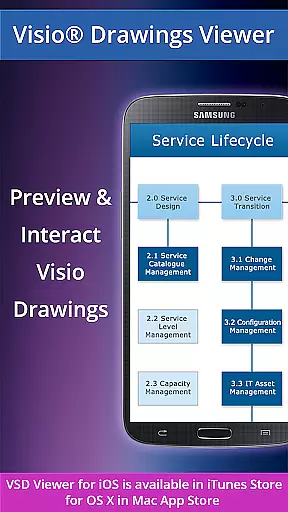
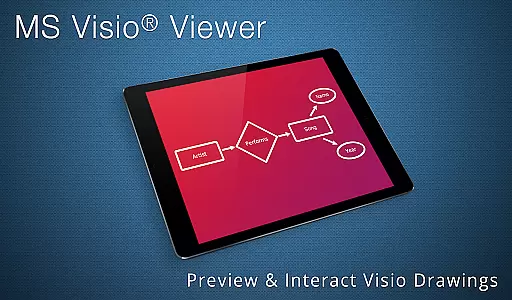
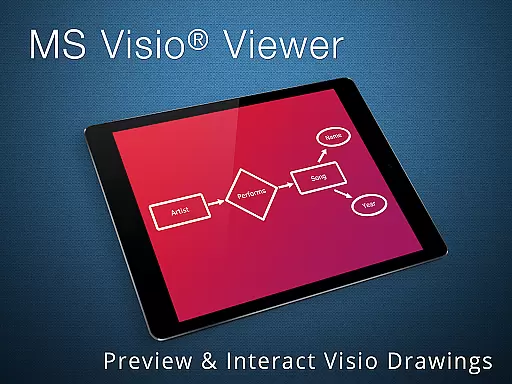
VSD Viewer is a professional Visio drawings viewer for Android devices, enabling users to open and render various MS Visio file formats. It supports VSD, VDX, and VSDX files, including those from Visio 2013. The app allows users to scroll, zoom, and navigate through multi-page documents with ease.
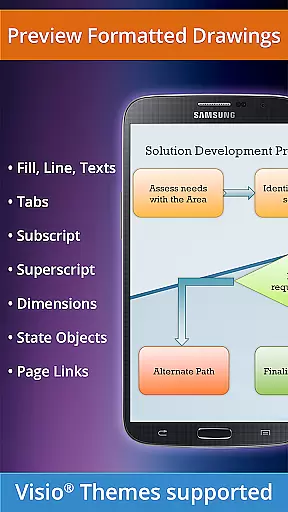
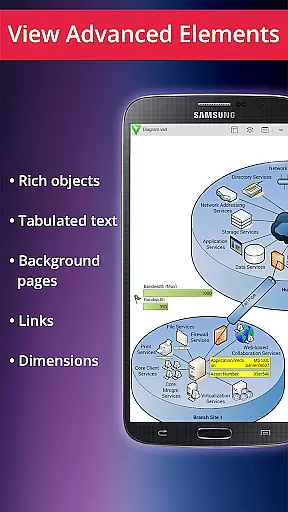
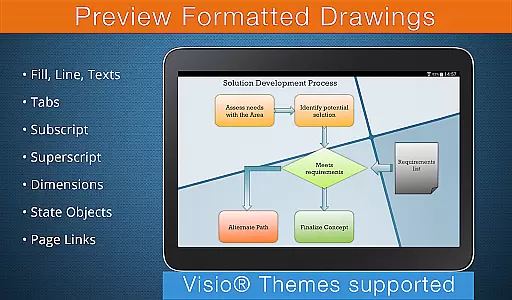
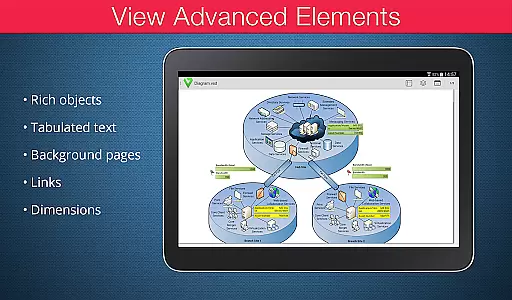
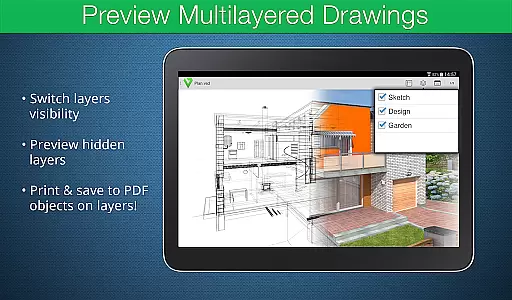
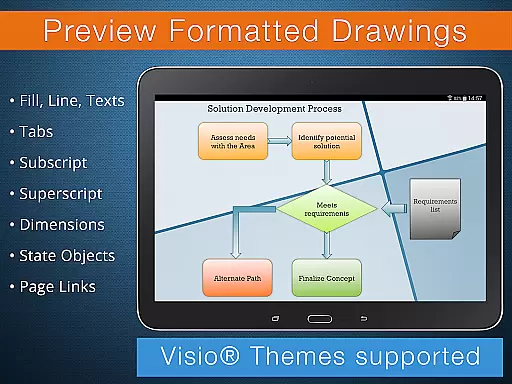
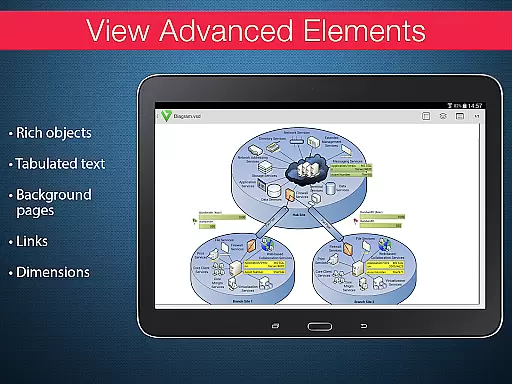
One of the key strengths of VSD Viewer is its ability to display complex formatted objects such as lines, fill, color gradients, and text formatting. Users can also view tabulated texts, switch document guides visibility, and preview hidden layers. This makes it an ideal tool for professionals who need to review technical diagrams and multilayered drawings on the go.
The app's functionality extends to viewing objects placed outside page boundaries and original dimension units, ensuring accurate representation of Visio drawings. With built-in metafile support and page numbering, VSD Viewer offers a comprehensive solution for businesses that rely on Visio documentation.
VSD Viewer stands out with its robust feature set tailored for business users. The app provides essential functionalities like opening and previewing any MS Visio 2000-2013 VSD drawing, along with supporting VDX/VSDX file formats. Its scrolling, zooming, and multipage navigation capabilities ensure smooth document handling.
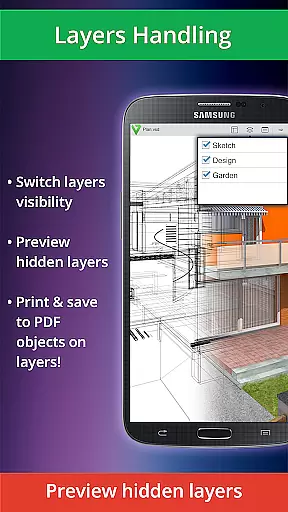
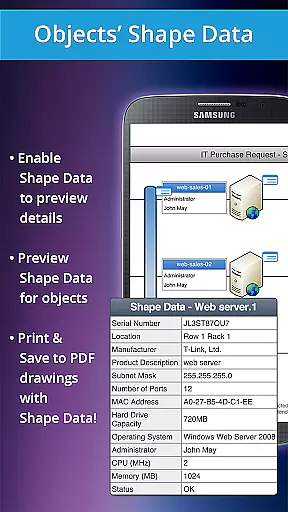
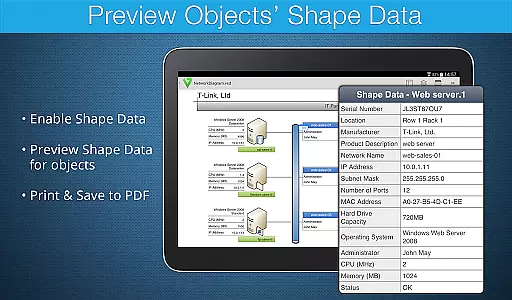
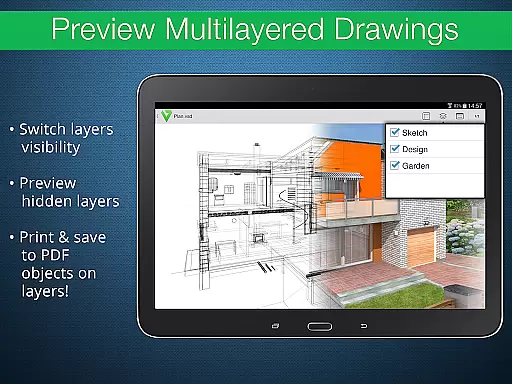
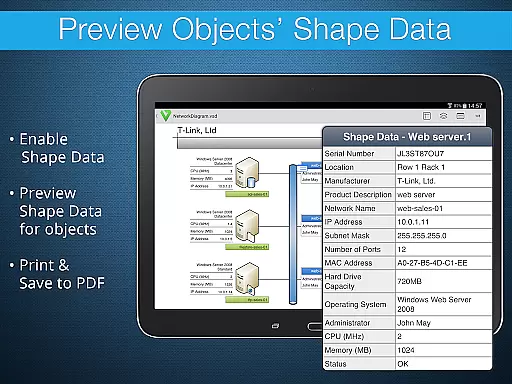
Advanced options include the ability to preview hidden layers and switch layer visibility, which is crucial for analyzing complex multilayered drawings. Users can also view object shape data and formatted elements such as gradients and subscript/superscript text. These features make the app particularly valuable for technical diagram analysis.
While the app handles most documents efficiently, processing huge files or those with multiple images may take additional time. Built-in metafile rendering requires an internet connection as files are sent to a remote server. Despite these limitations, VSD Viewer remains a powerful tool for businesses needing mobile access to Visio drawings.
In today's interconnected work environments, the ability to collaborate efficiently is essential. VSD Viewer for Visio Drawings offers a range of collaborative work features that cater to teams working on complex projects. The app supports MS Visio drawings in various formats, including VSD, VDX, and VSDX, ensuring compatibility across different versions and facilitating seamless document sharing.
One of the key collaborative features is the ability to preview hidden layers and switch layer visibility. This functionality allows team members to focus on specific parts of a drawing without being distracted by other elements, making it easier to discuss and refine individual components of a project. Additionally, users can view objects' shape data, which is crucial when dealing with technical diagrams and ensuring all team members have access to detailed information about each element.
The app also enables users to copy drawing texts, which can be particularly useful when extracting important notes or annotations from the drawings. With support for complex formatted objects such as lines, fill, color, gradients, and text formatting, VSD Viewer ensures that all visual details are preserved during collaboration. This attention to detail helps maintain the integrity of the original drawings, allowing teams to work effectively without losing any critical information.
Effective task management is vital for maintaining productivity and meeting deadlines. VSD Viewer for Visio Drawings incorporates several features that enhance task management capabilities for users handling intricate diagrams and technical drawings. One of the primary advantages is the ability to scroll, zoom, and navigate multipage documents effortlessly. This feature ensures that users can quickly locate and review specific sections of large Visio files, streamlining their workflow and saving valuable time.
Another significant aspect of task management within VSD Viewer is the option to switch document guides visibility and view objects placed outside page boundaries. These functions provide greater control over how drawings are displayed, enabling users to customize their workspace according to their preferences and current tasks. Moreover, the viewer supports original dimension units and page numbering, which are essential for accurately referencing and discussing specific parts of a drawing with colleagues.
For projects requiring meticulous attention to detail, VSD Viewer offers advanced options like viewing documents with hidden objects and previewing complex multilayered drawings. These features ensure that no element goes unnoticed, allowing users to manage tasks related to every aspect of their drawings comprehensively. By providing tools that enhance precision and clarity, VSD Viewer empowers users to handle their responsibilities more effectively and achieve better outcomes in their collaborative efforts.
User-friendly interface
Wide format support
Advanced layer management
Accurate rendering
Technical diagram support
Large file processing slow
Internet required for metafiles
Limited editing capabilities
No offline metafile support
Rendering delays possible

AI-powered document scanner with auto enhance for perfect PDFs.
 4.60
4.60
GoTo Mobile is a simple & secure calling, messaging & meetings solution
4.80
TurboScan turns your phone into a full-featured PDF document scanner.
4.80
Windows App allows you to connect to remote PCs and virtual apps.
3.70
Employee Management Made Easy
4.80
A secure, all-in-one team collaboration app
4.30
Find jobs near you and temp work in minutes, from your phone.
4.50
Job search app that finds jobs for you! Takes the work out of looking for a job!
4.90
Earn money with the driver & delivery partner app for Uber, UberEats & Postmates
4.60
Access to Paylocity, empowering employees with information they need 24/7.
4.70
Recover what matters — quickly and easily.
4.70
Your employer must have UKG Ready software configured for Mobile.
4.60
No more passwords, easier sign-in, and greater protection for your accounts.
4.60
Chat, meet, and collaborate to achieve more together, all in one place on Teams
4.60
Collaborate seamlessly with Google Chat, part of Google Workspace
4.50
Measure distances, surfaces and draw plans in seconds with CamToPlan!
4.40
Find work, shifts and gigs near you. Jobs lasting a few hours to a few months.
4.30
enjoy effortless PDF reading anytime, anywhere
3.90
Completed Course Lectures on how to use IBM Maximo in Maintenance issues
4.1


User Reviews