
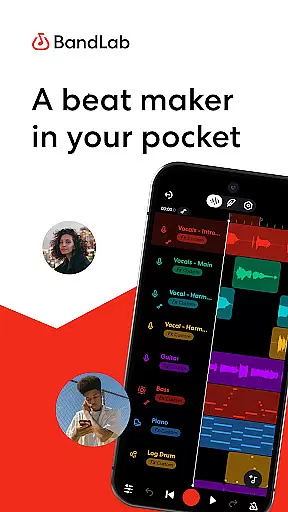
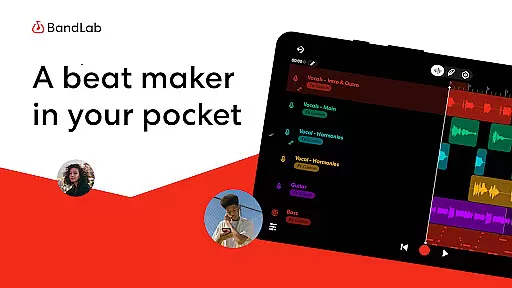
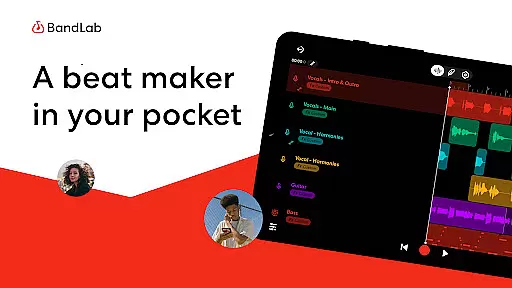
BandLab is a comprehensive music production studio that empowers users to create, mix, and share their music directly from their mobile devices. The app offers an extensive suite of professional-grade tools including a vast royalty-free sample library, advanced MIDI instruments, and intuitive audio effects. Whether you're a beginner or an experienced producer, BandLab provides all the essential features for crafting high-quality beats and compositions.
The platform stands out with its innovative AI-powered tools like SongStarter for generating unique musical ideas and Splitter for extracting individual stems from existing tracks. These features, combined with cloud storage and cross-device synchronization, make it an ideal solution for modern music creators who need flexibility and power in their creative workflow.
With over 100 million users worldwide, BandLab has established itself as a leading choice for mobile music production. Its seamless integration with popular streaming platforms and social media networks enables artists to distribute their work globally while retaining full control over their earnings. This combination of powerful tools, user-friendly interface, and robust distribution capabilities makes BandLab an invaluable asset for anyone serious about music creation.
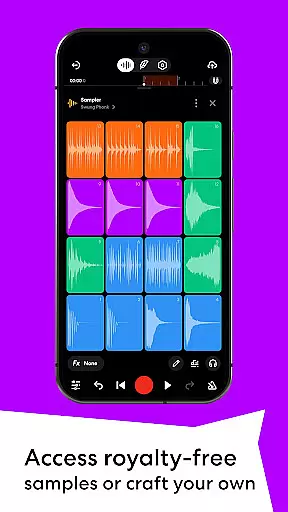
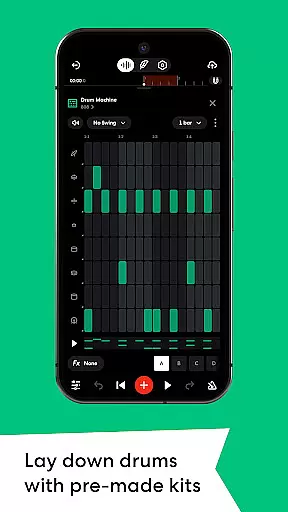
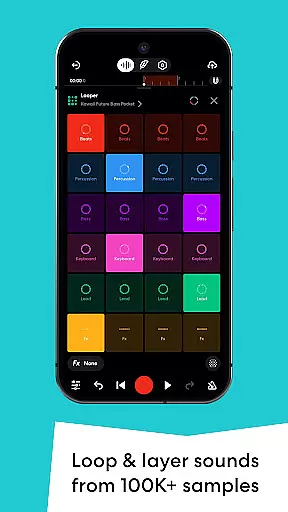
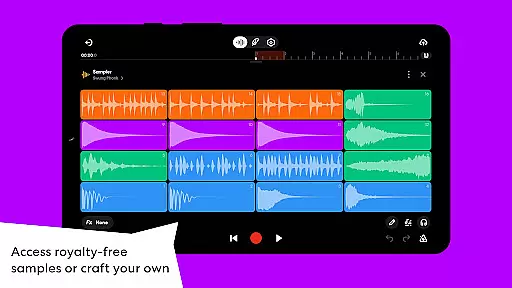
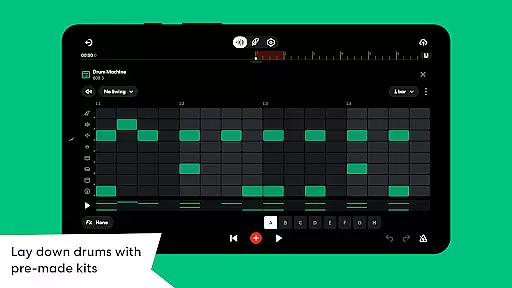
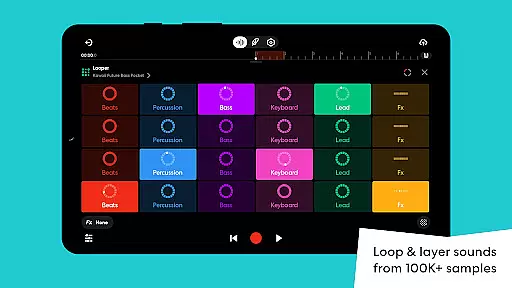
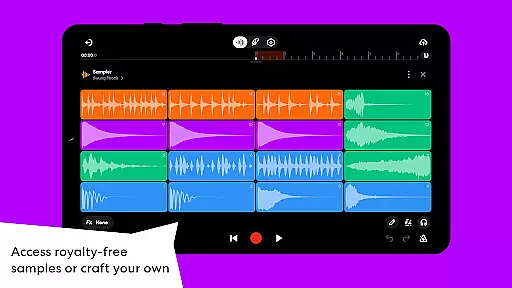
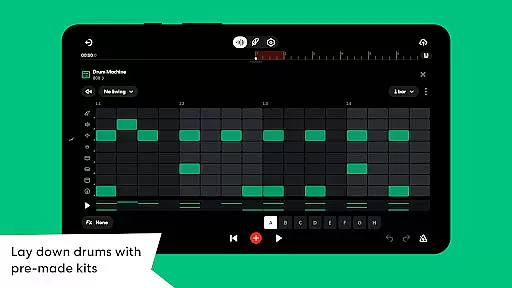
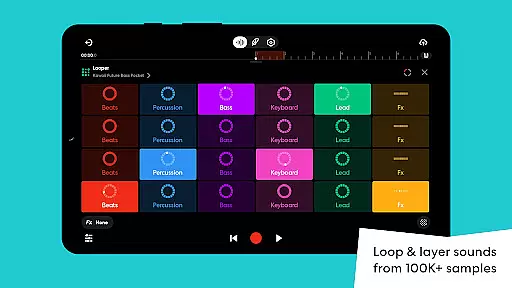
BandLab distinguishes itself through its extensive collection of music-making features designed to cater to various skill levels. The app includes a massive library of over 100,000 royalty-free samples and 385 virtual MIDI instruments, allowing users to experiment with different sounds and genres. Advanced audio processing tools such as reverb, delay, and EQ presets provide precise control over sound shaping, while the built-in drum machine and looper facilitate beat creation for beginners and professionals alike.
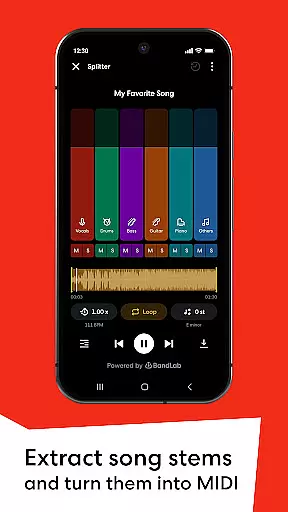
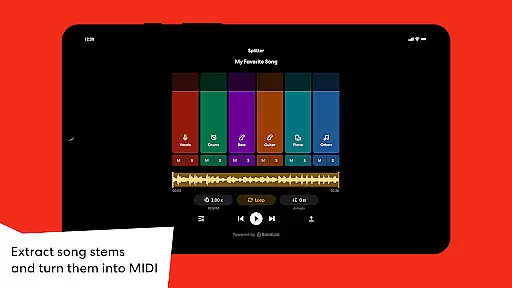
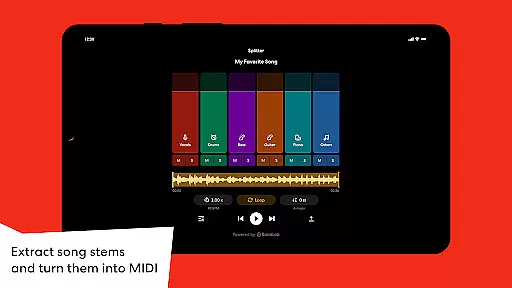
One of BandLab's most notable innovations is its AI-driven functionality. The SongStarter feature generates royalty-free musical ideas across 11 genres, helping overcome creative blocks. Meanwhile, the Splitter tool uses artificial intelligence to separate songs into individual stems, enabling users to isolate vocals or specific instruments for remixing and practice purposes. These AI-powered capabilities significantly enhance the creative possibilities within the app.
The application also excels in practical aspects of music production. It offers unlimited multi-track projects, automatic cloud saving, and cross-device synchronization, ensuring users can seamlessly transition between their phone, tablet, and computer. Professional-grade mastering tools developed by award-winning engineers help polish tracks to industry standards. Furthermore, BandLab's direct distribution feature allows artists to release their music on major streaming platforms while keeping 100% of their earnings, making it a complete solution for modern music creators.
When it comes to music production, having access to a vast library of sounds is crucial. BandLab u2013 Music Making Studio offers an impressive collection of over 100,000 royalty-free samples through its BandLab Sounds library. This extensive resource allows creators to experiment with different genres and styles without worrying about copyright infringement.
In addition to the massive sample library, the app provides 385+ Virtual MIDI instruments. These range from hard-hitting 808s for crafting powerful beats to smooth synths perfect for melodies. The availability of such diverse virtual instruments ensures that users can find exactly what they need to bring their musical ideas to life.
BandLab also includes features like the Splitter tool, which uses AI technology to separate songs into high-quality stems. This functionality not only aids in creative remixing but also helps musicians practice by isolating specific instruments or vocals. With these comprehensive resources at their fingertips, artists on BandLab have everything they need to create original content while respecting intellectual property rights.
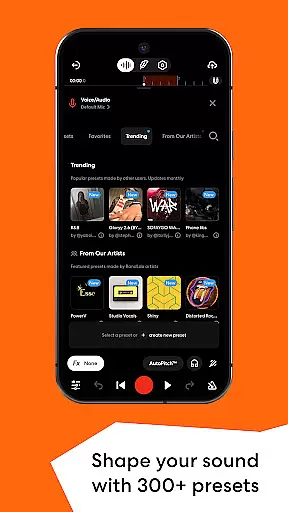
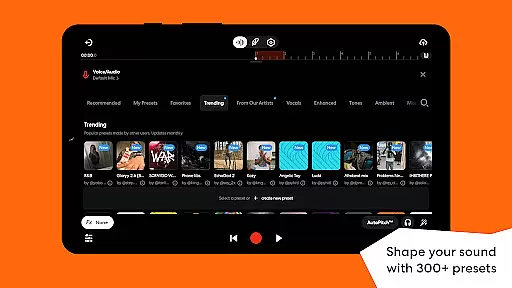
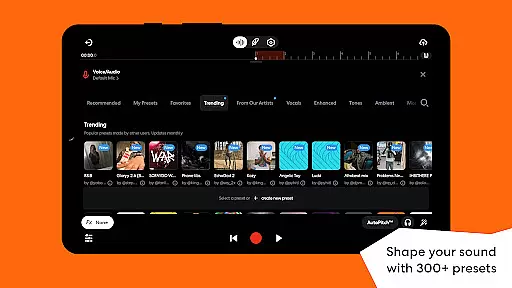
Audio quality is paramount for both amateur and professional music producers alike. BandLab u2013 Music Making Studio addresses this need by offering advanced audio processing capabilities within its free digital audio workstation (DAW). Users can shape their sound using various effects such as reverb, delay, and EQ across more than 300 vocal, guitar, and bass presets.
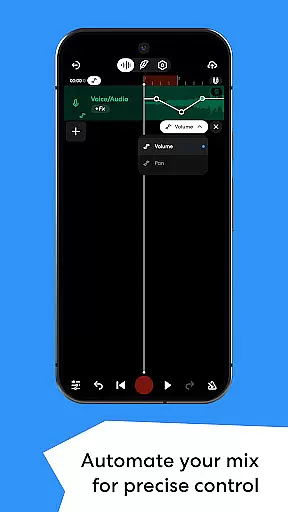
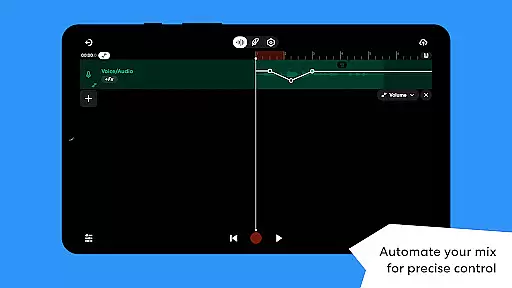
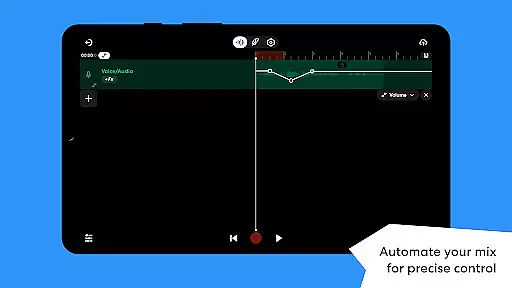
The application goes further by providing automation tools that give users precise control over volume levels, panning positions, and effect parameters throughout their tracks. Such detailed adjustments are essential for creating dynamic mixes that stand out professionally.
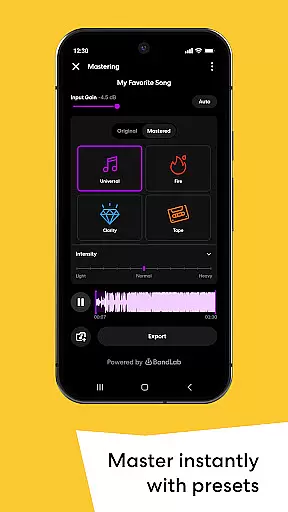
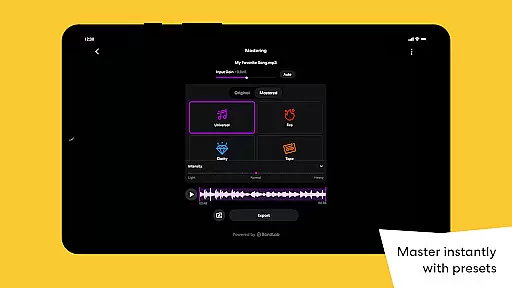
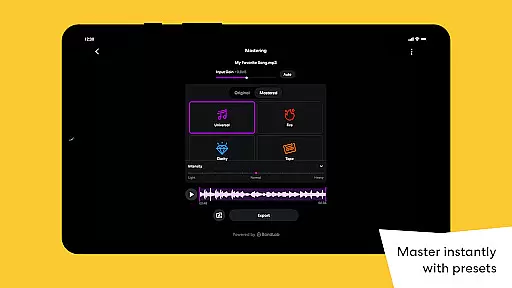
Moreover, mastering plays a critical role in preparing tracks for distribution. BandLab simplifies this process with presets crafted by multi-Platinum and Grammy-winning engineers. By applying these expertly designed settings, musicians can ensure their final products meet industry standards before releasing them globally via popular streaming platforms directly from the app itself.
User-friendly interface
Extensive sound library
Powerful AI tools
Cross-device sync
Free distribution
Limited offline features
Occasional bugs
Ads in free version
Steep learning curve
High system requirements

Make music anywhere. Turn your device into an instrument.
 4.3
4.3
Gorgeous UI, Powerful music Search and Equalizer, the great choice for you!
4.70
Background pads for your band
3.80
24,000 free audio books and no ads!
4.90
A sleek, no-frills player designed for true music lovers.
4.20
Play your hearts out on TouchTunes jukeboxes & connect with fellow music lovers.
4.80
Learn and play 2M+ music tabs & chords on guitar, ukulele, bass, and more
4.30
Reverse your voice & songs instantly! Fun singing challenge with cool effects.
4.60
Customize Your Favorite Songs and Videos with booster.
4.70
JBL PartyBox APP works with 110/310/710/120/320/520/Encore/Encore 2/Encore Ess 2
4.80
Your song collections with lyrics and chords on Android smartphones and tablets.
4.80
Over 100 million tracks available for high quality streaming and download
4.60
Pay Once, no monthly payment
4.60
A complete sound package for the sound engineer or enthusiast
4.60
Play KORG’s revolutionary touch-based instrument on a variety of devices.
4.40
Manage your Sonos system directly from your home-screen!
4.40
VB-AUDIO Software / VBAN-Receptor allows listening to any VBAN Streams
4.10
The official Sonos app
4.10
Offline Tunes, Unlimited Vibes
3.90


User Reviews