
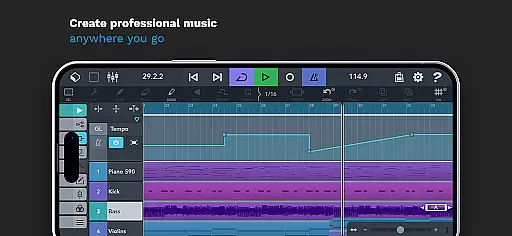
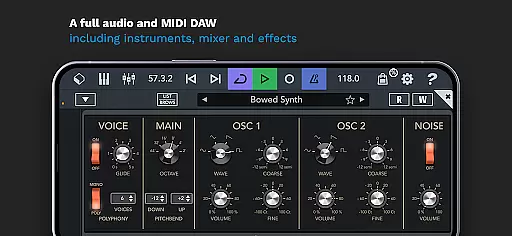
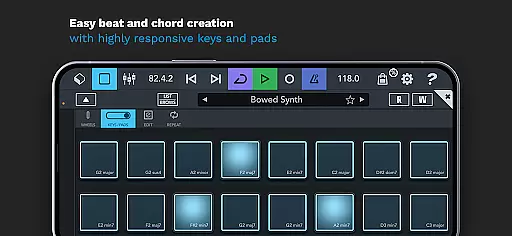
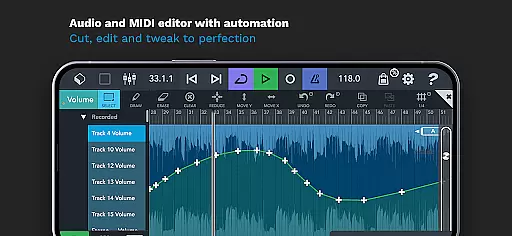
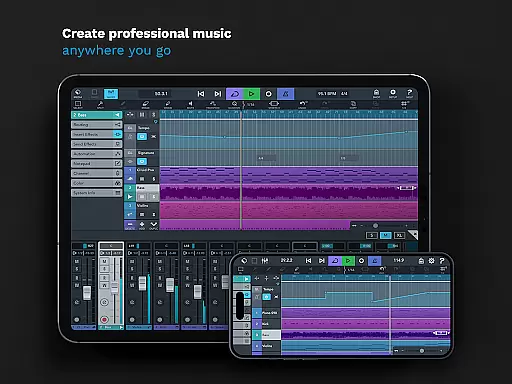
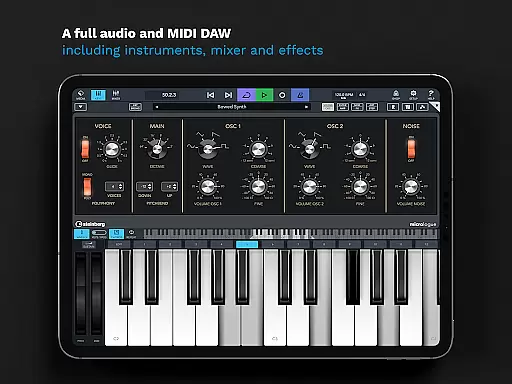
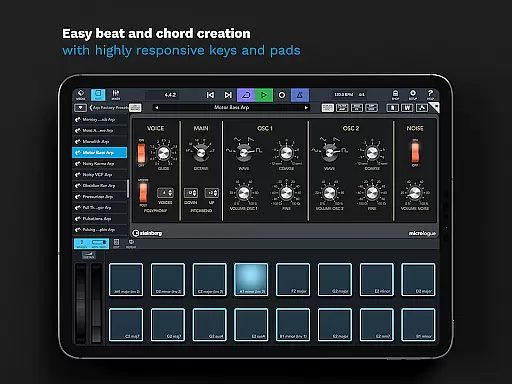
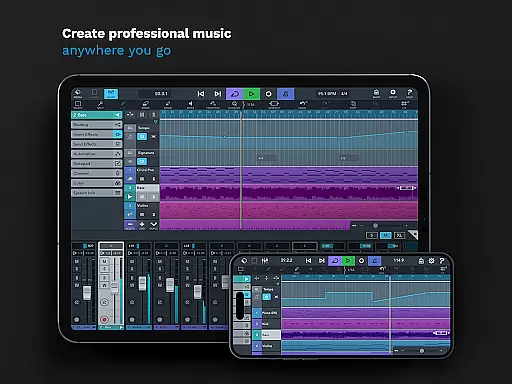
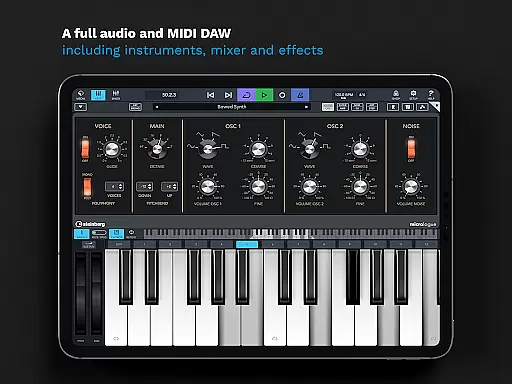
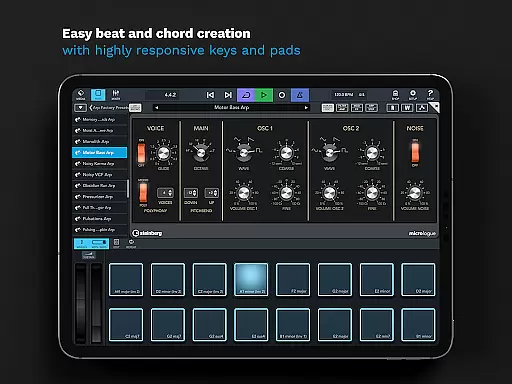
Cubasis 3 is a multi-award winning mobile DAW and full music production studio that allows musicians to capture their ideas and turn them into professional-sounding songs. The app offers an intuitive interface for recording, mixing, editing audio, and creating beats & loops directly on Android devices or Chromebooks.
With its powerful 32-bit floating-point audio engine and support for high-quality 24-bit/48 kHz audio resolution, Cubasis 3 stands out as one of the most complete audio and MIDI Digital Audio Workstations (DAWs) available today. Its compatibility with external gear and third-party apps makes it versatile for various music production needs.
Whether you're producing music on your smartphone, tablet, or Chromebook, Cubasis 3 provides all the tools necessary to create, edit, and mix tracks professionally. This makes it ideal for both beginners who need guidance and professionals seeking advanced features in a portable setup.
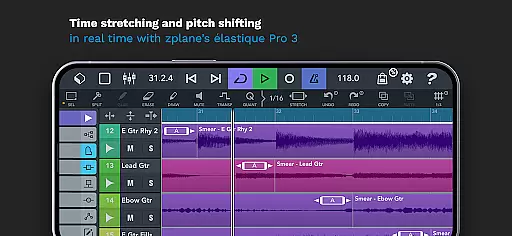
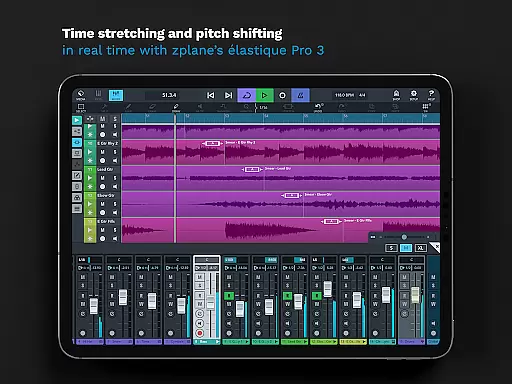
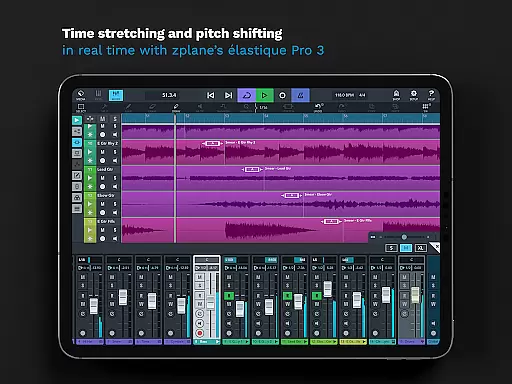
Cubasis 3 shines with its unlimited number of audio and MIDI tracks, real-time time-stretching and pitch-shifting capabilities powered by zplane’s élastique 3, and a rich set of virtual instruments including Micrologue synthesizer and MicroSonic sounds. These features enable users to craft complex compositions effortlessly.
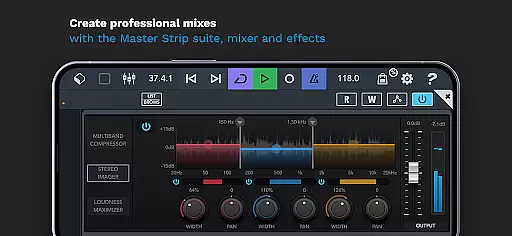
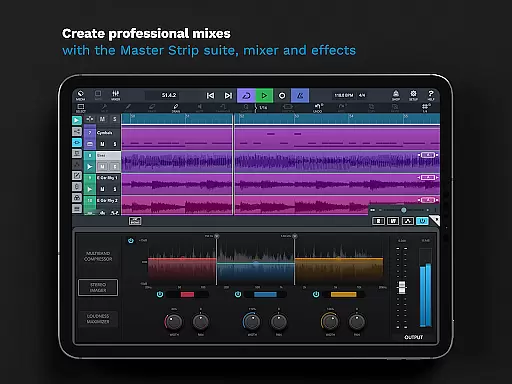
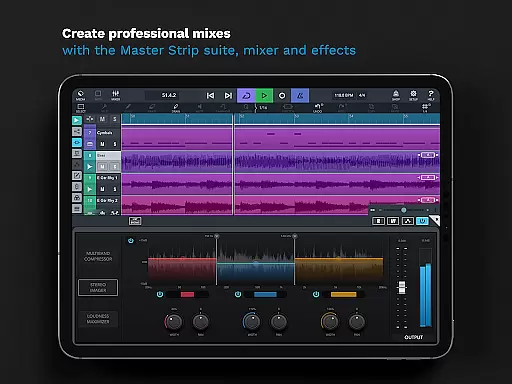
The mixer includes studio-grade channel strips per track along with 17 effects processors, sidechain support, and a Master Strip plug-in suite for achieving polished mixes. Additionally, over 550 MIDI and timestretch-capable audio loops are at your disposal to spark creativity.
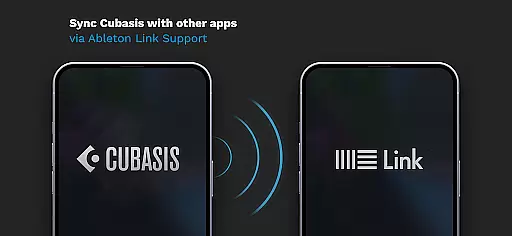
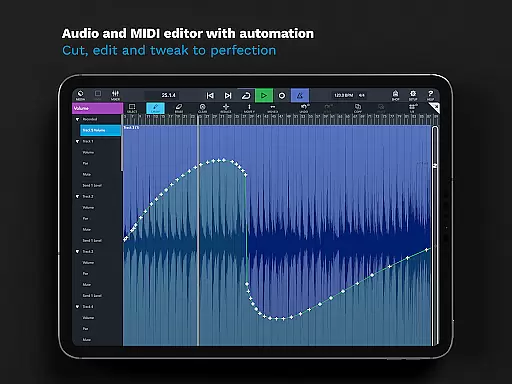
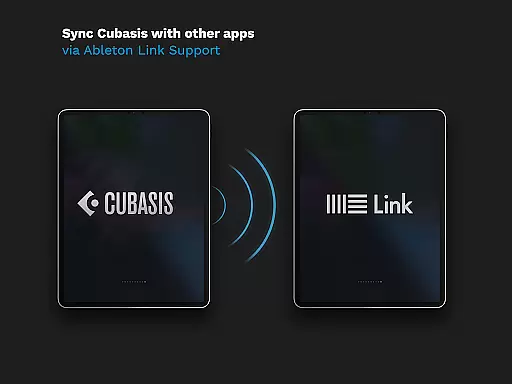
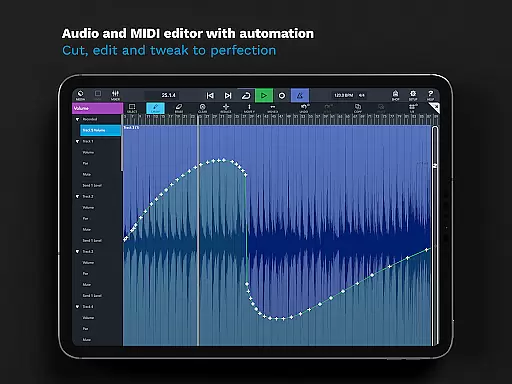
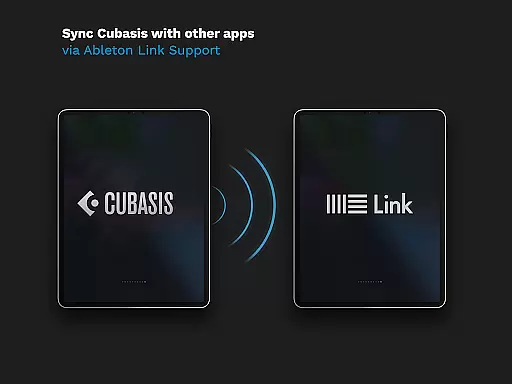
Advanced functionalities such as automation, MIDI Learn, Mackie Control protocol support, and Ableton Link Support ensure seamless integration into any workflow. Export options like Google Drive, Dropbox, and direct transfer to Cubase enhance collaboration possibilities, making Cubasis 3 not just comprehensive but also highly adaptable to modern production environments.
When it comes to music production, having access to a vast and diverse music library is crucial. Cubasis 3 offers an extensive collection of over 120 virtual instrument sounds, including acoustic pianos and various drum kits. These sounds are not only plentiful but also authentic, ensuring that your compositions sound professional and polished.
The app includes MicroSonic, which houses these high-quality virtual instruments. Each preset has been carefully crafted to provide users with ready-to-go sounds that can be easily integrated into their projects. This eliminates the need for external plugins or additional purchases, making Cubasis 3 a cost-effective solution for musicians.
Copyright authenticity is another key aspect of Cubasis 3's music library. All included sounds and presets are fully licensed, giving users peace of mind when creating and sharing their music. This means artists can focus on their creative process without worrying about legal issues related to sample usage.
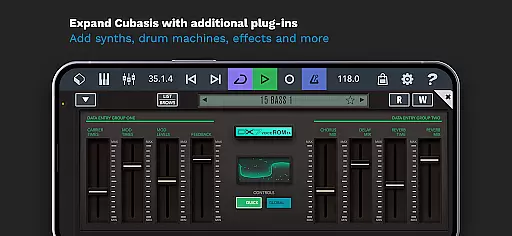
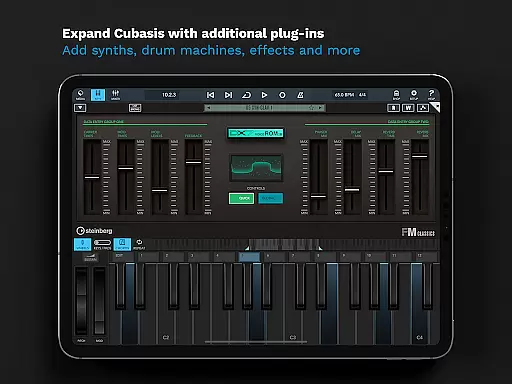
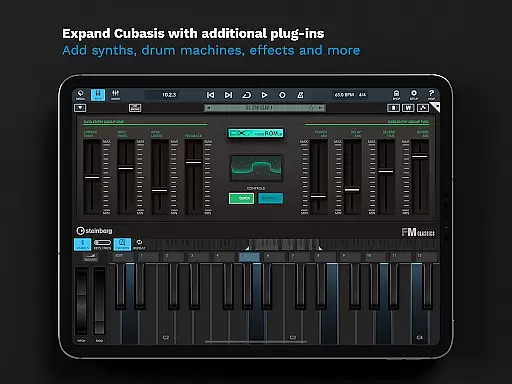
Furthermore, the app supports third-party plugins and hardware, allowing users to expand their sonic palette even further. Whether you're looking for specific synthesizer tones or unique effects, Cubasis 3 provides the tools necessary to bring your musical ideas to life while maintaining full compliance with copyright laws.
Audio quality is paramount in music production, and Cubasis 3 excels in this area by offering a robust 32-bit floating-point audio engine. This powerful engine ensures that all recordings maintain pristine clarity and dynamic range, regardless of how complex your project becomes. Users can expect professional-grade sound quality from start to finish.
In addition to its impressive audio engine, Cubasis 3 supports audio I/O resolutions of up to 24-bit/48 kHz. This level of detail allows for incredibly accurate representations of both recorded and synthesized sounds. Musicians will appreciate the ability to capture every nuance of their performance with precision and accuracy.
The app also features real-time time-stretching and pitch-shifting capabilities powered by zplaneu2019s u00e9lastique 3 technology. These tools enable seamless adjustments to tempo and key without compromising audio fidelity. Producers can experiment with different arrangements and compositions knowing that their original recordings will remain intact and true to form.
Moreover, Cubasis 3 includes a comprehensive suite of mastering effects through its Master Strip plug-in. With these advanced tools at your disposal, achieving polished final mixes has never been easier. From EQ adjustments to compression settings, users have complete control over their audio output, ensuring that each track meets industry standards before distribution.
Intuitive user interface
High-quality audio processing
Versatile connectivity options
Extensive loop library
Professional mixing tools
Limited hardware support
Complex for beginners
Additional in-app purchases
Resource-intensive operation
Occasional performance lags

The Cubase remote control app
 3.60
3.60
10-Band Audio Equalizer, Sound / Bass Booster for Spotify Users & Music Players
4.40
Time Trainer: accurate metronome w tools to help you develop your internal time!
4.20
A High-Precision Audio Spectrum Analysis App
4.20
Simple & Intuitive Metronome
4.70
Music Streaming suite for Ampache, Nextcloud Music and compatible backends.
4.1
Unleash your creativity! Turn simple prompts into full fledged songs.
4.70
Make songs with AI! Any genre, custom lyric, song generator for music creation!
4.80
The original SP-1200 experience on your iPad
4.20
24,000 free audio books and no ads!
4.90
JBL PartyBox APP works with 110/310/710/120/320/520/Encore/Encore 2/Encore Ess 2
4.80
Your song collections with lyrics and chords on Android smartphones and tablets.
4.80
More downloads than any other metronome. Includes drum machine & tempo trainer.
4.80
Offline Music Player & MP3 Player.Powerful equalizer, Lyrics, Themes, Tag Editor
4.80
Play KORG’s revolutionary touch-based instrument on a variety of devices.
4.40
Bass Booster Pro takes auto-equalizing to the next level!
4.30
A sleek, no-frills player designed for true music lovers.
4.20
The ultimate media player for Android devices
3.90
Control your MIDI USB or Bluetooth devices in app and avoid some trampling
3.30


User Reviews