
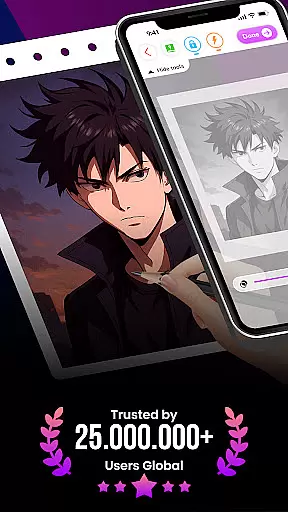
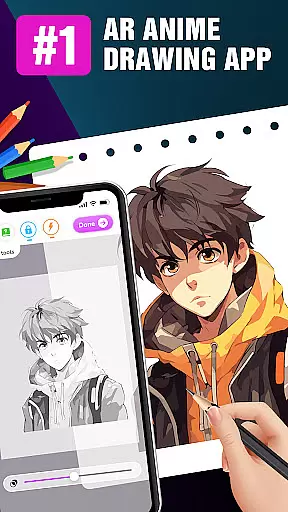
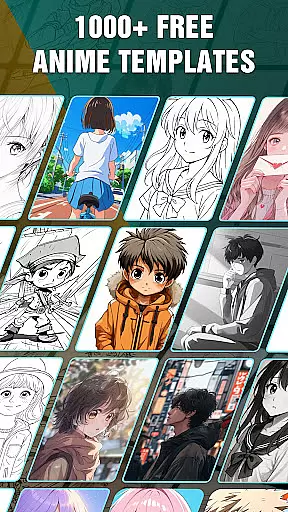
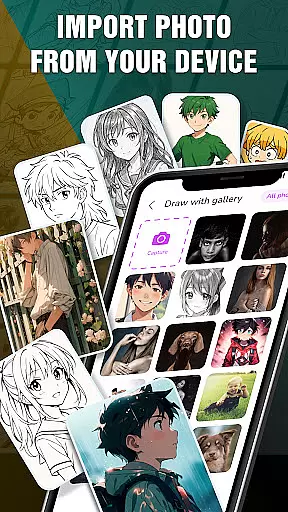
Draw Anime: AR Drawing Sketch is an innovative app that combines augmented reality with anime drawing tutorials. Designed for both beginners and experienced artists, the app offers step-by-step guidance to help users create stunning anime artwork.
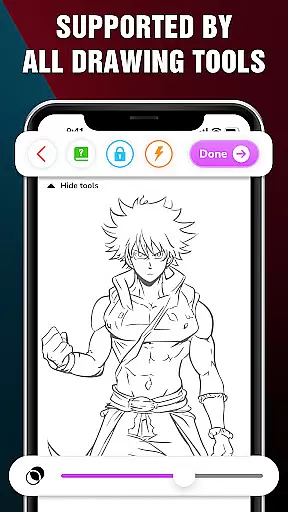
One of the standout features is the ability to use your device's camera to infuse real-world elements into your sketches. This unique blend of reality and imagination allows for a more engaging and creative drawing experience. The app also includes advanced options like adjusting opacity, using a flashlight, and locking or resetting your sketch.
Ideal for teenagers and anime enthusiasts, this app provides a fun way to learn and master anime drawing. Users can track their artistic journey, save favorite characters, and share their creations with friends. Whether you're looking to improve your skills or simply express yourself through art, Draw Anime: AR Drawing Sketch offers a comprehensive platform to achieve your artistic goals.
Draw Anime: AR Drawing Sketch stands out with its unique combination of augmented reality and traditional drawing techniques. The app provides step-by-step tutorials that break down complex drawing processes into manageable steps, making it accessible for users of all skill levels.
A key feature is the AR functionality, which allows users to incorporate real-world elements into their sketches. By using the device's camera, artists can blend their surroundings with their imaginative creations, resulting in truly unique artwork. Additionally, the app offers advanced drawing tools such as opacity adjustment, flashlight usage, and sketch locking/resetting options, giving users greater control over their work.
The app also includes a feature to track artistic progress and achievements, helping users monitor their growth over time. With the ability to save favorite characters and share finished pieces on social media, Draw Anime: AR Drawing Sketch not only enhances drawing skills but also fosters a community of artists who can learn from and inspire each other.
In the realm of digital art, having a comprehensive set of creative tools is essential for artists to fully express their visions. The 'Draw Anime: AR Drawing Sketch' app offers an extensive suite of features tailored for anime art enthusiasts.
From step-by-step tutorials that break down complex drawing processes into manageable steps, to advanced options like adjusting opacity and utilizing a flashlight, this app ensures that both beginners and experienced artists have everything they need at their fingertips.
Users can infuse real-world elements into their sketches using augmented reality, providing a seamless blend of imagination and reality. This fusion empowers artists to create stunning artwork with depth and realism.
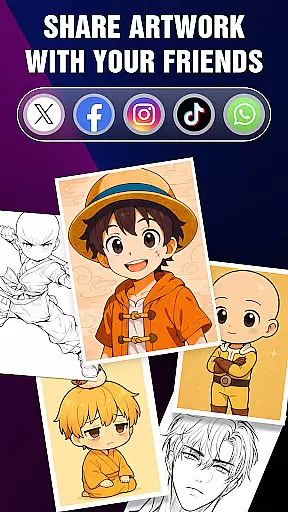
The ability to save or share perfect AR drawings with friends further enhances the creative experience, making it not just about individual expression but also about community and collaboration.
Flexibility in canvas and format options is crucial for artists who wish to explore different styles and dimensions in their artwork. The 'Draw Anime: AR Drawing Sketch' app excels in offering versatile canvas solutions tailored to various artistic needs.
Artists can track their progress through the Artwork feature, gaining valuable insights into their artistic journey. This functionality allows users to monitor achievements and improvements over time, fostering a sense of accomplishment and growth.
Additionally, the app supports saving favorite characters and accessing them quickly, ensuring that artists can revisit and refine their creations without hassle. This ease of access encourages experimentation and iteration.
With the capability to produce artwork that's easily shareable across platforms, the app ensures that your creations can reach a wider audience, enhancing both exposure and engagement within the anime art community.
User-friendly interface
Augmented reality features
Step-by-step tutorials
Advanced drawing tools
Community sharing options
Limited free content
Occasional bugs
High system requirements
In-app purchases needed
Steep learning curve

Vidu is an AI video generator made for creators and aspiring makers.
 3.30
3.30
Learn how to draw with step-by-step tutorials, fun lessons & multiplayer drawing
4.70
Image/ Text to Video Generator
4.40
Apply cartoon, caricature, and portrait effects to make your photos stand out!
3.60
Logo Generator powered by AI: Create stunning logos effortlessly!
4.70
Art of Combination Wear OS Watch Faces
4.3
Resize photos and print photos in exact size with our powerful photo printer!
3.80
Unleash the artist in you with our AR drawing and tracing tool for photo drawing
4.10
Just trace a projected picture on paper and color! Draw & Paint with AR drawing
4.40
Novices can also easily complete diamond painting masters
4.70
Draw, fidget, and spin glow art! Relax and express your creativity with a finger
4.60
Draw anime & manga drawing, art with templates to create stunning picture!
4.50
AI generated images & photos, turn your words into drawing, painting & pictures.
4.30
Bring One UI 8.5 Icons to life -elegant dark icons with a modern, premium touch.
4.30
Create Logos, Tattoos, AI Art & more with our AI Photo Generator & Design Editor
4.20
Meet the magic aı 3d photo generator and smart AI video generator app.
3.20
Draw anime easily with AR guidance, sketch templates & trace tools!
3.10
Premium version of Shimeji-ee app with no ads & no limit active shimeji
4.0
Art of Combination Wear OS Watch faces
4.5


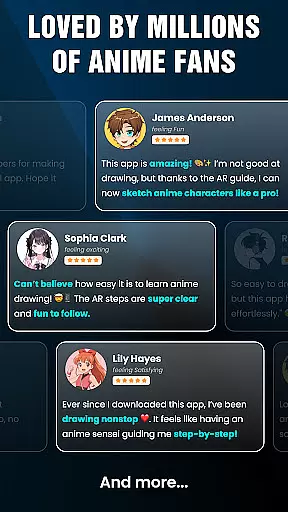
User Reviews