
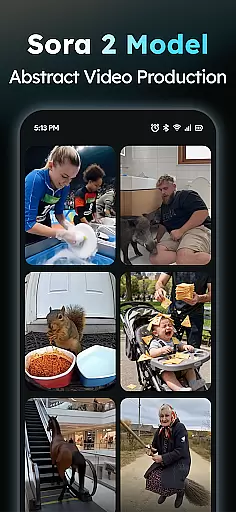
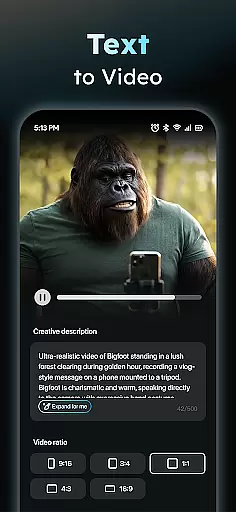
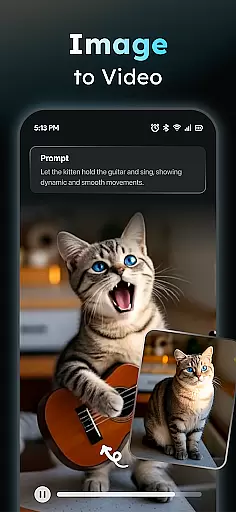
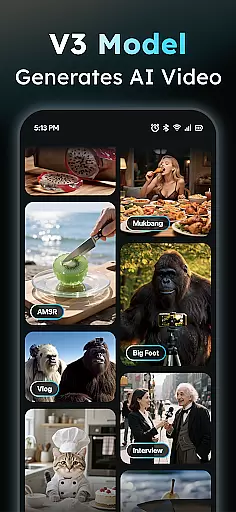
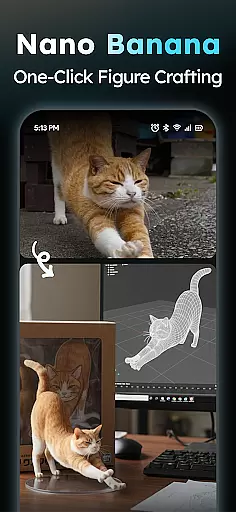
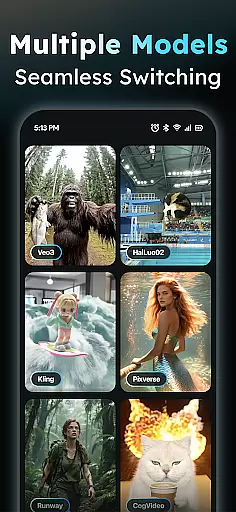
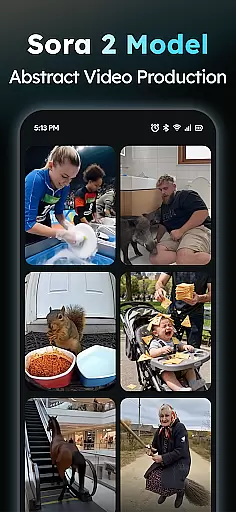
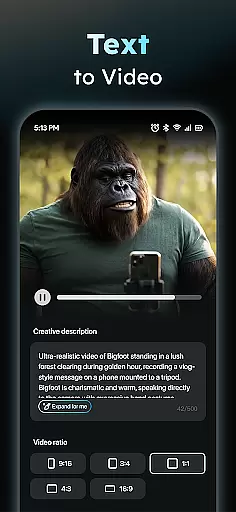
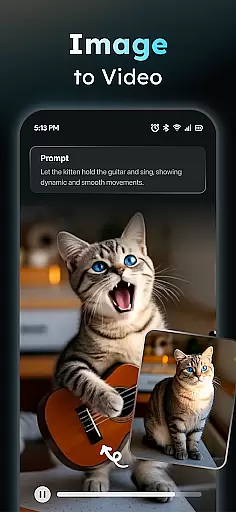
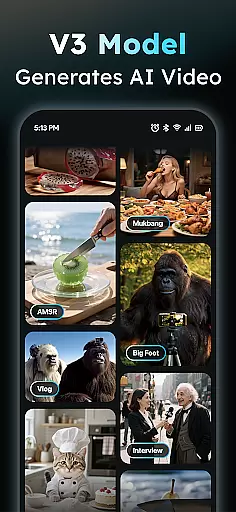
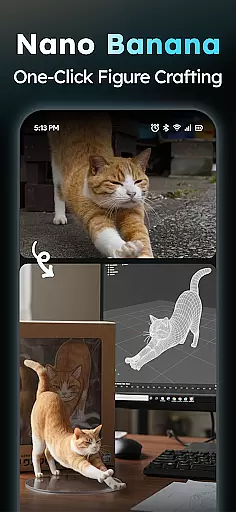
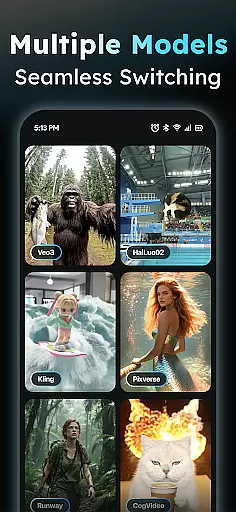
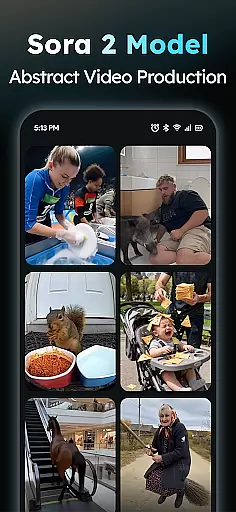
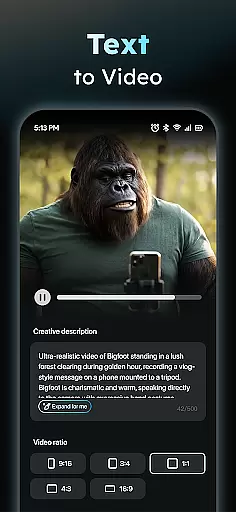
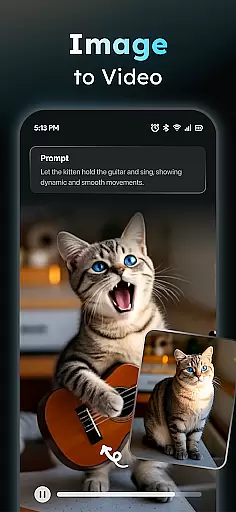
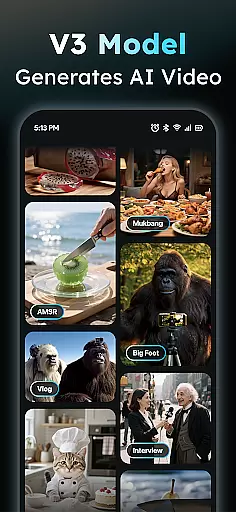
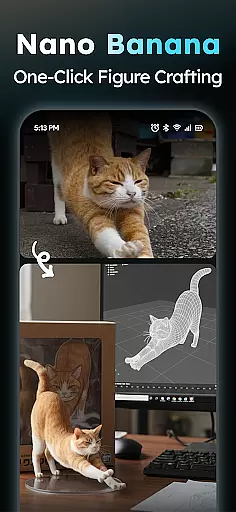
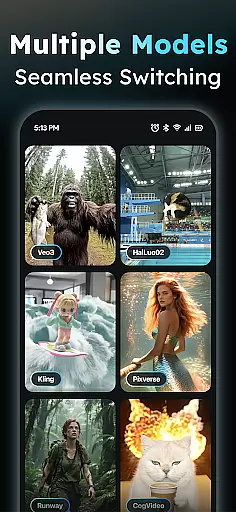
AIreel is a cutting-edge AI video creation tool designed for the Art & Design category, enabling users to produce professional-quality viral videos with minimal effort. The app integrates advanced AI models like veo3, hailluo, and runway to power its dual engines for Text-to-Video and Image-to-Video generation. Whether you're looking to create cinematic content from scratch or transform static images into dynamic videos, AIreel delivers exceptional results without requiring prior experience.
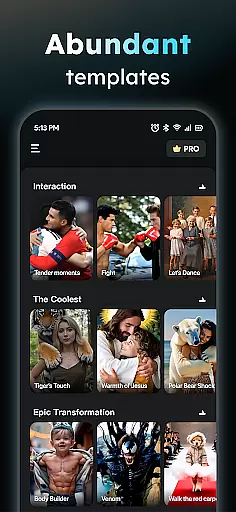
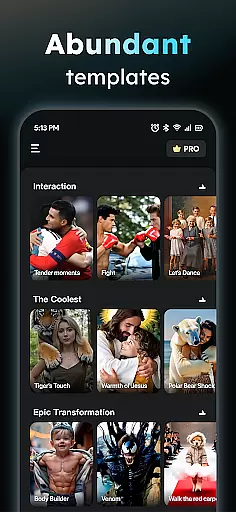
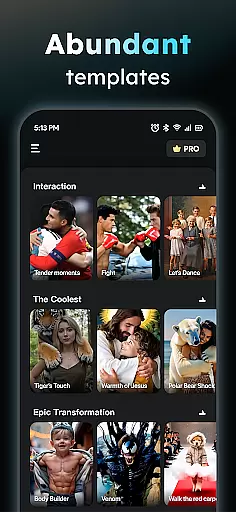
One of the standout features of AIreel is its ability to cater to both beginners and professionals. With functionalities such as auto-adding scenes and music, prompt assistance for idea refinement, and a library of trending social media templates, users can effortlessly craft engaging videos tailored for platforms like TikTok, Instagram Reels, and YouTube Shorts. Additionally, AIreel supports various aspect ratios, making it versatile for different content formats and platforms.
The app's value lies in its speed, privacy-focused approach, and dual-mode AI capabilities. By rendering videos 50% faster than mainstream tools and offering local processing on compatible devices, AIreel ensures efficiency and data security. This makes it an ideal choice for creators who prioritize both productivity and confidentiality in their creative workflows.
AIreel stands out in the Art & Design category due to its innovative integration of multiple AI technologies and user-friendly features. At its core, the app provides two primary modes of video creation: Text-to-Video and Image-to-Video. In Text-to-Video mode, users can input any text, and the app will automatically generate scenes, add background music, and produce a polished short video ready for sharing. The Image-to-Video functionality allows users to upload JPG or PNG files, transforming them into animated masterpieces that support real-person, anime, or pet subjects.
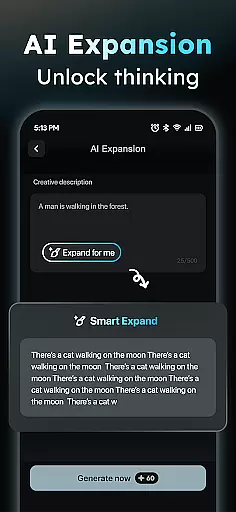
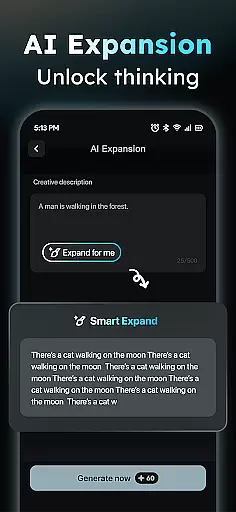
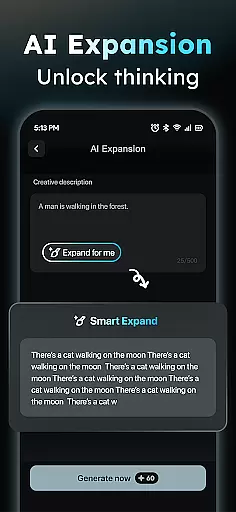
Beyond its core engines, AIreel offers several unique features that enhance the creative process. The Prompt Assistant helps users refine their ideas into professional-grade prompts, lowering the barrier to entry for AI-generated content. The Social Template Hub provides daily updates of trending templates optimized for TikTok, Instagram Reels, and YouTube Shorts, ensuring users stay ahead of platform-specific trends. Furthermore, the app supports exporting videos in various aspect ratios (9:16, 16:9, 1:1), catering to diverse platform requirements.
AIreel also emphasizes speed, privacy, and moderation. Its rendering engine is 50% faster than competing tools, while its local processing capability ensures sensitive data remains secure. Additionally, the app incorporates human moderation to maintain content quality and appropriateness, allowing users to report inappropriate material directly through the interface.
In the realm of digital creativity, having a comprehensive suite of tools is essential for unleashing one's artistic potential. AIReel stands out by integrating advanced AI models such as veo3, hailluo, and runway to power its dual engines for Text-to-Video & Image-to-Video creation.
This app offers an AI Video Generator that turns any text into engaging cinematic content with automatically added scenes and music, making it possible to create viral short videos effortlessly. Additionally, its Photo to Video feature allows users to transform static images into dynamic visual stories, supporting various formats including real-person, anime, and pet subjects.
Moreover, AIReel provides a Prompt Assistant to help users articulate their ideas into professional prompts, significantly lowering the barrier to using AI technology. With a Social Template Hub that updates daily with trending TikTok, Reels, and Shorts templates, users have everything they need to produce high-quality content tailored for different platforms.
The ability to work with various canvas sizes and formats is crucial for artists who wish to express themselves without technical limitations. AIReel addresses this need by offering versatile export options that cater to all major social media platforms.
Users can export their creations in multiple aspect ratios such as 9:16 for Instagram Stories or TikTok, 16:9 for YouTube videos, and 1:1 for posts on Instagram Feed or Facebook. This flexibility ensures that creators can seamlessly share their work across different channels without worrying about formatting issues.
Furthermore, AIReel renders videos 50% faster than many mainstream tools, providing a smooth experience even when working with complex projects. The app also supports local processing on compatible devices, ensuring privacy while maintaining efficiency in video production.
User-friendly interface
Advanced AI models
Fast rendering speeds
Privacy-focused design
Versatile export options
Limited free features
Device compatibility issues
Steep learning curve
Premium subscription cost
Occasional bugs

Design your dream room with AI. Get decor ideas & plan home interiors
 3.90
3.90
Sketch, plan, take notes and illustrate on an infinite canvas.
4.20
Apply cartoon, caricature, and portrait effects to make your photos stand out!
3.60
Logo Generator powered by AI: Create stunning logos effortlessly!
4.70
Create color palette from Image, RGB & RYB Color wheel harmonies, Color Scheme
4.50
Your AI soulmate — meaningful chats, and unique emotional moments
4.70
Art of Combination Wear OS Watch Faces
3.30
Mobile pixel art editor. Simple. Fast. Portable.
4.80
Video AI: Revolutionize Your Content Creation with Advanced Video Generation
4.50
Create stunning art with AI.
4.80
Turn your drawings into flipbook-style animations with simple creative tools
4.60
Create neon drawing with magic doodle and fun doodle art effects!
4.50
Remove Background, Magic Eraser, Photo Enhancer, Story Templates, Collage Maker
4.30
Custom Character Creator & PFP Maker!
4.20
Create cute cat emojis & PFPs! Fun, custom avatars for cat lovers.
3.70
Create trending AI photos & videos with powerful effects and 3D styles.
3.20
Transform photos into amazing monochrome dither art with professional algorithms
4.1
Art of Combination Wear OS Watch faces
4.5
Your Essential Color Theory Guide: Red, Yellow, Blue (RYB)
4.2


User Reviews